


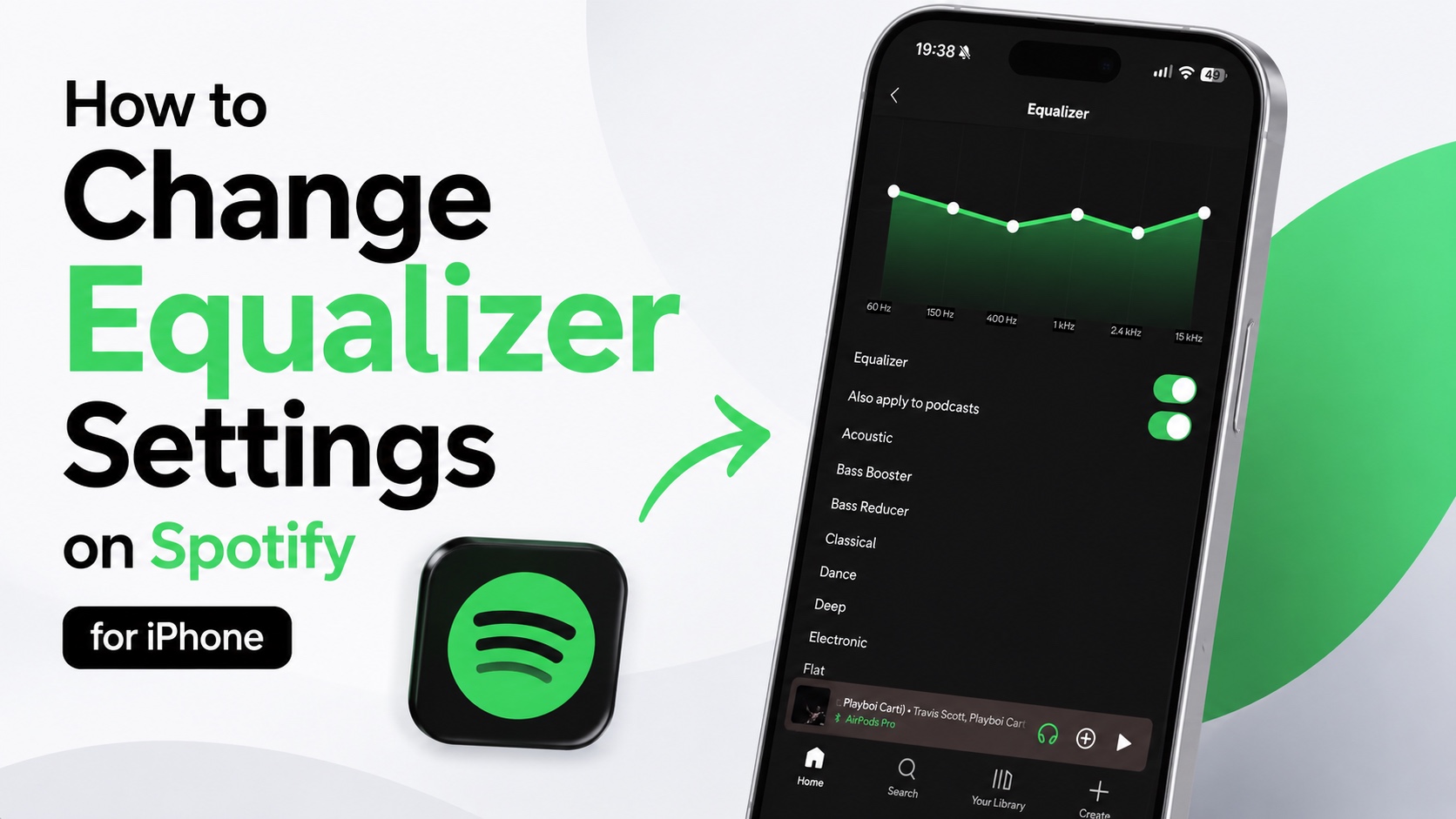
If you want to make music sound better on your Spotify app for iPhone, then you need to adjust its built-in equalizer. Thankfully, changing equalizer settings on Spotify is simple once you know where to find the setting.
By adjusting the equalizer, you can create a sound that works best with your AirPods, headphones, speakers, etc.
Change Spotify Equalizer on iPhone
- Launch the Spotify app.
- Tap on your profile picture in the top-left corner.
- Now tap on Settings and Privacy.
- On the next page, scroll down and tap on Playback.
- Now tap on Equalizer.
- On the Equalizer screen make sure toggle for Equalizer is turned on.
- From the list of presets choose the preset that you like the most. You can also manually adjust the dots on the equalizer and create your own equalizer setting.
That’s it, this is how you can change Equalizer on Spotify for iPhone and gain more control over how your music and podcasts sound in the Spotify app.
Here’s how to change EQ settings for Apple Music on iPhone.
Disclosure: iOSHacker may receive a commission if you purchase products through our affiliate links. For more visit our privacy policy page.

