


Running out of storage on your iPhone can be incredibly frustrating, especially when you have no idea what’s taking up all that space. The usual culprits are duplicate photos, large videos, old screenshots, and even cluttered contacts. However, finding them can be difficult and time-consuming.
You can make your life easier with cleaner apps for iPhone. These apps let you clean up iPhone storage and remove unwanted clutter from it in no time. In this guide, we have tested and rounded up the best cleaner apps for iPhone, which help you reclaim storage without accidentally deleting something important.
Cleaner Apps for iPhone
1. Cleaner Kit – Clean Up Storage
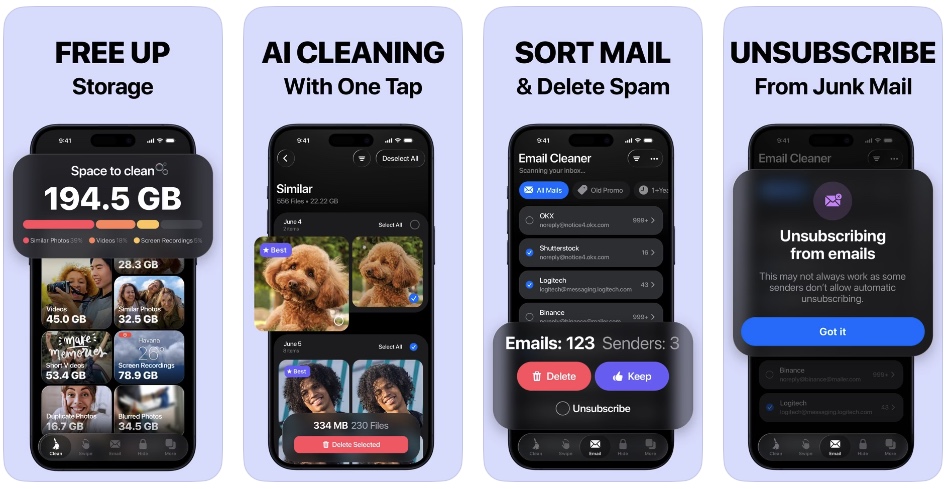
The Cleaner Kit is the ultimate iPhone Cleaner app and our favorite on this list. This app lets you get GBs of storage back in just a few minutes. What I like about the Cleaner Kit app is that it leaves every decision to the user, so you have full control over what gets removed and what stays on your device.
One of the most effective features of this app is its ability to find and remove duplicate photos and videos from your device. The app uses AI categorization to automatically group duplicate, blurry, and burst photos on your device. This tool alone can help you get back a significant amount of wasted storage.
Want to go over each item before deleting it? Cleaner Kit lets you sort the long tail by swiping. Just swipe left to remove an item or swipe right to keep it. The app also supports Gmail cleanup, which means you can remove unwanted promotional spam and newsletters in just a single tap.
Don’t want to delete precious photos and videos? Use the compression feature to compress heavy videos by over 50% with zero quality loss. The tool can even convert your Live Photos into normal photos and free up a large amount of disk space.
We all have duplicate and incomplete contacts in our contacts list. You can use the Cleaner Kit – Clean Up Storage app to merge duplicate contacts and remove entries with no name or phone number.
One of the most underrated features of the Cleaner Kit app is its ability to protect sensitive items. You can move your sensitive photos, videos, and contacts into a secure and hidden folder that can only be accessed within its app after Face ID authentication. So no authorized person will be able to access these files even if they have your iPhone unlocked.
Cleaner Kit – Key Highlights
- Free Up GBs of Storage: Clean up your iPhone and reclaim valuable storage in just minutes.
- AI-Powered Photo Cleanup: Automatically finds duplicate, blurry, and burst photos and videos.
- Swipe to Clean: Review items individually by swiping left to delete or right to keep.
- Video Compression: Compress large videos by over 50% while preserving quality.
- Live Photo Converter: Convert Live Photos into regular photos to save additional storage.
- Gmail Cleanup: Quickly remove unwanted promotional emails and newsletters.
- Contact Cleaner: Merge duplicate contacts and remove incomplete entries.
- Private Vault: Secure sensitive photos, videos, and contacts behind Face ID.
- You Stay in Control: Review and decide exactly what gets deleted—nothing is removed without your approval.
Install Clean Kit – Clean Up Storage app from the App Store right now
2. Phone Cleaner – Clean Up Storage
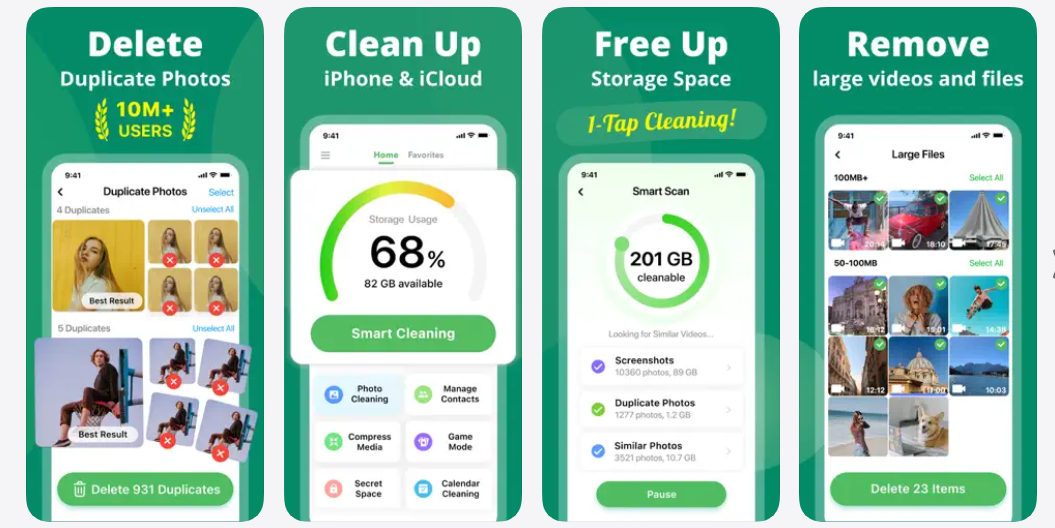
Running out of space on your iPhone? Phone Cleaner helps find unnecessary files so you can clear storage without manually sorting through your entire photo library.
The app finds large files, screenshots, screen recordings, burst photos, and downloaded media. You can review these categories and remove unwanted content in just a few taps.
Phone Cleaner also includes a compressor for reducing the size of photos and videos, along with tools for finding and merging duplicate contacts. A Game Mode lets you quickly sort through photos using swipe gestures, while storage widgets can show your available space and suggest items to clean up.
Install Phone Cleaner – Clean Up Storage from the App Store now
3. Ultra Cleaner- Storage Cleaner
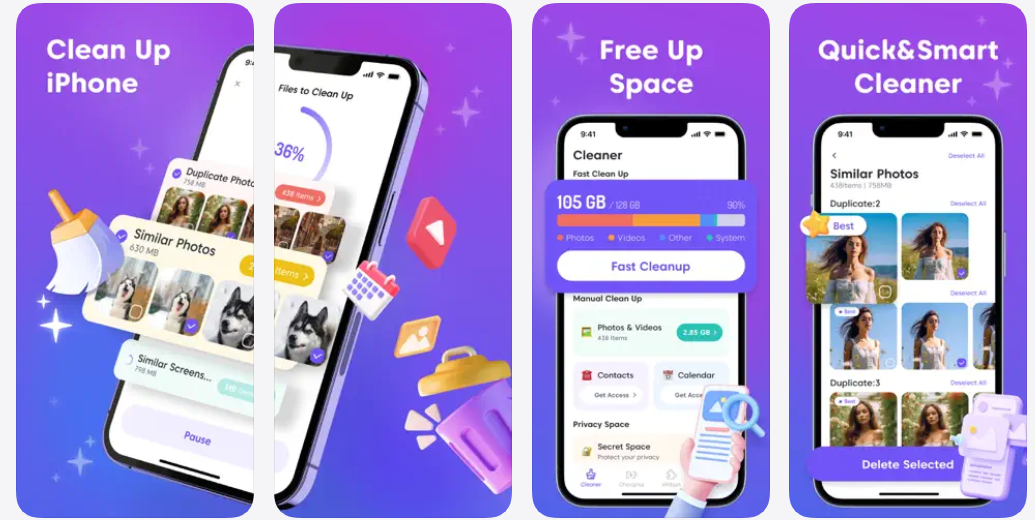
Ultra Cleaner is a handy utility app for clearing digital clutter from your iPhone or iPad. It scans your media library to find duplicate and similar photos and videos, along with screenshots, Live Photos, burst shots, and other files that may be taking up unnecessary space.
The app also makes contact management easier by helping you find duplicate or unnamed contacts. You can merge entries, remove unwanted contacts, and create backups when needed. Calendar cleanup is included too, allowing you to remove old events without sorting through everything manually.
Install Ultra Cleaner- Storage Cleaner from the App Store now
4. Phone Cleaner – Clean Up Storage
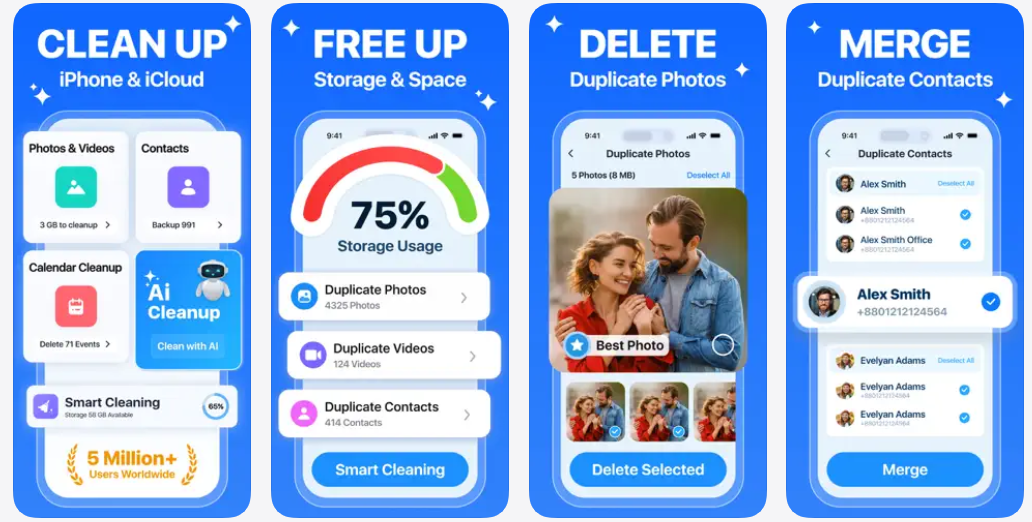
Phone Cleaner is designed to help you clear out unwanted files and make more room on your iPhone or iPad. This app identifies things like screenshots, selfies, large files, and other unnecessary media that may be taking up valuable space. If you want to keep certain photos or videos but need to reduce their size, its compression tools can shrink files while letting you keep them on your device.
You can organize your photo library with AI-based categories and use the Secret Space feature to keep selected photos, videos, and files private. The app also includes battery monitoring and charging animations for a few extra utilities.
Install Phone Cleaner – Clean Up Storage from the App Store now
5. Phone Storage Cleaner: Free Up
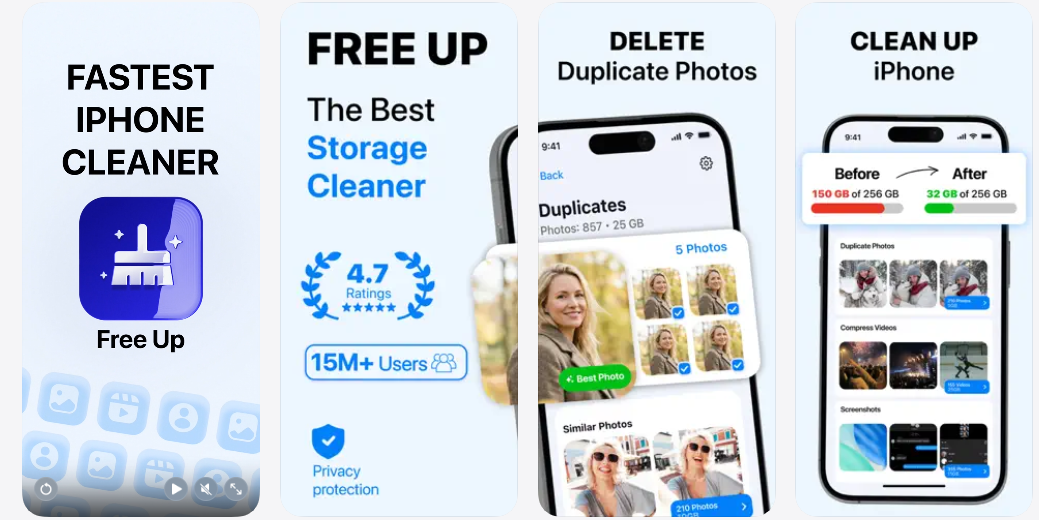
Phone Storage Cleaner: Free Up helps you clear unnecessary files from your iPhone without spending hours sorting through your photo library. If you want to delete duplicate photos, the app groups them together so you can quickly decide which ones to keep and which ones to remove.
Beyond photo cleanup, the app can organize your contacts by finding duplicates and unnamed entries. You can merge contacts, back them up, or remove ones you no longer need. It also offers junk and cache cleaning, battery tips, and private spaces for storing selected photos and contacts.
Install Phone Storage Cleaner: Free Up from the App Store now
6. AI Cleaner: Clean Up Storage+
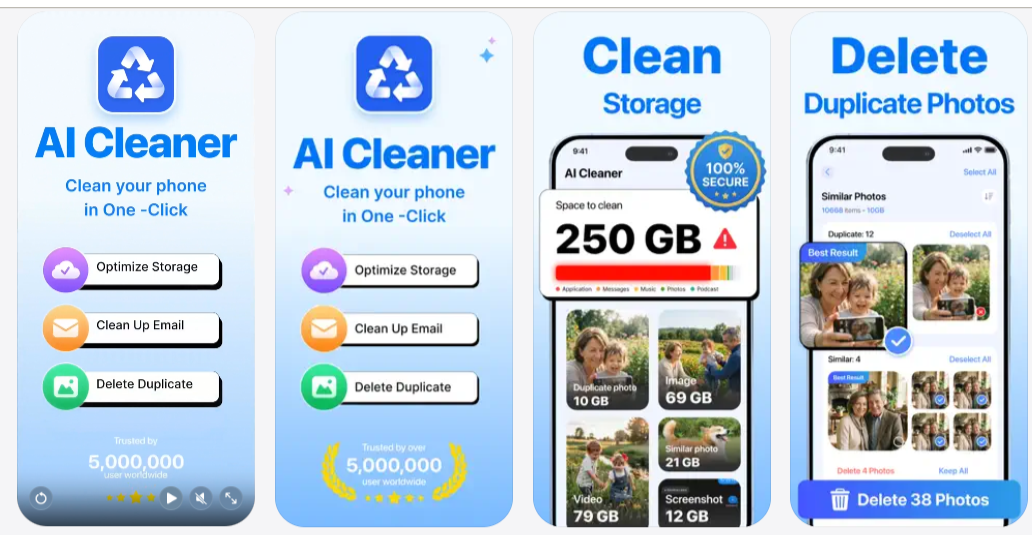
AI Cleaner: Clean Up Storage+ helps you remove clutter from iPhone by finding files that may be taking up more space than necessary. Its cleaning tools scan your photo library for duplicate, similar, blurry, and unwanted images, as well as screenshots and oversized videos.
The app lets you review these files and clear them without having to search through your entire gallery manually. It also includes contact cleanup tools that can find duplicate or incomplete entries, allowing you to merge contacts and keep your phonebook organized.
Install AI Cleaner: Clean Up Storage+ from the App Store now
Conclusion
Keeping your iPhone storage under control doesn’t have to be a tedious process. The right cleaner app can help you identify duplicate and unnecessary files and reclaim valuable storage. That said, not all cleaner apps are created equal. We recommend choosing an app that gives you control over what gets removed and lets you review files before deleting them. Go through our picks above, and select the one that best fits your needs.


