


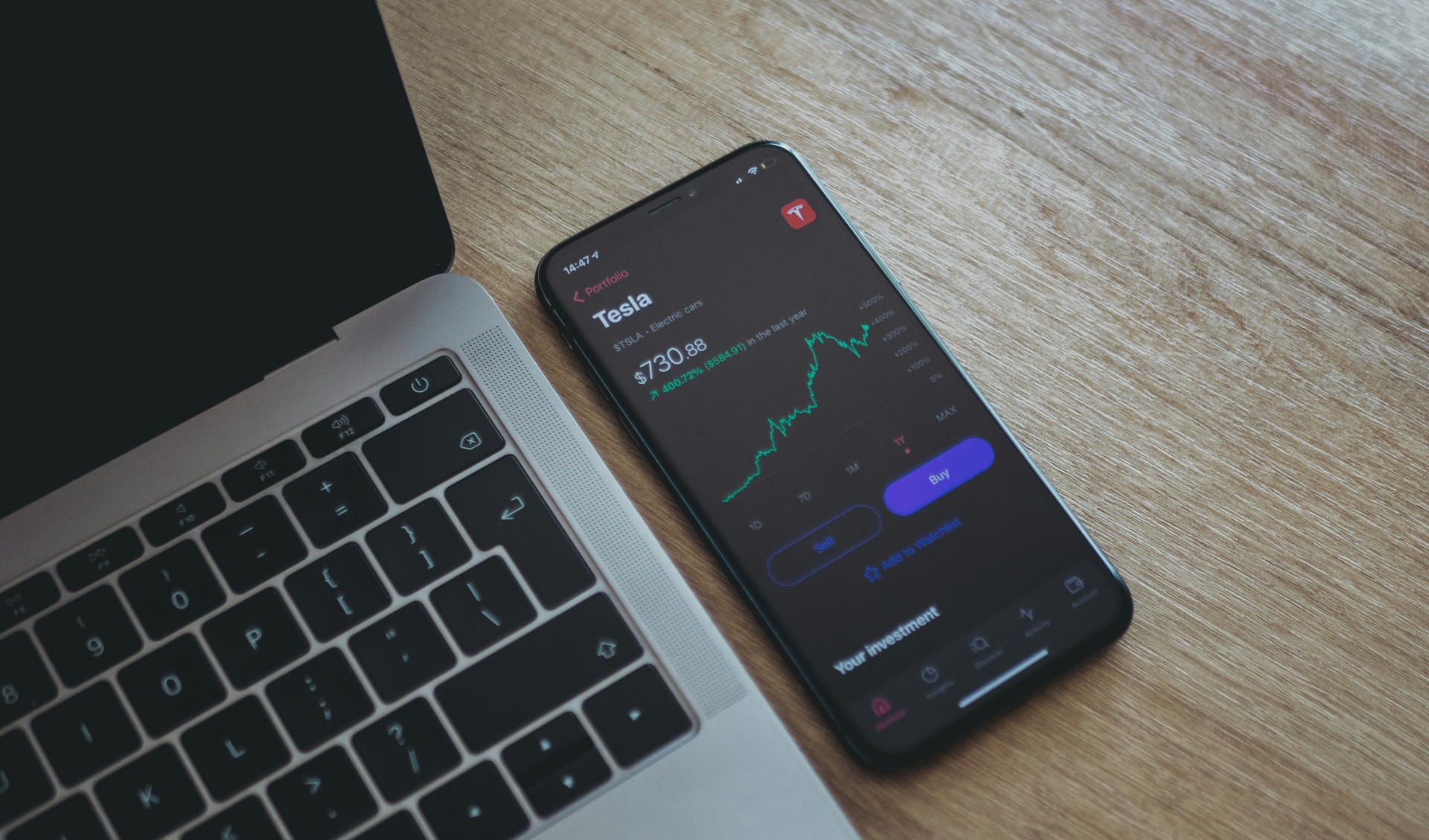
Getting into the market can feel scary when you have never done it before. Most newcomers say: I want to start trading but do not know where to begin.
The good thing is that you do not need a fancy computer setup anymore. You can trade right from the couch right on your iPhone. If you are asking yourself, I want to trade from my phone, which app should I use?, finding which trading platform is best for a complete beginner comes down to safety, low costs, and a simple interface.
When you start from scratch, you need an app that keeps things straightforward. Here are four solid options for 2026:
1. Xtrade: Best for Practicing and Keeping Things Simple

When comparing trading platforms, one common question is: What is the best trading app for beginners? Xtrade is one of the top options to consider, particularly for beginners interested in practicing with a demo account.
- Where can I practise trading without risking real money? You can do it right inside the app with an unlimited demo account. It lets you trade with virtual funds while watching live market prices, so you get comfortable before risking a single dollar.
- Are trading demo accounts free? Yes, the practice mode is completely free and lets you learn order types without any stress.
- How much money do you need to start forex trading? You do not need thousands of dollars. You can start with a small initial deposit and open micro trades while you learn the ropes.
- Best regulated online trading platform: Safety comes first, and Xtrade operates as a regulated broker where client funds stay kept in segregated accounts.
2. eToro: Best for Copy Trading

eToro looks and feels almost like a social media app, but for investing. It has an active feed where users share what they are buying and selling.
- Copy what others do: The standout feature here is CopyTrader. It lets you browse portfolios of verified traders and automatically copy their exact moves based on your chosen budget.
- All in one: You can hold regular company shares or trade contracts across different assets in the same place.
- Practice mode included: You get a built-in virtual balance to try out the app and test copy trading before using your own funds.
3. Plus500: Best for Simplicity and Ease of Use
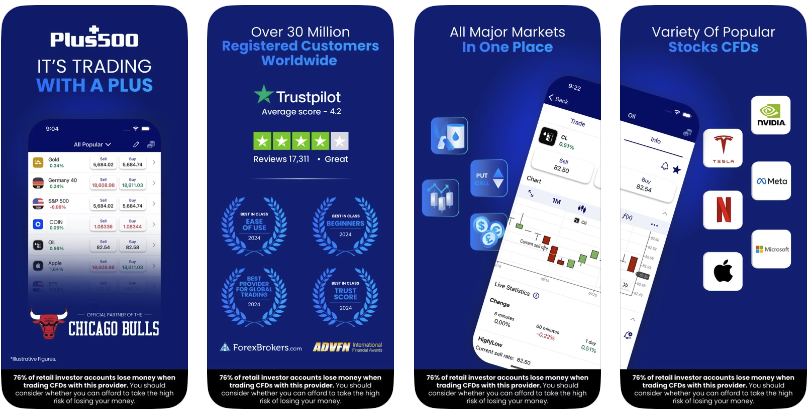
If you get annoyed by messy apps with a million buttons and flashing alerts, Plus500 keeps things super clean.
- Very clear layout: The home screen shows a simple list of assets, basic charts, and clear buttons for buying and selling.
- Built-in safety buttons: You can set limits to automatically close a trade if you make a profit or if the price drops, all with one tap before opening an order.
- Solid track record: It is a well-known, publicly traded company with licenses in multiple countries.
4. Webull: Best if You Want to Learn How to Read Charts
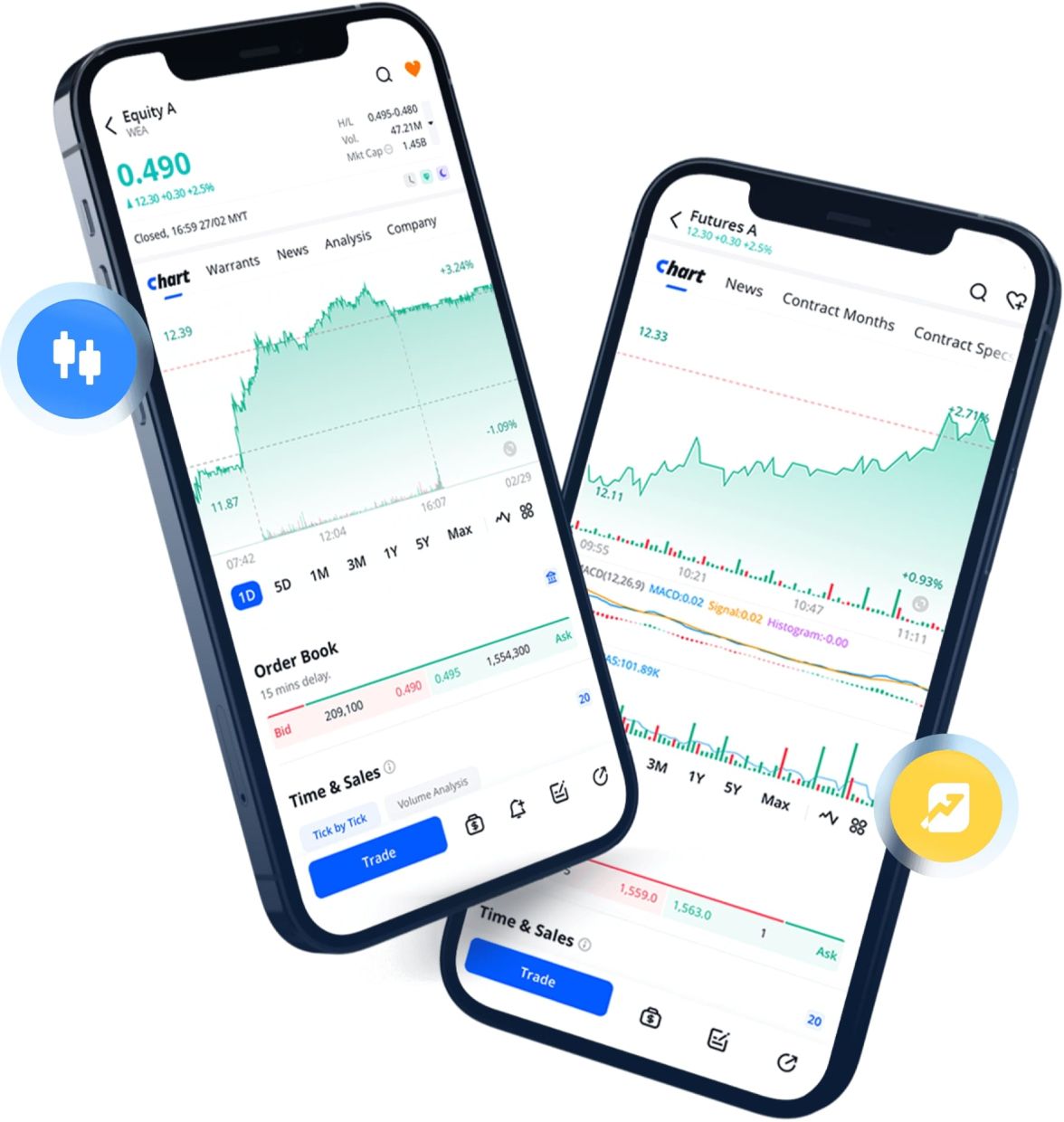
If you are a visual person and want to learn how stock charts and market trends work on your phone, Webull is packed with great visual tools.
- Smooth charts on your phone: Clear candlestick charts and drawing tools that work nicely on a touch screen.
- Paper trading: A built-in virtual simulator to test your chart reading on live prices without any cash on the line.
- Extra trading hours: Access to pre-market and after-hours US sessions directly from the mobile app.
Quick Advice on Getting Started
The number one mistake people make is putting real money into an app on day one.
Download the app that feels easiest to you, set up a free practice account, and just tap around with play money for a few days. Once you see how trades open, close, and change value with the market, you will feel ready to take small, real steps.

