


Creating on mobile has never been easier. The ever-increasing power of smartphones and the widespread availability of AI tools have made creating content super easy for iPhone users in 2026.
If you’re a mobile creator who creates content such as videos, blog posts, social media posts, etc., on your iPhone or iPad, then these 5 AI Tools will not only improve your workflows, but they will also take your content to the next level.
The AI tools for iPhone creators that we have shared here are perfect for creators who need help in writing, editing, scripting, and adding voice to their videos. So without any further ado, let’s dive right in.
Best AI Tools For iPhone Creators
ChatGPT
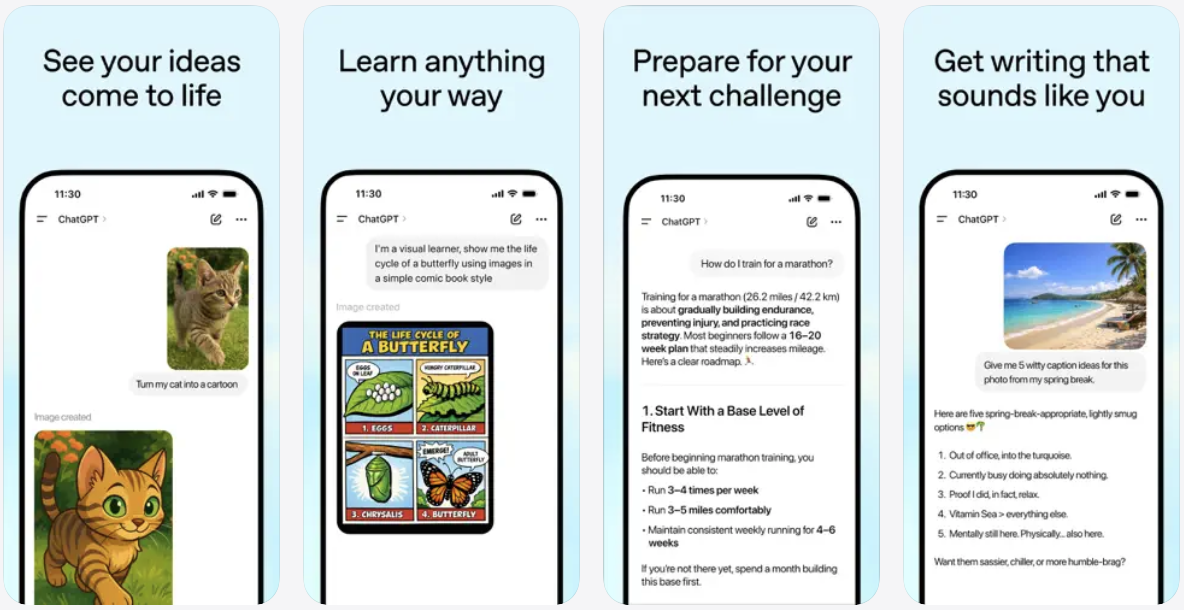
Let’s start with the most obvious tool. ChatGPT isn’t just a generative AI chatbot that you can use to have fun conversations with. This is one of the most powerful AI tools for creators that can help them streamline workflows. No one is telling you to have ChatGPT write whole articles for you; instead, use it strategically and take help from it when needed.
It can help iPhone users in content planning, idea generation, article outline creation, script writing, coming up with SEO phrases, and much more. ChatGPT can do magic with the right prompt.
ChatGPT has a native app on iPhone, and you can also leverage many Shortcuts that will cut down on the time it takes for you to perform a task.
Some of the useful prompts that you can use with ChatGPT include:
- Create an SEO-friendly outline for an article on “Mistakes to avoid when buying a used SUV”.
- Help me create a script for a YouTube video on “Best ways to lose belly fat”.
- Create a monthly content calendar for me in which I post 2 articles and 3 videos per week.
You can download the ChatGPT app for free. The free version offers limited prompts and access to ChatGPT 3.5. You can get unlimited access with ChatGPT Plus for $18.99.
Capcut: Photo & Video Editor
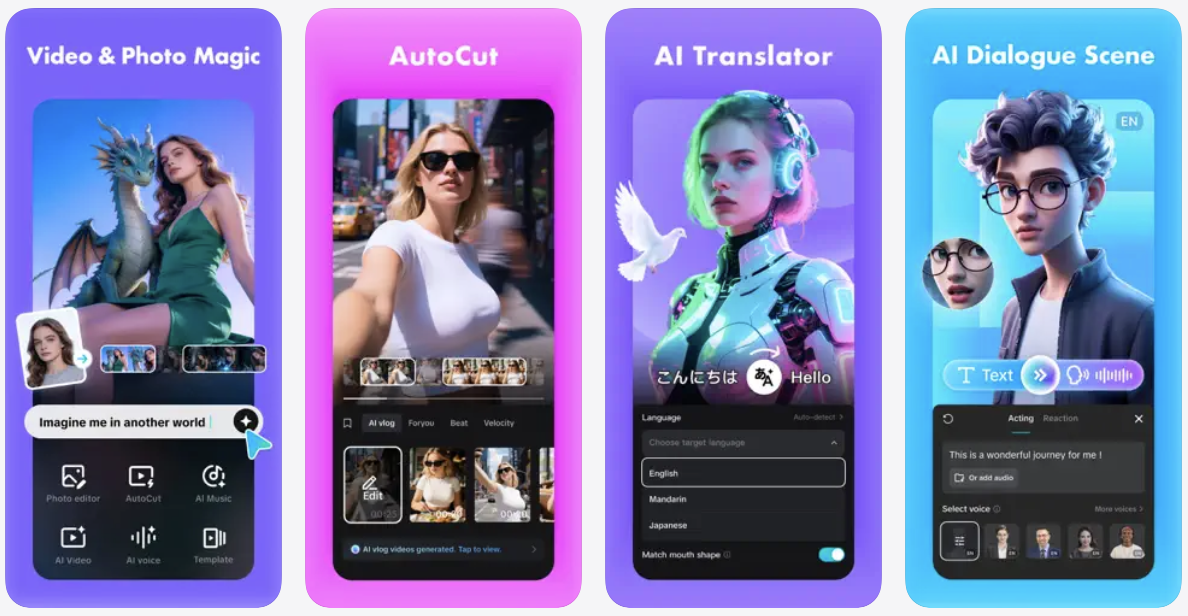
This is perhaps the most popular video editing tool used by mobile creators on iPhone. What many users don’t know is that Capcut is packed with AI Editing Tools that can reduce the time it takes for you to edit your videos and improve results.
Capcut has features like AutoCut that let users select all the footage that they want to include in their new video. Then they can enter a prompt to let Capcut know what kind of video they want to create. Using the information provided in the prompt, Capcut then edits the video and presents the result to the user, who can then either export the video or make Capcut create a new draft until he or she is satisfied with the result.
Another mind-blowing feature of the Capcut app lets you create an AI clone of yourself. To create your own AI Character, you have to record or upload 2 videos of yourself. Then Capcut’s AI will create a character that you can use to record any video you like. This saves a lot of time and can help you automate video creation, eliminating the need to record yourself every time.
You can download and use the Capcut app on your iPhone or iPad for free. The paid features start at a $7.99 monthly subscription.
Eleven Reader by ElevenLabs
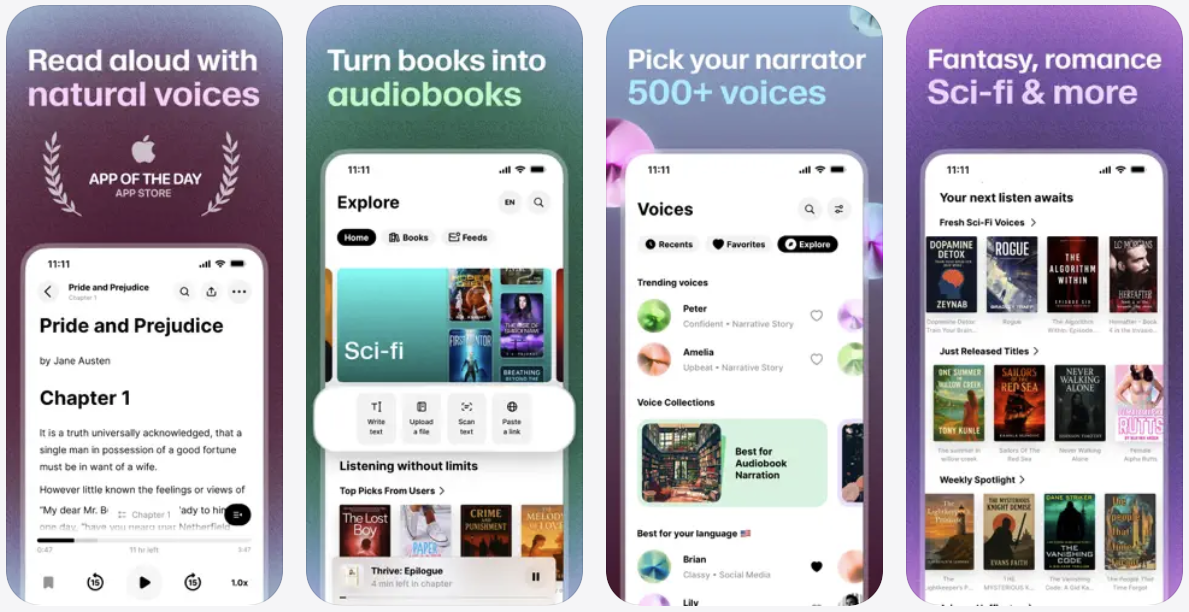
Need to create a professional-sounding video but don’t want to do voiceovers? Eleven Labs has the answer. This app uses advanced AI-powered text to convert text into natural-sounding human speech, making it perfect for voiceovers.
Mobile Content creators can write a script or use ChatGPT to create the perfect YouTube script, and then copy and paste that text into Eleven Labs to create an amazing voice-over. The app comes with a variety of voice options and works with many languages.
You can download ElevenLabs for free. To create custom voiceovers with this app, you will have to access ElevenLabs on the web using Safari.
Adobe Express AI
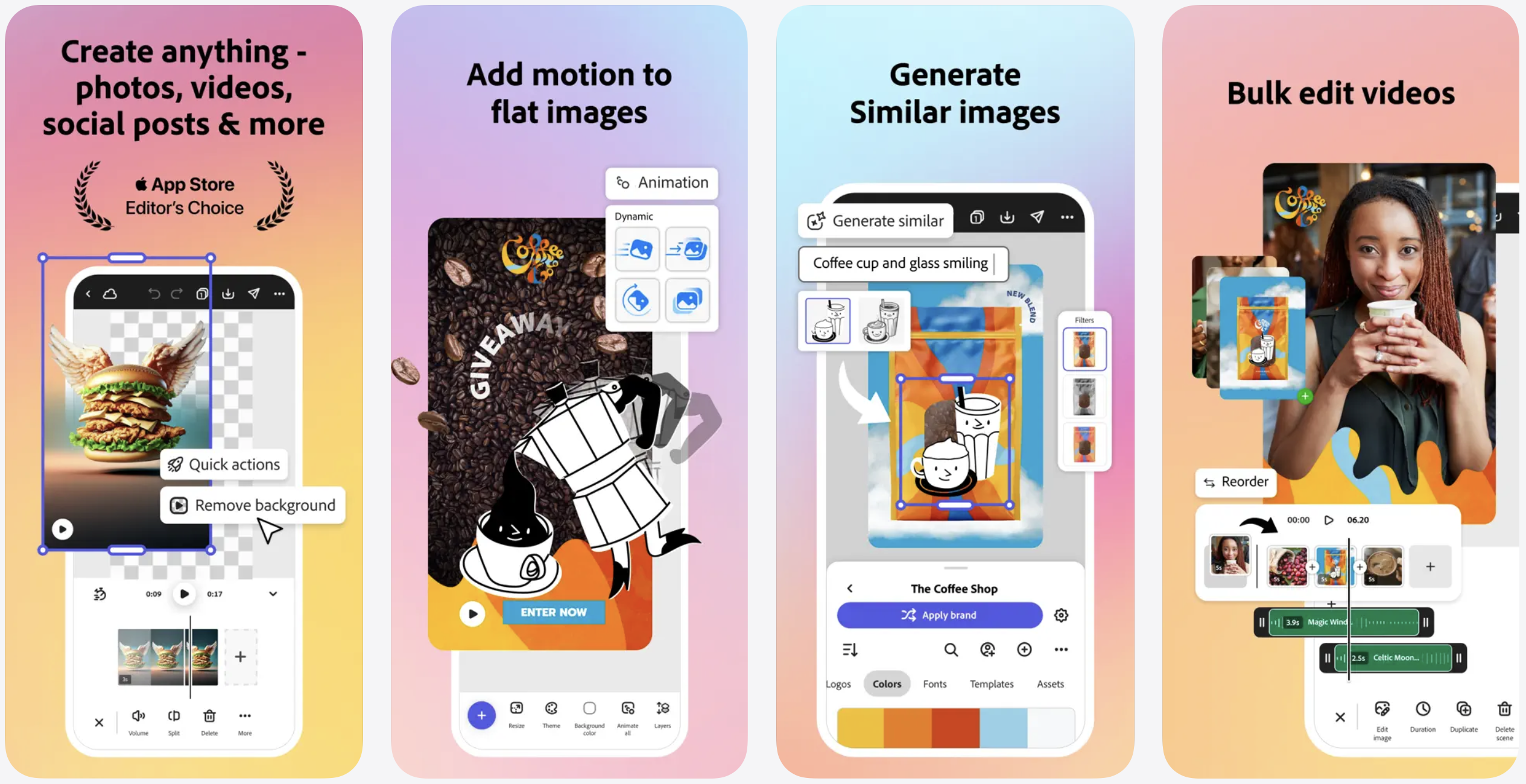
Adobe has been a pioneer for decades when it comes to photo editing. In this age of AI, you can still count on Adobe Express photo and video editing tool for iOS, which lets you use generative AI to not only generate images through prompts but also allows you to take advantage of its powerful AI tools for image editing.
You can use AI tools to erase objects from photos and insert new objects in your existing images through prompts. In addition to this, Adobe Express gives you access to the Generative Fill feature, which lets you insert, remove, and replace people and objects. Just define what changes you would like to see in your photo, and the app will generate the changes for you in a few seconds.
Looking to create social media posts? Use prompts to generate editable templates for social posts, cards, videos, photos, and flyers. In addition to all these AI-driven features you also get access to basic photo and video editing tools like trim, resize, convert to GIF, animate, and more, making it the perfect creative tool for your iPhone.
You can download the Adobe Express app on your iPhone or iPad for free. Paid subscription starts at $4.99 per month.
Notion: Notes, Tasks, AI
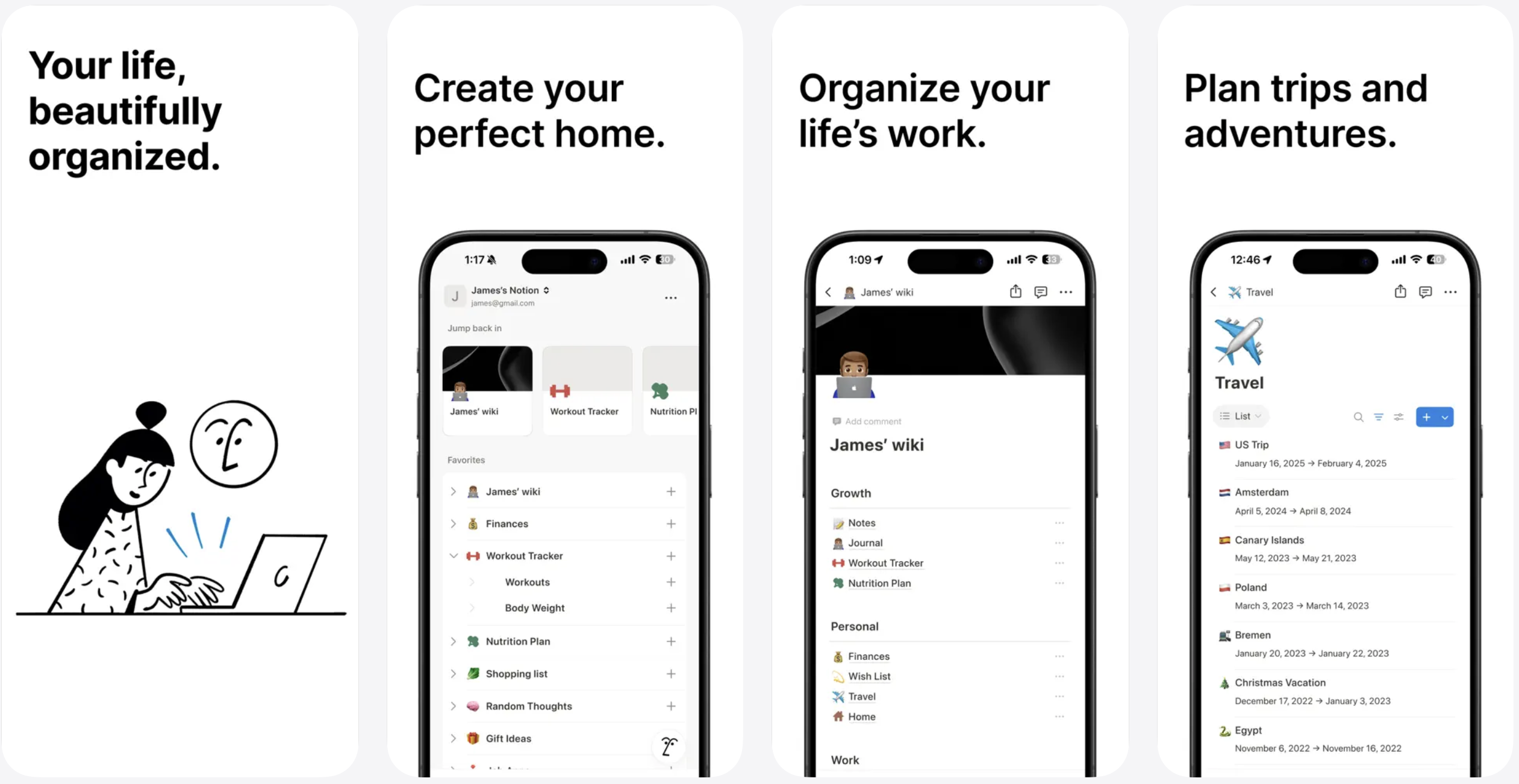
Notion has always been a great tool to manage plans, track, and manage tasks and projects. Now equipped with AI, the tool has become even more powerful and intelligent.
Notion AI is capable of helping you write better and brainstorm ideas. This tool also lets you ask questions about your content and get quick answers. You can use it to write content or summarize existing content. It can extract key points from your writing and deliver a high-level summary for you.
Notion also leverages AI to help you with tasks like autofilling tables, fixing spelling and grammar mistakes, translating content into another language, and more.
You can download the Notion AI app from the App Store, where it is available as a free download.
Conclusion
There you have it, folks, these are some of the best AI Tools for iPhone creators that can revolutionize your workflow and creativity in 2026. With ChatGPT, you can work on ideas and concepts and leverage it to create killer scripts and outlines for your blog and YouTube videos. With Capcut, you can edit your videos and improve them with the help of AI.
ElevenLabs lets you create voiceovers with unique voices without speaking a word yourself. Adobe Express lets you use generative AI to create unique images and make quick edits to your photos. Notion AI lets you manage your workflows and plan your content with the help of AI.
Which AI tool for iPhone will you use in your next project? Let us know in the comments below.


