


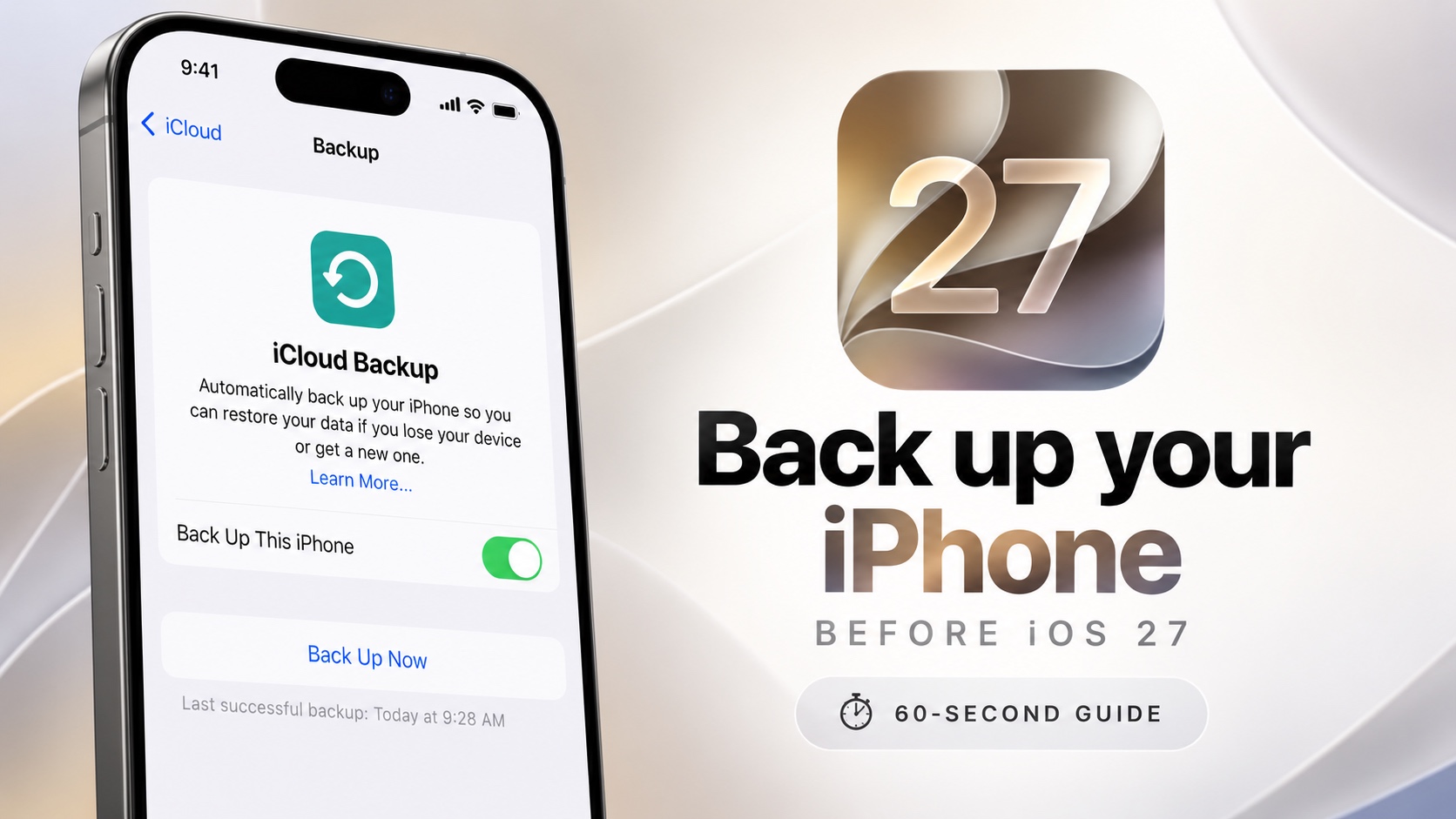
iOS 27 launch is right around the corner. Before installing iOS 27, take one minute to back up your iPhone or iPad. It is the easiest way to protect your photos, videos, messages, apps, and settings if anything goes wrong during the installation process.
In this guide, we have shared instructions on how to back up your iPhone before iOS 27 using both iCloud and Computer backups. You can choose either method based on your preference.
Back up iPhone before installing iOS 27
Back up iPhone to iCloud
Follow these steps to back up an iPhone to iCloud.
- Open Settings and tap your name.
- Go to iCloud.
- Tap on iCloud Backup.
- Here turn on the toggle for on Back Up This iPhone.
- Now tap Back Up Now.
Wait for the iPhone to back up your device.
Back up iPhone to Computer (Finder or iTunes)
You can also back up iPhone on Mac or Windows PC using Finder or iTunes or Apple Devices software.
- Connect iPhone to computer using USB cable.
- Launch Finder, iTunes or Apple Devices.
- Select your iPhone.
- Then tap on Back UP Now button.
Wait for the back up to finish. To not unplug your iPhone before the back up process is complete.
For a more complete computer backup, you can enable “Encrypt local backup.” checkmark. This includes saved passwords, Wi‑Fi settings, and Health data.
Do not forget the encryption password that you set up when turning on Encrypt local backup option.


