


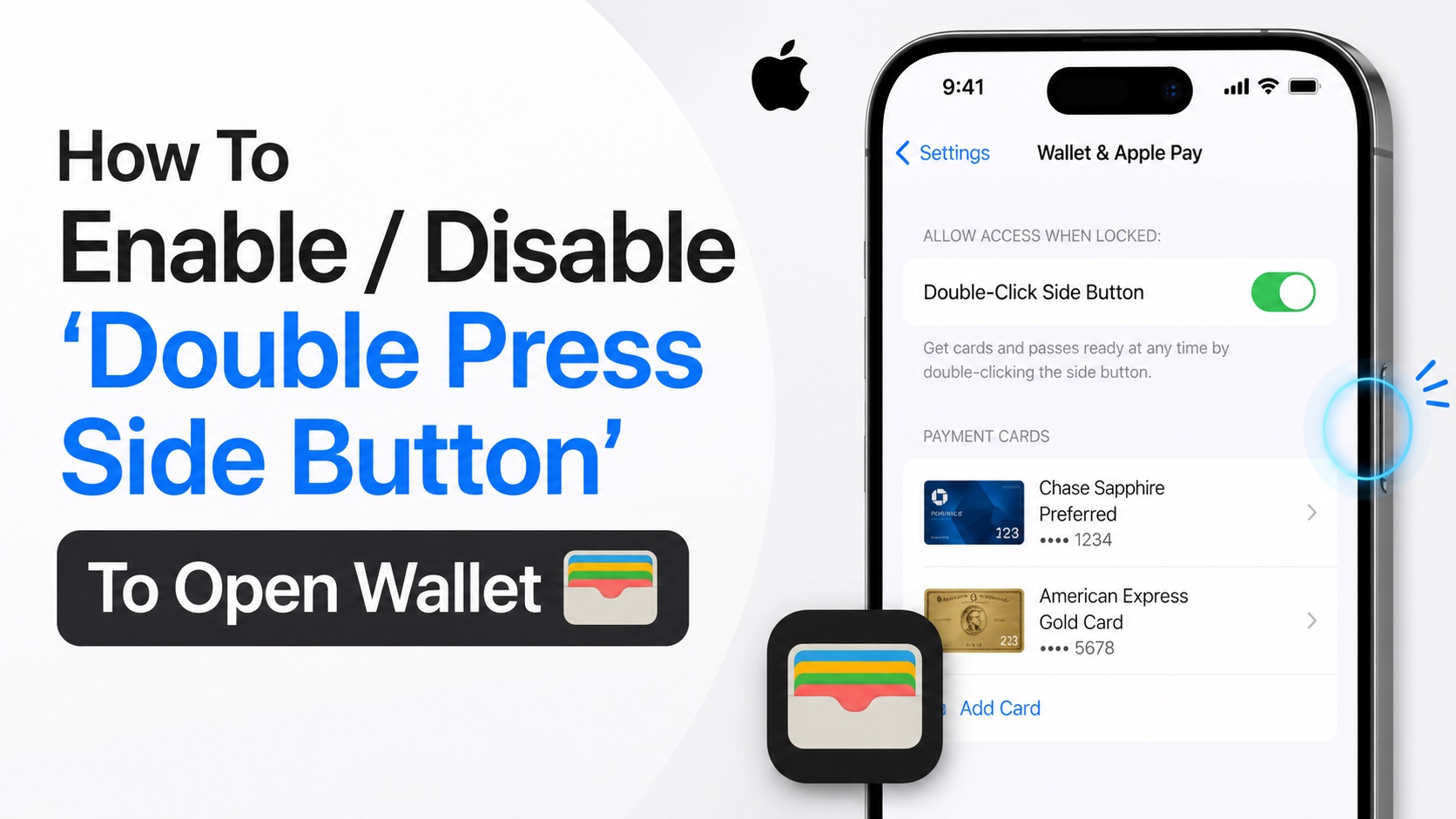
iPhone allows users to quickly access their Apple Wallet by double pressing the side button. This is a convenient feature that make is super easy to access your credit cards, transit cards, boarding passes, tickets, and more.
Whether you want to enable Double-Click Side Button to access Apple Wallet or you wish to disable this feature to security and privacy reasons, this guide is for you.
Read to learn how to enable or disable Double-Click Side button to Access Wallet on iPhone.
- Open the Settings app.
- Go to Wallet & Apple Pay.
- Here tap on Apple Pay Default option.
- Scroll down until you see the Double-Click Side Button toggle.
- Turn the toggle on to enable this feature. Turn it off to disable it.

If you turn this feature on, you can quickly access your Apple Wallet and make payments by double pressing the Side/Power button on your iPhone. This works on all versions of iOS and all models of iPhone.
Disclosure: iOSHacker may receive a commission if you purchase products through our affiliate links. For more visit our privacy policy page.


