


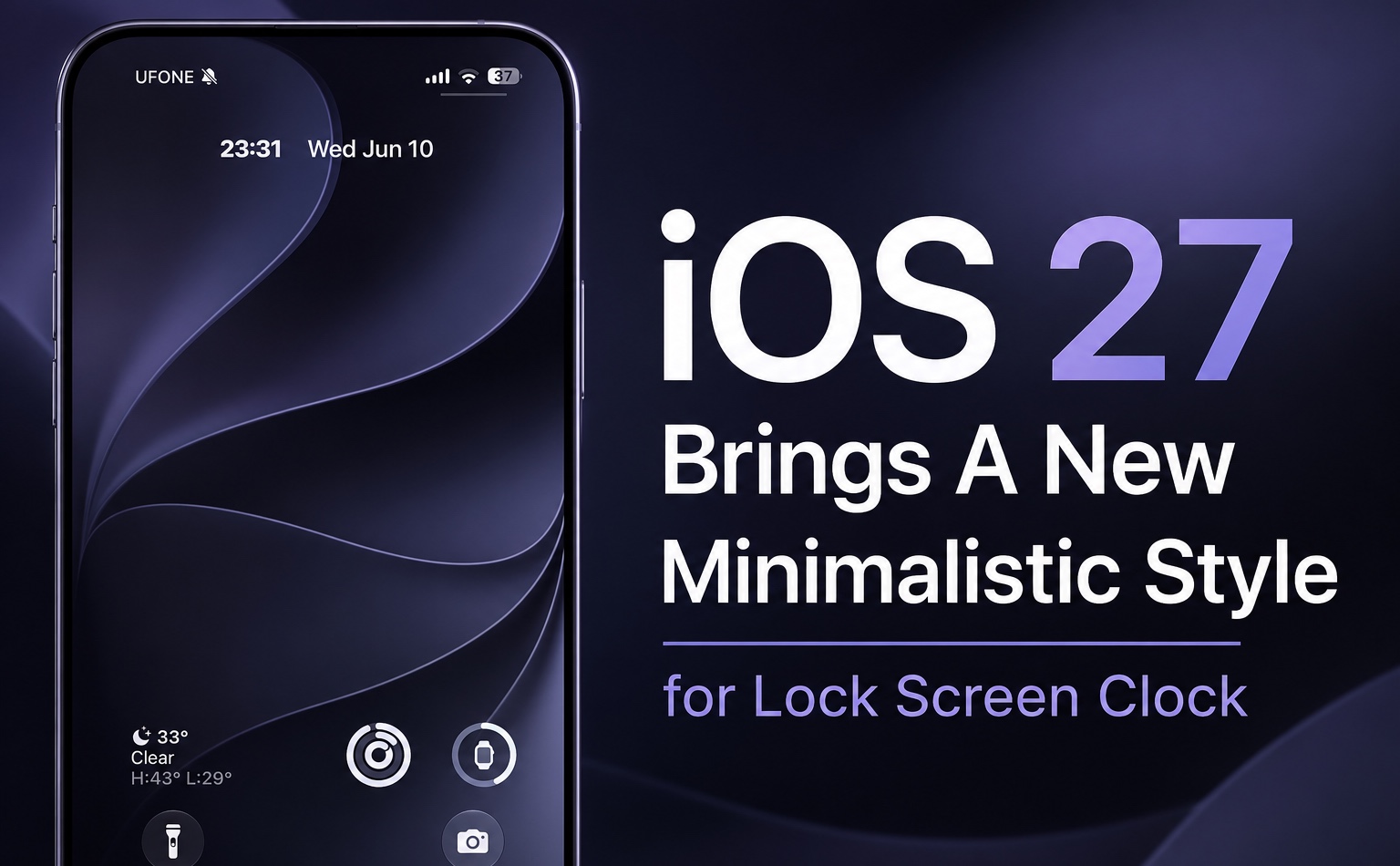
iOS 27 brings a brand new Clock style to the lock screen. The new minimalistic clock design replaces the big old clock and sits next to the date and time.
You can enable this new clock design by going to the lock screen customization menu (long-press on the Lock Screen wallpaper) and tapping on the clock. Then tap on the dedicated small clock button located on the top right side of the menu.
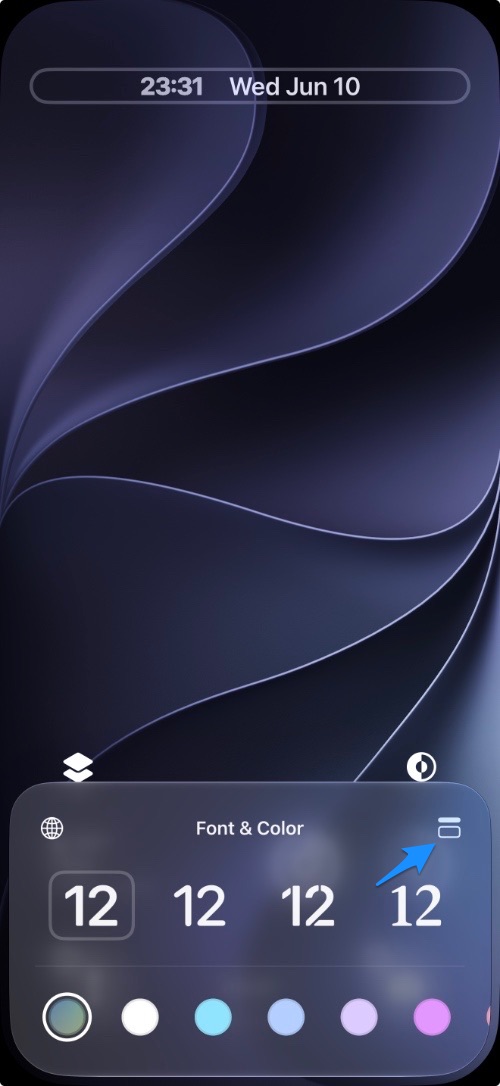
As soon as you do, the clock shrinks down and frees up a huge amount of space on your Lock Screen.
The best part? You get to see much more of your wallpaper while keeping the time visible.
What do you think about this new clock design? Let us know in the comments below.
Disclosure: iOSHacker may receive a commission if you purchase products through our affiliate links. For more visit our privacy policy page.


