


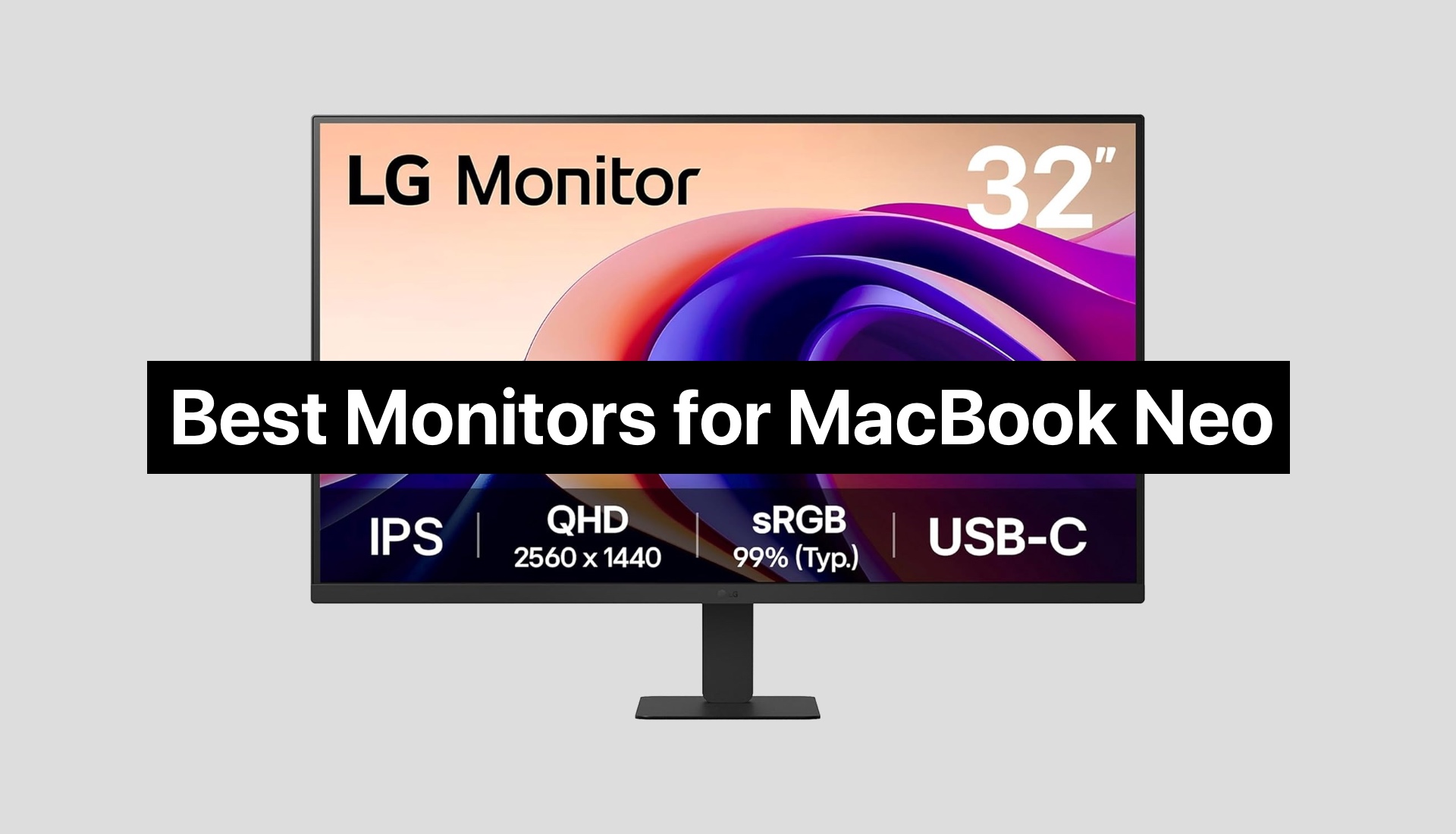
If you are looking to expand the capabilities of your MacBook Neo, then these USB-C monitors for MacBook Neo offer the perfect opportunity.
Table of Contents
In this guide, we have featured some of the best monitors for MacBook Neo users, which are known for their display quality, design, and compatibility, and deliver great overall value.
Whether you are looking for a monitor to edit videos, design graphics, or work on your assignments, these displays let you multitask with ease.
Best Monitors for MacBook Neo
1. LG 27U631A-B 27-inch QHD
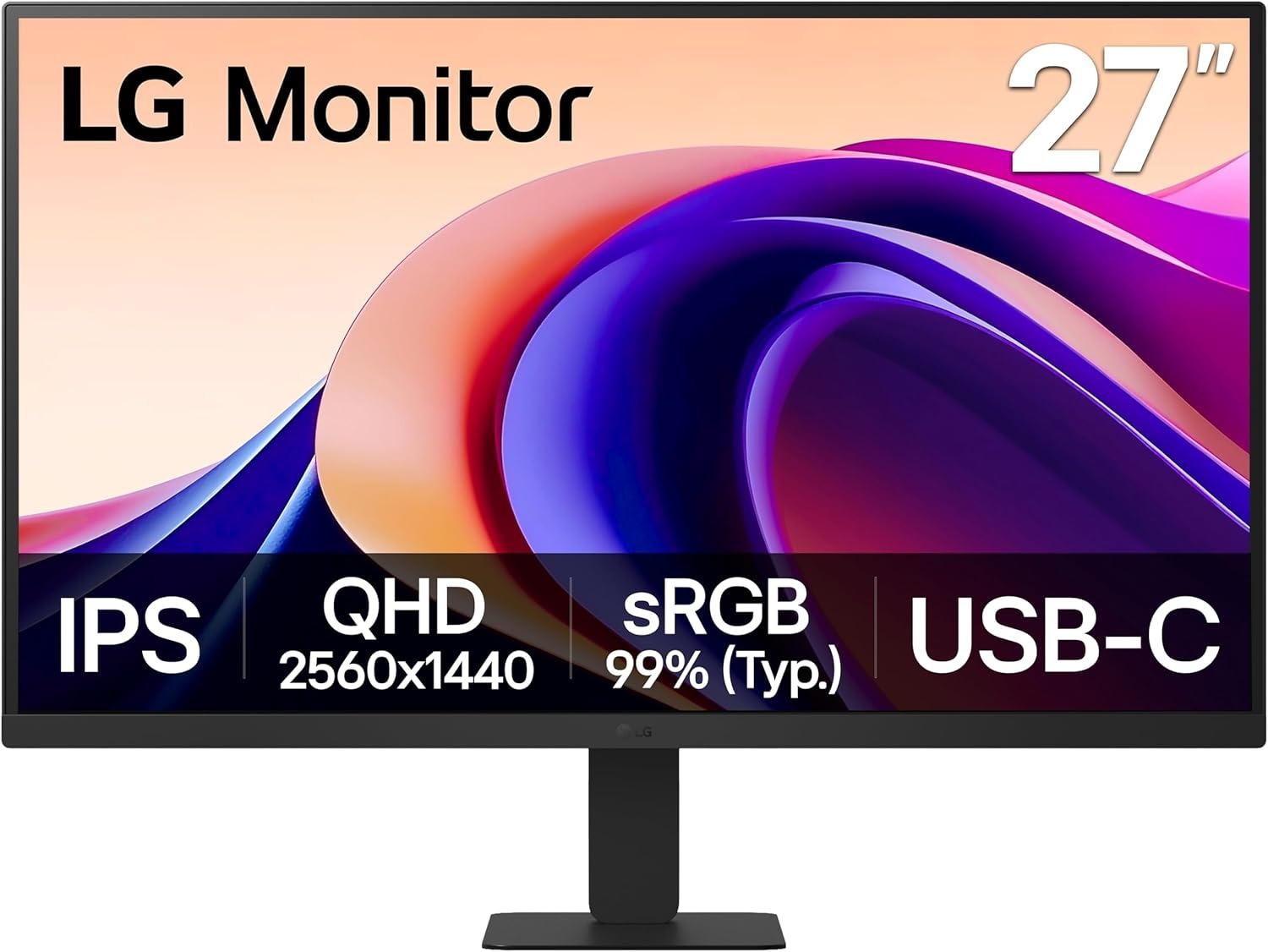
There’s something instantly satisfying about a screen that just gets everything right the moment it lights up, and this LG 27-inch QHD display does exactly that. The clarity feels crisp without being harsh, while the IPS panel keeps colors rich and consistent even when viewed from an angle. It is the kind of display that quietly elevates everything from everyday browsing to late-night movie sessions.
With a 100Hz refresh rate paired with a quick response time, scrolling, gaming, and even simple cursor movement feel fluid and natural. Nothing lags or stutters, which makes a surprising difference once you get used to it.
Colors have a way of pulling you in here. HDR10 support and a wide color range bring out depth and vibrancy without going overboard. Scenes feel more alive, whether it is a bright, open landscape in a game or subtle tones in creative work. It manages to strike a balance between punchy and realistic, which is not always easy to find.
The connectivity is where things start to feel truly convenient. A single USB Type-C cable can handle both display and light charging, making it a clean and clutter-free setup. It fits naturally into modern workspaces, especially for those exploring MacBook Neo monitors and wanting something that complements both performance and simplicity.
2. Philips 346E2CUAE 34-Inch Curved Frameless Monitor
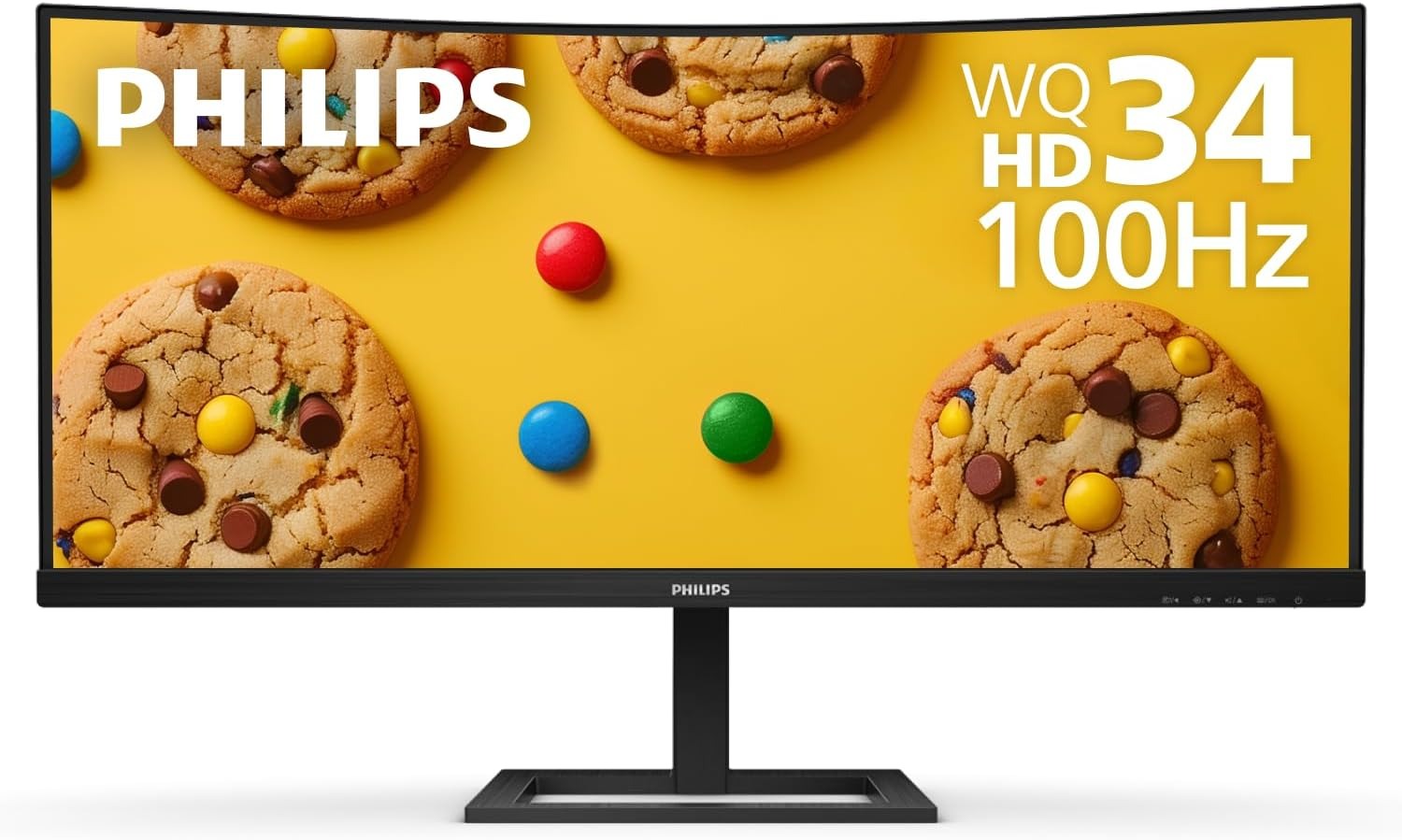
The Philips 346E2CUAE 34-Inch Curved Frameless Monitor has a way of making everything feel bigger, smoother, and more effortless the moment it turns on. That wide 34-inch display with its sharp 3440 by 1440 resolution gives plenty of room to breathe, whether it is juggling multiple tabs or diving into creative work without constantly resizing windows.
The curve is subtle but effective. It gently wraps the screen into view, making long hours feel less tiring while adding a sense of immersion that flat screens often miss. Combined with the VA panel, it delivers deep contrast and a consistent viewing experience that holds up from edge to edge.
Colors feel lively without being overdone. With an extended color range, everything looks richer and more detailed, from everyday content to more color-sensitive tasks. It brings a natural vibrancy that makes the screen enjoyable to look at for hours.
A single USB-C cable can handle both display and charging, cutting down on clutter and making the desk feel cleaner. It fits right into modern workflows, especially for those looking into monitors for MacBook Neo and wanting something that keeps things streamlined and efficient.
3. LG 34WR55QK-B 34-inch UltraWide Monitor
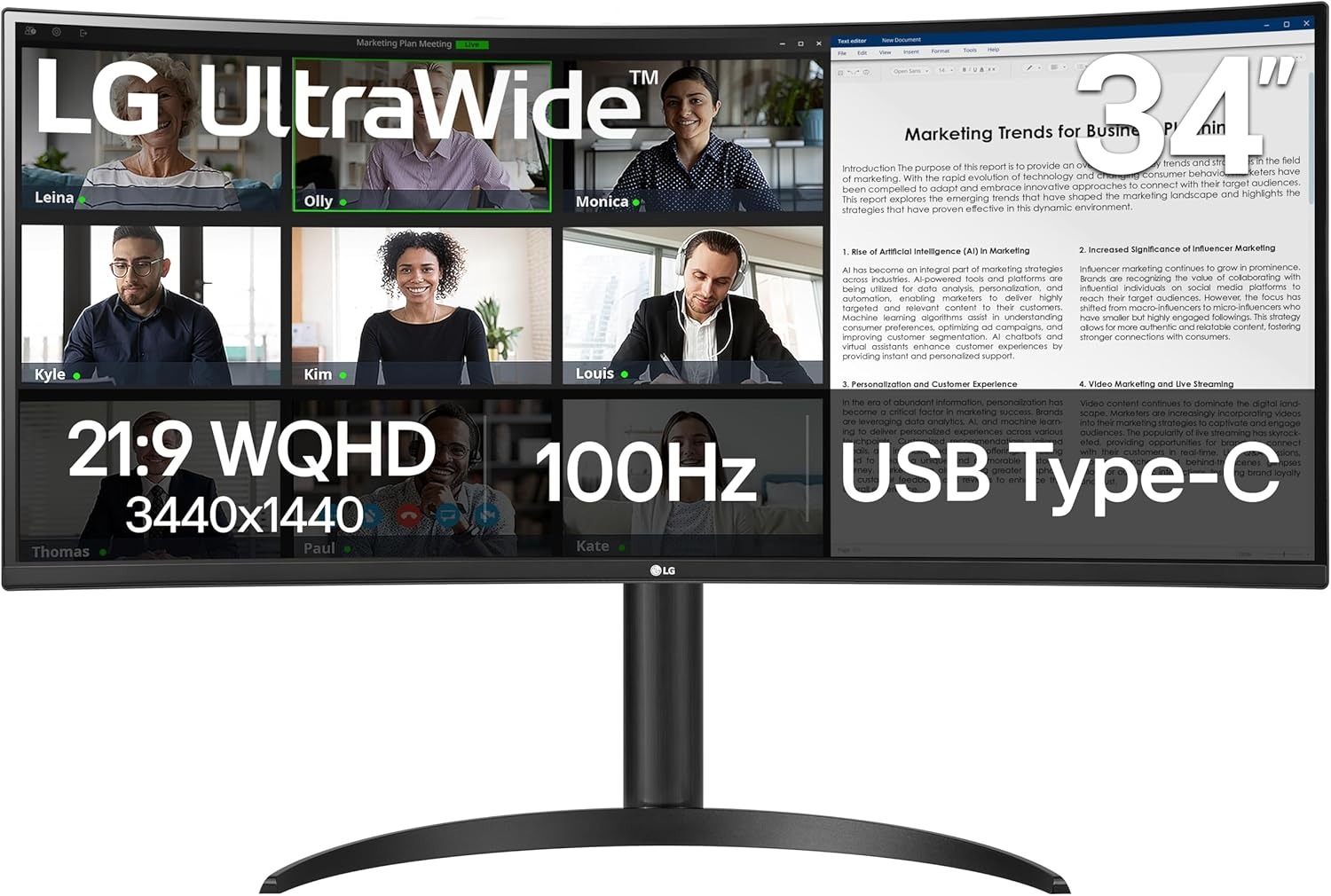
The LG 34WR55QK-B 34-inch UltraWide Monitor has a way of stretching both space and productivity in one smooth move. That wide 21:9 display paired with a crisp 3440 by 1440 resolution gives enough room to keep everything visible at once, so tasks feel less interrupted and more connected from start to finish.
OnScreen Control makes it simple to arrange windows or divide the screen, while Picture by Picture allows two different sources to run side by side without confusion. It turns multitasking into something that feels smooth rather than overwhelming.
The USB Type-C connection adds to that sense of ease. One cable handles both display and charging, keeping the setup clean while still delivering enough power for daily use. For anyone comparing budget monitors for MacBook Neo, this kind of functionality brings real everyday value without overcomplicating things.
4. ASUS ProArt Display 27-Inch Monitor
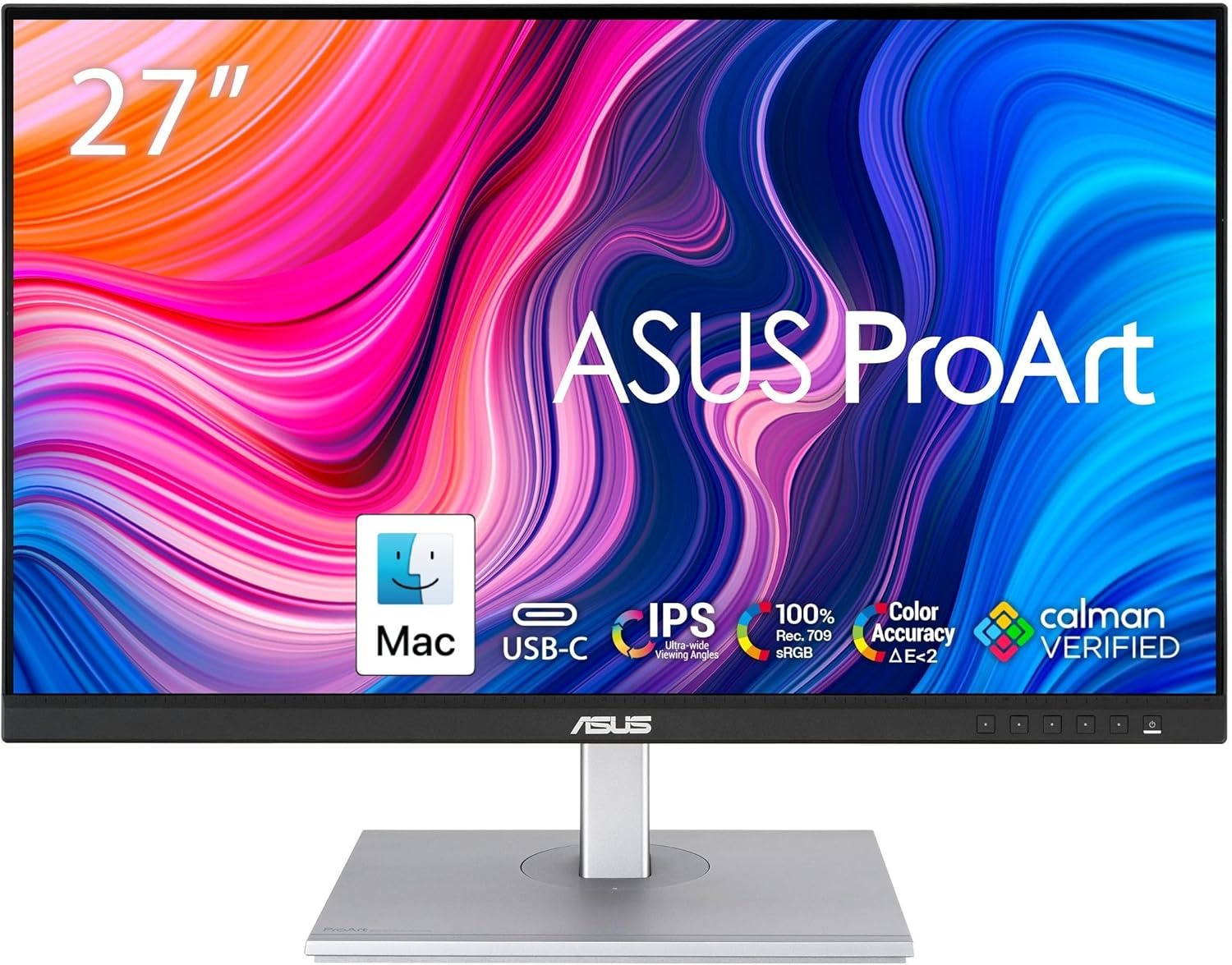
The ASUS ProArt Display 27-Inch Monitor feels like it was made for those who care about precision without wanting things to get complicated. The 27-inch WQHD screen delivers sharp detail with a clean, balanced look, while the IPS panel keeps everything consistent from almost any angle.
With full coverage of sRGB and Rec. 709, along with factory calibration, everything appears accurate and true rather than overly enhanced. Subtle tones, gradients, and fine details come through exactly as expected.
The 75Hz refresh rate paired with Adaptive Sync helps keep visuals steady, especially when working with animated content or fast-moving scenes. For those searching through affordable MacBook Neo monitors, this one leans more toward accuracy and balance than flashy extras. It fits naturally into setups where clarity, color trust, and a clean workflow matter most, making it a dependable choice that settles in easily over time.
5. LG 32U631A-B 32-inch QHD (2560 x 1440) IPS Computer Monitor
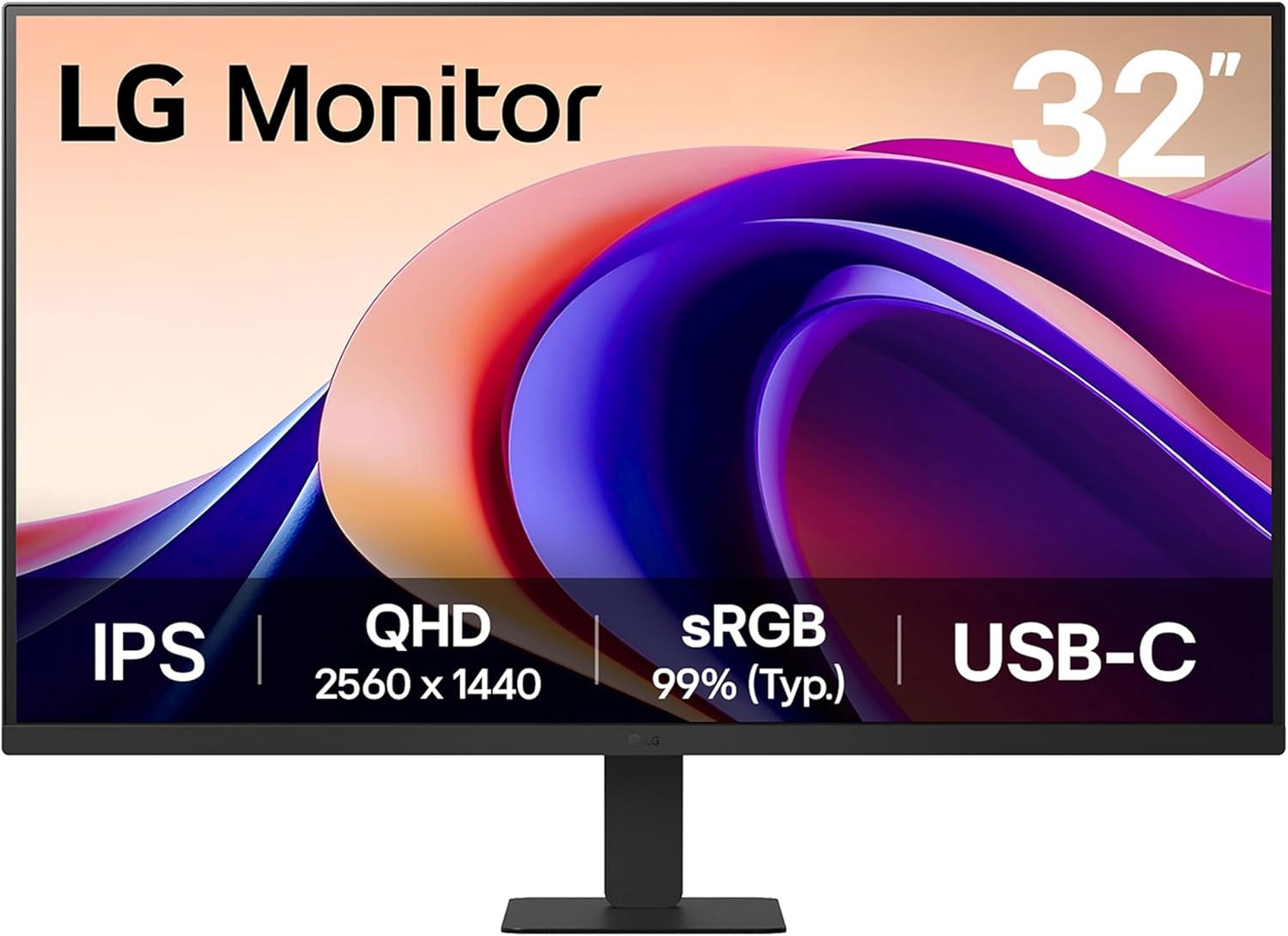
The LG 32U631A-B 32-inch QHD (2560 x 1440) IPS Computer Monitor brings a noticeably larger and more comfortable viewing space that makes daily tasks feel less restricted. The 32-inch QHD IPS panel delivers sharp detail and consistent color across wide angles.
HDR10 support, along with strong sRGB coverage, helps images look vibrant while still staying natural. It avoids exaggeration, keeping everything pleasant to look at even during long sessions.
The setup experience stays simple and uncluttered.
A single USB Type-C connection handles display and light charging, reducing cable mess and making desk organization easier. This is especially useful when thinking about how an external monitor for MacBook Neo can shift a laptop setup into something more spacious and comfortable without adding complexity.
6. Dell S2722DC Monitor
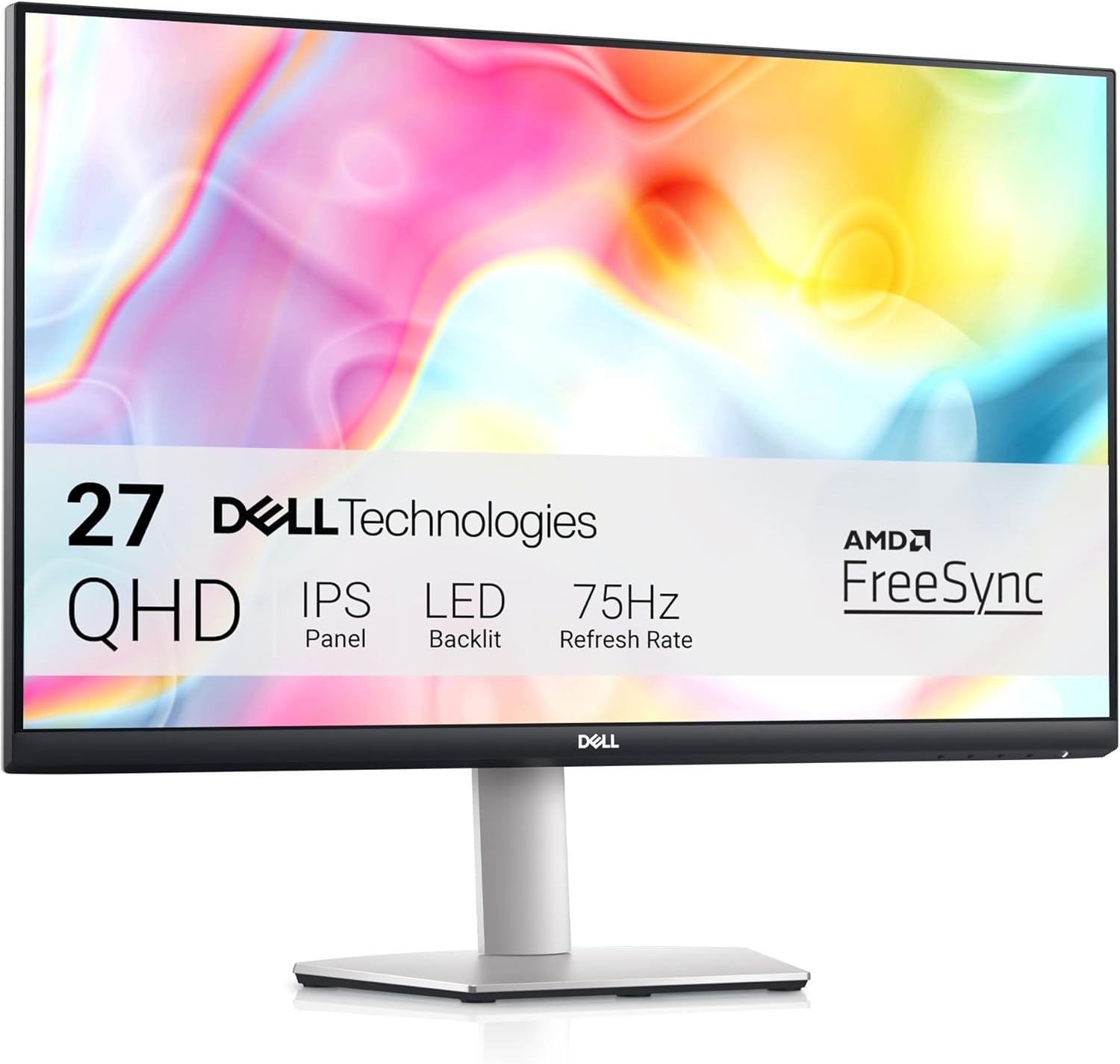
The Dell S2722DC Monitor brings a clean and modern feel to any workspace the moment it is powered on. The 27-inch QHD display delivers sharp detail and balanced clarity, making everyday tasks feel more comfortable and visually consistent.
What makes the experience stand out is how effortlessly everything connects. A single USB-C cable handles power, video, audio, and data at the same time, turning a cluttered desk into a much simpler setup. It is the kind of convenience that quickly becomes hard to give up once experienced.
With a 75Hz refresh rate and AMD FreeSync support, motion feels steady without tearing or unnecessary stutter. USB-C monitor for MacBook Neo setups like this one feel especially natural because they remove unnecessary steps and cables from the workflow. Everything connects through a single port, making transitions between laptop and desktop use feel smooth and almost effortless.
7. INNOCN 27″ 4K USB-C Monitor
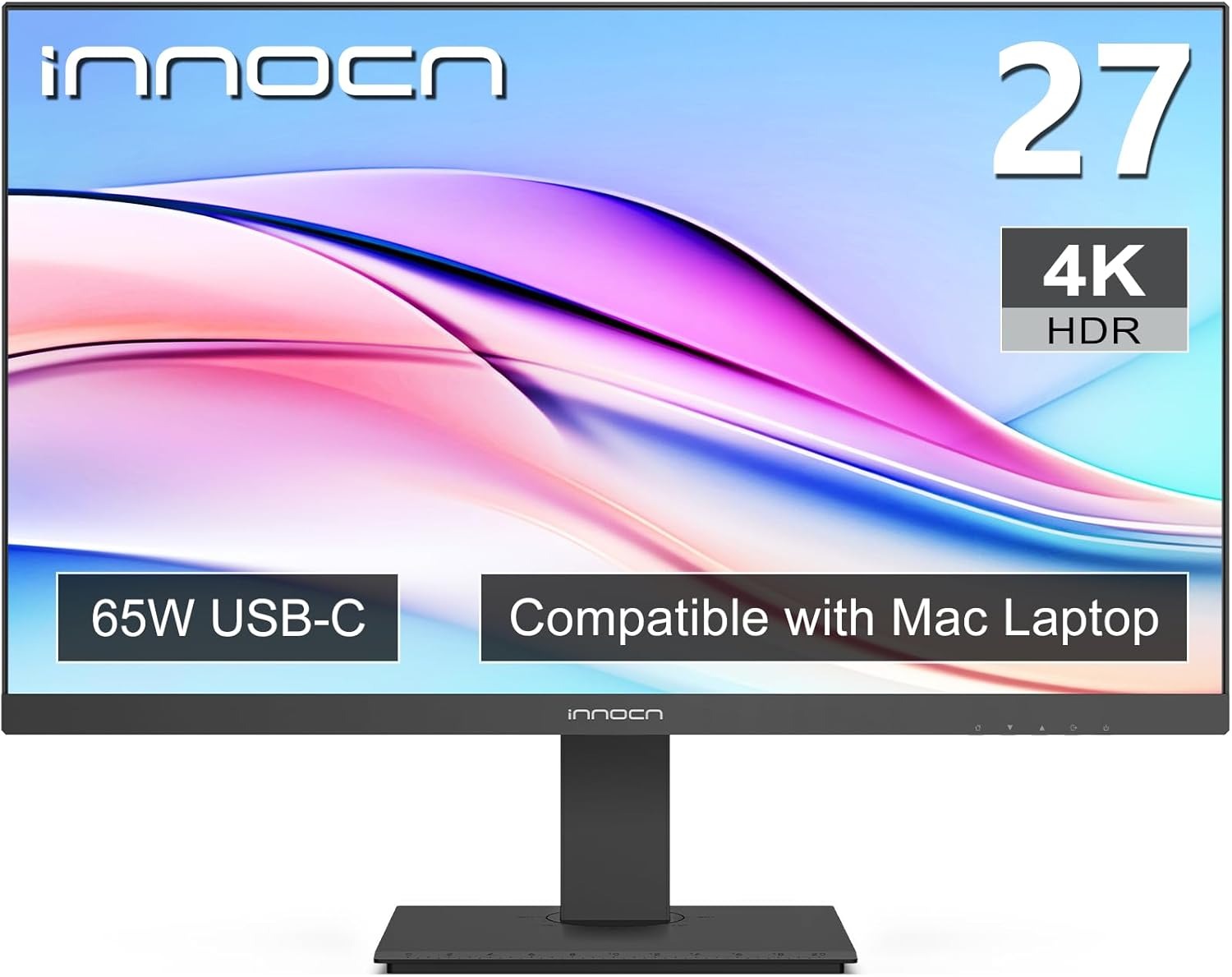
The INNOCN 27″ 4K USB-C Monitor immediately stands out with its sharp 4K resolution, delivering a level of detail that makes everything feel more refined and lifelike. Text looks crisp, visuals appear more layered, and even everyday tasks take on a cleaner, more polished look. The IPS panel keeps colors consistent across wide angles, while the frameless design adds a modern, distraction-free feel. With HDR400 support and a wide color range, images carry depth and balance without looking overprocessed.
The connectivity keeps things straightforward but capable. USB-C, DisplayPort, and HDMI provide flexibility for different devices, while the USB-C connection simplifies setup by handling display in a single step.
A 4K monitor for MacBook Neo, like this, naturally leans into clarity and detail, creating a setup where everything looks sharper and more defined. It turns the screen into more than just a workspace, making it a place where both productivity and visual quality come together smoothly.
Conclusion
These monitors offer the right balance when it comes to external monitors for MacBook Neo. With these options, you get great color accuracy, high refresh rates, and budget-friendly price points that make them great for everyday use. Thanks to their USB-C compatibility, you can easily connect them to your laptop without needing an adapter.


