


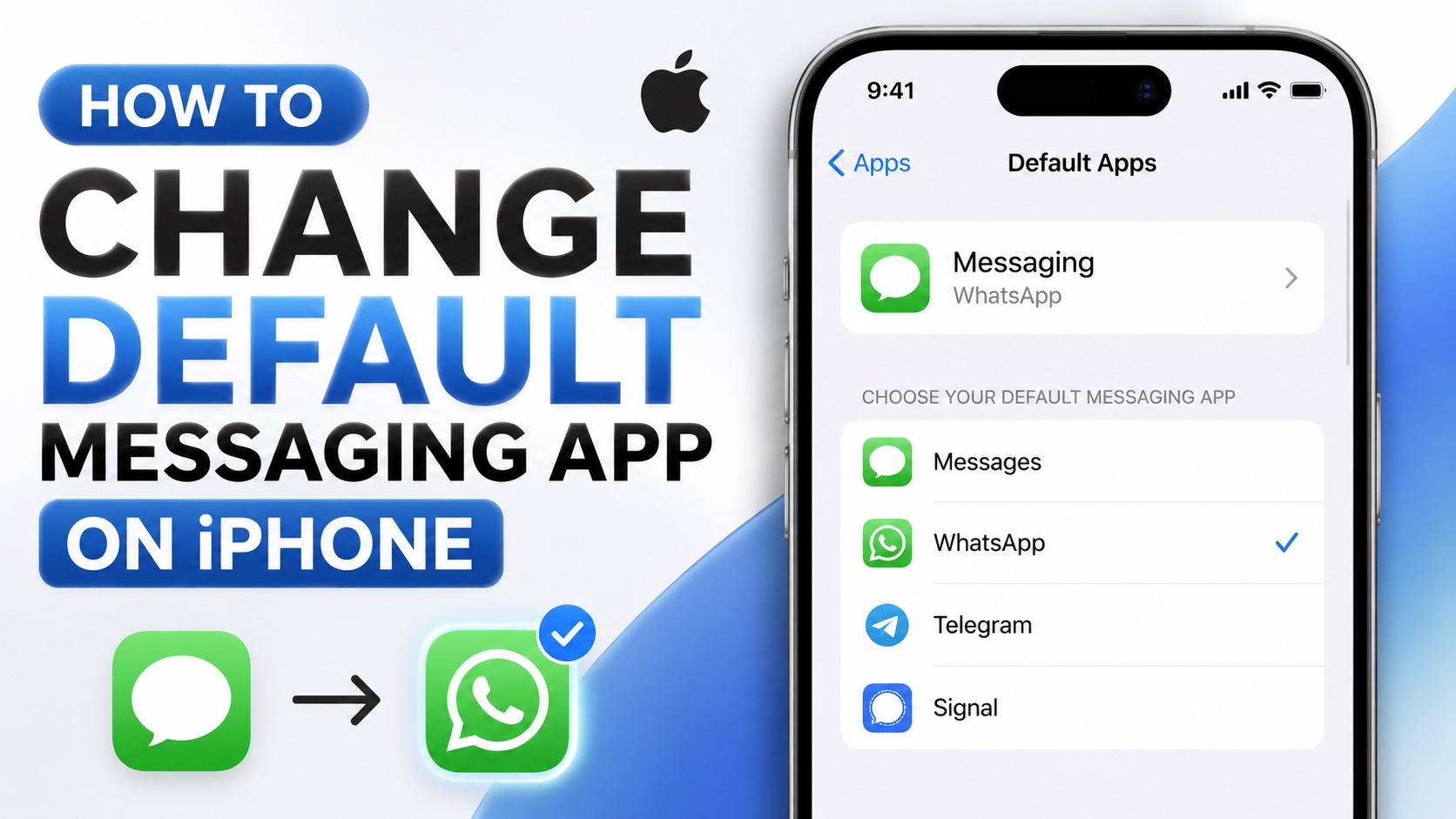
In this guide, we show you how you can change default messaging app on your iPhone in a few simple steps.
On newer versions of iOS, Apple allows users to change default messaging app on iPhone. This means you can choose an app like WhatsApp as your iPhone’s default app instead of the stock Messages app.
When you set another app as your default messaging app, iPhone will use this app for supported messaging actions instead of Apple’s Messages app.
Change Default Messaging App on iPhone
Here’s how you can change default messaging app on your iPhone. Before you begin, make sure to download the app you want to set as default from the App Store.
- Open the Settings app.
- Go to Apps.
- Here tap on Default Apps.
- Now tap on Messaging.
- From the list of apps, choose your desired messaging app by tapping on it.
A checkmark will appear next to its name indicating it has been selected.
That’s it, this is how easy it is to set an app like WhatsApp, Telegram, or Signal as your iPhone’s default messaging app.


