


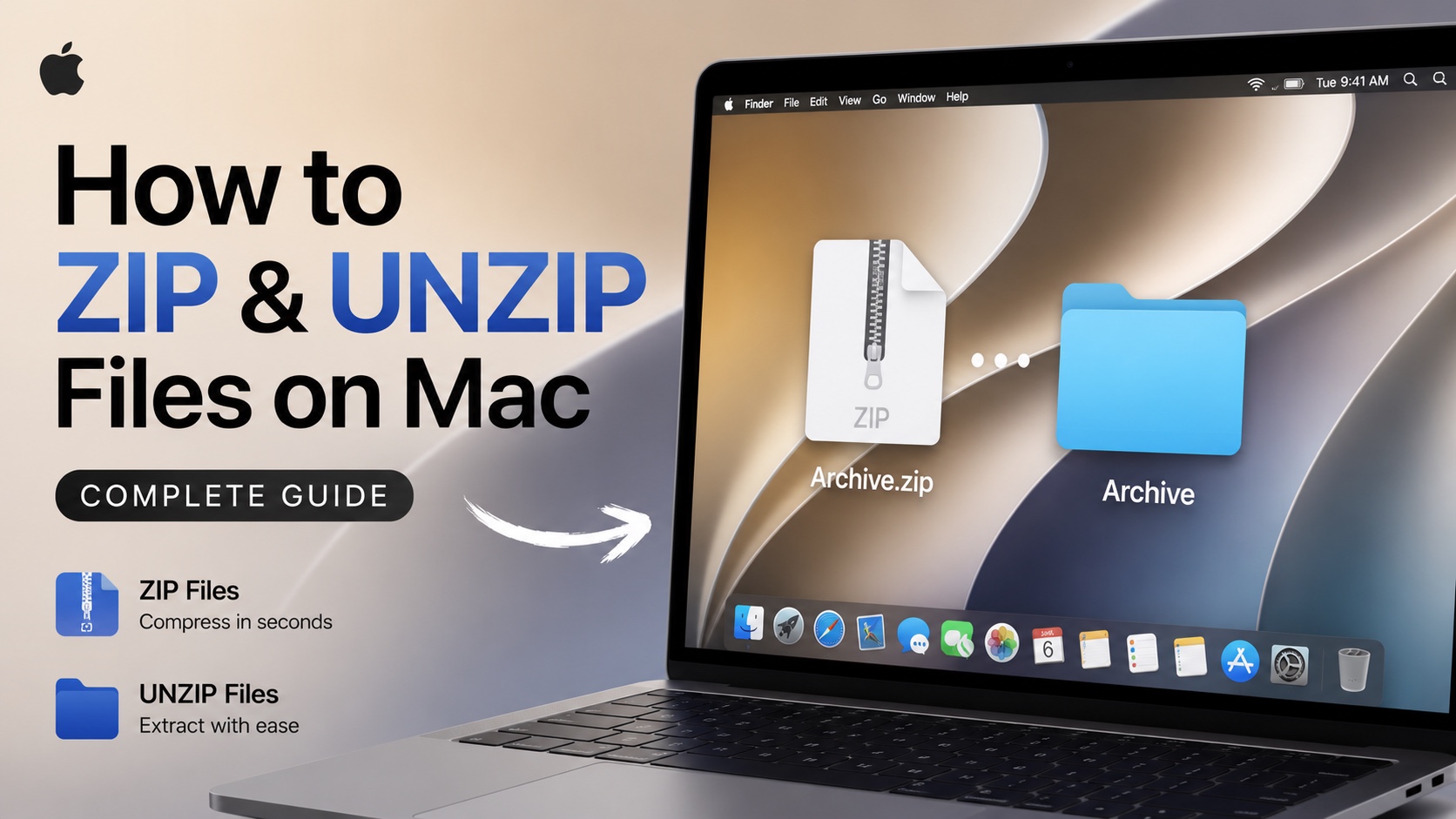
Need to send multiple files over email or messages? Or simply want to save storage space on your Mac? Then try zipping files.
In this tutorial we will show you how to zip or compress files on your Mac. We will also share steps on how to unzip a file and get access to its contents.
How to zip files on Mac
Here’s how you can easily zip a file on Mac.
- Right-click on a file.
- From the menu click on the Compress followed by the file’s name.
macOS will create a zip file for it in the same folder.
You can also select multiple files by draging with the cursor and then right-click on one of the selected files. This will allow you to add multiple files into a single zip file.
You can put entire folders and all of their contents into a single zip file or create a zip file with multiple types of contents including documents, photos, videos, etc.

How to unzip files on Mac
Unzipping or uncompressing files on Mac is also easy. Simply double-click on the zip file.
macOS will automatically extract its contents into a new folder in the same location.


