


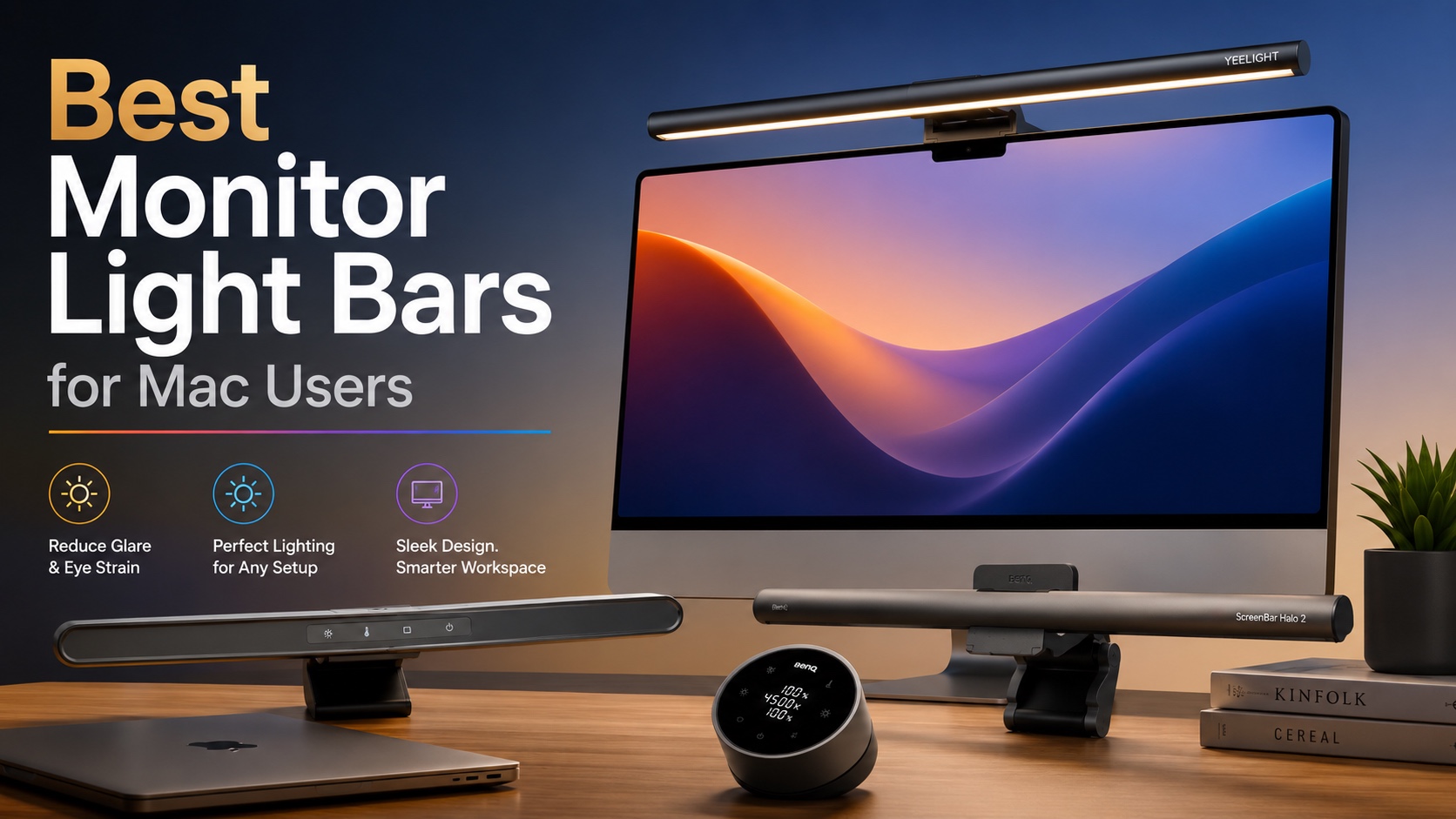
A good monitor light can completely transform your workspace, especially you spend hours working on your Mac. Unlike traditional lamps, then monitor light bars can be mounted directly over the display, which allows them to provide an evenly distributed illumination across your desk. This also eliminates screen glare.
In this buying guide, we have featured some of the best monitor light bars that you can buy right now for youur Mac. These work great with an iMac, Apple’s Studio Displays, or any third-party monitors.
The list contains a wide variety of monitor light bars ranging from premium to budget-friendly options and offering features like adjustable brightness, customizable color temperatures, and more.
Best Light Bars in 2026
1. BenQ ScreenBar Halo 2 LED Monitor Light Bar
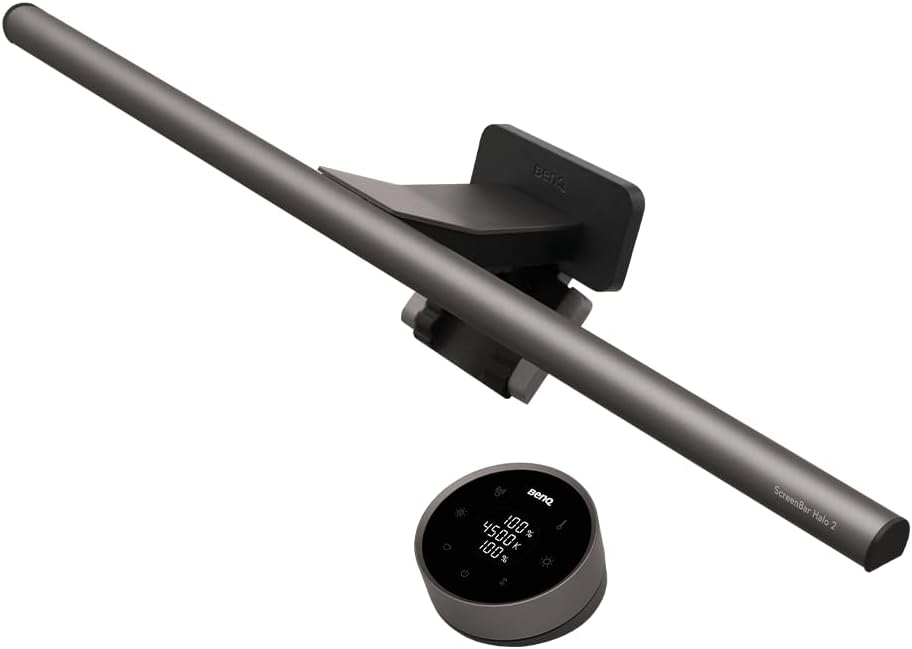
The BenQ ScreenBar Halo 2 LED Monitor Light Bar is designed to create a more comfortable workspace by reducing eye strain during long hours of work, gaming, or studying. Its wide ambient backlight minimizes the contrast between your monitor and dark surroundings, while BenQ’s ASYM-Light Technology delivers glare-free front lighting at an 18° angle, illuminating your desk without reflecting on your screen.
Recognized as one of the best monitor light bars, it includes an intuitive wireless controller for precise brightness, color temperature (2700K–6500K), and lighting mode adjustments. Smart features automatically sync the light with your monitor, adjust brightness based on ambient light, and remember your preferred settings.
The space-saving clamp securely fits flat and curved monitors without causing damage, keeping your desk neat and organized. With premium LEDs rated for over 50,000 hours, the ScreenBar Halo 2 delivers reliable, flicker-free lighting built to last.
2. BenQ ScreenBar Pro LED Monitor Light Bar (Silver)
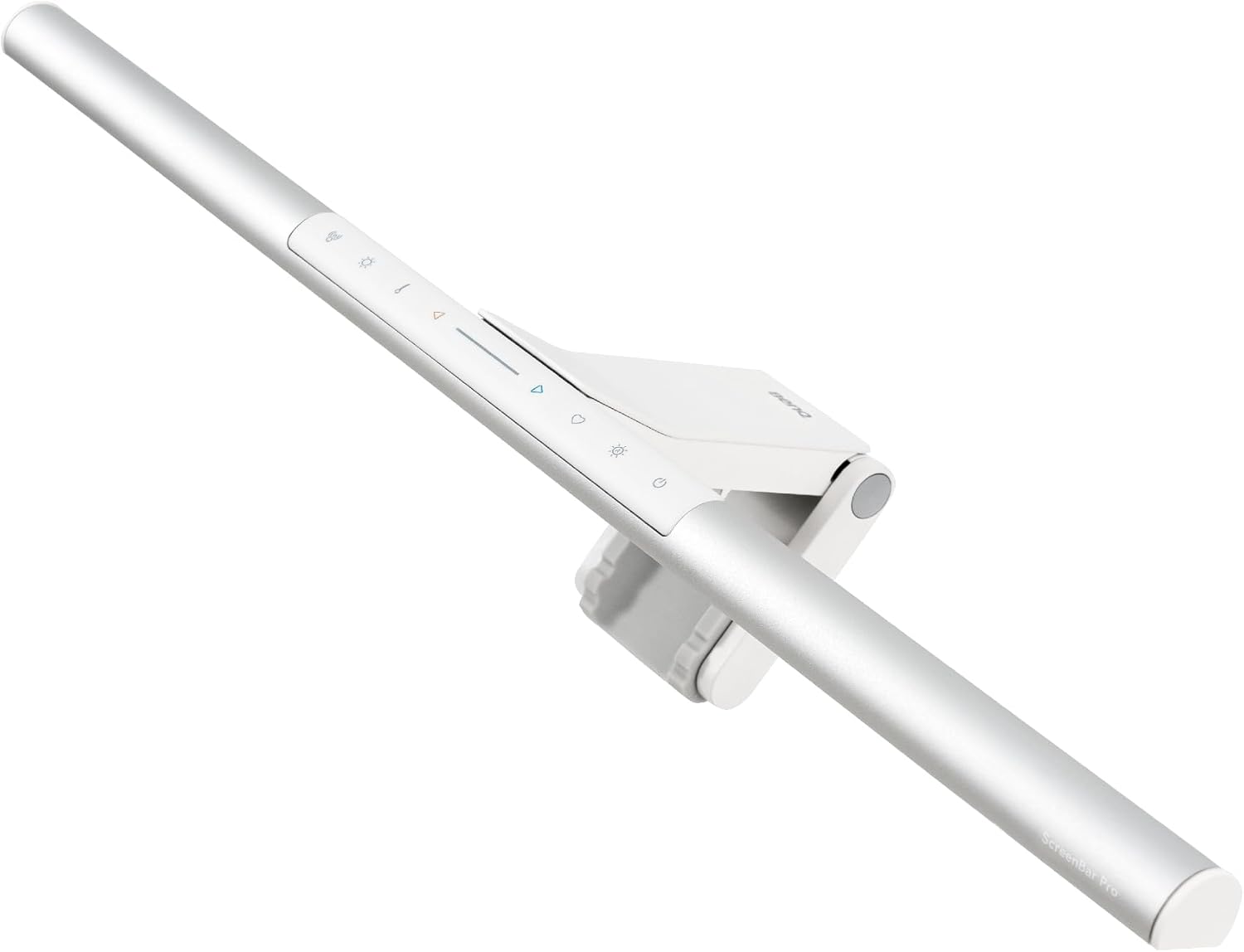
The BenQ ScreenBar Pro LED Monitor Light Bar is designed to improve comfort and productivity during long hours at your desk. Delivering over 1000 lux of central brightness and 500 lux across an 85 × 50 cm area, it provides wider, more even illumination than most desk lamps while helping reduce eye strain.
An ultrasonic motion sensor automatically turns the light on when you approach and switches it off after five minutes of inactivity to save energy. The patented clamp fits flat and curved monitors, including models with unique back designs, without blocking your webcam. Powered via USB-C and featuring built-in controls, it offers a clean, space-saving setup. If you are looking for light bars for Mac users, the ScreenBar Pro is an excellent choice thanks to its sleek design, broad compatibility, and effortless everyday convenience.
3. Quntis Monitor Light Bar
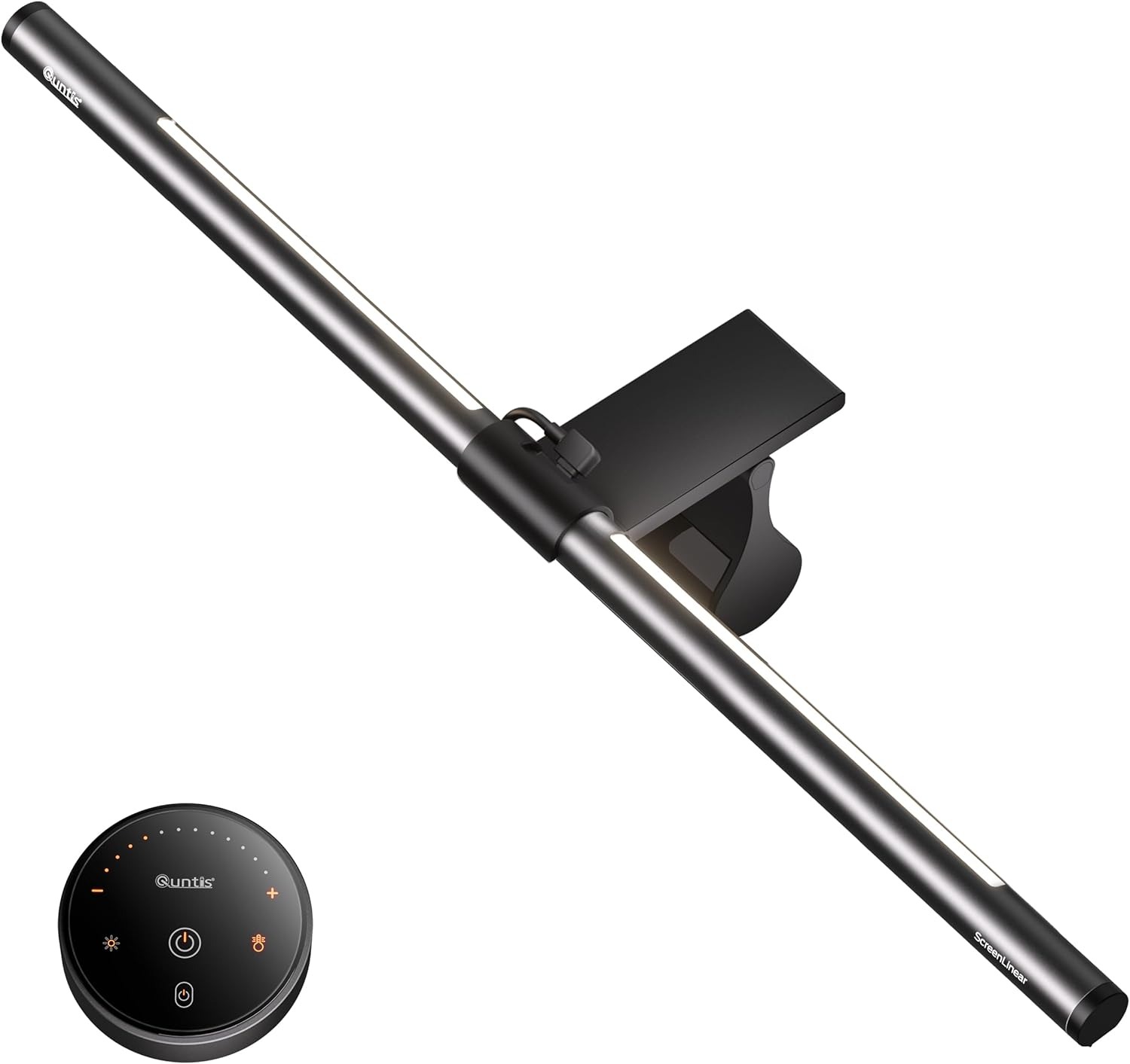
The Quntis Monitor Light Bar is designed to brighten your workspace while reducing eye strain, making it an ideal option. Its upgraded ScreenLinear Glow Plus design features a longer 20.1-inch light bar and extended dual backlighting, providing wider, more even illumination for greater visual comfort.
The patented sliding weighted clip securely fits most flat and curved monitors, offering stable installation across a variety of screen sizes and thicknesses. The smart wireless remote lets you adjust brightness and color temperature with stepless controls, making it easy to create the perfect lighting for any environment. Featuring 88 front LEDs, 55 rear LEDs, and a high Ra95 Color Rendering Index, it delivers flicker-free, accurate lighting. Among the best Mac monitor light bars, the Quntis Monitor Light Bar stands out for its wide compatibility, customizable lighting, and impressive color accuracy.
4. YEELIGHT Monitor Light Bar
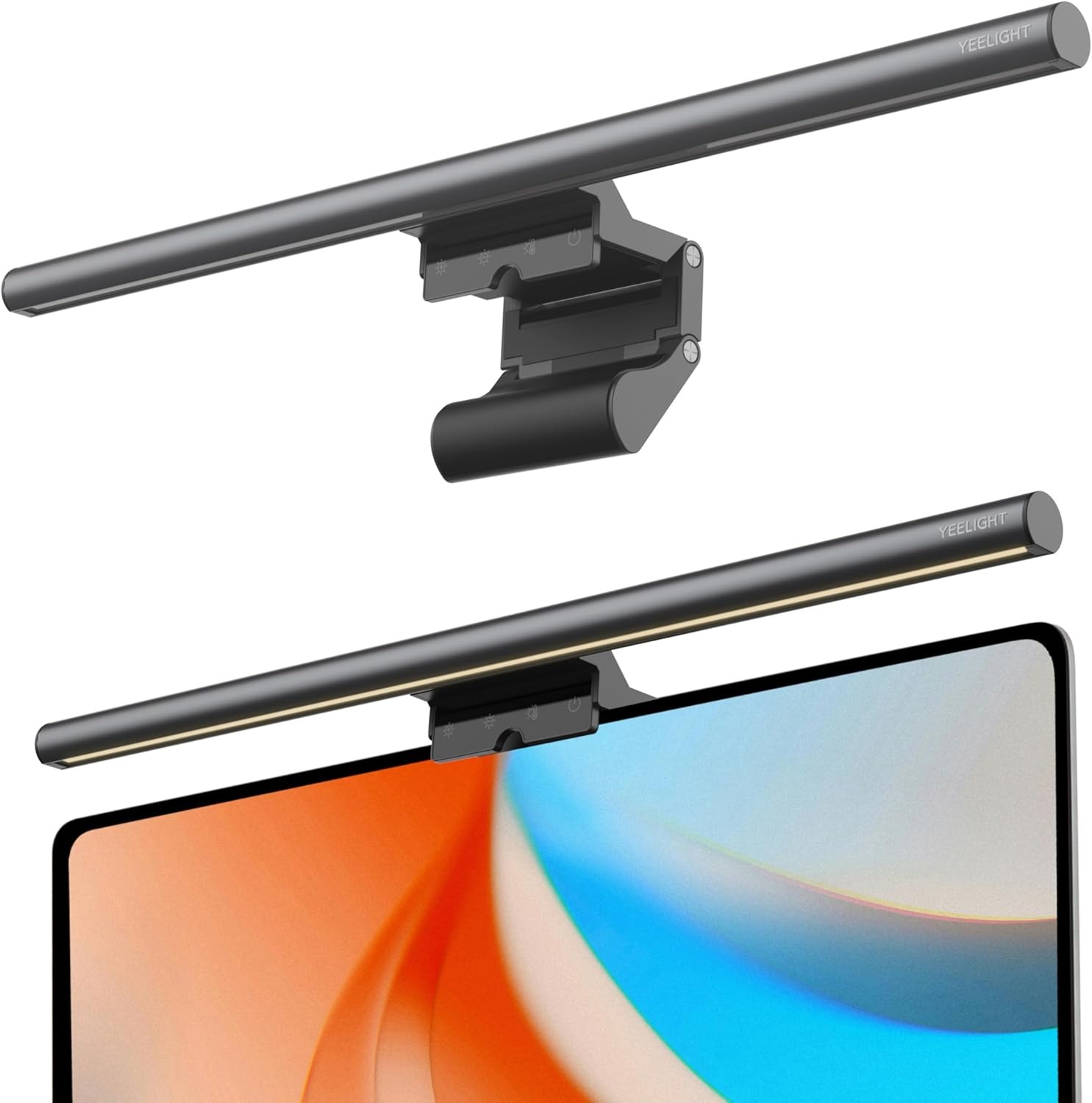
The YEELIGHT Monitor Light Bar is designed to create a comfortable, eye-friendly workspace with glare-free illumination and advanced blue light protection. Its flicker-free design also minimizes screen reflections for a clearer viewing experience.
With stepless brightness adjustment and a color temperature range of 2700K to 6500K, you can easily customize the lighting to suit any task. Three preset lighting modes make switching between work, reading, and relaxation effortless. If you are looking for dimmable screen light bars, the YEELIGHT Monitor Light Bar offers excellent flexibility and precise lighting control.
Featuring 78 high-quality LEDs with a Ra95 Color Rendering Index, it delivers vibrant, accurate colors. The durable full-metal body, USB-powered design, and space-saving clip fit most flat and curved monitors without blocking your webcam, making it a practical addition to any workspace.
5. Micomlan LED Desk Lamp
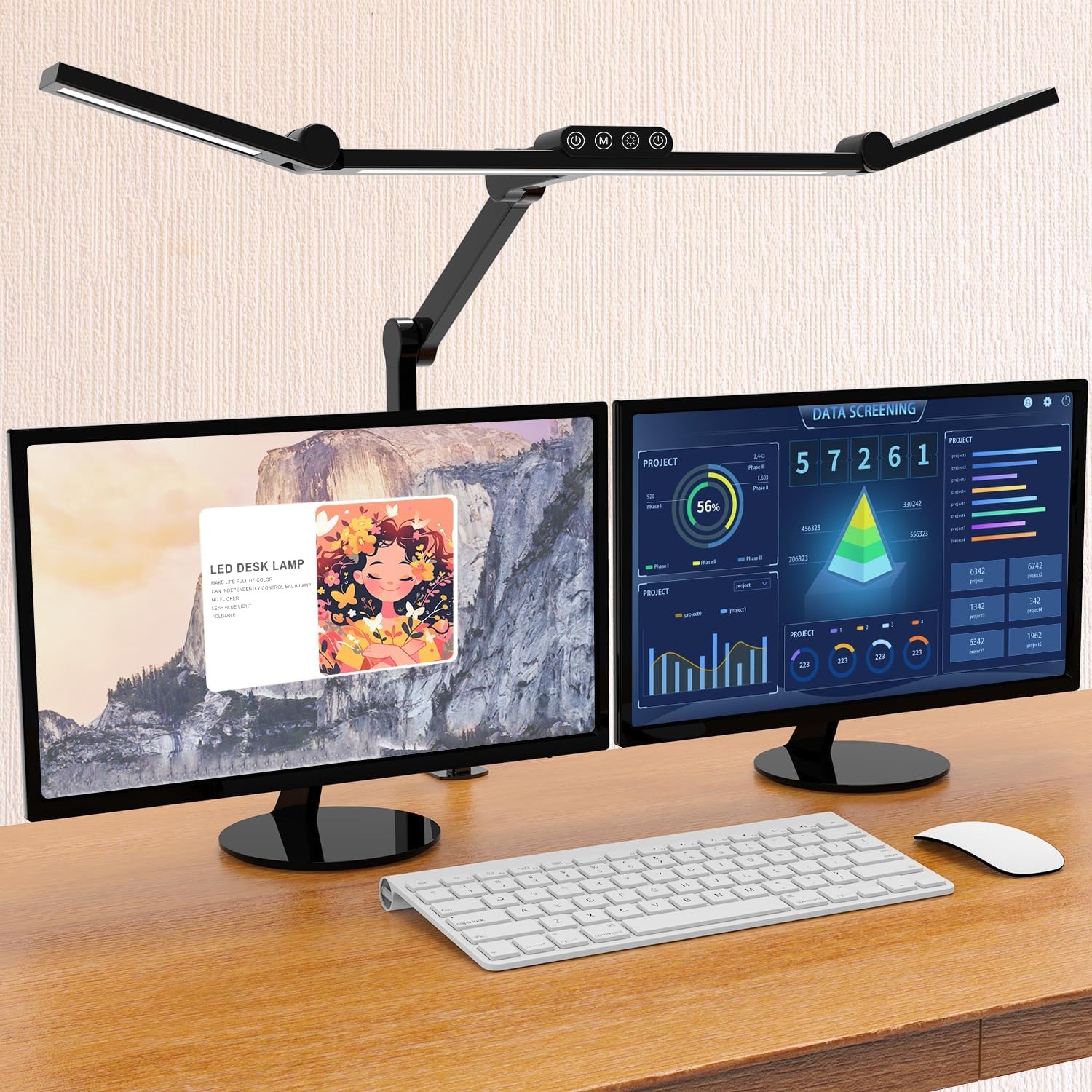
The Micomlan LED Desk Lamp is designed to deliver flexible, eye-friendly lighting for any workspace. Its three ultra-bright light bars and seven adjustable joints let you direct light exactly where you.
The 45° asymmetric lighting design directs light onto your workspace instead of your screen, reducing glare and helping minimize eye fatigue. Upward-facing auxiliary lights also create soft ambient lighting, while the built-in light sensor automatically adjusts brightness to match your surroundings for added comfort.
With a CRI above 90, the lamp produces flicker-free, natural-looking light with accurate color reproduction. It also offers five brightness and color temperature presets, plus stepless adjustment from 3000K to 6500K with memory settings for added convenience. For anyone comparing home office monitor light bars, the Micomlan LED Desk Lamp is a versatile alternative that combines precision lighting with exceptional adjustability.
6. LYMAX Monitor Light Bar
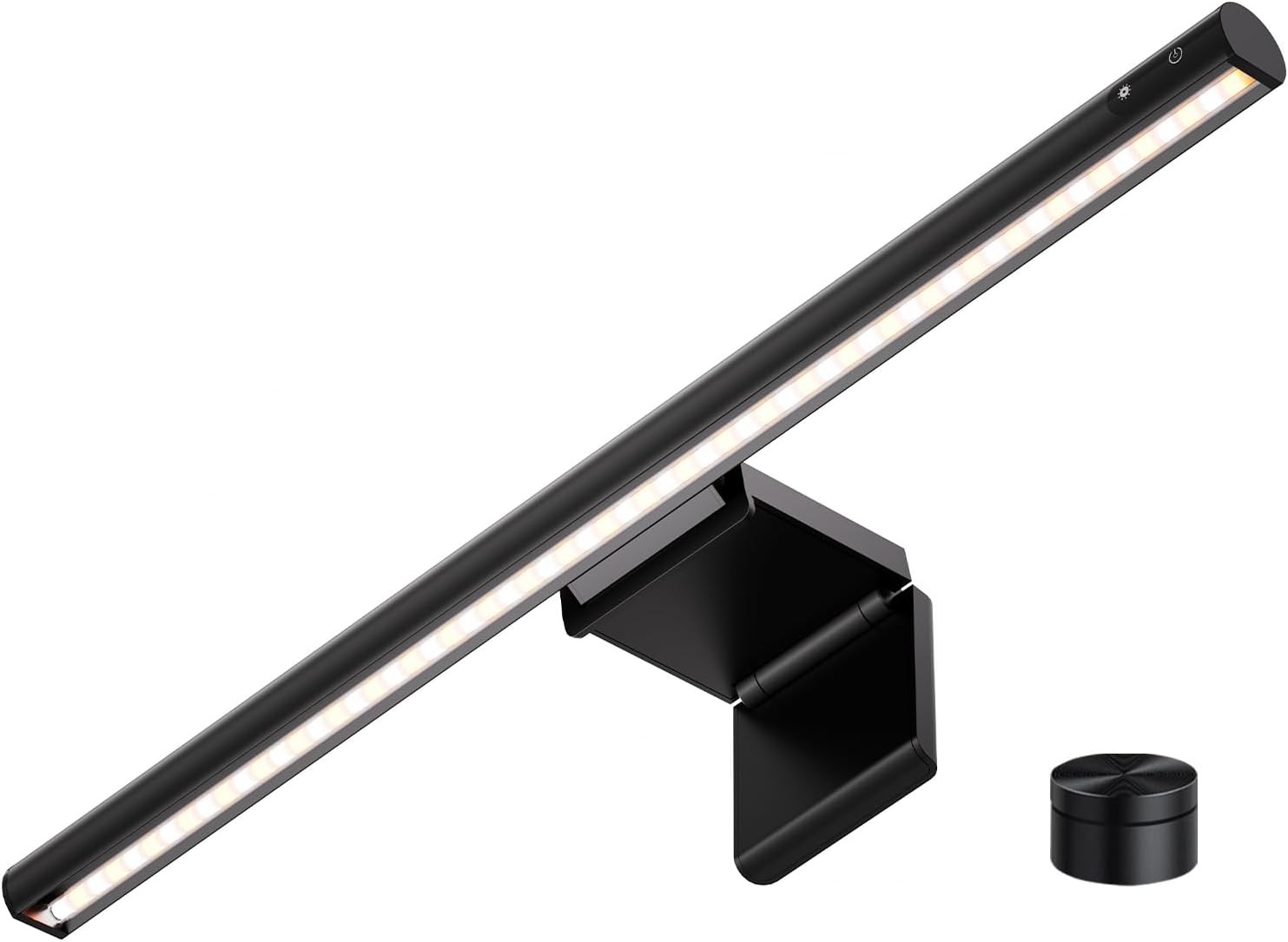
Trying to create a cleaner, more comfortable workspace? The LYMAX Monitor Light Bar is one of the best desk setup light bars for Mac, delivering eye-friendly illumination without taking up valuable desk space. Its adjustable color temperature range from 2900K to 6000K and 45° angled lighting brighten your keyboard and desktop without causing screen reflections or shining directly into your eyes.
The compact wireless remote lets you easily adjust brightness and switch between four lighting modes, with the ability to control multiple LYMAX light bars using a single remote. Its gravity-mounted bracket securely fits monitors between 0.2 and 1.8 inches thick without clamps, providing a stable, space-saving installation that protects your screen.
7. ONWAY Curved Monitor Light Bar
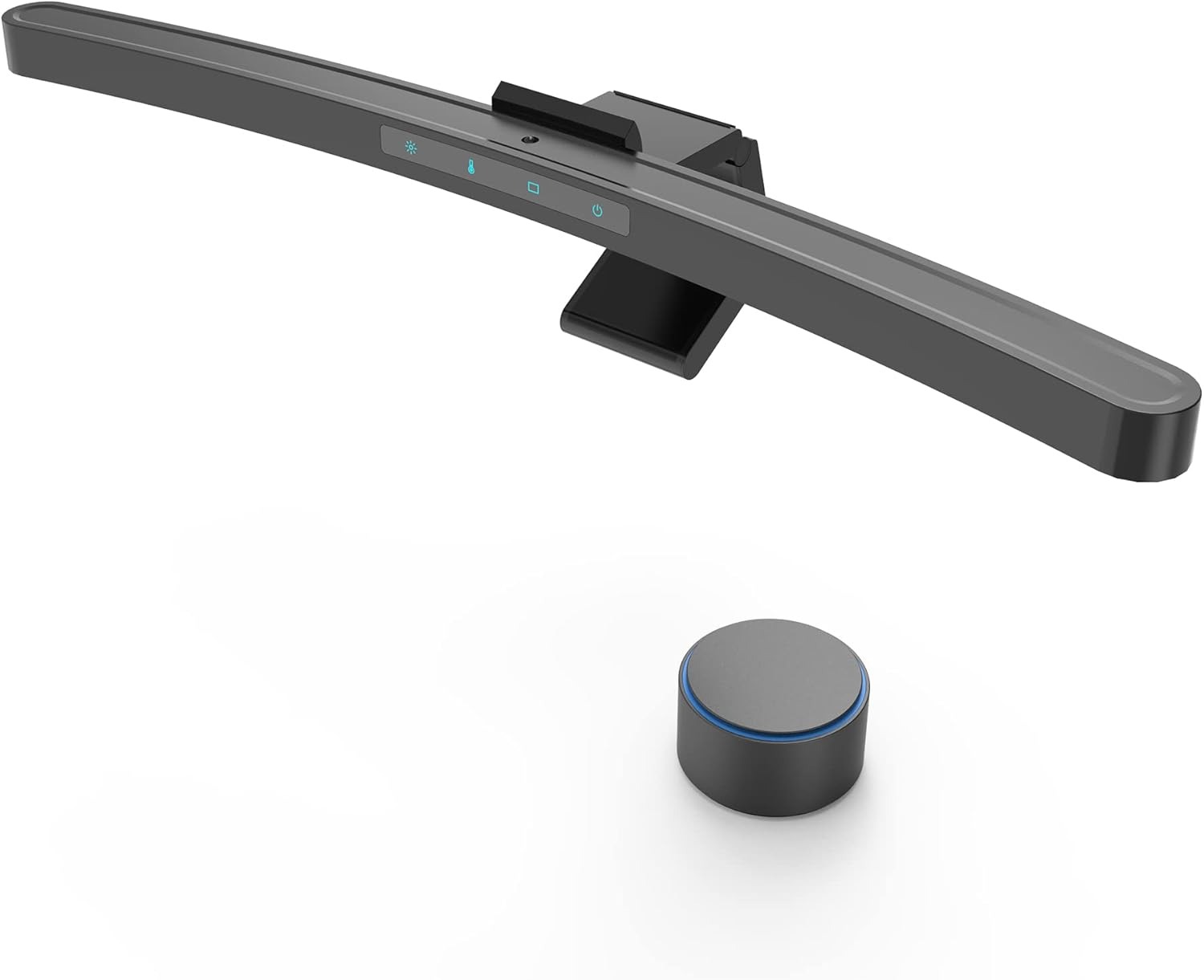
The ONWAY Curved Monitor Light Bar delivers glare-free, customizable lighting that enhances comfort during work, gaming, or study sessions. Designed for 27 to 34-inch monitors with 1000R and 1800R curvature, its flexible clamp provides a secure fit on curved, ultra-thin, and uniquely shaped displays. The 45° asymmetric optical design and 88 high-quality LEDs illuminate your desk evenly without creating screen reflections, while the Ra95 Color Rendering Index delivers natural, accurate lighting that helps reduce eye fatigue.
Adjusting your lighting is effortless with the 8 cm wireless touch-sensitive remote, allowing you to fine-tune brightness, color temperature from 3000K to 6500K, and choose from 10 RGB backlight modes. With built-in memory, USB-C connectivity, and webcam-friendly compatibility, the ONWAY Curved Monitor Light Bar is a practical addition to any modern curved monitor setup.
Conclusion
Choosing the right light bar for your monitor can make your Mac workspace more comfortable, productive, and more visually appealing. In this guide, we sahred some of the best options that you can buy right now at different price points and features. Features like automatic brightness adjustment, glare-free illumination, and adjustable color temperature can significantly reduce eye fatigue while improving your overall desk setup.
Which Monitor Light Bar for Mac did you choose for your 2026 and 2027 desk setup? Share with us in the comments below.


