


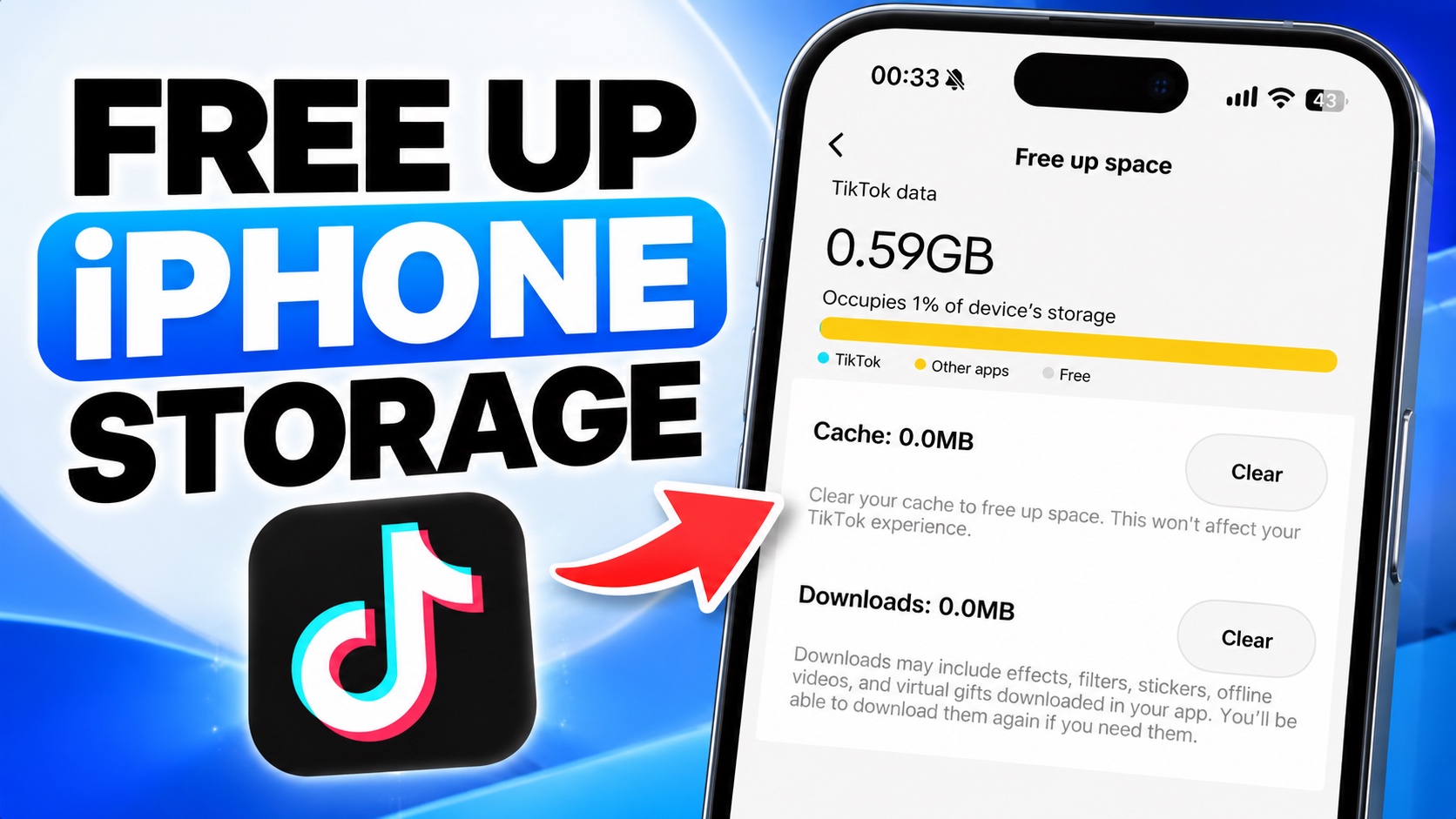
Is TikTok taking up too much storage space on your iPhone? If TikTok is wasting precious GBs on your device while you are struggling to take photos of your loved ones, this guide is for you.
TikTok can build up cached files and downloaded content over time, which can take up significant storage space on iPhones. Thankfully, TikTok provides an easy way to get rid of this data without deleting the app.
Follow these steps to free up space by clearing TikTok Cache and Downloads.
- Launch the TikTok app.
- Tap on your profile button from the bottom tab.
- Now tap on the three-line menu in the top-right corner.
- Scroll down and tap on Free Up Space.
- Under Cache, tap Clear and Confirm.
- Under Downloads, tap Clear and Confirm.
This will remove temporary files that TikTok has stored on your device. Remember, TikTok will continue to build more cache as you use the app. If you run out of storage again, then follow the same steps above to clear out TikTok cache again.
And that’s how you can clear TikTok’s cache and downloads to free up storage on your iPhone.


