


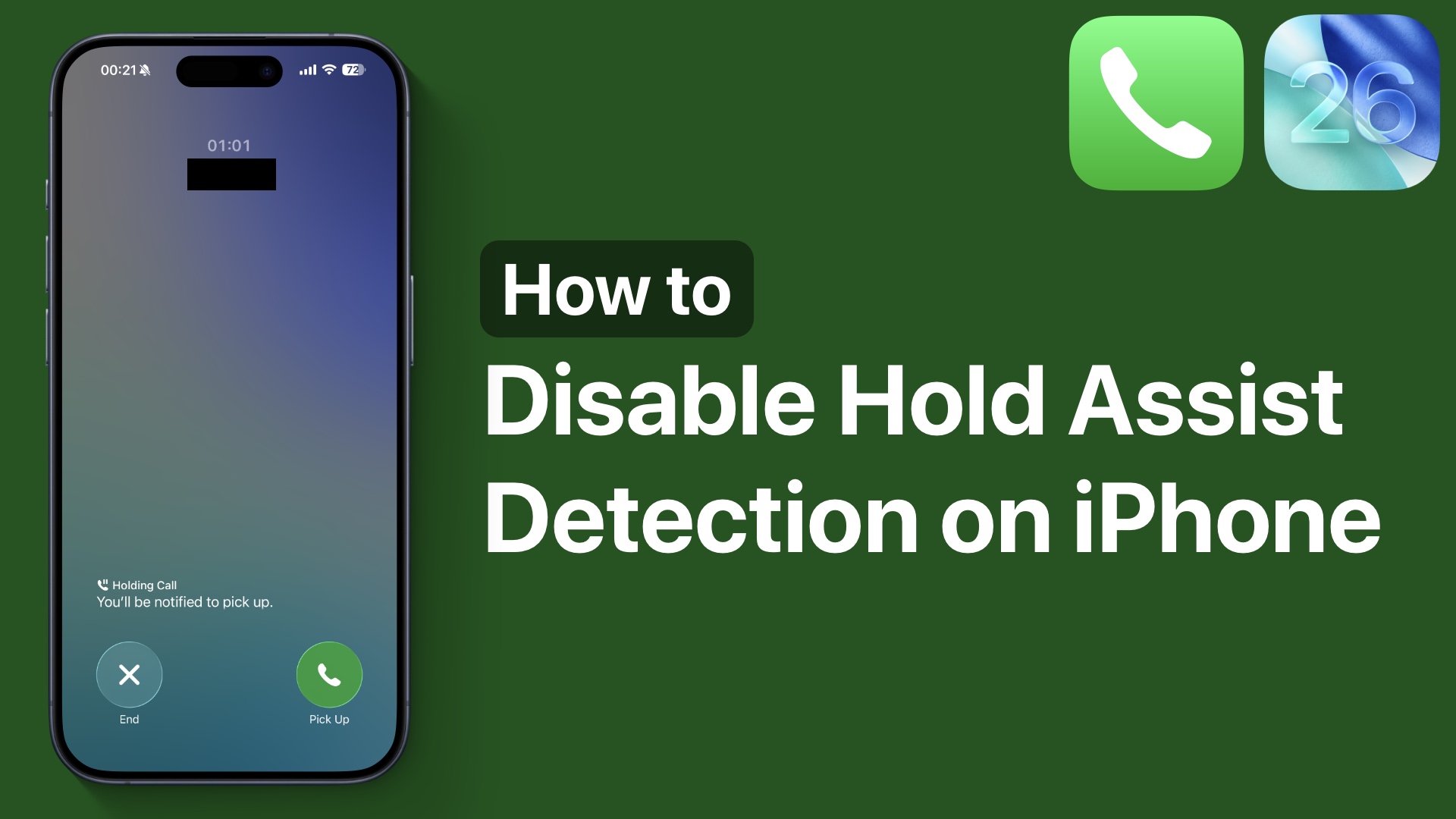
After updating your iPhone to iOS 26, you might have noticed the Hold This Call prompt on the call screen. Whenever you make or receive a call that makes you wait in line, your iPhone automatically prompts you asking if you want it to hold this call, and notify you when the call is picked up on the other side.
If you tap on the Hold button, your iPhone keeps your spot in line while you wait for a live agent, and lets you know when they are available.

This feature is useful in situations when you are calling a customer service phone number, your banking helpline, or anywhere that requires you to wait.
Disable Hold Assist Detection on iPhone
If, for any reason, you do not want to use this feature and want to completely turn it off, then you can follow these steps.
- On any device running iOS 26 or later, head over to the Settings app.
- Scroll down and tap on the Apps section.
- Here, you have to tap on Phone.
- Next, find the Hold Assist toggle, and turn off the toggle found next to it.
As soon as you do this, your iPhone will stop prompting you about holding a call.
That’s it, this is how you can disable the Hold Assist feature on your iPhone that is on iOS 26 or later.


