


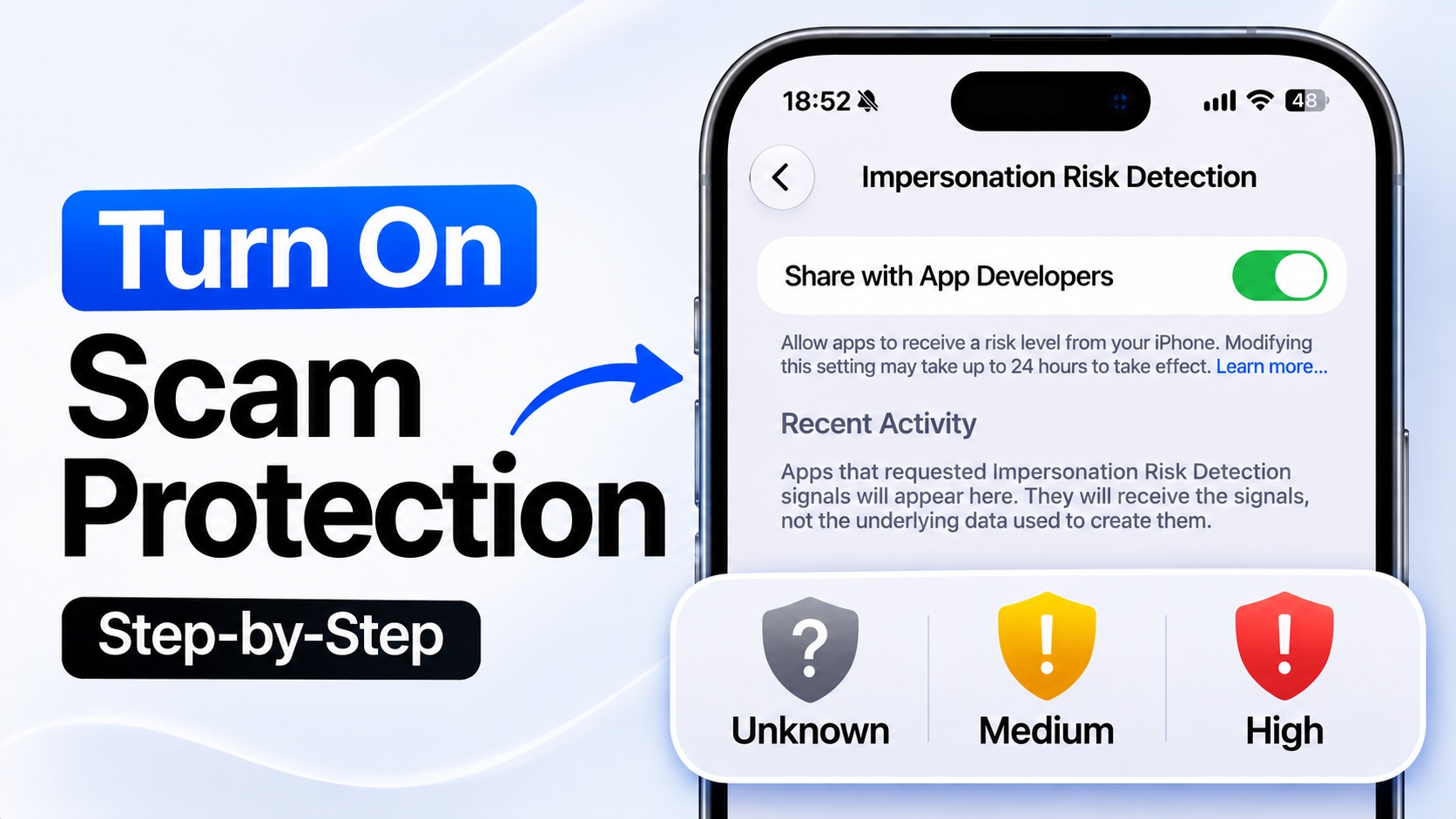
Scam calls, people pretending to be your bank or government agencies, and fake payment requests are becoming increasingly common. That is why Apple has built a new feature in iOS called Impersonation Risk Detection.
This new iOS 27 feature identifies suspicious activity in real time in supported apps and takes action to protect you from getting scammed.
Here’s how you can activate the Impersonation Risk Detection feature.
- Open the Settings app on your iPhone.
- Go to the Privacy & Security section.
- Here, scroll down and tap on Impersonation Risk Detection.
- Turn on the toggle for Share with App Developers.
When someone pretending to be your bank calls and pressures you into transferring money or changing your account password, a supported app can request a risk assessment from your iPhone.
iOS then analyzes certain information about your device and Apple account and determines whether there are signs of suspicious activity. It then gives risk assessment to the app including Unknown, Medium, and High.
The app can then take this risk assessment and take actions like displaying a warning, asking you to verify identity or introduce a delay before allowing you to proceed with an action.
You can learn more about this feature here on Apple’s Support website here.

