


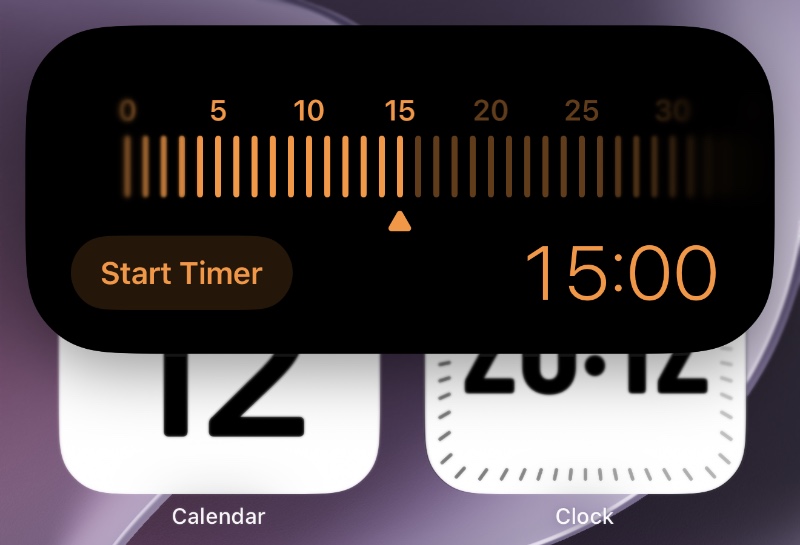
iOS 27 introduces a sleek new timer interface that makes setting timers on iPhone faster and more intuitive. The new design appears when you launch the Timer from Control Center and is reminiscent of the flashlight adjustment interface that Apple introduced in previous iOS releases.
Now when you trigger the Timer from the Control Center you get a new interface that you can swipe through to set the timer for the duration of your choice.
You can moving the slider left and set the timer for as short as 1 minute or move it all the way to the right to set a timer for 2 hours.
After you are done setting up the timer, you can tap on the ‘Start Timer’ button and just like that your timer will start.
Like previous versions of iOS, active timers continue to appear in the Dynamic Island, letting users to monitor remaining time at a glance. While the functionality remains unchanged, the redesigned setup experience feels more modern.
What do you think about this new timer interface, let us know in the comments.


