


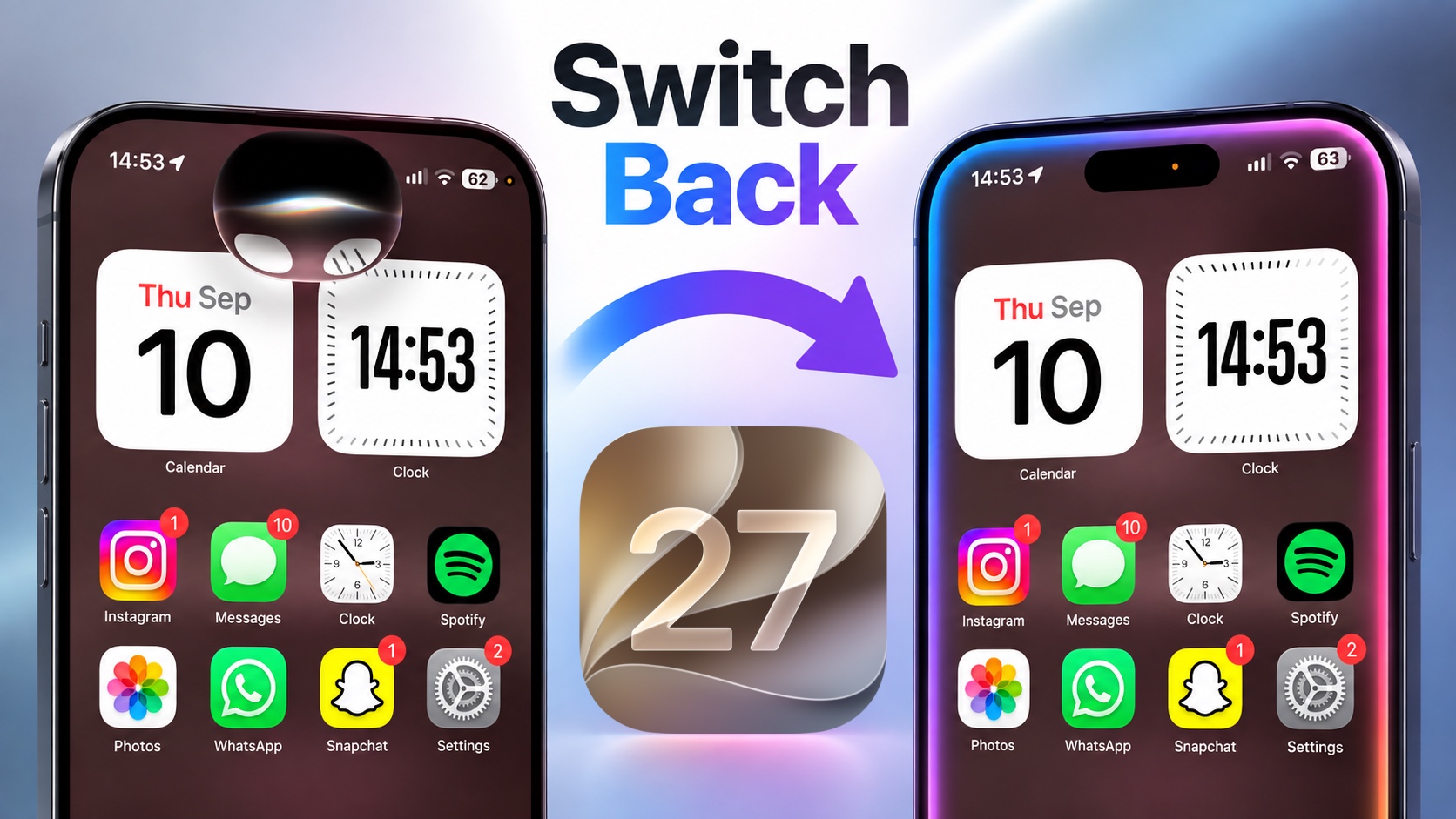
Have you switched to the new Siri experience on iOS 27 and want to go back to the old Siri? In this article, we will show you how to turn off Siri AI and switch to Siri Classic on your iPhone.
iOS 27 introduces a brand new Siri AI that lets you type or talk naturally with Siri and get things done. The new Siri AI is smarter and more capable. However, I understand it might not be for everyone. If you are one of those people, then follow these steps to switch back to the Classic Siri experience.
- Open the Settings app on your iPhone.
- Scroll down and tap on the Siri option.
- On the Siri settings page, scroll down and tap on Turn Off Siri.
- You will get a confirmation screen tell you which features will become inactive when you go ahead with this action.
- Tap on the Turn Off Siri button.
- Doing so will turn off Siri AI immediately.
- Now scroll back up and tap on the Turn On Siri button.
- Here you will be asked whether you want to use the Siri AI, which is currently in Beta or use Siri Classic. Tap on the Siri Classic button and then confirm by hitting Continue.
That’s it, your iPhone has now switched to the classic Siri experience. You can always switch to Siri AI again by tapping on this button.
Disclosure: iOSHacker may receive a commission if you purchase products through our affiliate links. For more visit our privacy policy page.


