


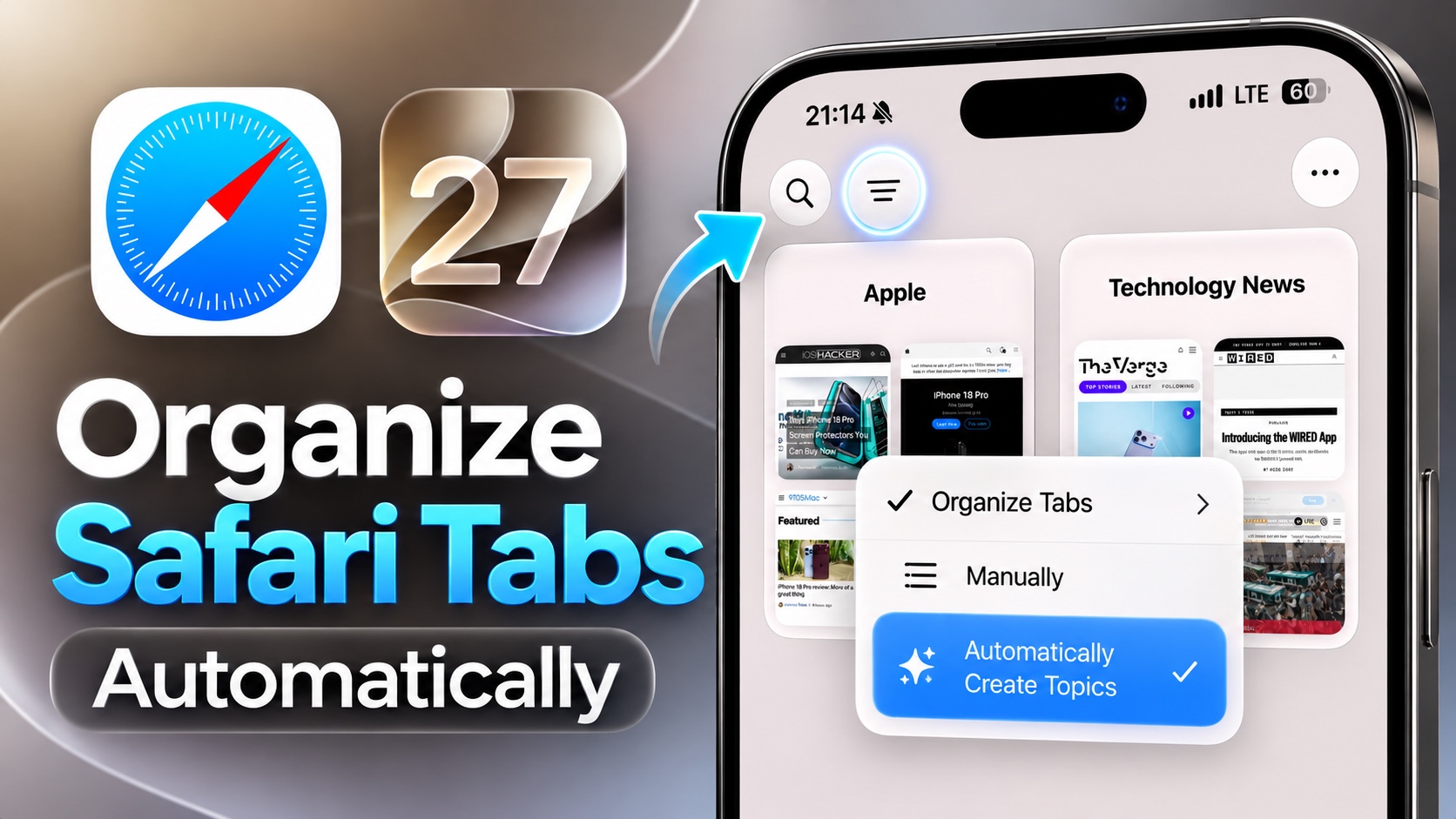
Safari gets a new Tabs Organization feature in iOS 27 that makes the life of its users easier. The new feature in Safari can organize your tabs for you, which makes grouping and finding what you are looking for a lot easier.
Safari’s Topics feature automatically groups your opened tabs based on their content. This makes them easy to find, especially if you have tons of tabs open at the same time.
Setting up the new Topics feature is very easy.
- Open Safari and go to the Tab Switcher screen.
- Now tap on the Filter button located at the top of the screen (one with three lines).
- Tap on the Organize Tabs option.
- Next, select the Automatically Create Topics option.
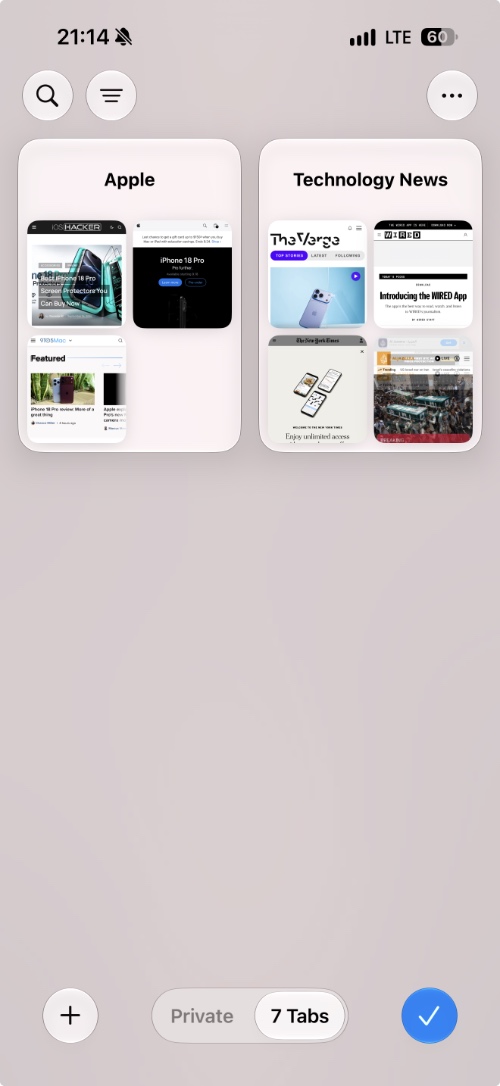
Upon doing so, your tabs will automatically get organized into relevant topics like Technology, News, Travel, etc. You can then tap on each topic to get an expanded view and see all of the tabs that are included in a topic.
The tabs that are cannot be categorized into a topic remain separate.
Disclosure: iOSHacker may receive a commission if you purchase products through our affiliate links. For more visit our privacy policy page.
