


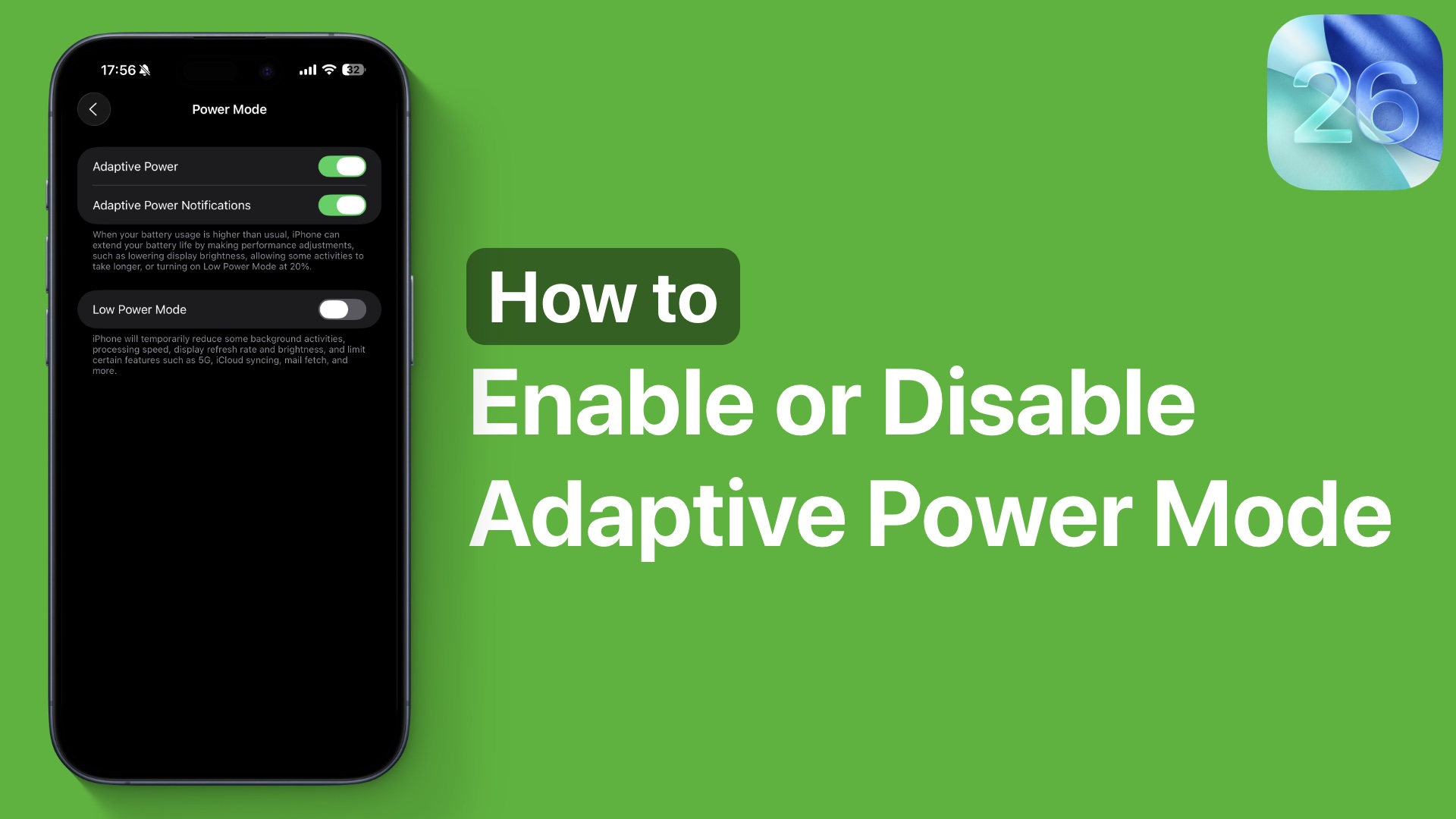
In iOS 26 or later, Apple has introduced a new Power Mode for iPhones called Adaptive Power. This mode can be enabled or disabled from the iPhone’s Settings app.
In this guide, we will be taking a look at what Adaptive Mode is and how you can enable or disable it on your iPhone.
Apple defines Adaptive as a mode as follows.
When your battery usage is higher than usual, iPhone can extend your battery life by making performance adjustments, such as lowering display brightness, allowing some activities to take longer, or turning on Low Power Mode at 20%.
So this mode helps conserve your iPhone’s energy by automatically reducing system performance, reducing the device’s brightness, and delaying some specific tasks so your device lasts longer on a single charge.
To turn this feature on, all you have to do is perform a few easy steps.
- Open the Settings app and tap on the Battery option.
- Once you are on the Battery page, tap on the Power Mode option.
- Finally, enable the toggle for Adaptive Power.
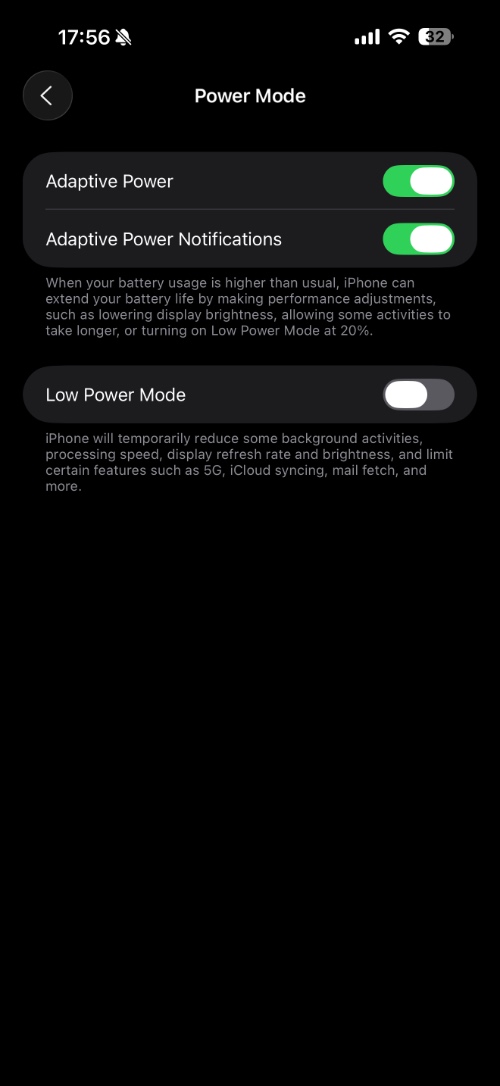
After turning this on, you also have the option to turn on the Adaptive Power Notifications toggle.
This toggle lets you choose whether you want to receive adaptive power notifications or not. These notifications let you know when your device’s performance was adjusted to improve battery life.
That’s it, this is how you can enable or disable the adaptive power mode. If you ask us, then we would recommend keeping this setting on as it can have a positive impact on your iPhone’s battery life.


