


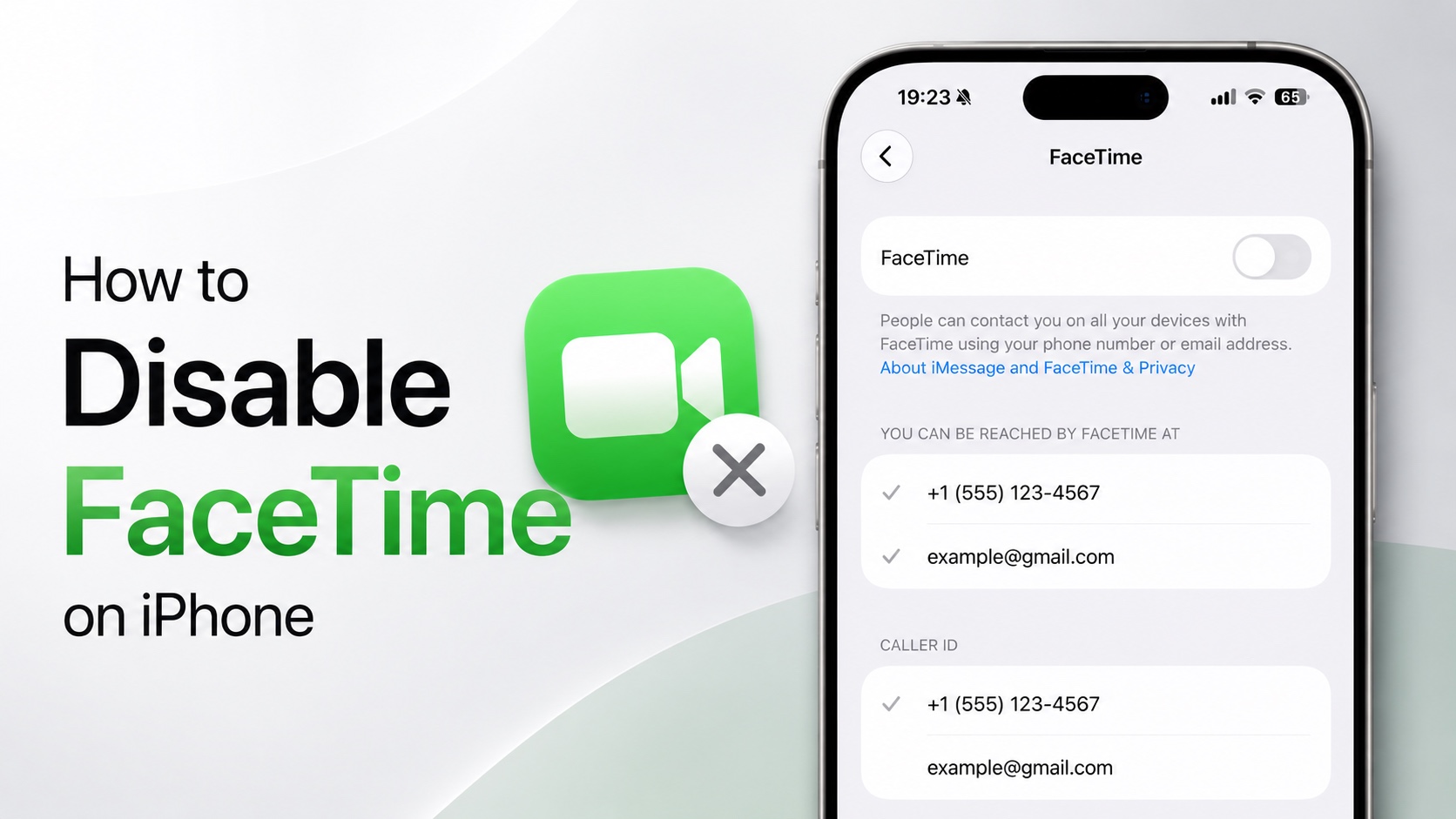
If you don’t use FaceTime on your iPhone or iPad and want to disable it completely on your device, then this guide is for you.
Turning off FaceTime can be useful if you don’t want to receive FaceTime calls, want to prevent FaceTime from being used on your device, or you are setting up an iPhone for a child. It can also help simplify your iPhone if you don’t use Apple’s video-calling service at all.
Steps to Disable FaceTime
- On your iPhone or iPad, launch Settings.
- Scroll down and tap on Apps.
- Here, find and tap on FaceTime.
- On the next page, turn on the toggle for FaceTime to turn it on.
- To turn off FaceTime, disable the FaceTime toggle.
If you want to disable FaceTime and completely disconnect your Apple Account from FaceTime, then you can also tap on your Apple Account (located right below the Caller ID section), and then tap on Sign Out from the pop-up menu.
You can also stop a certain email address or phone number from being used for FaceTime. Under ‘You can be reached by FaceTime at ‘, just tap on it so that the checkmark next to it disappears.


