


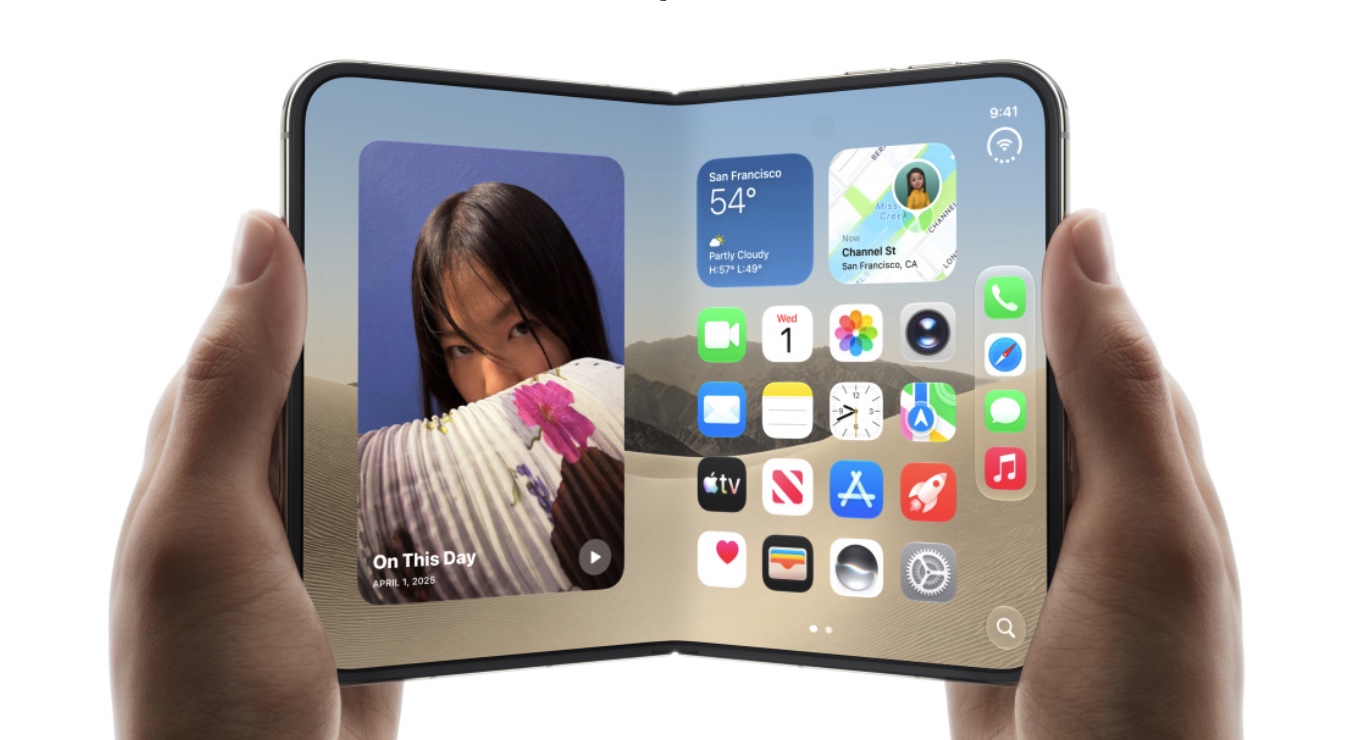
The iOS 27.3 Beta 2 has added a new face recognition option for iPhone Duo. This new feature brings the missing Face Recognition and facial unlock feature to Apple’s foldable smartphone.
Found inside the Touch ID & Passcode section, the new Face Recognition option lets users unlock their iPhone Duo with a facial scan, similar to Face ID on iPhone 18 Pro. That’s where the similarities end though, as this is not a full-fledge Face ID feature and it isn’t as secure as the biometric authentication found on other iPhone models.
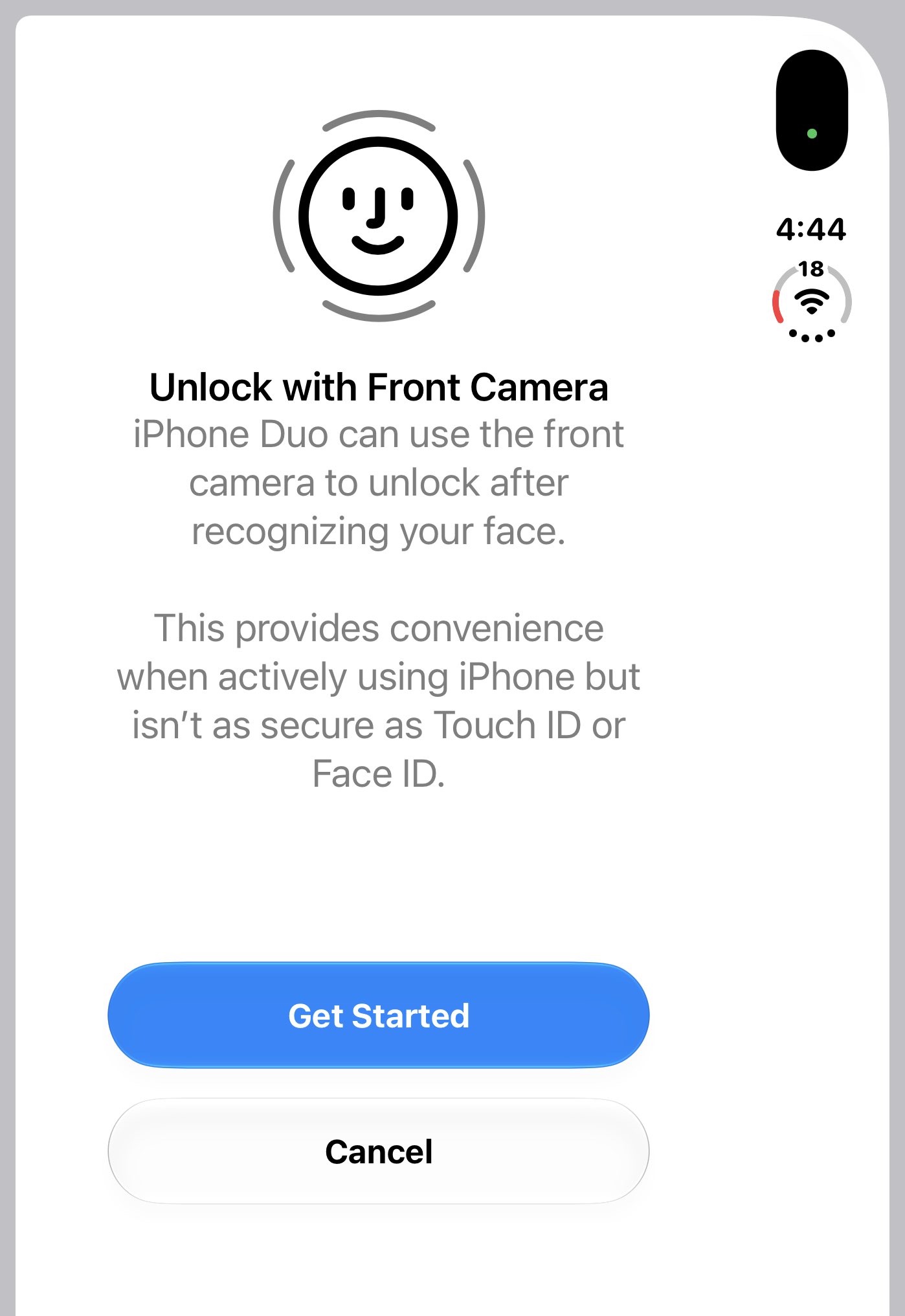
Face ID requires special components that are required to perform accurate face recognition. The iPhone Duo lacks the Face ID hardware and only relies on the normal front camera and software to recognize users’ faces. Since it is not as secure as Face ID, Apple has included several guardrails to make the feature more secure.
Here are a few requirements that must be met before you can unlock your iPhone Duo using Face Recognition.
- You should have unlocked your iPhone within the last 45 minutes with Touch ID or Passcode.
- You need to be in a well-lit room as the front camera needs light to see your face. The feature won’t work in a dark room or at night.
- You cannot use Face Recognition on an iPhone Duo that is unfolded. The feature only works when the device is folded.
In addition to adding the ability to unlock an iPhone with Face Recognition, iOS 27.3 also brings Face ID-like Attention Aware features to iPhone Duo.
This means users will be able to turn on the toggle for Attention Aware Features to make their iPhone check for attention with dimming the display. If the user is looking at the display, it won’t dim automatically.
The Attention Aware feature will also lower the volume of alarms, timers, and incoming calls when your iPhone is unlocked.
Attention Aware can also expand lock screen notifications when the user is looking at them on an unlocked device.
iOS 27.3 is expected to release in December.
