


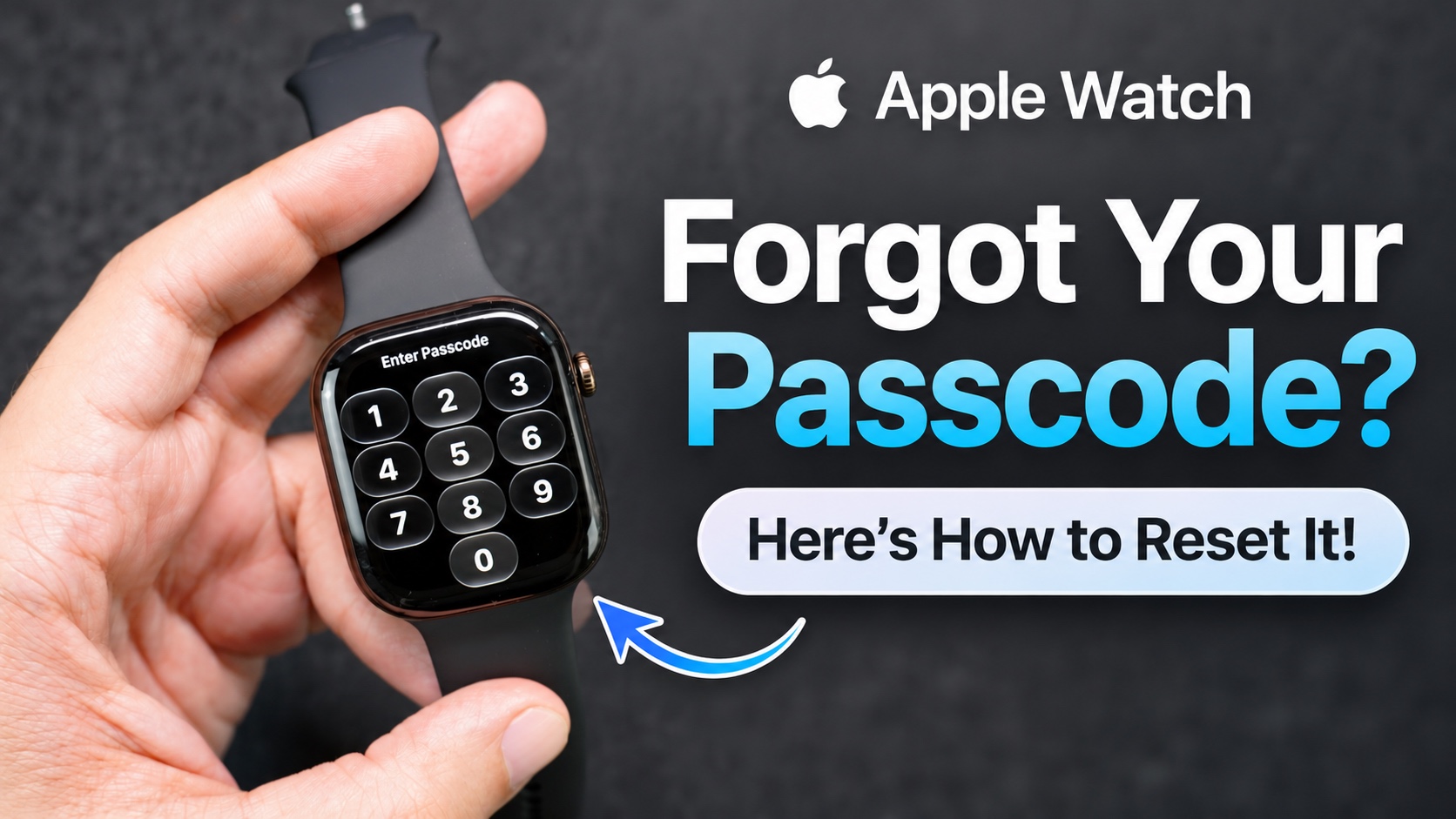
Have you forgotten your Apple Watch passcode and can’t unlock your device? If yes, then this tutorial is for you. Here, we will show you how to reset Apple Watch and regain access, even if you don’t remember your passcode.
If you forget your Apple Watch passcode, you can regain access to it by resetting it using both your iPhone and your Apple Watch.
Resetting Apple Watch will erase its data and settings, however you can restore your data from a backup during the setup process.
Forgot Apple Watch Passcode – Fix
Method 1: Reset Apple Watch using iPhone
Perhaps the easiest way to reset Apple Watch is through the iPhone it is paired with. Here’s how you can do it.
- Open the Watch app on your iPhone.
- Go to My Watch tab and tap on General.
- Here, scroll down and tap on Reset.
- Tap on Erase Apple Watch Content and Settings.
- Enter your Apple Account password if prompted.
- Confirm that you want to erase your Apple Watch.
The Apple Watch will now begin erasing its content and settings. Once it is done, you will be able to set it up again and restore your backup if it’s available.
Method 2: Reset Apple Watch without iPhone
You can also reset Apple Watch without its paired iPhone, just follow the steps below.
- Place your Apple Watch on its charger.
- Press and hold the Side button until the Power menu appears.
- Press and hold the Digital Crown until the option to erase all content and settings appears.
- Now tap on Reset and then on Reset again to confirm.
Apple Watch will now erase all its content and settings. Once the process is complete, you should be able to set up your Apple Watch again and create a new passcode.
Here are a few things you should remember.
- Resetting an Apple Watch will erase its data.
- Activation Lock will still be enabled after the reset. You will need to enter your Apple Account credentials to activate the Watch.
- If you have forgotten your Apple Account passcode, then you will need to recover it first.
That’s it, this is how you can reset Apple Watch if you forgot its passcode. If you have any questions, then let us know in the comments section below.

