


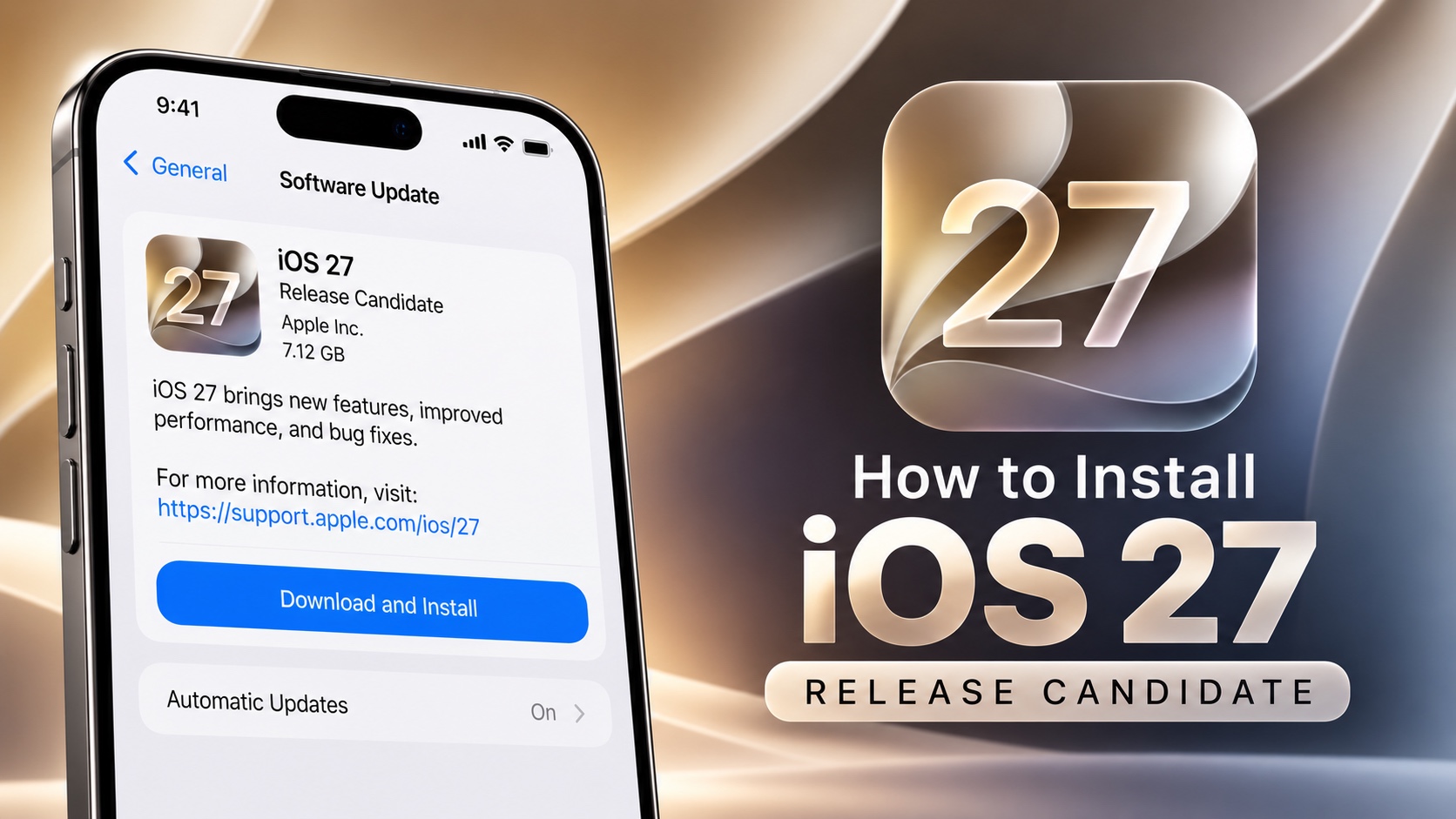
Apple has just released iOS 27 Release Candidate. If you want to install iOS 27 RC before the public release, then you can download it directly to your iPhone or iPad through the Software Update section.
Apple provides access to beta software through its Apple Developer Program and Apple Beta Software Program. You can register with either of these programs for free and then follow the steps shared below to install the update to your device.
Before installing, make sure your iPhone is backed up to iCloud or a computer. Pre-release software can contain bugs and other issues, so it is recommended that you install the iOS 27 RC on a secondary device. If you rely on your iPhone for work or to access critical apps like banking apps, then wait for those apps to get iOS 27 support before installing the update.
If you’re already enrolled in the beta program.
- Open the Settings app on your iPhone.
- Tap General.
- Select Software Update.
- Tap Beta Updates.
- Select the appropriate iOS 27 Developer Beta or iOS 27 Public Beta option.
- Go back to the Software Update screen and wait for the update to appear.
- Tap Download and Install and follow the on-screen instructions.
If you install the iOS 27 Release Candidate but don’t want to continue receiving future beta builds, go to Settings -> General -> Software Update -> Beta Updates and select ‘Off’. Your iPhone will then stop receiving beta updates, while still allowing you to install the next commercial version of iOS when Apple releases it.


