


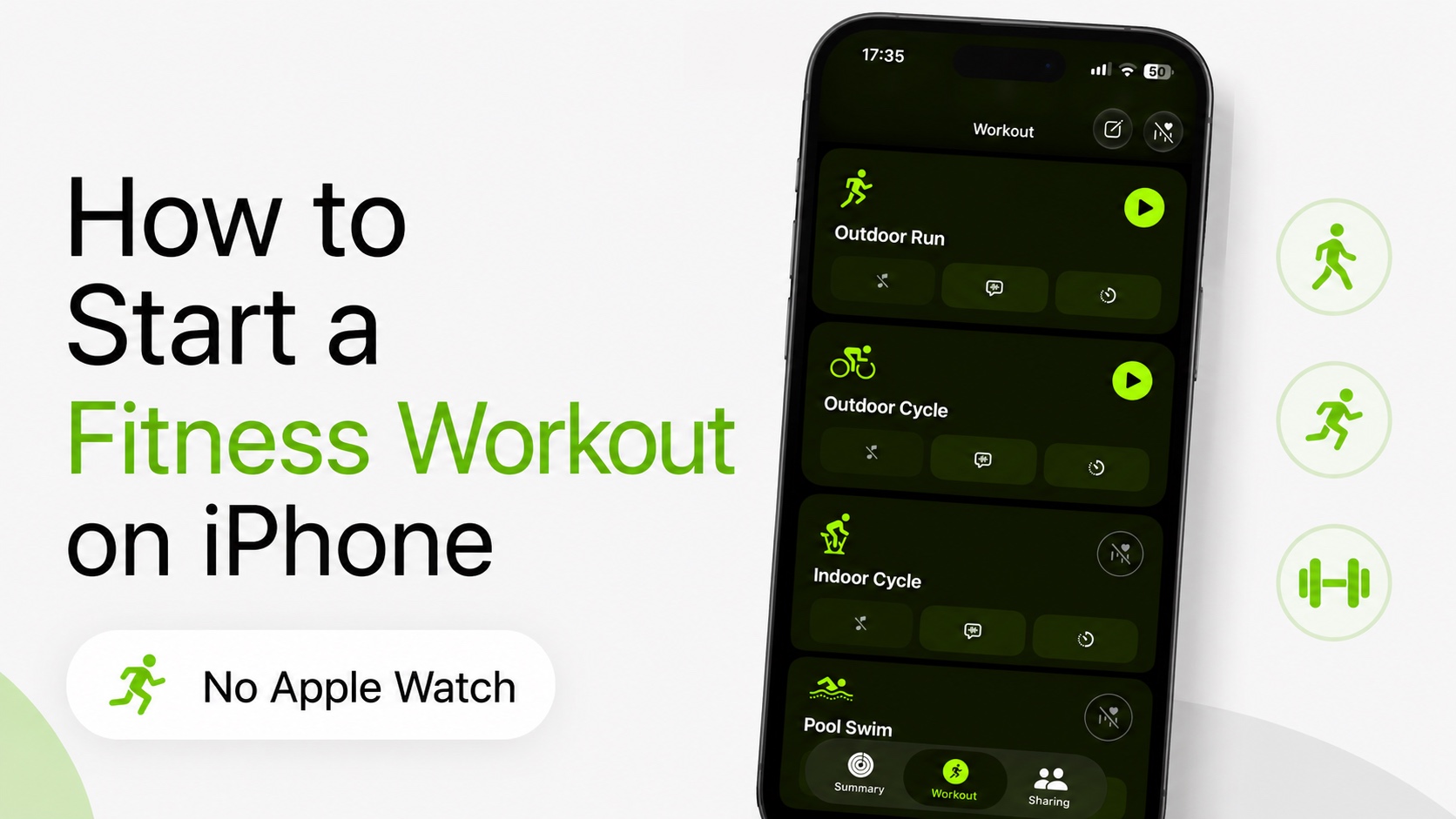
If you want to track workouts with your iPhone but don’t have an Apple Watch, then you can use the Fitness app for iOS to record your exercise.
iPhone users can track workouts like Outdoor Walk, Outdoor Run, Outdoor Cycle, and Hiking with only their smartphone. You can start the workouts directly on your iPhone, track useful information like time, laps, calories, etc and even check your workout history afterward.
Here’s how to start a Fitness Workout on iPhone without an Apple Watch.
- Launch the Fitness app. Download it from the App Store if you don’t have it.
- Tap on the Workout button at the bottom.
- On the next page, find the exercise that you want to perform and tap on the Start button next to it.
- After you are done, you can tap the End Workout button to end it.
Keep your iPhone with you during workouts, so your phone’s sensors and GPS can record data about your workouts. Your iPhone uses GPS to track things like route, distance, and pace during supported outdoor workouts.
You can check your workout history by opening the Fitness app and going to the Summary page. Here, tap on Sessions to reveal your past sessions.


