


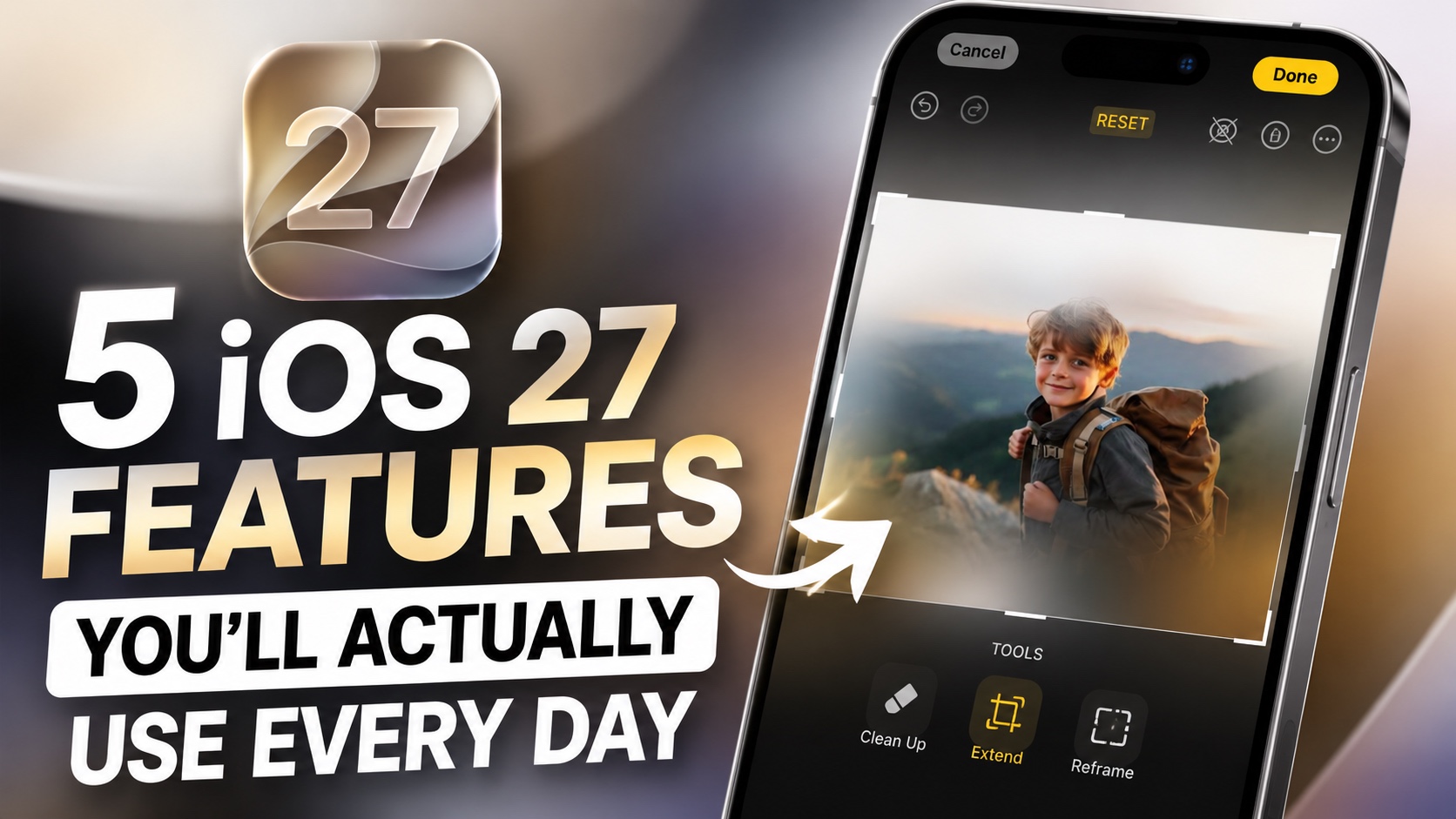
Apple’s iOS 27 Developer Beta is now available, giving adventurous users an early look at the next major iPhone update. We have installed the beta on our devices and spent time exploring its new features to find the additions that genuinely improve the iPhone experience rather than simply looking good in Apple’s presentations.
In this article, we have highlighted 5 of the new iOS 27 features that you will actually use on your iPhone. From ability to extend and reframe photos to creating shortcuts by describing the in natural language, here are the best iOS 27 features you should be excited about.
Liquid Glass Customization
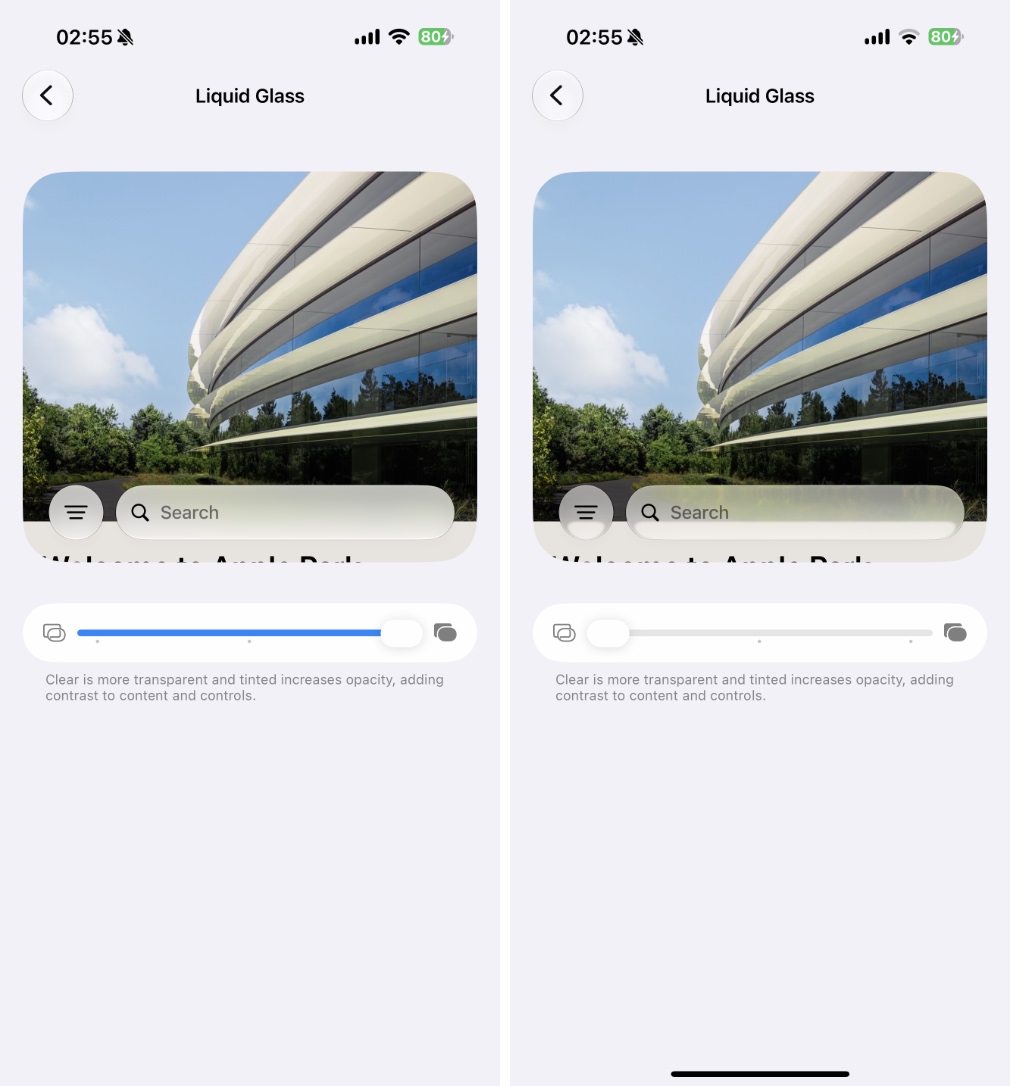
When you go to Settings > Appearance > Liquid Glass, you now have access to a new Liquid Glass customisation slider. This powerful slider lets you customise the look of the Liquid Glass design, letting you decide whether you want it more clear or tinted.
Simply move the slider right to make the UI more tinted and frosted, or move it towards left to make it more clear.
This is a great addition to the Settings app, especially for those who aren’t a big fan of the Liquid Glass design.
Extend and Reframe features
The Photos app has received two new tools that make photo editing in the app more powerful. Now when you go to the photo editing menu you get a new option called Tools.
When you tap on it, you get access to the good old Clean Up tool along with two new tools called Extend and Reframe.
The Extend tool lets you expand a photo beyond its original frame. Simply zoom out, and iOS will intelligently generate additional content around your image using AI. This can be useful when a photo feels too tightly cropped or when you want to create a wider composition without retaking the shot.
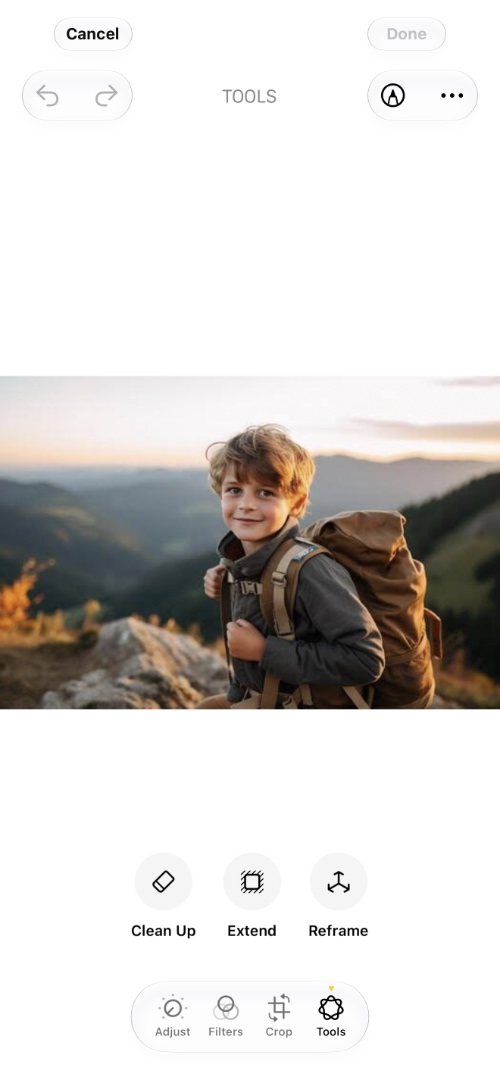
The Reframe tool is equally impressive. It allows you to pan, zoom, rotate, and adjust the perspective of an image after it has already been taken. It can even use spatial reframing techniques to reposition your subject and create a completely different composition. You can drag on the photo and the perspective shifts, letting you reposition the camera in the original scene. The blur around the image uses the extend capabilities and fills up with relevant contents.
You can see these features in action in our video embedded above.
Apple has also improved the Clean Up tool, making it better at removing unwanted objects and distractions from your photos.
Describe a shortcut

The Shortcuts app is getting one of its biggest upgrades yet. In iOS 27, you can now create shortcuts simply by describing what you want them to do in natural language.
Instead of manually searching through dozens of actions and settings, you can type something like “Turn on Low Power Mode and open Spotify when I leave home” and the Shortcuts app will automatically build the shortcut for you.
This dramatically lowers the learning curve for Shortcuts and makes automation accessible to many more users.
Whether you’re new to automation or already a power user, this feature can save a lot of time and make creating shortcuts easier than ever.
Alarm toggle
Are you are someone who has always complained about your iPhone’s alarm not working you up? If yes, then you are going to love this new feature. Under Sounds & Haptics settings you will find a new setting called Match Ringtone Volume.
This setting lets set the volume of alarms and timers separately from your ringtone volume. You can also set the volume of Alerts and system sounds separately, which is cool.
New Power Off screen

Another subtle but welcome change in iOS 27 is the redesigned power off screen.
When you press and hold the Side button and Volume button together, you’ll now see an updated interface that better matches Apple’s new design language.
The new screen features a darker appearance along with glowing sliders and buttons that look far more modern than the previous version.
It’s not a feature that you’ll use every day, but it’s one of those small refinements that helps make iOS feel more polished and consistent. And personally, I think it looks much better than the old design.
And those are 5 of the best new features coming to iPhone users with iOS 27.
Now I’d like to hear from you. Which iOS 27 feature are you most excited to try? Let me know in the comments section below.


