


Apple has released iOS 26 Developer Beta 5. The update, which is now available for download, has been released two weeks after the release of beta 4.
If you are an iOS 26 developer beta tester, then head over to the Software Update section and download the update.
iOS 26 Beta 5 is accompanied by other releases that include macOS 26 Beta 5, tvOS 26 Beta 5, watchOS 26 Beta 5, and visionOS 26 Beta 5. All of these updates are now available for download on their supported devices.
The update brings bug fixes and improvements to devices running iOS 26 beta. We are downloading the update and will update this article as soon as new features or visual changes are discovered in iOS 26 Beta 5.
Changes in iOS 26 Developer Beta 5
iOS 26 feels a lot quicker, and animations seem faster in iOS 26 Beta 5 compared to beta 4.
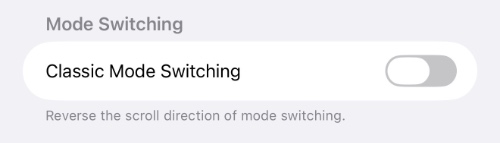
A new mode switching toggle called Classic Mode Switching has been added to Camera settings. It allows users to reverse the direction of camera mode switching.
In the Mail app, Apple has added back the Select button to the main inbox screen. In previous iOS 26 betas, users had to tap on the ‘…’ button to access it.
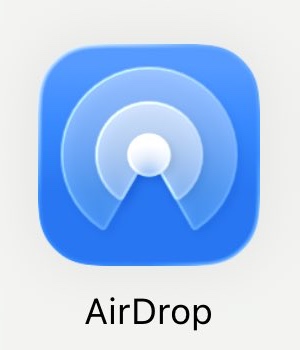
The AirDrop icon has been redesigned in iOS 26 beta 5. The new icon is shown in iOS Share Sheets.
A new bouncy animation has been added to the lock screen.
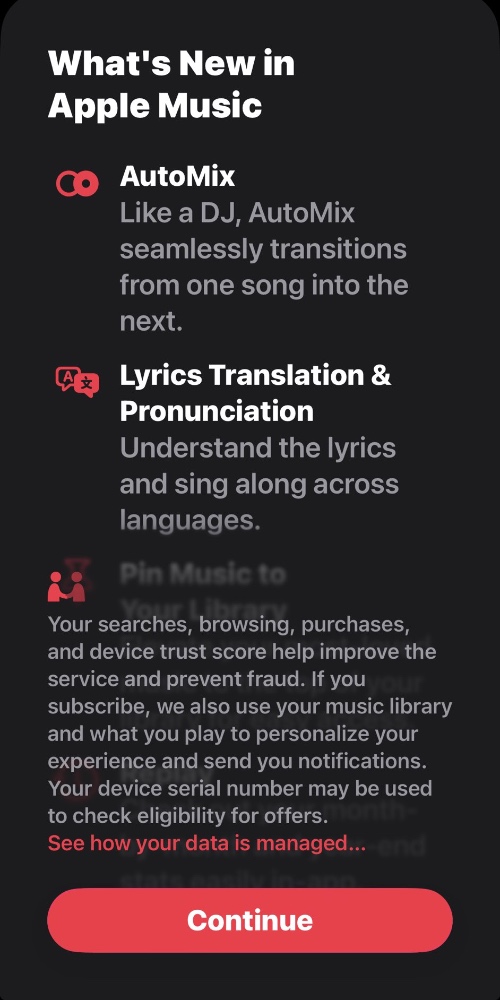
New splash screens for Notes, Journal, and Apple Music have been added.
The ‘-‘ buttons that appear over app icons when entering the wiggle mode have turned Liquid Glass.

A new battery notification appears from inside the Dynamic Island.


