


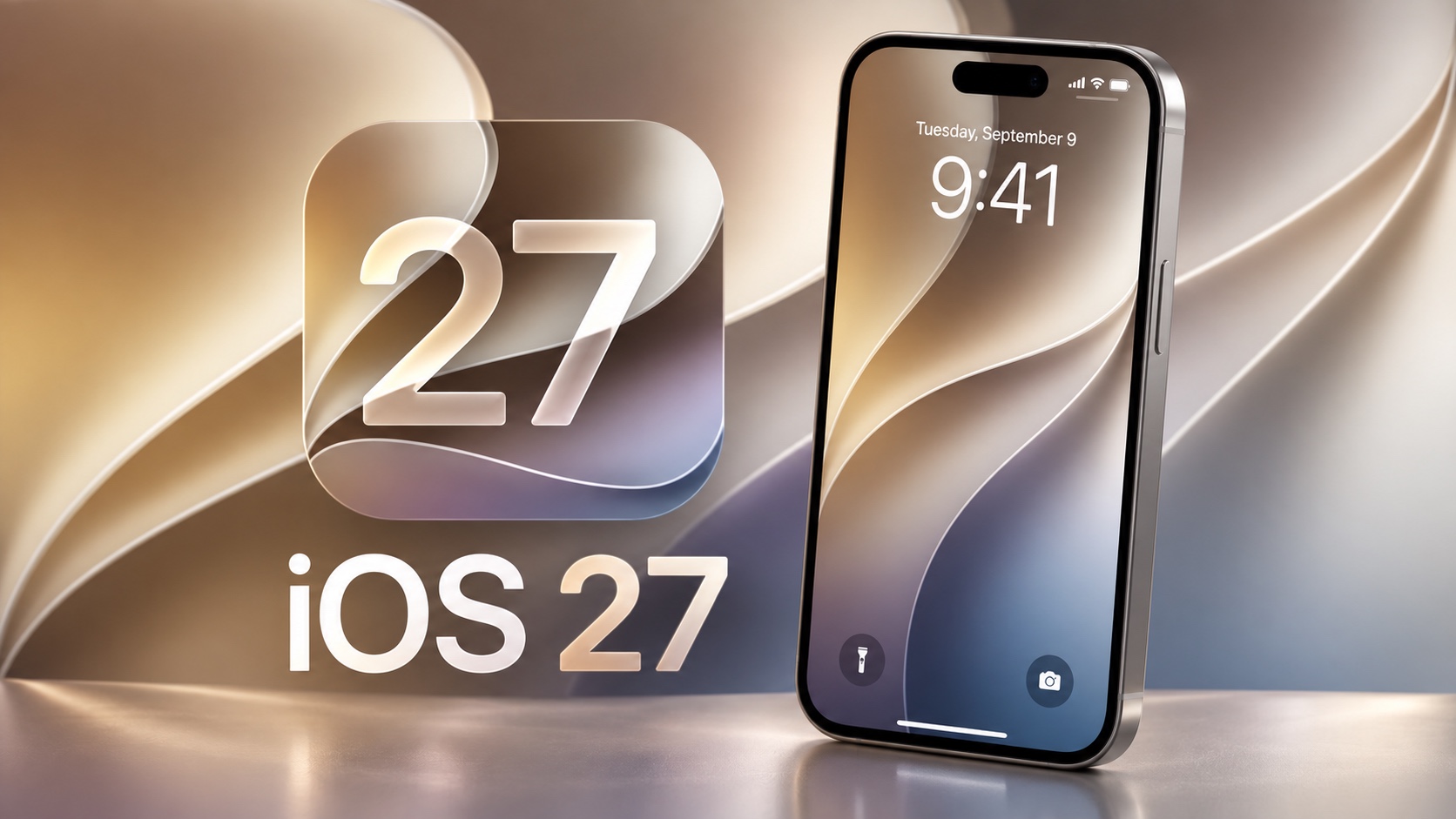
Apple has just released its biggest software update of the year as iOS 27 is now available for download. You can now download iOS 27 on any compatible iPhone or iPad.
Users can either download the iOS 27 update over the air from the Software Update section or use Finder or iTunes to manually install iOS 27 on their device.
iOS 27 is a huge release for iPhone and iPad users, which brings tons of new features and improvements to iOS devices. This includes a major overhaul of the Siri experience and the introduction of Siri AI.
Apple has released a different build than the iOS 27 RC released last week, so if you are running Release Candidate, you will need to update to the latest build.
Here’s the complete list of iOS 27 features you can expect to see after installing the update.
- All-new Siri experience
- Siri App with chat features
- Personal Context and On-screen awareness
- Cross-app actions
- Liquid Glass customization
- Redesign app icons
- Extra large widgets
- Lock screen customizations
- Smaller Lock Screen clock design
- New AI Photo Editing tools
- Camera app redesign
- AI-powered photo editing tools like Reframe and Extend
- Improved Clean Up tool
- Improved Photos experience and organization
- Call Context feature
- Suggestions feature in Mail and Messages
- Smart Tab Grouping feature in Safari
- Safari page monitor feature and alerts
- Fix weak or compromised passwords automatically
- Describe a Shortcut feature
- Child Safety features
- Improved Flyover in Maps
- Local lists in Maps
- Custom location-sharing feature in Find My
- Smarter bill splitting in Wallet
- Apple Music improvements
- Separate volume controls for ringtones, alarms, timers etc
- Redesign Health app
- and more…
Here’s our coverage of the iOS 27 features:


