


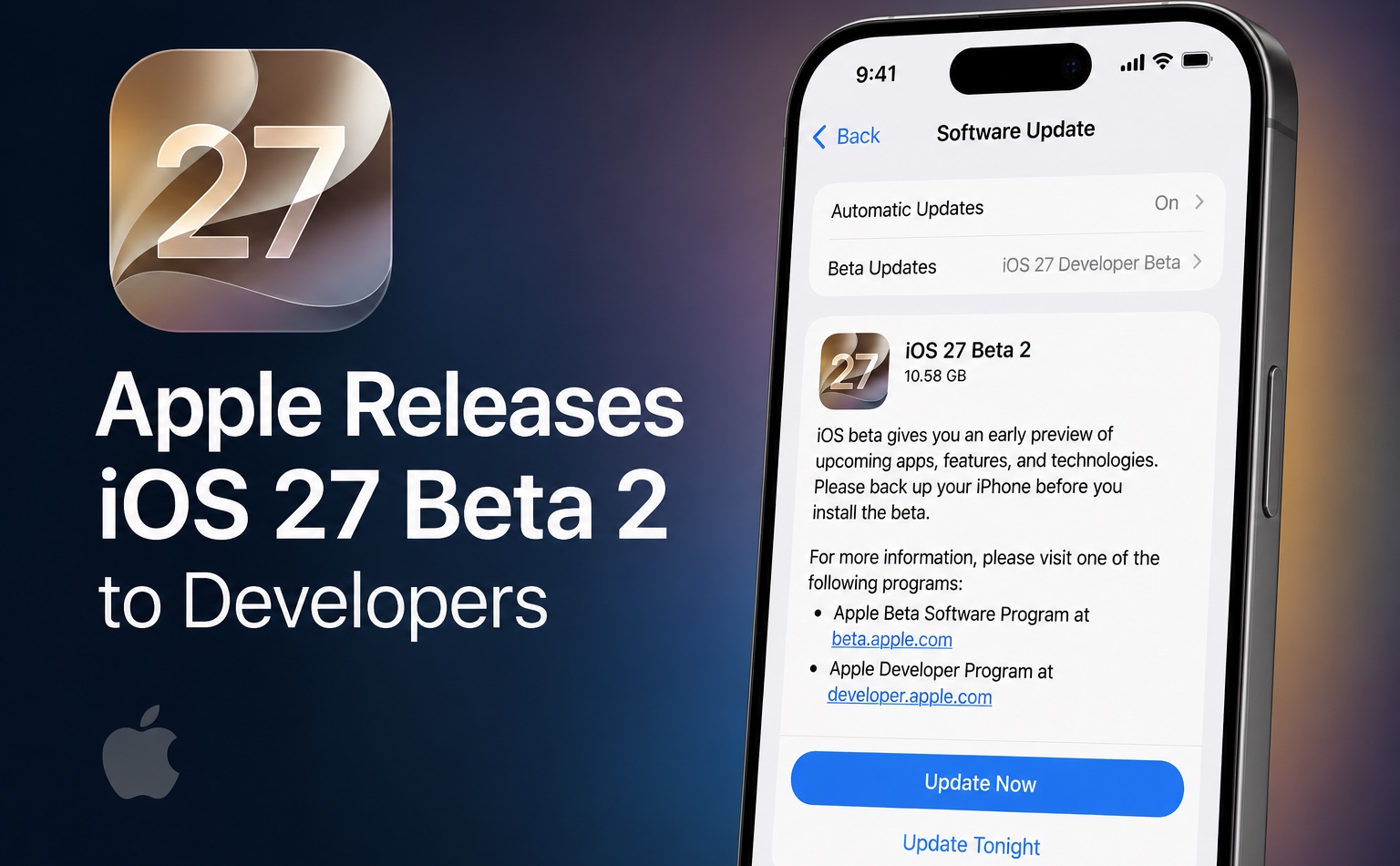
Apple has released iOS 27 beta 2 to developers and it is now available for download. The update has been released 2 weeks after the release of the first iOS 27 beta.
If you are testing iOS 27 beta on your devices, then you can head over Settings -> General -> Software Update and install this release over the air.
If you are installing the beta for the first time, then on the Software Update page, make sure to select iOS 27 Developer Beta by tapping on the Beta Updates option.
Along with iOS 27 Beta 2, Apple has also released the following software updates.
- iPadOS 27 Beta 2
- macOS 27 Golden Gate Beta 2
- watchOS 27 Beta 2
- tvOS 27 Beta 2
- visionOS 27 Beta 2
Changes in iOS 27 Beta 2
- The “Write with Siri” suggestion now appears directly on the iPhone and iPad keyboard, replacing the previous Writing Tools shortcut.
- Apple Wallet’s Insights feature is now expanding to additional regions and supports more card issuers.
- iPhone Mirroring between iOS 27 and macOS 27 Golden Gate appears more stable, fixing several crash issues reported in Beta 1. App resizing and automatic window scaling are also working more reliably.
- Early beta testers report noticeably faster Siri AI performance and response times.
- Siri’s Expressive Voice Preview now labels the Pace and Expressivity options as “Coming Soon” in iOS 27 Beta 2.
- The Home app now allows users to remotely update an Apple TV 4K, bringing it in line with existing HomePod update capabilities.
- Messages gains support for inline replies in RCS conversations, making cross-platform messaging more convenient.
- AirPods Max 2 can once again receive firmware updates, addressing a bug that prevented updates in the first beta release.
Disclosure: iOSHacker may receive a commission if you purchase products through our affiliate links. For more visit our privacy policy page.


