


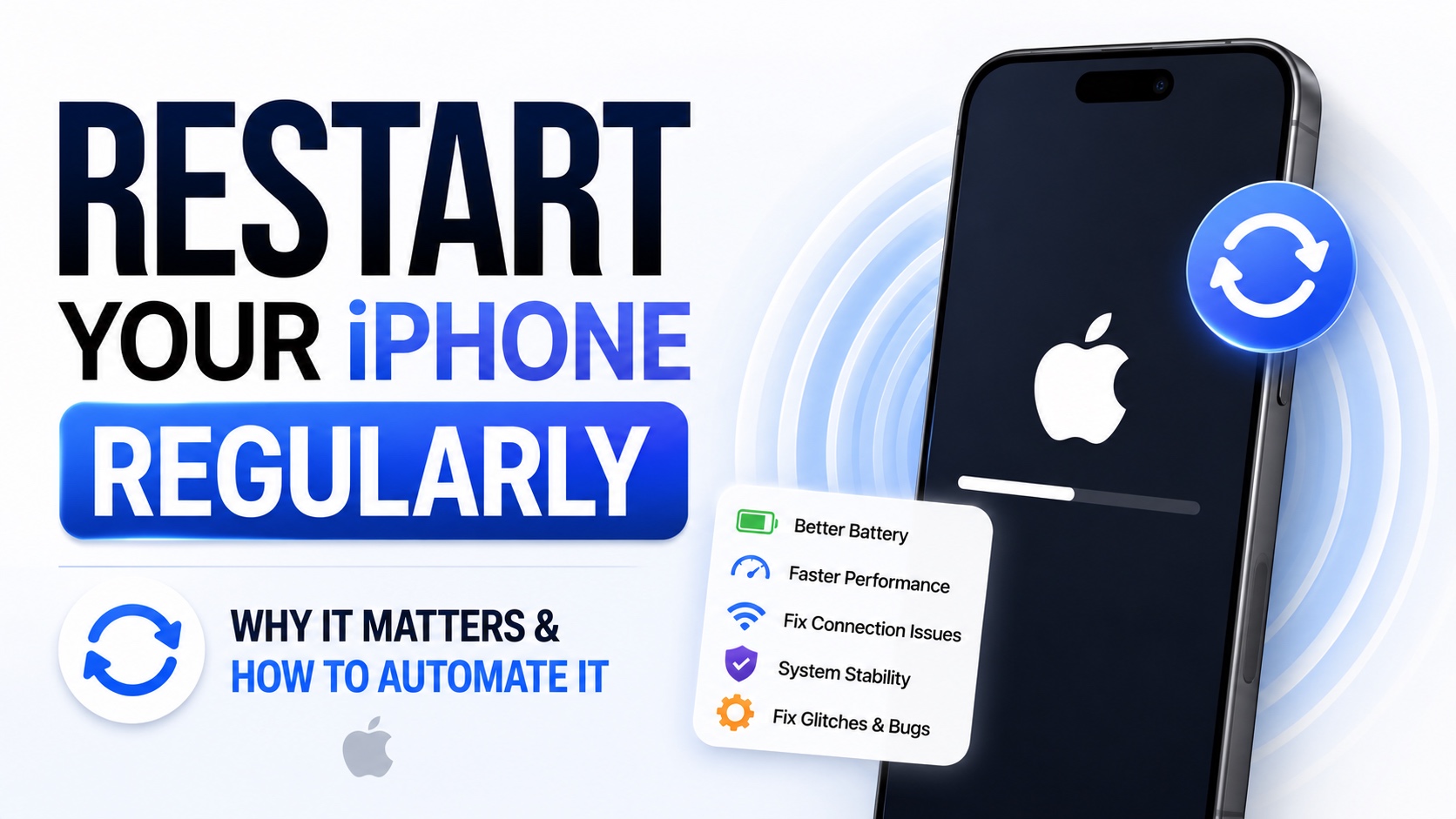
Many iPhone users are unaware of the fact that restarting an iPhone can improve its performance and prevent common software issues.
Most people rarely restart their iPhone. I have seen devices that stay on for weeks and even months without a restart. Even though iPhones are designed to run continuously, an occasional reboot can help make things run smoothly.
In this guide, we will share why it is important to restart your iPhone every now and then, at least once a week and how you can automate this process so you don’t have to think about it again.
Benefits of Restarting iPhone
Clears Temporary System Glitches
As you use your iPhone system processes and apps continuosly run in the background. This can cause the iPhone to get stuck or behave unexpectedly. Due to this following issues can occur:
- Frozen Apps
- Apps Crashing
- Keyboard lag
- Slow Performance
- Touchscreen Responsiveness Issues
- Random Bugs
Improves Battery Performance
Certain apps and background processes can cause your iPhone’s battery to drain excessively. Restarting can stop the problematic processes and restore normal battery usage. Don’t expect dramatic battery performance boost however restarting the device can resolve unusual battery drain issues.
Free Up System Resources
iOS does a great job at managing memory, however some apps may continue using resources in the background longer than necessary. Restarting iPhone can help clear out temporary memory usage, and give the system a fresh start.
Improves Network Connectivity
If you are facing issues with Wi-Fi, AirDrop, Bluetooth, or cellular connection, then restarting can solve these issues for you. A quick restart resets these services and can resolve connectivity issues without additional troubleshooting.
Helps Install Updates Regularly
Many iOS updates and app updates require the device to restart before changes can be fully applied. Restarting occassionally ensures that system updates, background services, and security patches and functioning properly.
How often Should You Restart
While Apple does not ask users to restart their devices, many experts suggest restarting iPhone once a week or two.
If you notice your device becoming sluggish, experiencing unusual bugs, overheating or facing other issues, a restart is one of the first troubleshooing steps you should try.
While you can easily restart your device by turning it off using the Volume up and Side buttons, and then turning the device back on, the good news is you can also automate restart.
Automate iPhone Restart
Here’s how you can do it.
Step 1. Launch the Shortcuts app and create a new shortcut.
Step 2. Tap on the Automation button. Next select Time of the day action.
Step 3. Tap on Time and select the time you want your iPhone to perform an automated restart. You can also tap on the arrow to select how often you want to repeat this automation.
Step 4. Lets select every week under repeat so this shortcut runs once a week.
Step 5. Next, tap on search actions and type Shutdown. Once Shutdown action gets added tap on it, and from the drop down menu select Restart.
Step 6. Finally hit the arrow button at the top and rename the shortcut to something like Restart shortcut.
You can also choose a custom icon for this shortcut. Once you are done return to the main shortcuts page. And tap on your newly created shortcut to test it out.
iPhone will ask whether you want to restart your iPhone and the device will only restart if you confirm by tapping on the Restart button. If you are doing something important, thatn you can also tap on the Cancel button to relay the restart process.
Conclusion
Restarting your iPhone regularly is one of the simplest ways to keep it running smoothly. It can help fix minor software glitches, improve performance, refresh system resources, and resolve connectivity problems. With the automation process you can restart your iPhone regularly without thinking about it again.


