


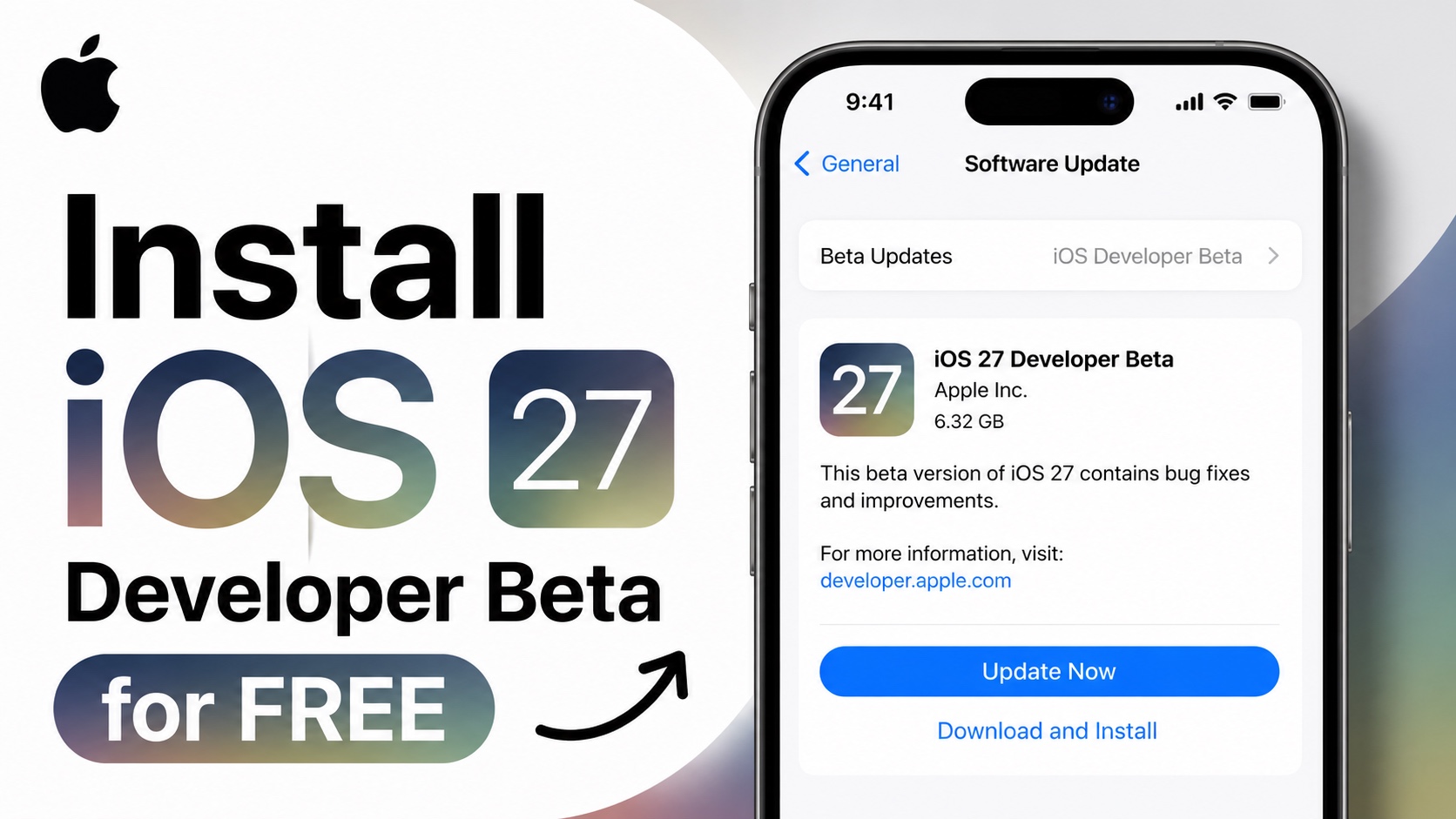
Apple has just released iOS 27 Developer Beta for iPhone and iPad. If you are interested in trying out iOS 27 features before everyone else, then you can now install iOS 27 beta on your device.
Before you begin, make sure to create a fresh back up of your iPhone using iCloud or iTunes.
It is recommended that you only download iOS 27 Developer Beta on a test device. Developer betas can contain bugs, app compatibility issues, and battery drain problems, so installing them on your daily driver isn’t a good idea.
Check if iOS 27 is compatible with your device: iOS 27 Compatibility list (official).
Installing iOS 27 Developer Beta
- First of all open Apple’s Developer website and register your Apple ID on it. You can create a free Apple Developer account by visiting this website.
- After registeration is complete, open the Settings app on your iPhone.
- Tap on General and then tap on Software Update.
- Here tap on Beta Updates option.
- On the next page, select iOS 27 Developer Beta.
In case the Apple account you are logged into is not registered with Apple’s Developer Program, follow these steps.
- Tap on the Apple Account button.
- From the pop-up up tap on the ‘Use a different Apple Account’ option.
- Enter the Apple account that is registered with the Apple Developer program.
- Exit the Settings app and follow the steps shared above.
That’s it, this is how you can download and install iOS 27 Developer Beta on your iPhone or iPad. Apple has not released a public beta of iOS 27 yet. We expect it to release by next month.

