


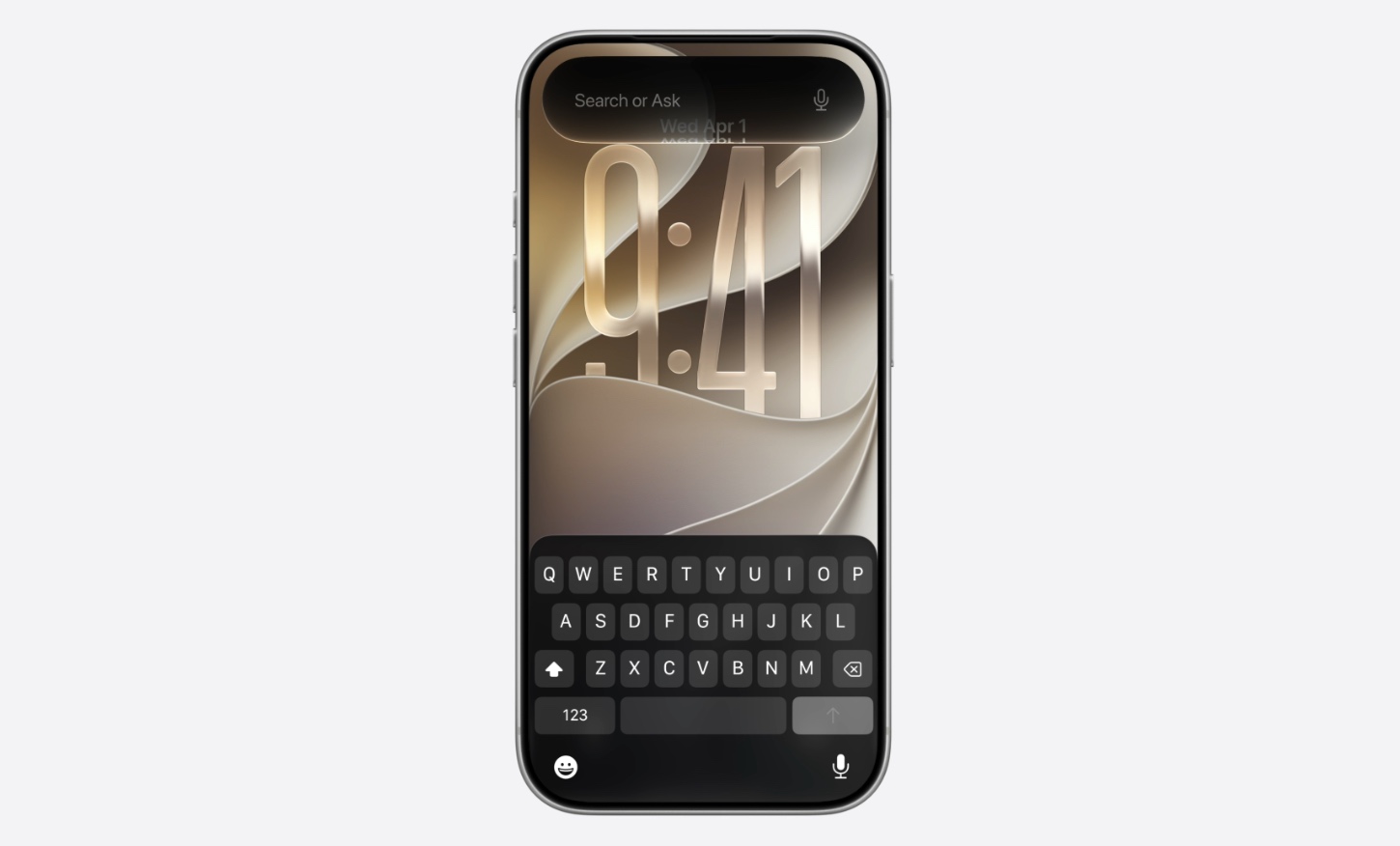
Following its WWDC 26 keynote, Apple has just released iOS 27 Developer Beta and it is now available for download. If you are a registered Apple Developer, then you can download and install this update.
iOS 27 is a major iOS release that focuses on bringing new AI features, better privacy, redesigned Siri, and overall speed and reliability improvements to iOS.
To update your device simply register with Apple’s Developer Program for free, and then head over to Settings -> General -> Software Update -> Beta Updates and select iOS 27 Developer Beta. After you do this, the update should show up in the Software Update section.
Here’s our complete guide on how to install iOS 27 Developer beta on iPhone.
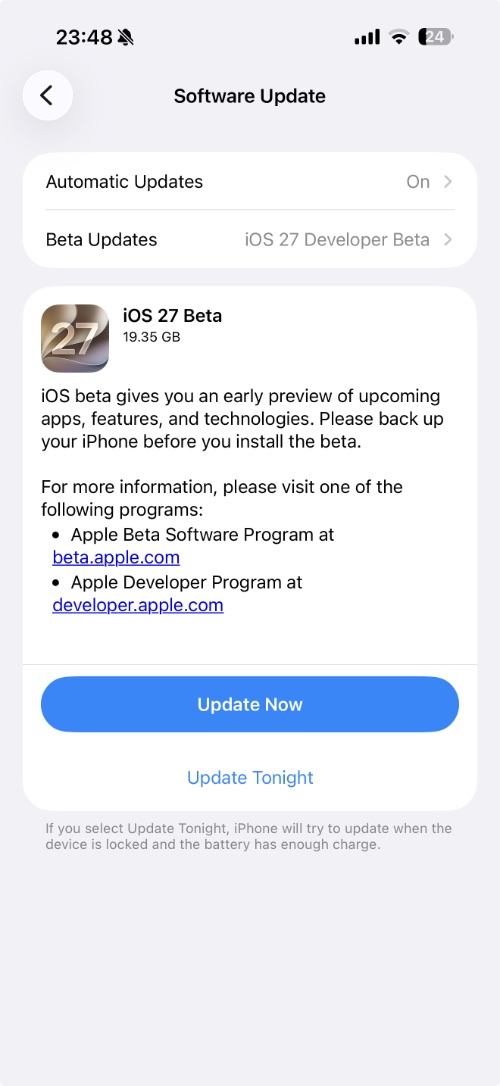
Before you jump to installing this beta release, keep in mind that early developer betas are unstable and can cause issues like app compatibility problems, battery drain, system lag, and more. Avoid installing this beta on your main device, and only install it on a test device.
Here’s a complete list of iOS 27 compatible devices.


