


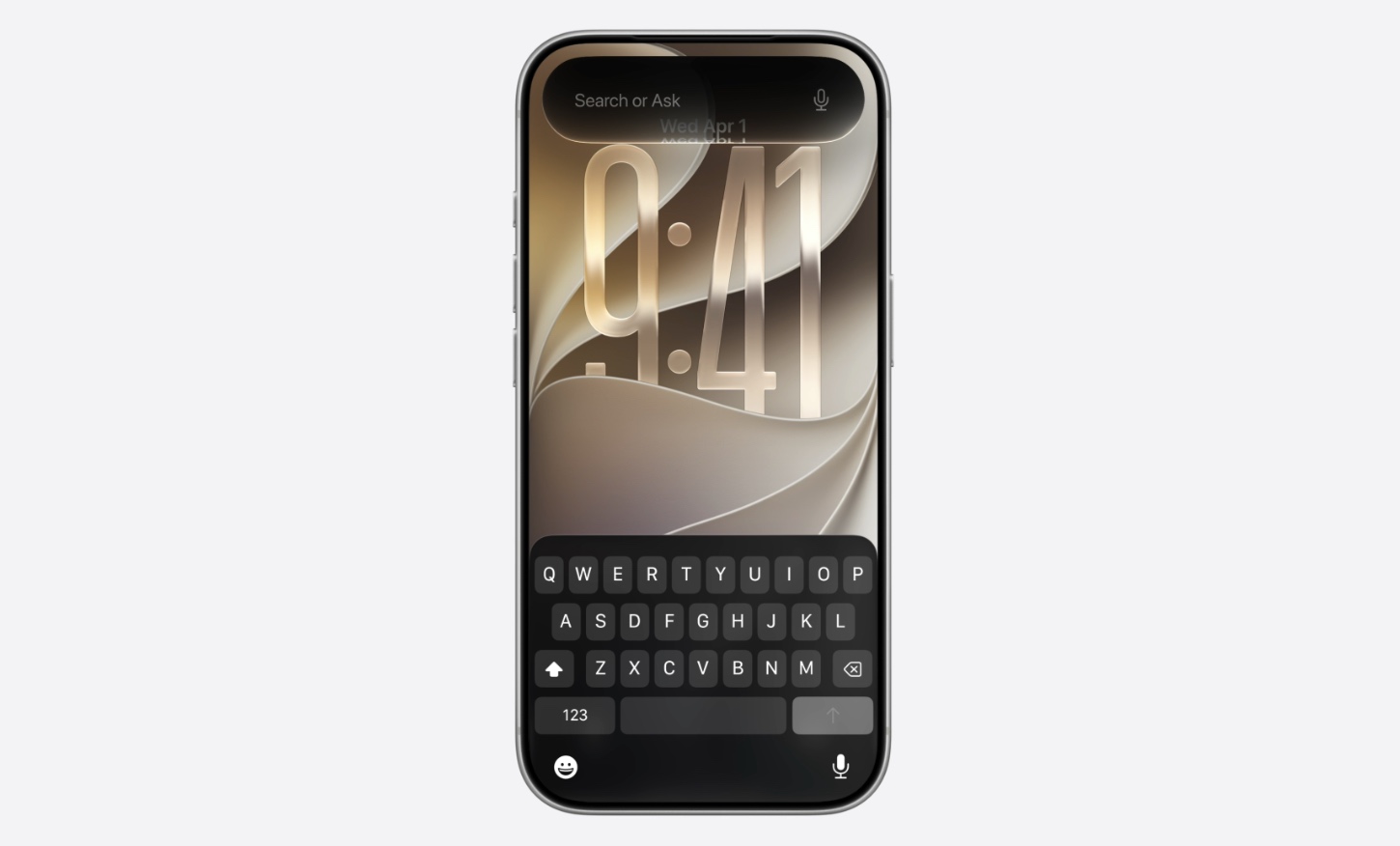
So you just updated your iPhone or iPad to the newly released iOS 27 but can’t find the new Siri features and Siri AI app? Before you jump to conclusions, you must check the several requirements Apple has set for users before they can gain access to the new Siri experience.
Table of Contents
Here are the requirements your device needs to meet before it can access Siri AI.
Hardware Support
Siri AI is not available on all models of iPhone and iPad. You need to have Siri AI-compatible devices. This includes the following models.
- iPhone 15 Pro
- iPhone 15 Pro Max
- iPhone 16e
- iPhone 16
- iPhone 16 Plus
- iPhone 16 Pro
- iPhone 16 Pro Max
- iPhone Air
- iPhone 17e
- iPhone 17 Pro
- iPhone 17 Pro Max
- iPhone 18 Pro
- iPhone 18 Pro Max
- iPhone Duo
iPad hardware requirements
On iPads, Apple requires the following models.
- iPad Pro M1 or later
- iPad Air M1 or later
- iPad mini with A17 Pro
Some specific features, like the expressive voice of Siri AI, require certain devices, including iPhone 17 Pro, iPhone 17 Pro Max, iPhone Air, and iPad models with M4 and later. iPhone 18 Pro, iPhone 18 Pro Max, and iPhone Duo will also offer this feature.
Language
Now that we have got the device compatibility out of the way, you also need to make sure your device is set to US English in order to use Siri AI on launch day.
To change this, go to Settings -> General -> Language & Region -> Select English (US).
Region
Apple has limited the launch of Siri AI and it is not available in certain regions. So if you reside in one of the following regions, you will not be able to use Siri AI.
- EU
- China
Age
Apple also requires the user of the device to be over 13 years old. If the device is set up for a child who is 13 or under, they will not be able to use Siri AI.


