



A kickstand case for the M3 iPad Air is a must-have accessory for anyone who values convenience. These cases let you watch movies, read, browse the web, and perhaps most importantly, make video calls hands-free. This is especially useful in the case of the iPad, which is a large device.
Table of Contents
There are plenty of M3 11-inch iPad Air cases that come with a kickstand. However, choosing the right option that delivers a good kickstand experience, durability for maximum protection, and a good price point is essential.
That’s why we have featured our favorite 11-inch iPad Air cases that fit all these criteria.
Best iPad Air M3 Cases with Kickstand
1. TORRAS Ultra Stable Stand M3 iPad Air Case

The TORRAS Ultra Stable Stand iPad Air Case is built to give you a smooth and reliable experience every time you use your device. Made from durable aerospace-grade aluminum alloy, it holds its position with confidence, giving you full support no matter how you use your iPad. It’s perfect for digital creators, students, professionals, or anyone who wants a case that does more than just look good.
With this case, adjusting your iPad’s angle is incredibly easy. You can switch between viewing modes with just a gentle touch, and the strong hinge keeps your iPad securely in place wherever you set it. From casual scrolling to serious creative work, you’ll always find a comfortable position.
This case also offers excellent protection without adding bulk. With a shock-absorbing TPU bumper and reinforced frame, it helps shield your device from drops, scratches, and everyday wear.
2. ProCase Smart Case for iPad Air 11-inch
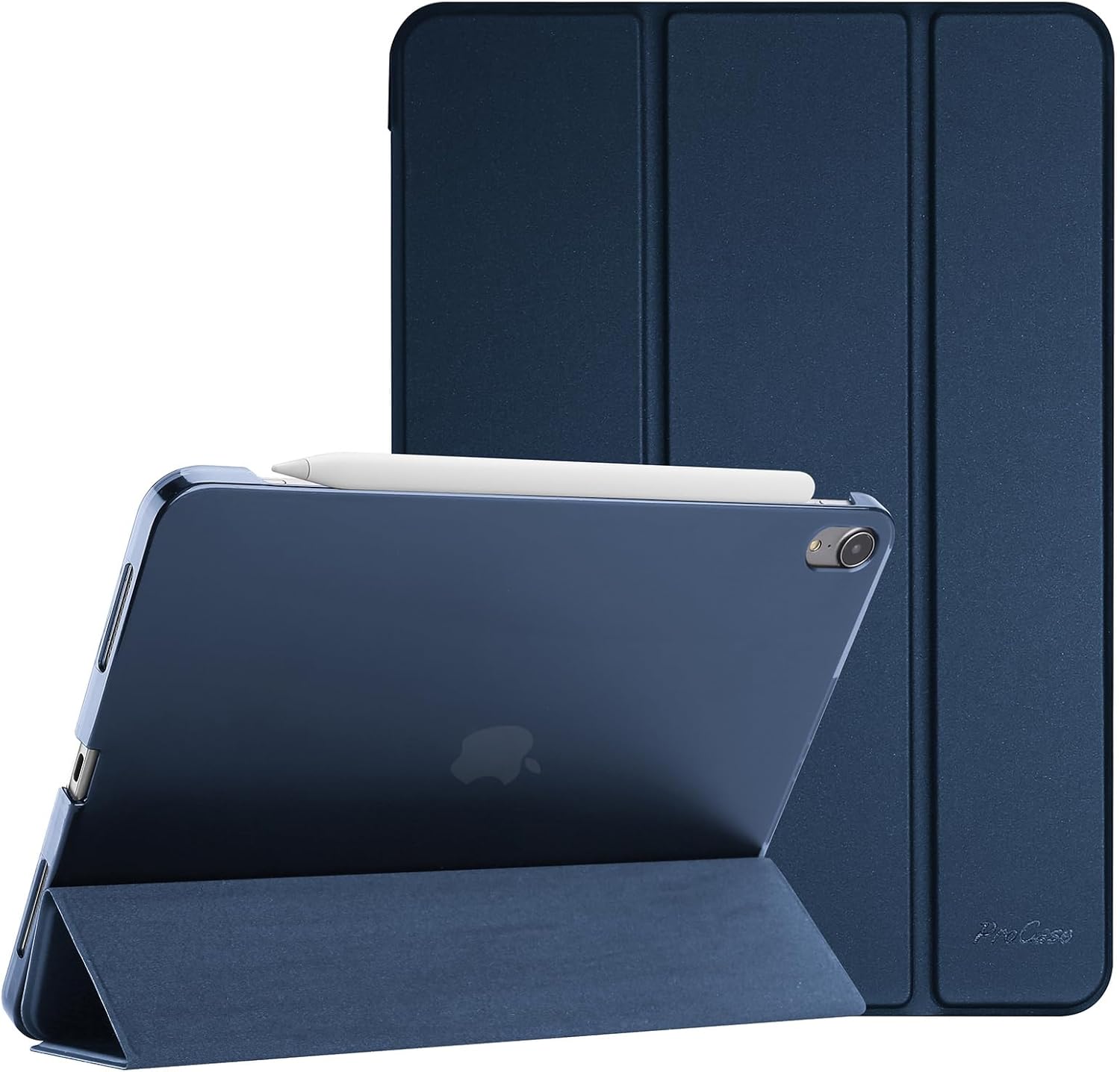
The ProCase Smart Case with kickstand for iPad Air 11-inch offers a clean, minimal look while providing solid protection for your device. The hardback is strong without feeling heavy, making it perfect for anyone who wants dependable coverage without sacrificing portability.
Designed with Apple Pencil users in mind, this case supports charging and magnetic attachment for the Apple Pencil Pro, 2nd Gen, and USB-C version. It also supports the auto sleep and wake function, so your iPad responds as soon as you open or close the cover. A strong magnetic closure keeps everything secure, and the case easily snaps on or off without hassle. It’s a smart, practical option for anyone who wants protection, functionality, and a sleek design all in one.
3. TiMOVO iPad Air 11-inch Case
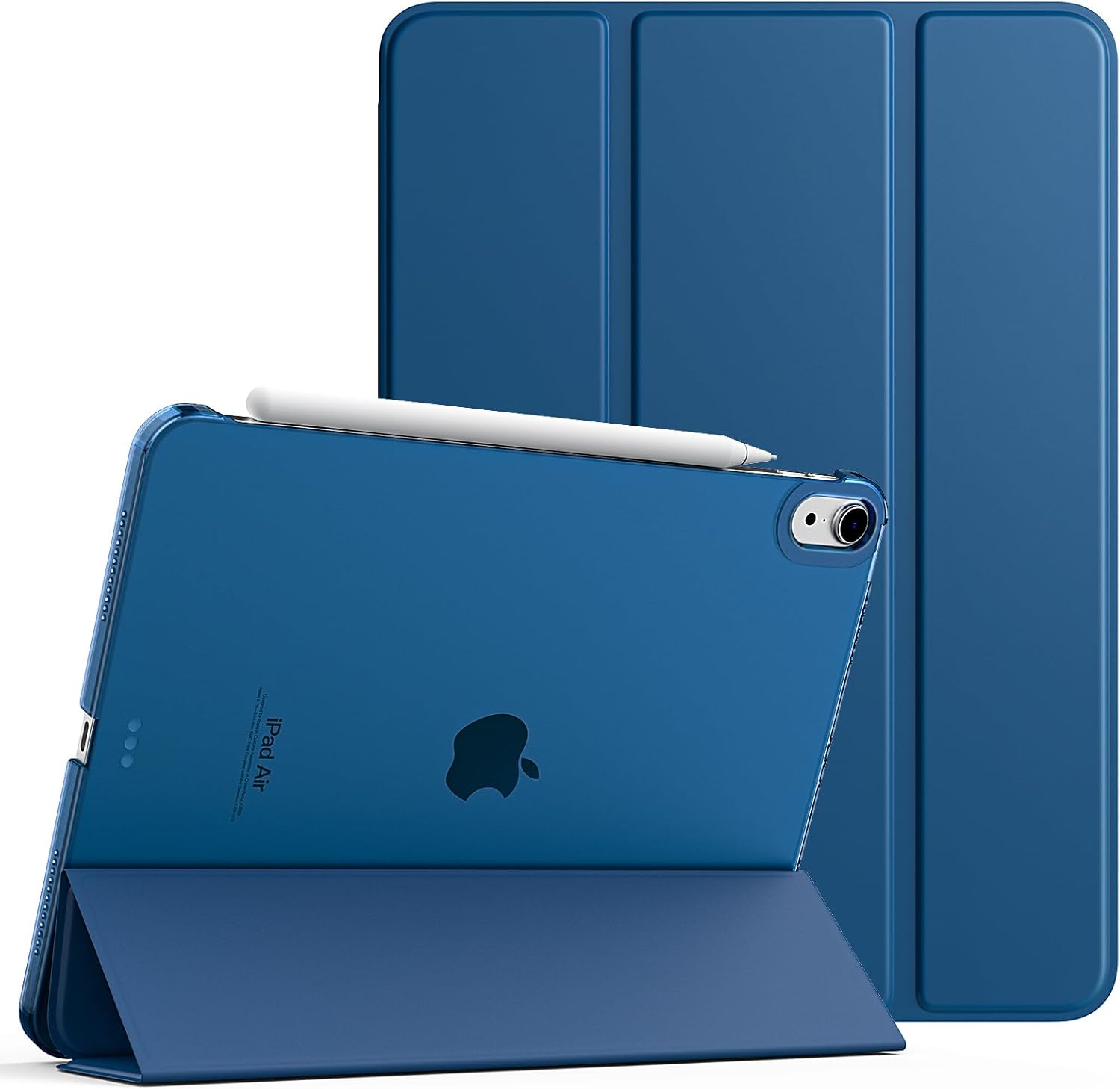
The TiMOVO iPad Air 11-inch Case is a great blend of protection, style, and convenience. Its slim and lightweight design makes it easy to carry without adding extra bulk.
You’ll appreciate the auto wake and sleep feature, which helps conserve battery and makes using your iPad feel seamless. The case includes precise cutouts for full access to buttons and ports, including support for Touch ID and Apple Pencil charging.
With a trifold stand built right in, you can set your iPad at two different angles. It’s one of those reliable 11-inch iPad Air kickstand cases that make your device easier to use while keeping it safe and stylish.
4. Spigen for M3 iPad Air 11-inch Case

Among the many iPad Air 11-inch kickstand cases available, the Spigen case stands out for its smart design and everyday practicality. It features a built-in kickstand that allows for hands-free viewing.
This case is designed with thoughtful details that make daily use smoother. It fully supports Apple Pencil storage and functionality, keeping your stylus safely attached and always within reach. With Spigen’s Air Cushion Technology built into the corners, your iPad gets extra protection from unexpected drops or bumps, all without making the case feel bulky.
The sleek black finish gives it a clean, professional look that suits any setting. If you’re browsing for iPad Air 11-inch kickstand cases that balance style, protection, and convenience, this one offers everything you need in a compact, reliable package.
5. TineeOwl for M3 iPad Air 11-inch Case

The TineeOwl case is a standout among 6th-generation 11-inch iPad Air cases, designed for users who appreciate simplicity, flexibility, and smart use of space. The built-in kickstand offers unlimited adjustability so you can find the perfect angle for anything from reading and video calls to gaming or working on long spreadsheets. It switches seamlessly between portrait and landscape modes, giving you a smooth and comfortable viewing experience no matter the task.
One of its most impressive features is how well it performs in small spaces. The kickstand stops at an ideal angle for typing and sketching and holds firm without collapsing. It takes up very little room, making it perfect for small tables in cafés, airplanes, or any setting where space is limited.
The wing-style stand keeps contact with the desk minimal, which helps prevent your iPad from collecting dust or wiping across dirty surfaces. The design is clean and minimal, with open sides that show off the iPad’s original look.
6. ESR for iPad Air 11-inch Case
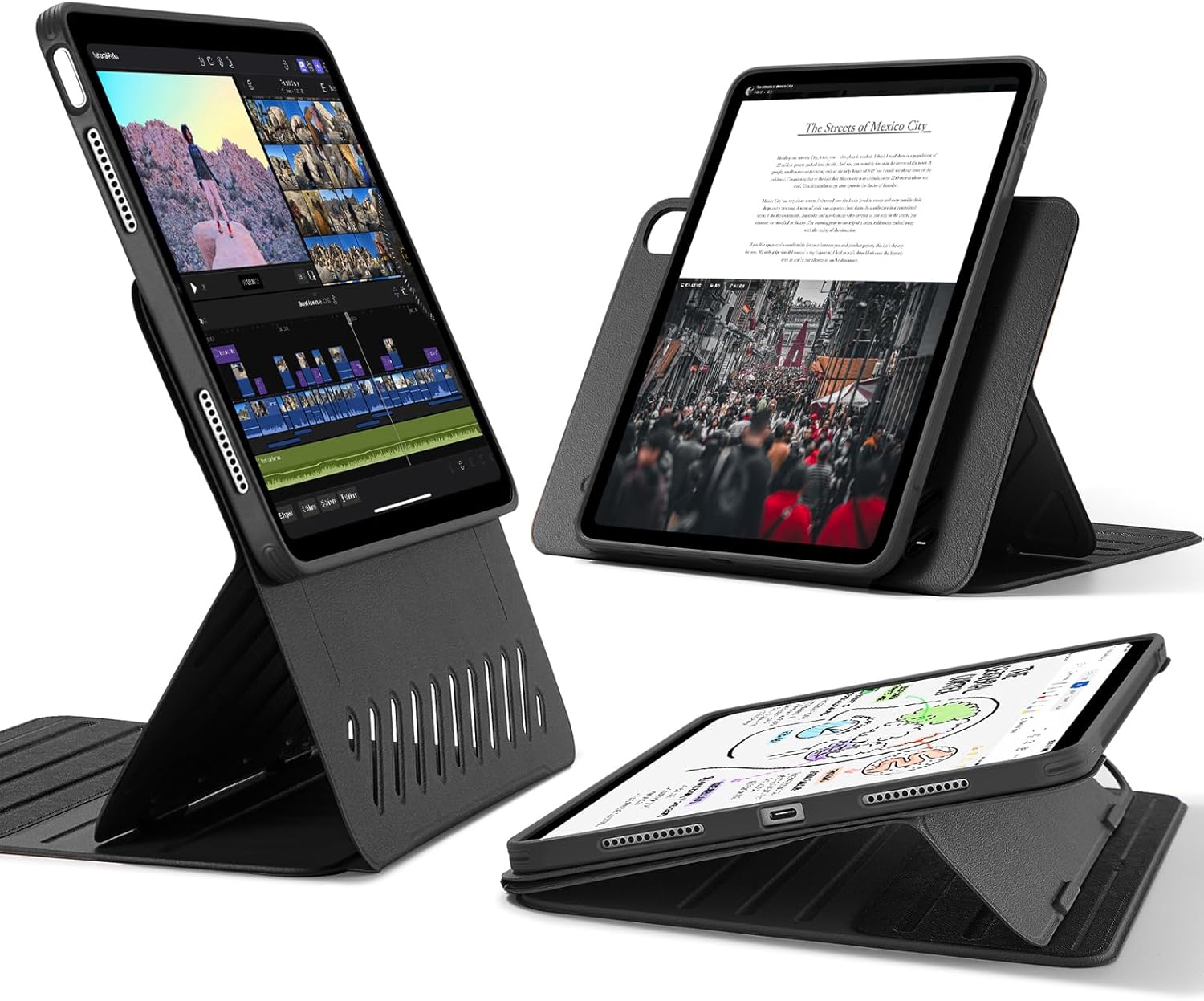
The ESR case for iPad Air 11-inch offers an ideal blend of flexibility and comfort for people who want more from their device setup. With wide support brackets that magnetically lock into grooves on the base, you get excellent stability whether you’re working at a desk or relaxing with your iPad on your lap. It keeps everything steady so you can enjoy your screen without constant adjustments.
When looking at M3 iPad Air cases in 2025, it’s clear this one offers something different. The raised design positions your screen closer to eye level, which helps reduce strain during longer sessions.
This case is also built for versatility. With two support brackets and six magnetic grooves, you can find up to nine different angles for viewing or writing. When it’s time to game or move around, the cover detaches instantly, and the magnetic back allows you to stick your iPad to a fridge or other metal surface. The dual-layer design gives you full-body protection with a snap-on back case and a tough front cover that, together, create durable 360-degree coverage.
7. Fintie Shockproof Case for iPad Air 11

The Fintie Shockproof Case for iPad Air 11 is built to completely change the way you use your device. Designed for serious stability, this case goes beyond the usual soft covers and introduces a reinforced frame with precision hinges that hold firm through every task.
When exploring iPad Air 11-inch cases, this one stands out for its innovative dual-axis aluminum stand system. Depending on what you’re doing, you can switch between multiple angles with ease.
This case also takes care of your Apple Pencil. A built-in holder keeps it secure and always within reach, while still supporting magnetic attachment and wireless charging for the Apple Pencil Pro and second generation. The recessed holder design keeps your stylus safe from accidental bumps, adding another thoughtful layer of protection to a case already designed for durability and convenience.
Conclusion
With these M3 11-inch iPad Air cases with a kickstand, you can live a comfortable life and make the experience of using your iPad Air a lot more convenient. Whether you are watching a movie in bed, checking out a recipe on the kitchen counter, or video calling with a loved one, these cases will elevate your experience and make it hands-free.


