


With support for Thunderbolt 5 on newer Macs, users get massive improvements in speed, display support, and power delivery. Whether you are a MacBook Pro user or a desktop Mac enthusiast, a good Thunderbolt 5 dock can transform your workstation into a powerhouse and give you the ability to connect multiple monitors, accessories, high-speed SSDs, SD cards, and Ethernet to your computer.
Table of Contents
To help you find the best Thunderbolt 5 dock for your Mac that delivers excellent performance and premium build quality, we have rounded up the top 7 options here.
Best Docking Stations for Mac
1. UGREEN Maxidok Thunderbolt 5 Hub Revodok
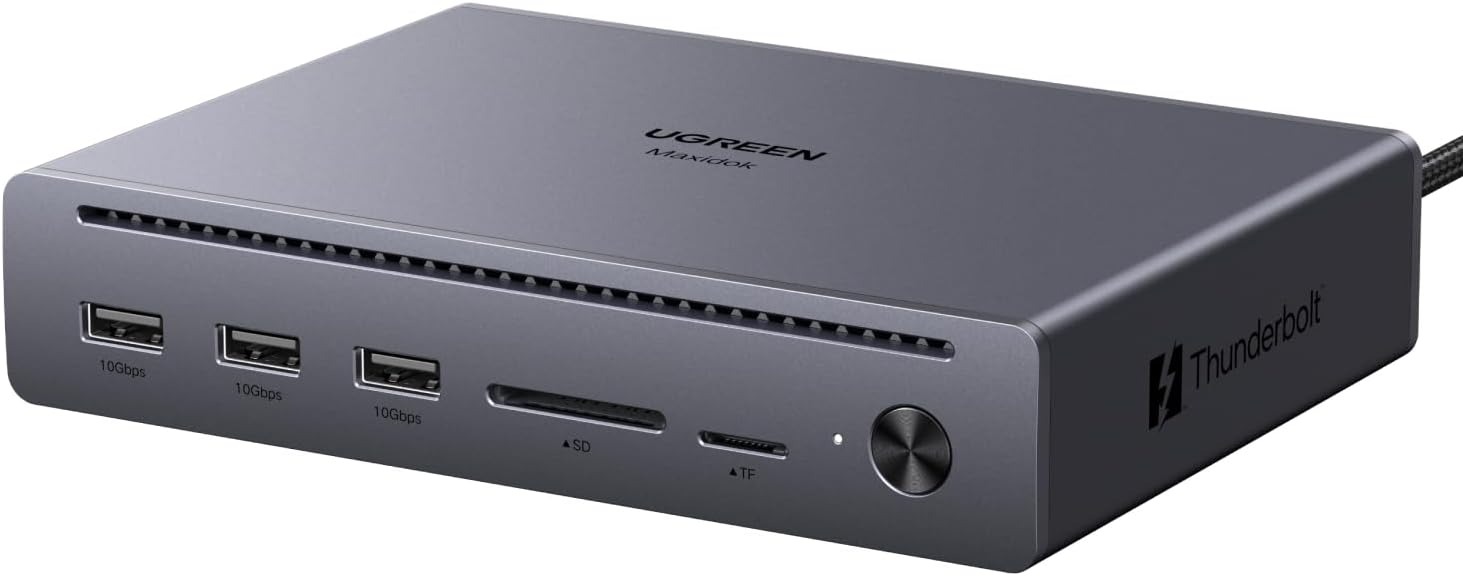
A cluttered desk can slow down even the fastest laptop, especially when external drives, monitors, memory cards, and chargers are all competing for space. The UGREEN Maxidok Thunderbolt 5 Hub Revodok brings everything together into one sleek and powerful setup designed for demanding workflows and heavy multitasking.
Built with an impressive selection of ports, it easily handles everyday connectivity needs without making your workspace feel crowded. With three high-speed USB-A ports, dual SD and TF card readers, Gigabit Ethernet, DisplayPort 2.1, and dual Thunderbolt 5 downstream ports, connecting multiple devices feels effortless, whether you are editing content, managing files, or running several accessories at once.
Performance is where this hub truly shines. Its Intel-certified Thunderbolt 5 technology reaches incredible transfer speeds of up to 120Gbps in one direction and 80Gbps bidirectional bandwidth. Large files move almost instantly, making tasks like transferring 4K video footage feel dramatically faster and smoother.
2. OWC Thunderbolt 5 Hub
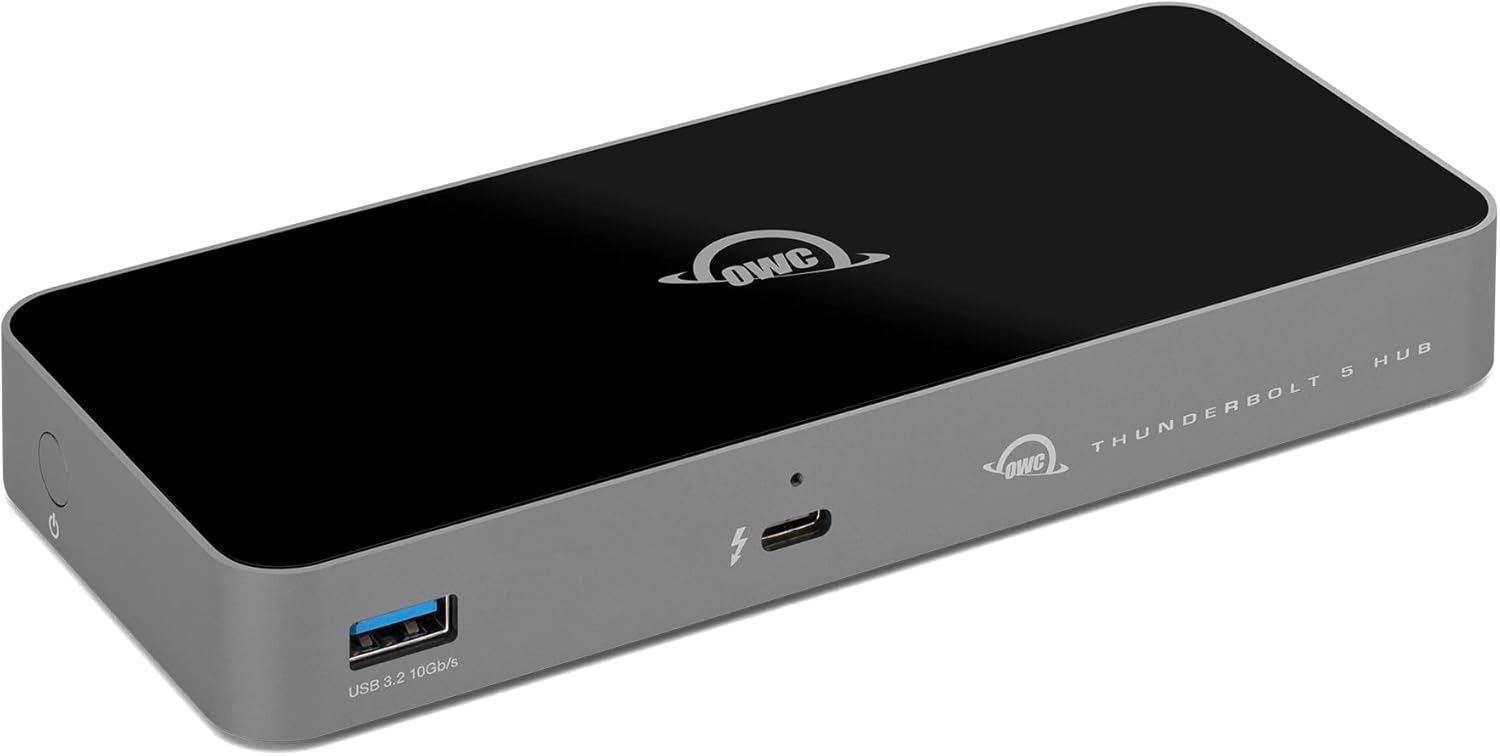
There is a point where one or two extra ports just are not enough anymore. A monitor is connected, an external drive is running, maybe a capture device is plugged in too, and suddenly the laptop starts feeling limited. The OWC Thunderbolt 5 Hub is the kind of upgrade that makes everything feel more open, flexible, and easier to manage without turning your desk into a cable disaster.
Among the best Thunderbolt 5 docks, this one stands out because of how naturally it fits into different setups. Whether you are using a Mac or an iPad Pro, it adds high-speed connectivity without making things complicated. Plugging in multiple accessories, drives, or displays feels simple rather than a constant shuffle of cables throughout the day.
With up to 80 Gb/s bidirectional bandwidth and up to 120 Gb/s for display-heavy workloads, large files move incredibly fast, and demanding devices run smoothly without bottlenecks. It feels built not only for current workflows but also for the next few years of faster storage, displays, and accessories.
3. UGREEN Maxidok Thunderbolt 5 Docking Station
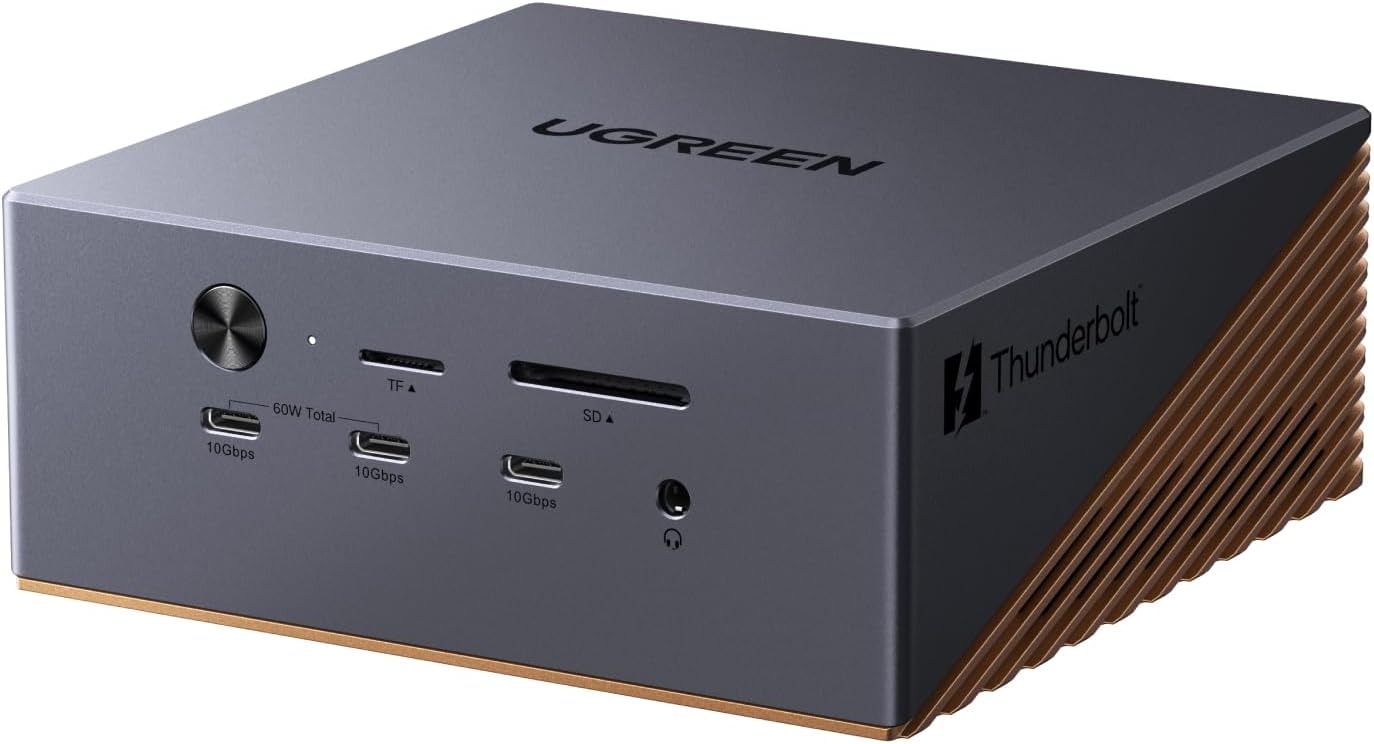
The UGREEN Maxidok Thunderbolt 5 Docking Station is the kind of setup that makes everything feel cleaner, faster, and far less cluttered the moment it lands on your desk.
Instead of reaching for adapters every few minutes, nearly everything connects in one place. External drives, monitors, headphones, Ethernet, memory cards, and charging cables can all stay plugged in and ready to go. With 17 different ports packed into the dock, it feels built for people who constantly multitask or switch between devices throughout the day.
The performance side is where things really get impressive. Thunderbolt 5 bandwidth reaches up to 120Gbps, so moving huge files feels almost instant. There is even a built-in M.2 SSD slot supporting up to 8TB of storage, which means the dock can double as high-speed external storage without adding another device to the desk.
If you have been searching for reliable Thunderbolt 5 docks for Mac, this setup feels especially practical for expanding screen space and simplifying daily workflows. It supports high-resolution multi-monitor setups that make editing, coding, designing, or managing several windows at once feel far more comfortable and organized.
4. Satechi Thunderbolt 5 CubeDock™ Dock Station
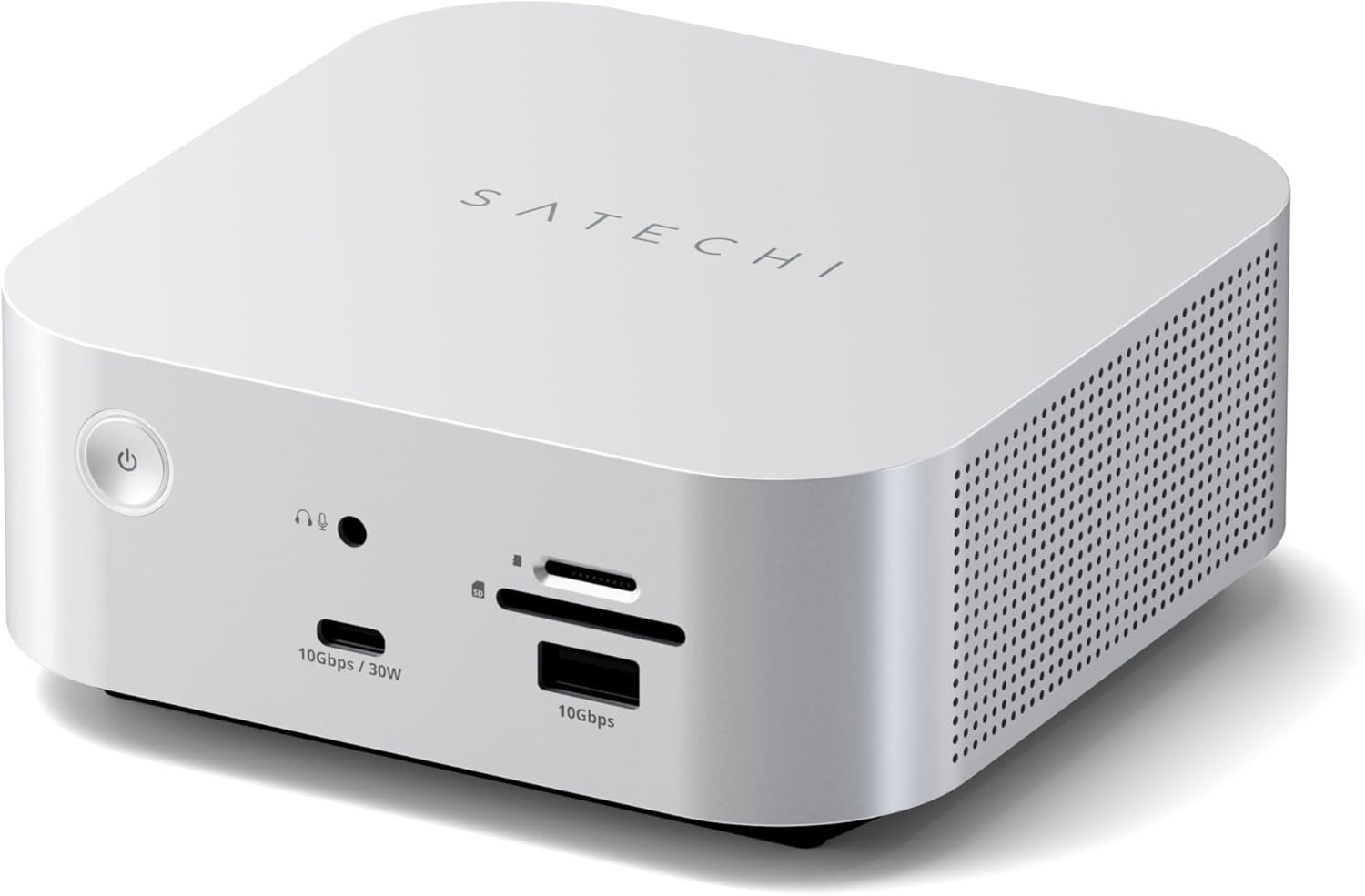
There is something satisfying about sitting down at a clean desk where everything just works the moment the laptop connects. No tangled cables, no searching for adapters, no unplugging one device just to use another. The Satechi Thunderbolt 5 CubeDock™ Dock Station is built around that feeling, turning a crowded workspace into something far more streamlined and effortless.
With a single Thunderbolt 5 connection, the CubeDock can handle charging, displays, storage, networking, and accessories all at once. Despite its compact size, it delivers up to 120Gbps bandwidth and 140W charging power, making it feel more like a full workstation hub than a simple dock. Large file transfers, demanding creative work, and multitasking all run smoothly without slowing things down.
The display support is especially impressive. Whether it is dual 8K displays, triple 8K setups on Windows, or dual 6K monitors on newer Macs, everything runs smoothly without needing extra drivers or complicated software.
5. Razer Thunderbolt 5 Dock Chroma
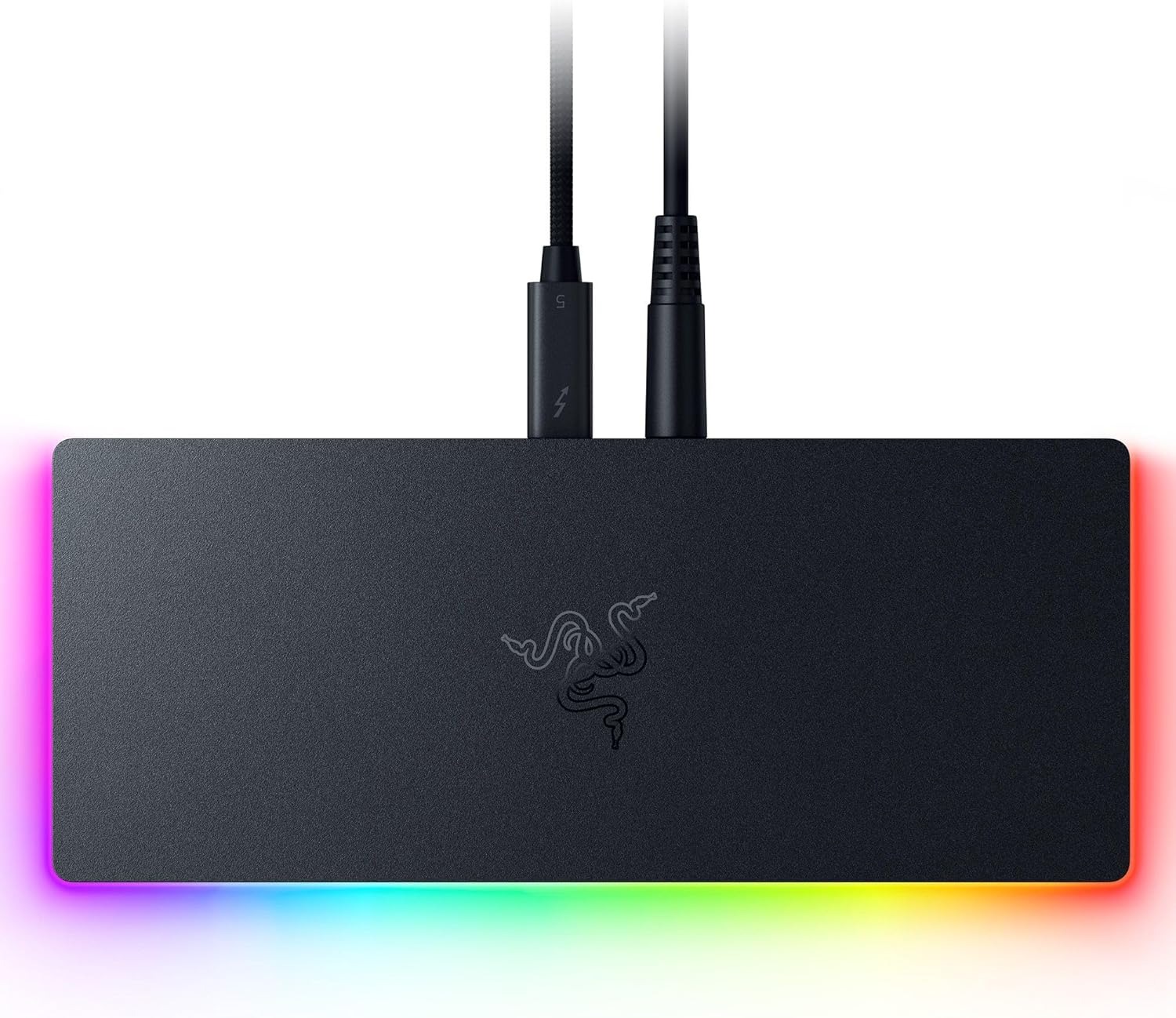
Ever wondered how a single dock could handle gaming, creative work, and a full multi-display setup without turning your desk into a mess of cables? The Razer Thunderbolt 5 Dock Chroma sits right in the middle of that idea, acting like a powerful docking station with Thunderbolt 5 support that brings everything together through one clean connection for high-speed performance, displays, and peripherals without slowing anything down.
With speeds reaching up to 120Gb/s, it is designed for heavy workloads that demand fast responsiveness. Large game files, 4K and 8K video projects, and massive data transfers feel noticeably quicker, making the whole system feel more immediate and less restricted by storage or bandwidth limits. The built-in M.2 slot supports up to 8TB of NVMe SSD storage, so games, creative files, and projects can live directly inside the dock.
6. CalDigit E5 – Thunderbolt 5 Element 5 Hub
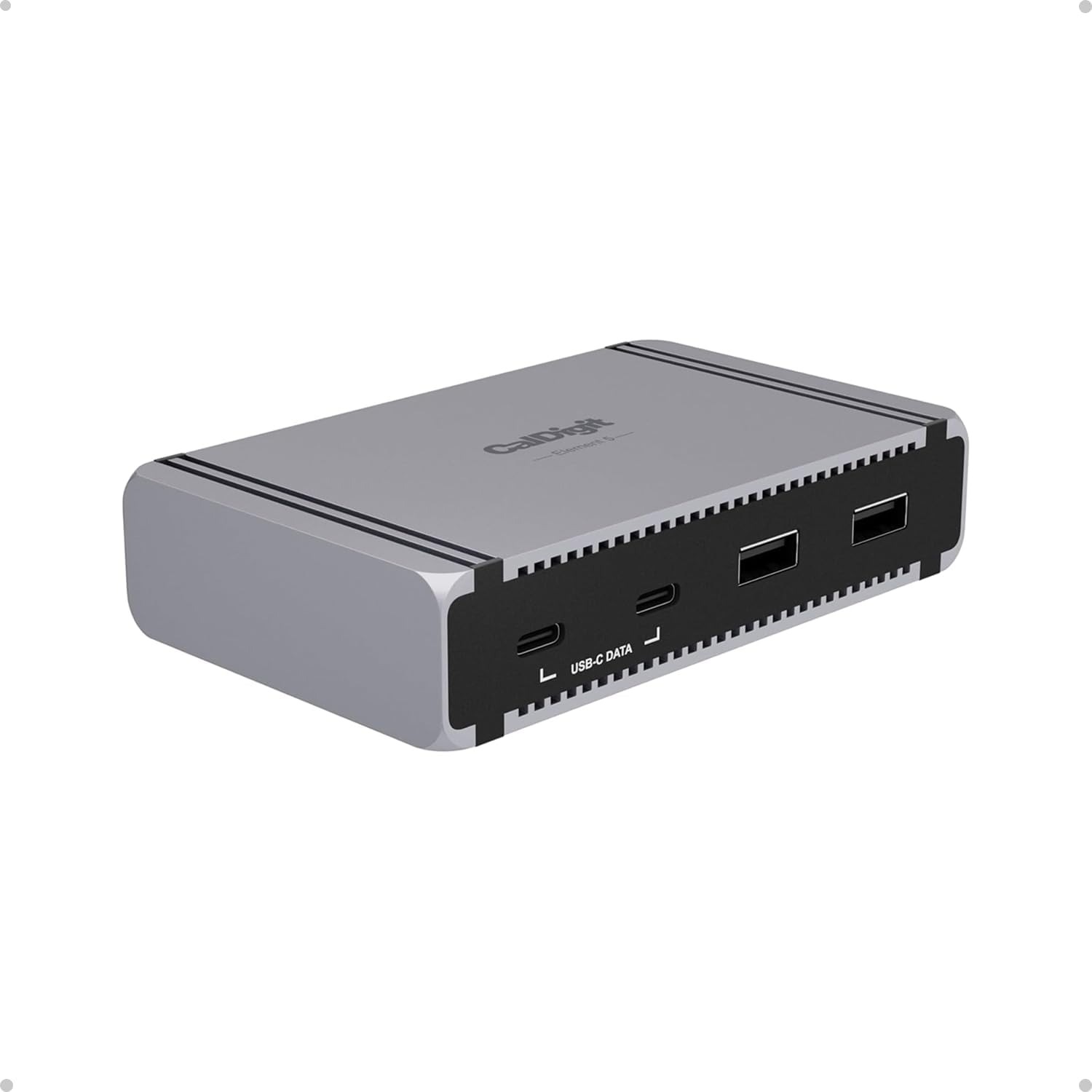
The CalDigit E5 Thunderbolt 5 Element 5 Hub feels like the kind of upgrade a Mac setup eventually grows into when basic ports are no longer enough. For anyone exploring powerful USB-C hubs for Mac, this one is built to turn a single connection into a full workstation without overwhelming the desk or slowing down performance.
With Thunderbolt 5 support and up to 120Gb/s bandwidth using Bandwidth Boost, it handles demanding setups with ease. Multiple displays, external storage, and high-speed accessories can all run together without the usual bottlenecks that come with smaller hubs.
Power delivery is another area where it stays consistently reliable. Up to 90W sustained charging keeps a Mac, tablet, or connected device powered even during heavy workloads, so there is no constant worry about battery levels dropping mid-task. Even with multiple devices connected, performance and power remain steady.
7. ProGrade Digital PG25 Pro Thunderbolt 5 Dock
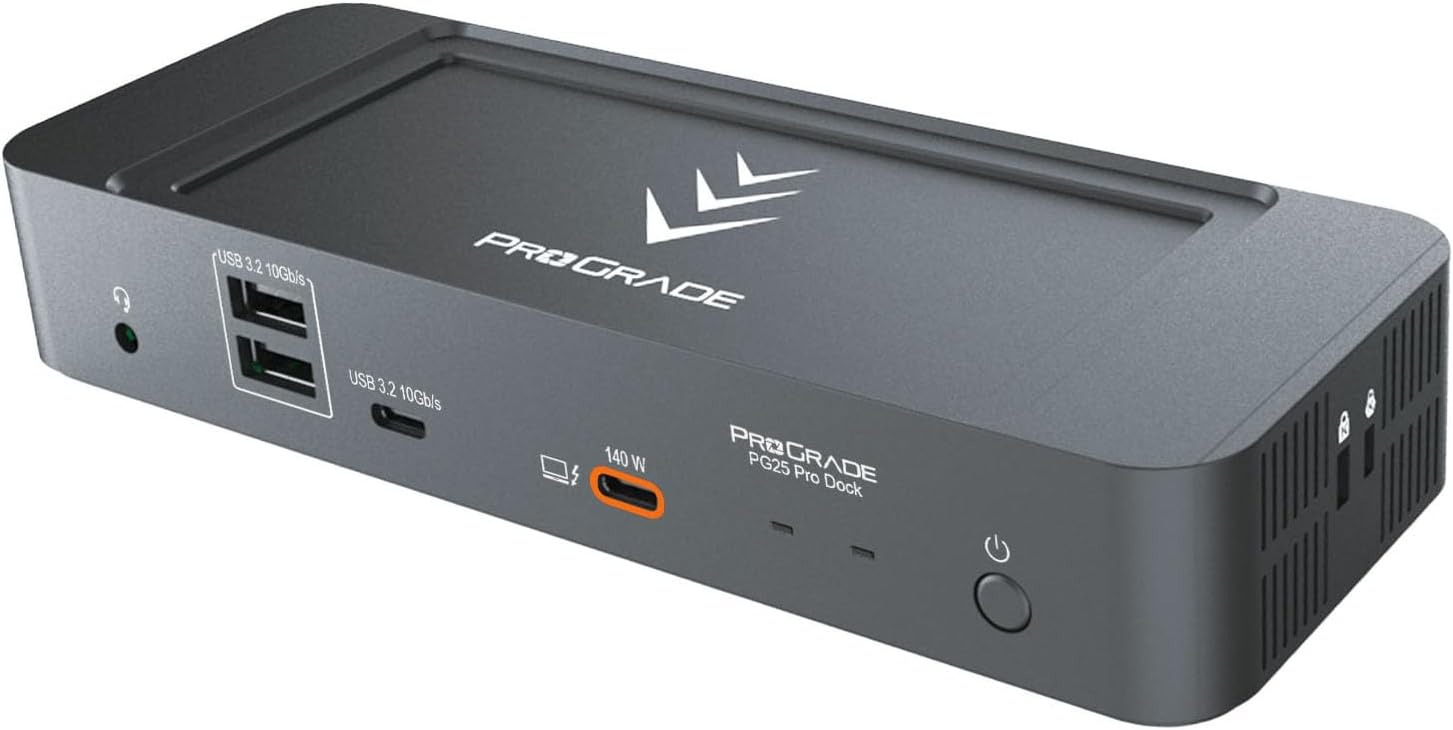
The ProGrade Digital PG25 Pro Thunderbolt 5 Dock feels less like a typical accessory and more like the control point of a serious creative setup, especially for anyone building a clean and efficient Mac Thunderbolt 5 dock workflow where speed and organization actually matter in daily use.
Instead of juggling multiple hubs, adapters, and loose cables, everything routes through one structured connection. A 140W Thunderbolt 5 upstream port keeps the host system powered, while additional Thunderbolt 5 downstream ports, USB A, USB C, Ethernet, and audio connections handle everything from external storage to monitors and peripherals without constant switching.
With a magnetic base system and adhesive plate support, the dock can stay fixed in place during long editing sessions without sliding or shifting. Combined with Thunderbolt 5 certified cabling and broad compatibility across modern devices, it feels like a piece of gear designed to stay relevant while the rest of the setup evolves.
Conclusion
With these Thunderbolt 5 docks for Mac, you can make a huge difference in your workflow and reduce cable clutter, while also expanding your Mac’s connectivity options. Whether you need to attach multiple displays to your Mac, need fast transfer speeds, or require additional ports and slots, these docks will serve you well.
The docks featured above are some of the best Thunderbolt 5 options currently available for Mac users, offering a great mix of speed, reliability, and premium features.


