


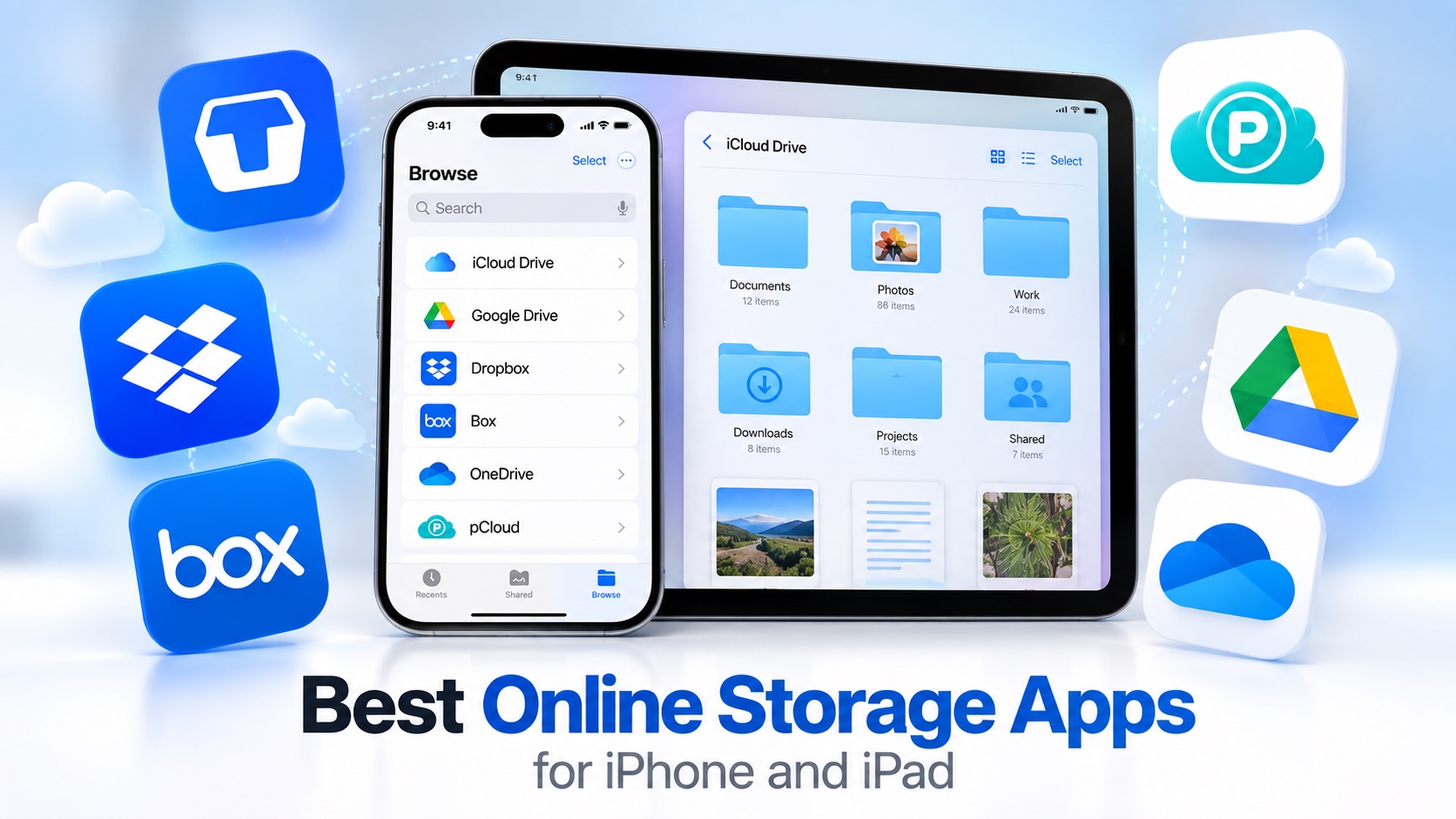
If you are running out of storage on your iOS device and want to offload your photos, videos, documents, and other files that are taking up valuable storage space on your iPhone, then these online storage apps are for you.
In this article, we have rounded up some of the best online storage apps for iPhone users that allow you to back up files, sync documents across various devices, share files with others online, and access your data on the go. Most of these apps offer free tiers, so you can upload a part of your data or test them out before fully committing.
Cloud Storage Apps for iPhone or iPad
1. Google Drive App
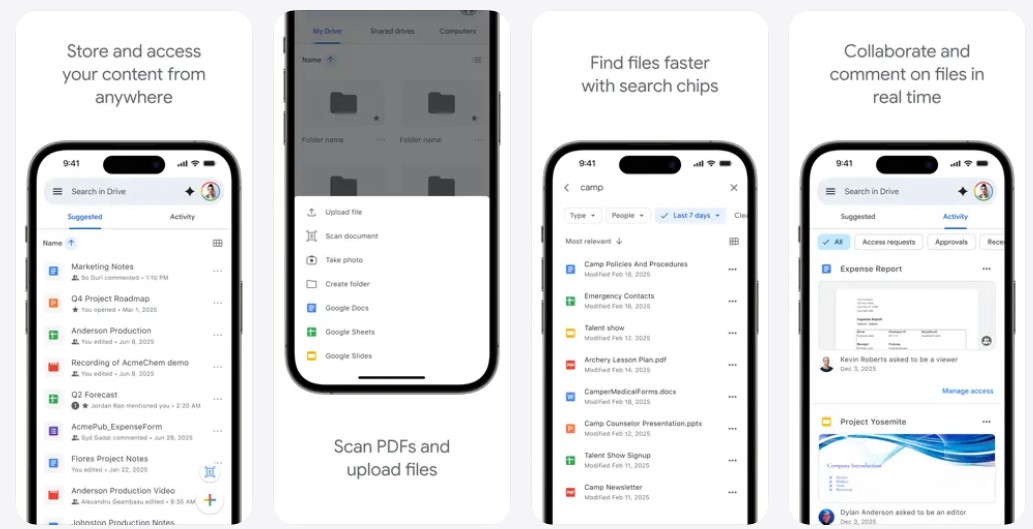
Google Drive is a cloud storage app that lets you store, organize, and access your files from your iPhone or iPad. Documents, photos, videos, and other files can be kept in one place and accessed whenever you need them.
The app makes it easy to manage files directly from your mobile device. You can organize content into folders, search for specific files, and access documents without having to keep everything stored locally on your phone.
For users comparing the best online storage apps, Google Drive provides a convenient way to keep files backed up and accessible across devices. Its cloud-based setup also makes it easier to work with your files when switching between your phone, tablet, and other supported devices.
Google Drive is available through the Apple App Store for iPhone and iPad. Its straightforward file management and cloud storage features make it useful for keeping important documents, media, and other digital content within easy reach.
2. Microsoft OneDrive App
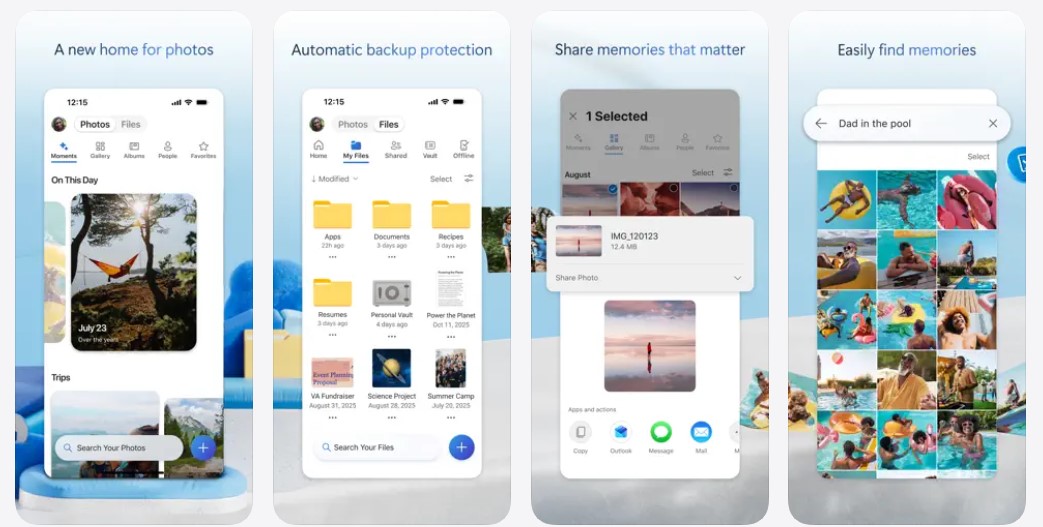
Microsoft OneDrive is one of the best iPhone online storage apps that lets you store, access, and manage files from your iPhone or iPad. It provides a convenient place for documents, photos, videos, and other files, keeping your content accessible when you need it.
The app makes file management simple with options to organize content, search for specific files, and access documents from your mobile device. You can also keep your files available across supported devices without relying entirely on your phone’s local storage.
OneDrive is particularly useful when you work across Microsoft services and want your files available in the same cloud environment. Its storage setup can make it easier to access important work files, personal documents, and media while switching between devices.
Microsoft OneDrive is available through the Apple App Store for iPhone and iPad. Its cloud storage and file management features provide a practical way to keep your digital content organized and accessible wherever you use your devices.
3. Box: The Power of Content + AI
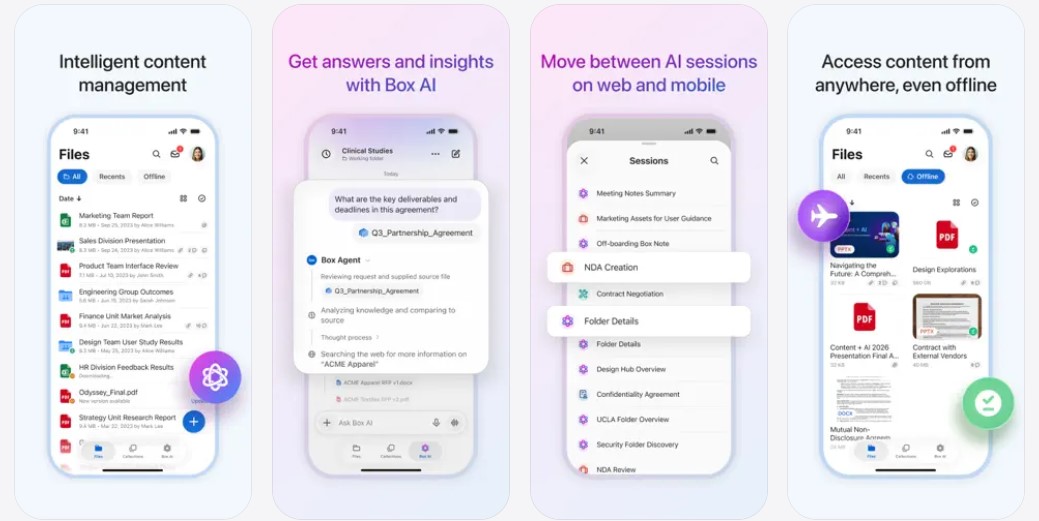
Box is a cloud content management app that lets you securely store, access, and manage files from your iPhone or iPad. You can keep documents, photos, presentations, and other important content organized in one place and access them whenever you need them.
The app makes it easier to work with files while you are away from your computer. You can view documents, organize folders, share files, and collaborate with others directly from your mobile device, making it useful for both personal and work-related content.
As one of the cloud storage apps designed for secure content management, Box also provides tools for sharing and collaborating on files. Its mobile access makes it easier to stay connected to important content while working across different locations and devices. Its combination of file storage, organization, sharing, and collaboration features gives you a convenient way to manage digital content from your mobile device.
4. pCloud – Cloud Storage
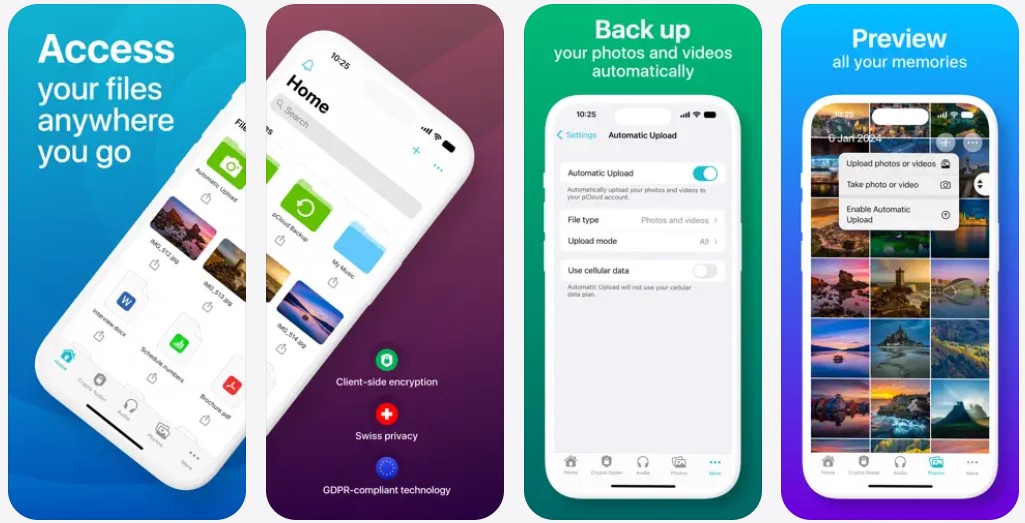
pCloud is a cloud storage app that lets you upload, organize, and access your files from your iPhone or iPad. Documents, photos, videos, music, and other content can be kept in one place, making it easier to manage your digital files across devices.
For users comparing iPad cloud storage apps, pCloud provides a convenient way to access stored content from a larger screen. You can browse folders, open files, and manage your digital library directly from your device without keeping everything saved locally.
The app also gives you a straightforward way to handle File Storage online, allowing important content to remain accessible when you switch between supported devices. This can be useful for keeping personal files, work documents, and media organized without relying entirely on your device’s internal storage. Its cloud-based file management makes it practical for keeping different types of digital content accessible wherever you need them.
5. Dropbox: Cloud Storage Backup
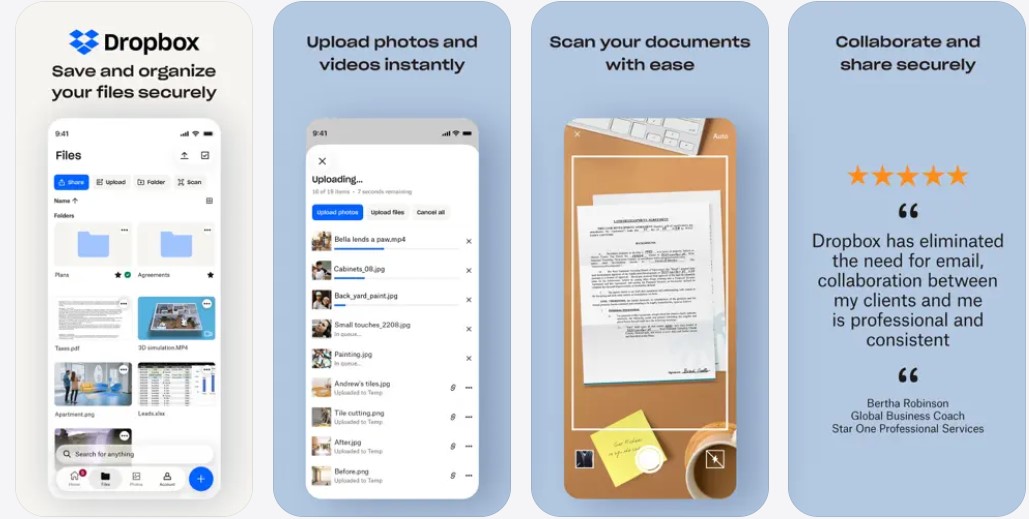
Dropbox is a cloud storage and file management app that lets you store, access, and organize documents, photos, videos, and other files from your iPhone or iPad. Its mobile interface makes it easy to keep important content available without storing everything directly on your device.
The app provides a convenient way to back up and access your files across supported devices. You can organize content into folders, search for specific files, and view or share documents from your phone whenever you need them.
Automatic file backup makes Dropbox useful alongside other online backup apps for iOS, especially when you want your important content stored securely in the cloud and accessible across different devices and locations.
Dropbox keeps your files within easy reach, whether you need to check a document, share a photo, or access work files while away from your computer. Its mobile setup makes everyday file access simple without requiring you to carry everything on your device.
6. TeraBox: 1TB Cloud & AI Space
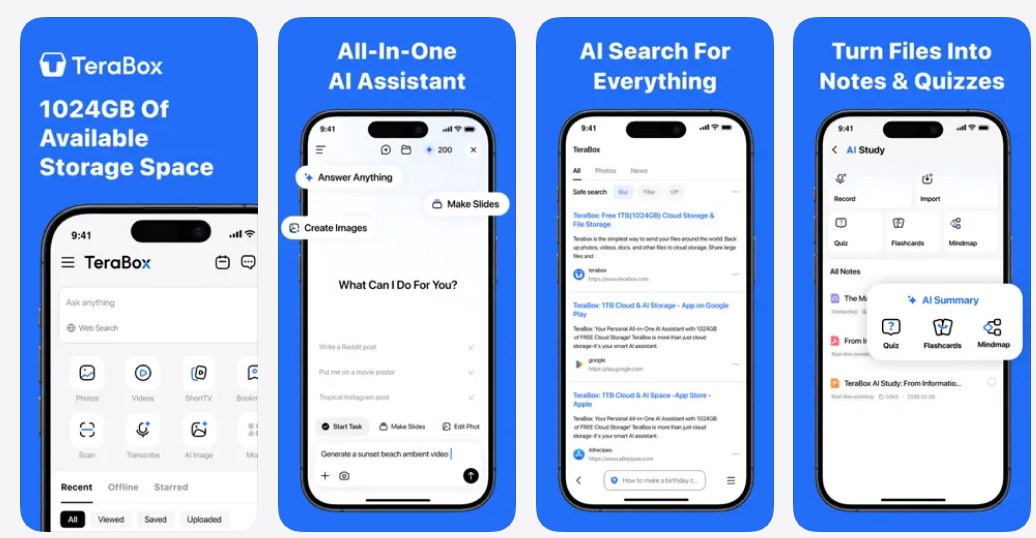
TeraBox is a cloud storage app that gives you a convenient place to store and access files from your iPhone or iPad. You can keep photos, videos, documents, and other digital content in the cloud instead of relying entirely on your device’s internal storage.
The app provides a simple way to organize your digital content and access files whenever you need them. Keeping your files in the cloud also makes it easier to manage your storage space when your device starts running low.
TeraBox combines cloud storage with AI-based features, giving you more than just a place to keep files. Its large storage capacity can be useful for people who regularly save photos, videos, documents, and other content that takes up significant space.
With photos, videos, documents, and other files stored in one place, TeraBox gives you more room to keep the content you actually use without constantly worrying about running out of space on your phone or tablet.
Conclusion
An online storage app for iPhone can be a lifesaver when you are running out of storage on your iPhone or iPad. Instead of deleting precious photos and videos, you can simply offload them from your device and store them in the cloud, where they become accessible on other devices as well. All of the services mentioned here offer useful features and affordable pricing options, making them suitable for all types of users.
Whichever service you choose, moving your important files to the cloud can help free up space on your iPhone or iPad while keeping your documents, photos, and other files accessible whenever you need them.


