


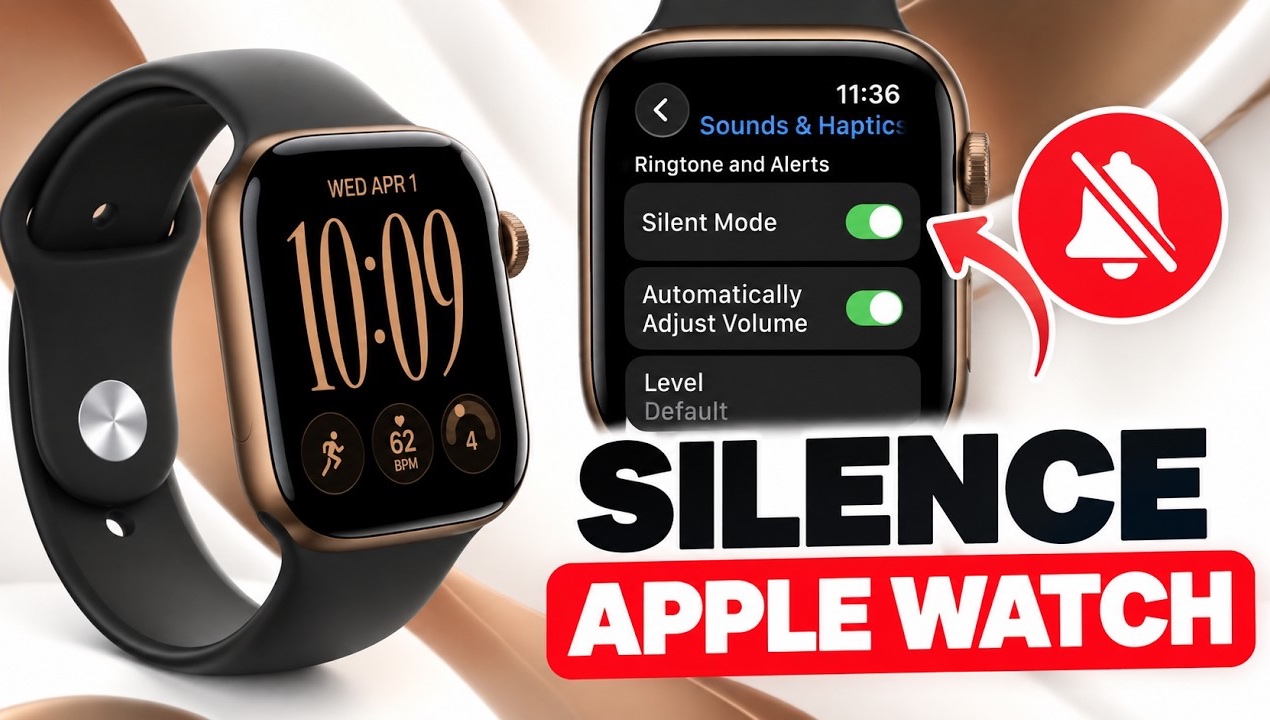
In this guide, we show you how you can silence your Apple Watch Series 12 or Ultra 4 and make it stop making sounds for notifications, calls, and other alerts.
When it comes to silencing an Apple Watch, there are several ways to do so. Here, we will talk about each method.
Turn on the Silent Mode
The most straightforward and effective way to silence an Apple Watch is to enable Silent Mode.
- Wake up your Apple Watch.
- Press the Side button to access Control Center.
- Look for the Bell icon and tap on it.
When the Bell button is highlighted, that means the Watch is in silent mode. You can tap on it again to turn the silent mode off.
In Silent Mode, your Apple Watch will still show you notifications and alerts however, it will not ring a sound for them. You will receive alerts through vibrations and haptic feedback.
Silence Apple Watch using Settings
You can also use the Settings app to enable Silent Mode on your Apple Watch.
- Open the Settings app.
- Go to Sounds & Haptics.
- Turn on the toggle for Silent Mode.
While you are in Settings, you can also adjust the alert volume of your Apple Watch.
Quickly silence an incoming alert
You can quickly silence an incoming alert and stop your Apple Watch from ringing by placing the palm of your hand over the display for about 3 seconds.
This is useful in situations when you forget to put your Apple Watch in silent mode, and it starts ringing at an inconvenient time such as a meeting, class, or during sleep.


