


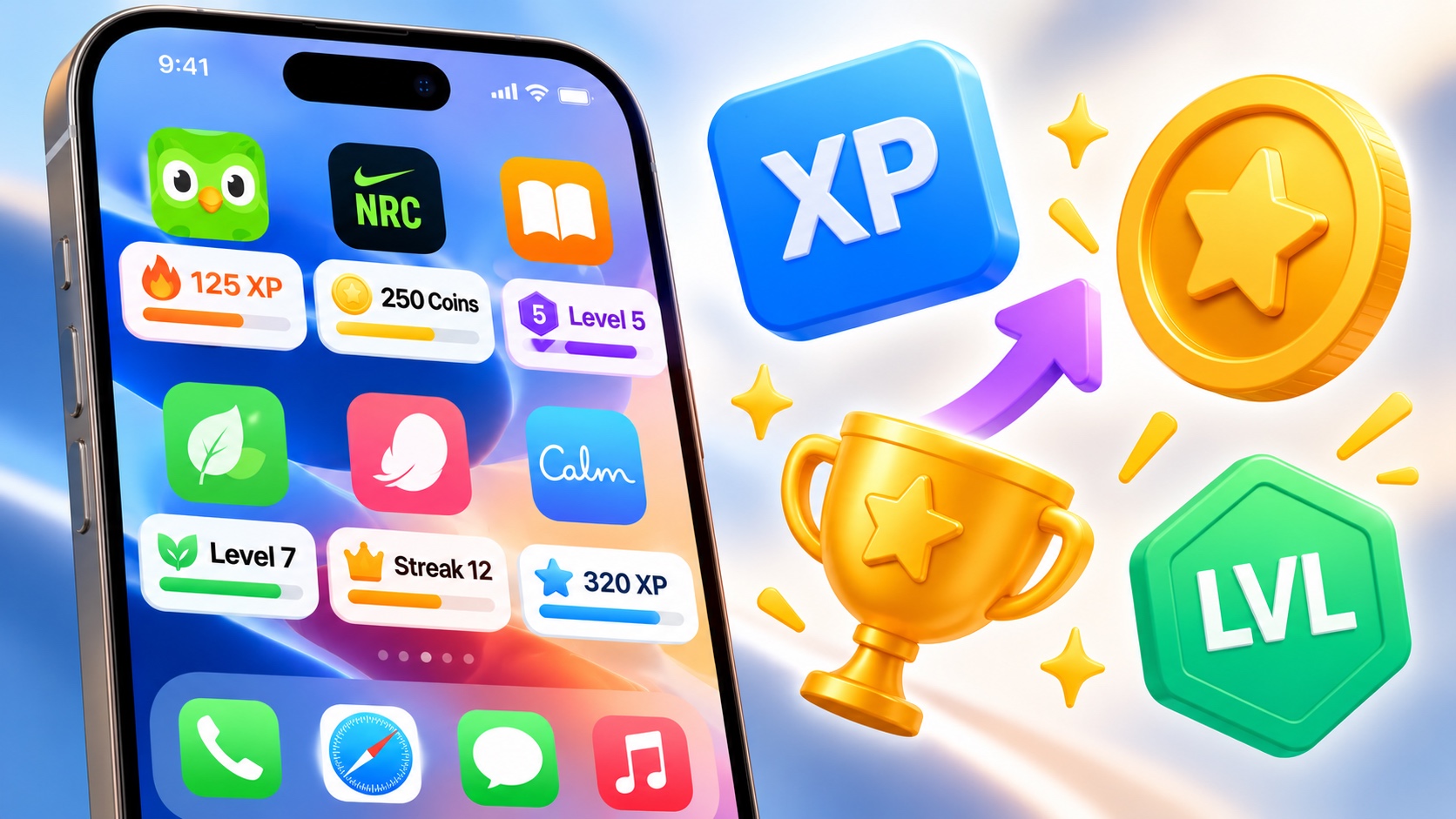
Scroll through the apps on your iPhone and you will spot a pattern: your language app awards XP, your workout app hands out coins and your reading app shows a level that ticks up as you finish chapters. Apps that have nothing to do with games now borrow their reward systems wholesale.
There is a simple reason. Apps compete harder than ever for your attention. Sensor Tower’s State of Mobile 2026 findings show people spent 5.3 trillion hours in apps during 2025. With that much time spread across so many apps, developers look for ways to give you a reason to come back tomorrow, and points are one of the oldest tricks in the book.
What points and levels are for
Points turn effort into something you can see. Finishing a workout or a lesson feels good, but a number that climbs makes the progress concrete. Levels then group those points into milestones, so you get a moment of reward every so often instead of a slow, endless count.
Most apps weight their points. A finished lesson might earn ten points while simply opening the app earns one. That weighting is the developer’s way of telling you which actions matter most to them.
Why the rules change without an update
If you use these apps for a while, you may notice something odd. A weekend arrives, and suddenly every workout earns double points, yet the App Store shows no new update. That is because many apps now run their reward rules on a server instead of inside the app itself.
Picture a workout app that doubles XP over a holiday weekend, but only for subscribers: Trophy, a gamification platform that provides an in-app points system to consumer apps, lets developers set that kind of 2x boost for fixed dates and a chosen group of users without pushing an app update. Trophy’s Gamification Intelligence Report 2026, based on more than 1.5 million users, tracks how people respond to features like these across the apps that use it.
For you, this means two things. First, the rewards in your apps can change at any moment, so a boost you see today may be gone tomorrow. Second, different users can see different offers. A subscriber and a free user might open the same app on the same day and get different point values.
Events you can spot on the App Store
Apple has made these limited-time moments easier to find. In-App Events let developers promote timely events inside their apps and games, such as competitions and challenges, directly on the App Store. If you search the App Store and see an event card under an app, it often signals a special challenge, a double-rewards period or a new season of content.
Checking those cards now and then is an easy way to catch a boost before it ends, especially in fitness and learning apps that run seasonal challenges.
Points in your kids’ apps
Children’s learning apps use the same reward systems, and younger users can find them harder to ignore. A child chasing a daily chest or a new level may want to open an app long after the learning has stopped.
Apple gives parents tools to keep that in check. Its guide to Screen Time for a child’s iPhone or iPad shows how to see which apps a child uses and set limits through the parental controls built into iOS.
Pair those limits with a quick look at what each app rewards. An app that pays out points for finished lessons is working with you. One that pays for simply opening it may need a tighter limit.
How to keep points working for you
Points can motivate, but they can also nag. A few simple habits keep them useful.
Look at what the points actually buy. Some apps let you spend coins on streak protection, themes or extra content. Others show points purely for bragging rights. Knowing which kind you have helps you decide how much attention to give them.
Watch which action earns the most. If you find yourself opening an app just to collect a daily bonus, ask whether that habit helps you or only helps the app’s engagement numbers.
Trim the notifications. Go to Settings, then Notifications, pick the app and switch off the alerts you do not need. Most reward reminders are optional, and turning them off will not reset your points.
Rewards that match your goals
XP, coins and levels are here to stay because they work for developers and, used well, for users too. They make progress visible and give a little push on the days motivation runs low.
The best way to use them is to decide your own goal first, such as 15 minutes of practice or three workouts a week, and let the points track it. When the points follow your goal instead of setting it, the app ends up working for you.


