


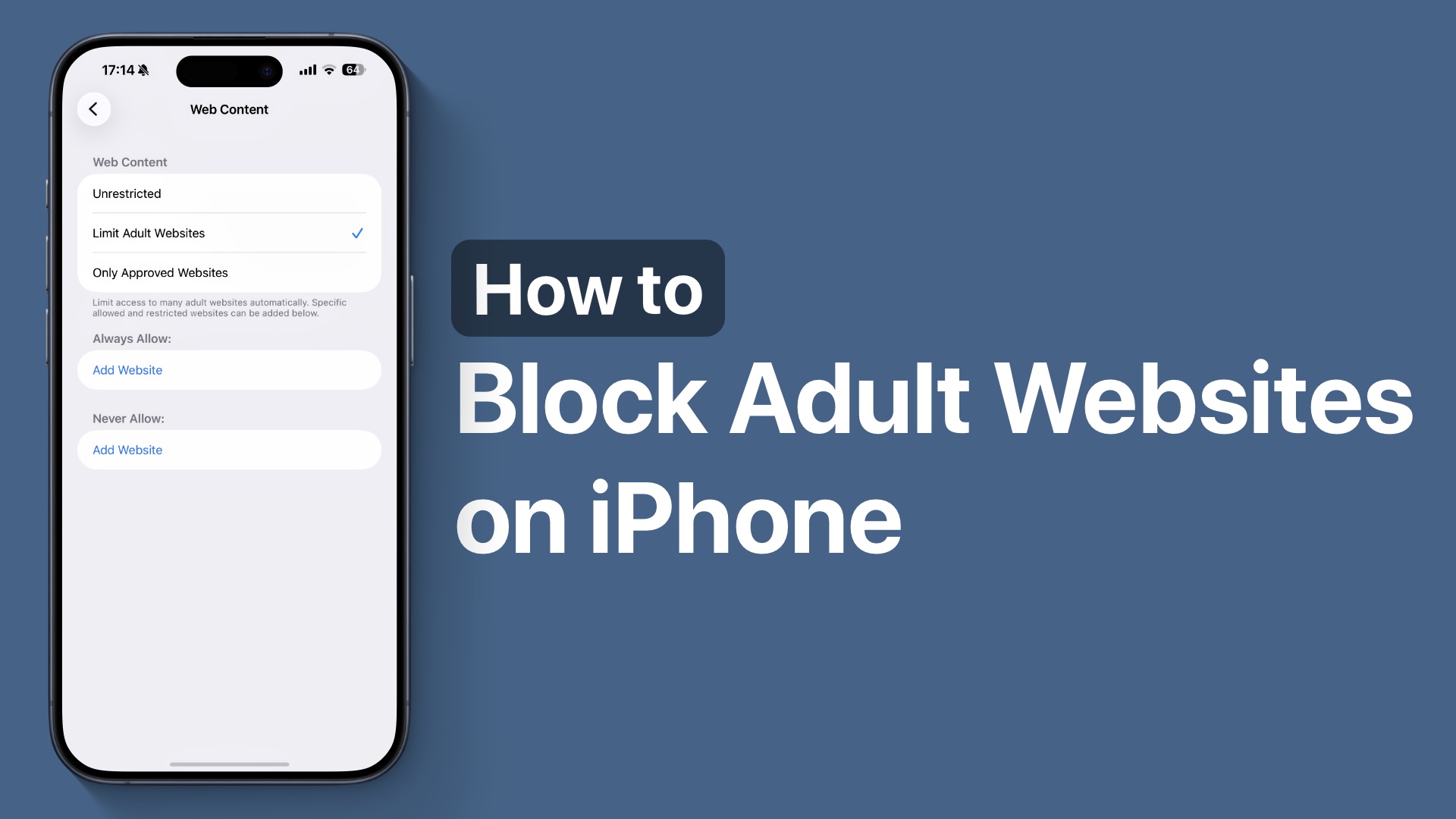
In this guide, we show you how you can block adult websites on your iPhone 17 and limit access to certain websites that you don’t want yourself or others to access on your device.
iPhone has a useful adult content filter that blocks any adult websites automatically. You can also use it to specify certain websites that you wish to block on your device. Once websites have been blocked, they cannot be accessed using the Safari browser.
Block Adult Websites on iPhone
- Unlock your iPhone and open Settings.
- Tap on the Screen Time option.
- Under Restrictions, tap on the Content & Privacy Restrictions option.
- Next, tap on App Store, Media, Web, & Games option.
- Now tap on Web Content and select Limit Adult Websites.
You can also tap on Never Allow and specify more websites that you wish to block by tapping on the ‘Add Website’ button under Never Allow.
On the Web Content page, you’ll also see an option called Only Approved Websites. When you enable this, your iPhone will allow access only to the websites you specifically approve and automatically block all others.
This option is especially helpful if you want to completely restrict general web browsing and ensure your child can visit only selected, safe websites on their iPhone.


