


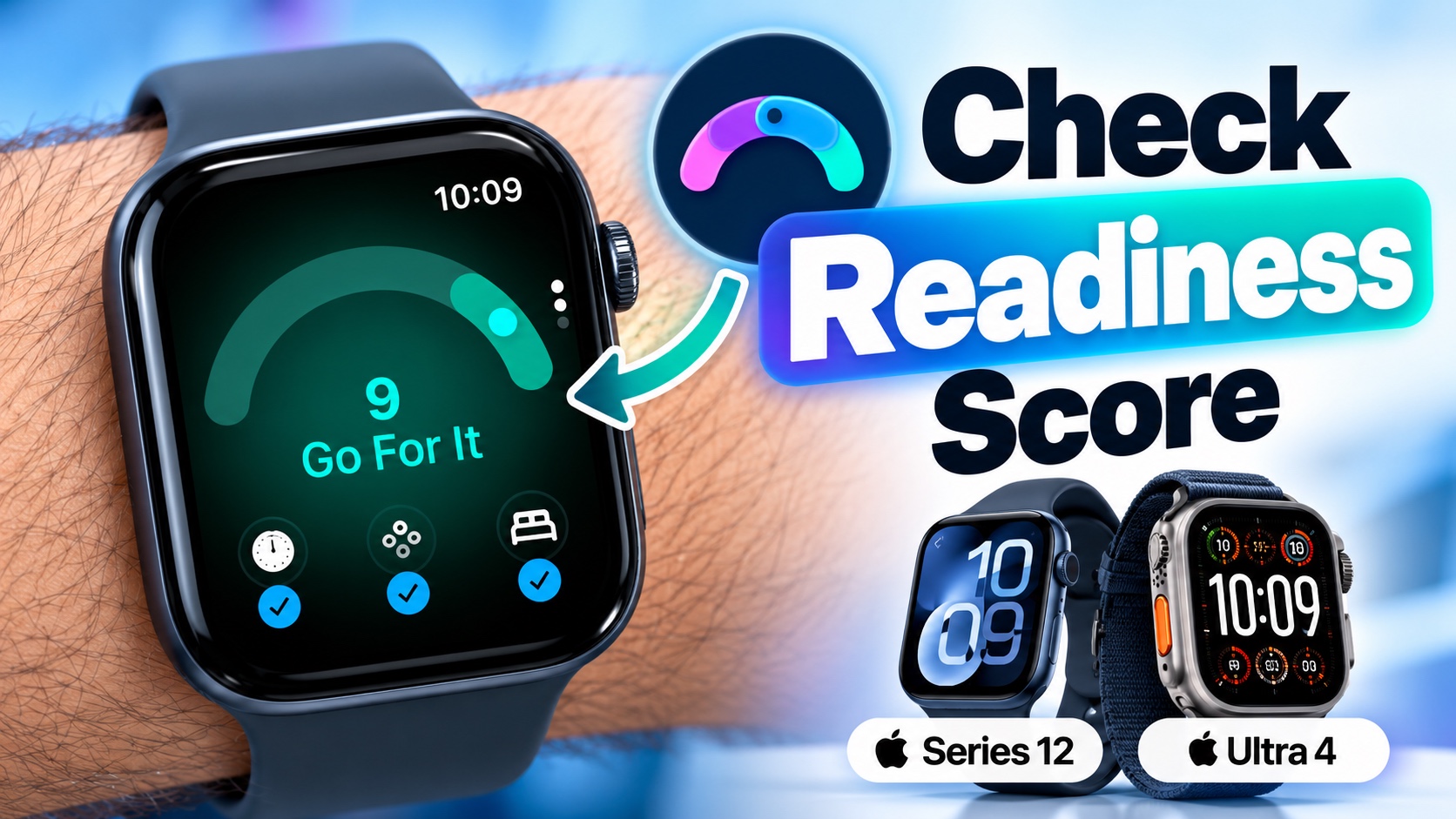
The new Apple Watch Series 12 and Apple Watch Ultra 4 offer the Readiness feature, which allows you to understand how prepared your body may be for activity or when it might be a good idea to take it easy.
The new feature is available exclusively on the new models as it relies on Apple’s new Health Sensing System. If you have one of the newer Apple Watches, then you can take advantage of the Readiness Score feature by following these steps.
Before you get access to your Readiness Score, you need to fulfill the following requirements.
- Wear your Apple Watch for sleep tracking for 7 nights
- Enter your height, weight, and age in the Health app
- Set up Activity
See Readiness Score on Apple Watch
Once you have fulfilled the above requirements, follow the steps below.
- Press the Digital Crown button to access App Launcher.
- Swipe up to access the Home Screen.
- Find the Readiness app icon and tap on it.
Once the app opens, you will see your Readiness Score from 0 to 10. The app will only show the score after you have worn your Apple Watch for at least 7 nights for Sleep Tracking.
Apple classifies the scores into four ranges:
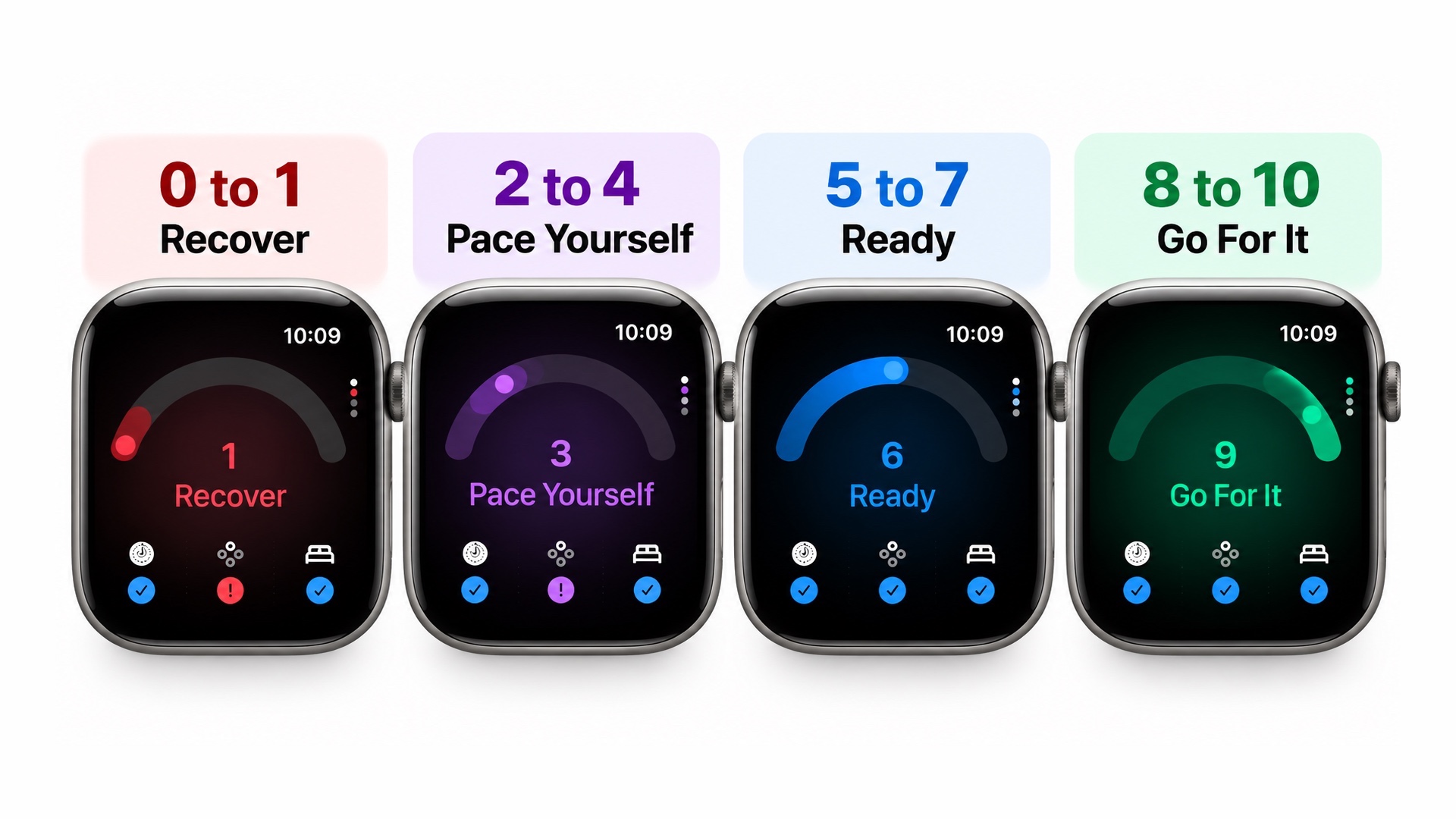
- 0 to 1: Recover
- 2 to 4: Pace Yourself
- 5 to 7: Ready
- 8 to 10: Go For It
You can also check your Readiness Score on your iPhone. Just launch the Fitness app and scroll down on the Summary page. Here, tap on the Readiness option.


