


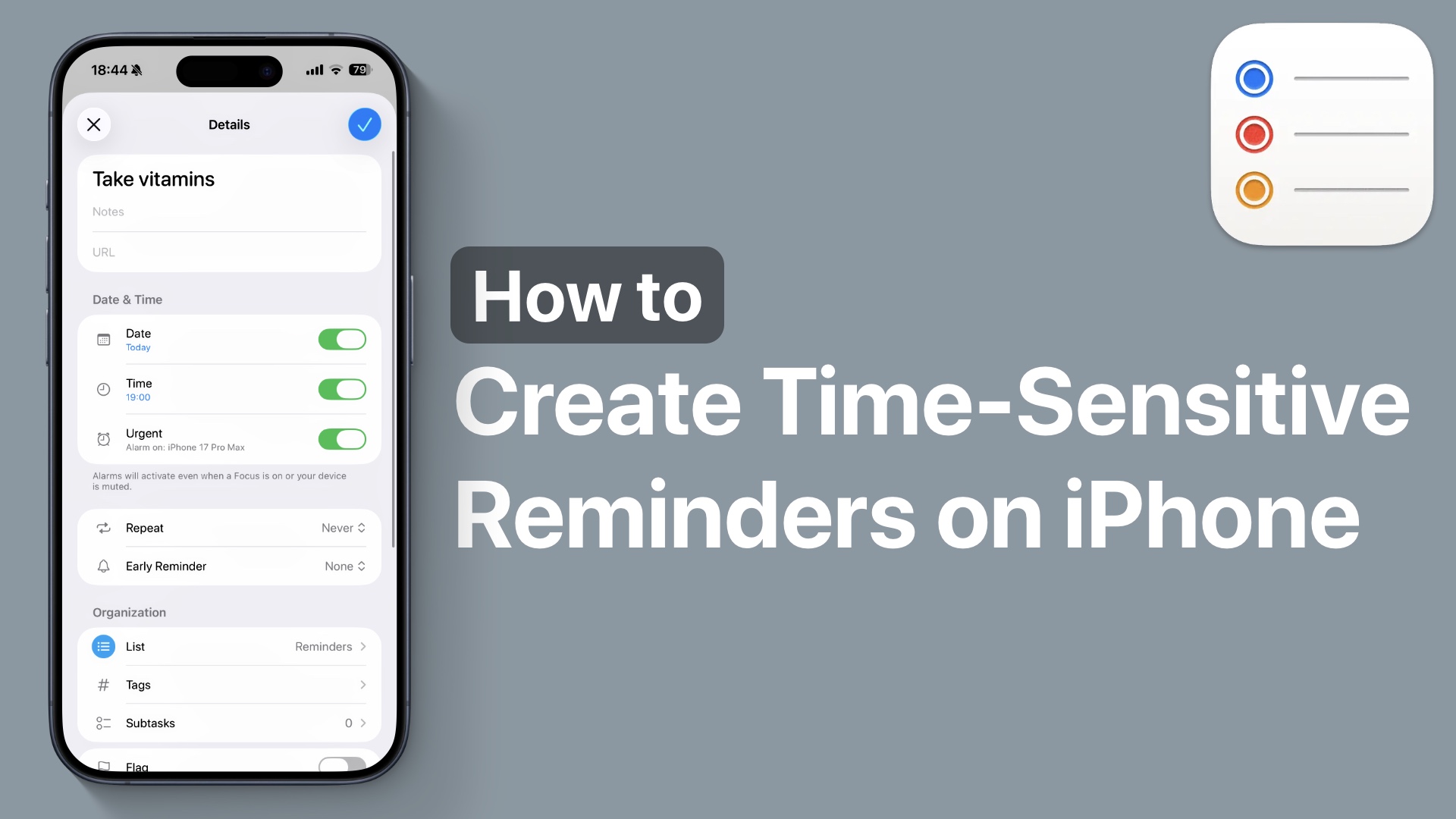
Do you want to create important and time-sensitive reminders on your iPhone that even bypass Focus or Do Not Disturb modes? In this guide, we have shared easy-to-follow steps that let you create reminders on iPhone so important alerts always get through.
The Reminders app has an Urgent feature that not only makes alarms bypass Focus modes, but it also rings an alarm on the iPhone for important reminders, making reminders hard to miss.
This is super useful and perfect for things like paying bills, taking medications, making important calls, or meeting deadlines.
Create Urgent and Time-Sensitive Reminders
You can easily create Time-Sensitive and Urgent reminders by following these steps.
- On your iPhone, launch the Reminders app.
- Create a new reminder or tap on an existing reminder.
- Tap on the ‘i’ button next to the reminder.
- Make sure your reminder has a Date and Time by turning on its toggles.
- Now turn on the toggle for Urgent.

Allow Time-Sensitive Alerts in Focus Modes
When you turn on the Urgent toggle, the said reminder is marked as important and time-sensitive. With this setting enabled, the Reminders app will activate an alarm when it is due, even when a Focus Mode or Do Not Disturb mode is active.
In addition to following the steps above, you should also make sure your most used FOcus Modes allow Time-Sensitive alerts.
You can do this by following these steps.
- Launch Settings and tap on Focus.
- Tap on a focus mode.
- On the next page, turn on the toggle for ‘Intelligent Breakthrough & Silencing’.
That’s it, this is how you can create Time-Sensitive and Urgent reminders on iPhone and have them ring even when a Focus mode is enabled.


