


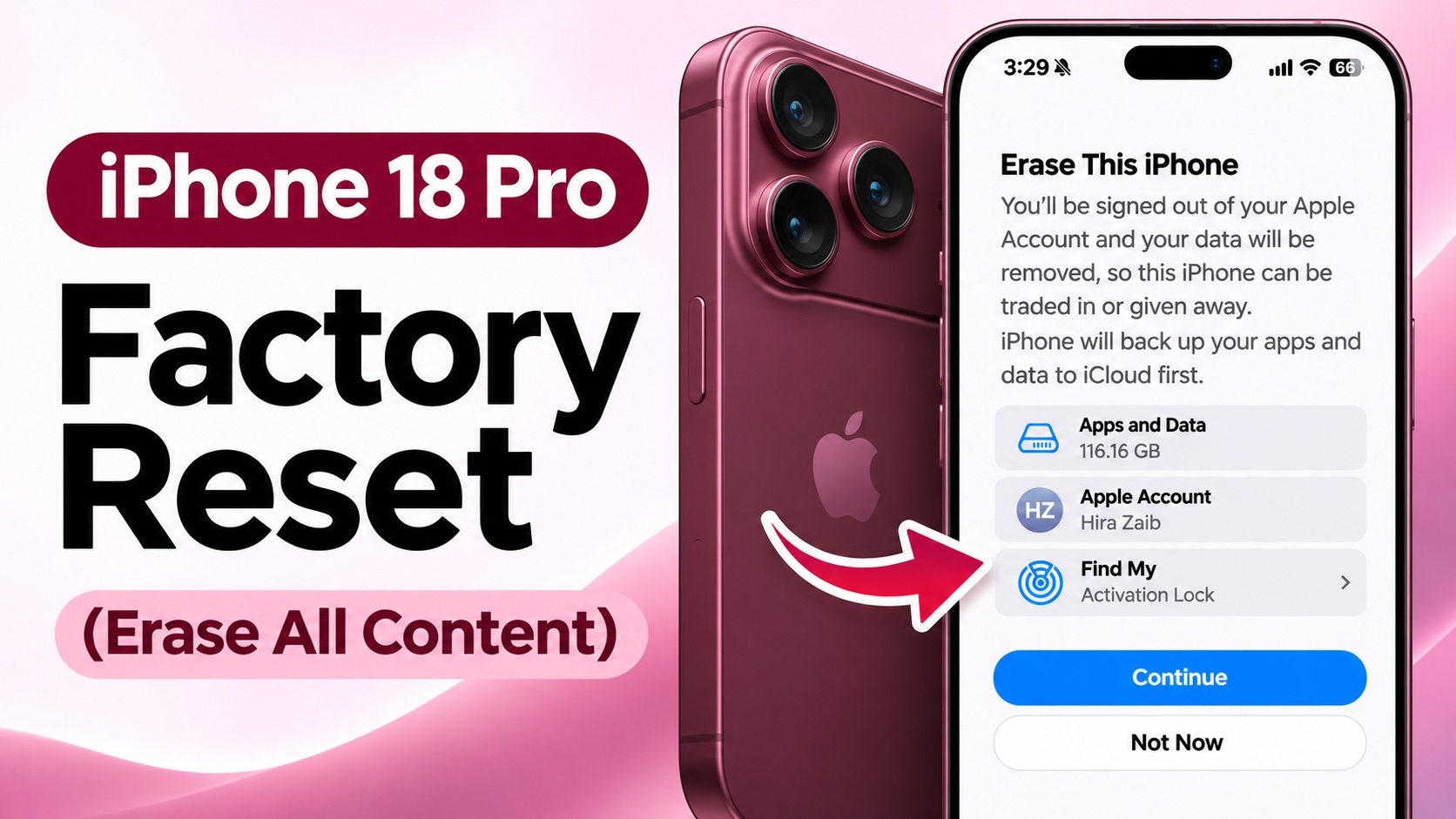
If you want to sell, giveaway or troubleshoot your iPhone 18 Pro, then a factory reset is the right way to do it. In this guide, we have shared quick and easy instructions that will let you factory reset your iPhone 18 Pro and iPhone 18 Pro Max.
Before you begin, make sure to back up your iPhone first as a factory reset will erase all content and settings on your device.
Factory Reset iPhone 18 Pro
- Launch the Settings app.
- Go to General and scroll down,
- Tap on Transfer or Reset iPhone.
- Here tap on Erase All Content and Settings.
- Tap on Continue and enter your passcode if prompted.
- Follow the on-screen instructions to proceed. You may be asked to enter your Apple Account passcode and disable Find My.
At this point the factory reset process will begin. Once the factory reset is complete, your iPhone will restart and display the Hello screen.
You can now set it up as a new iPhone, restore your data from an iCloud backup, or transfer data from another device.
Disclosure: iOSHacker may receive a commission if you purchase products through our affiliate links. For more visit our privacy policy page.
