


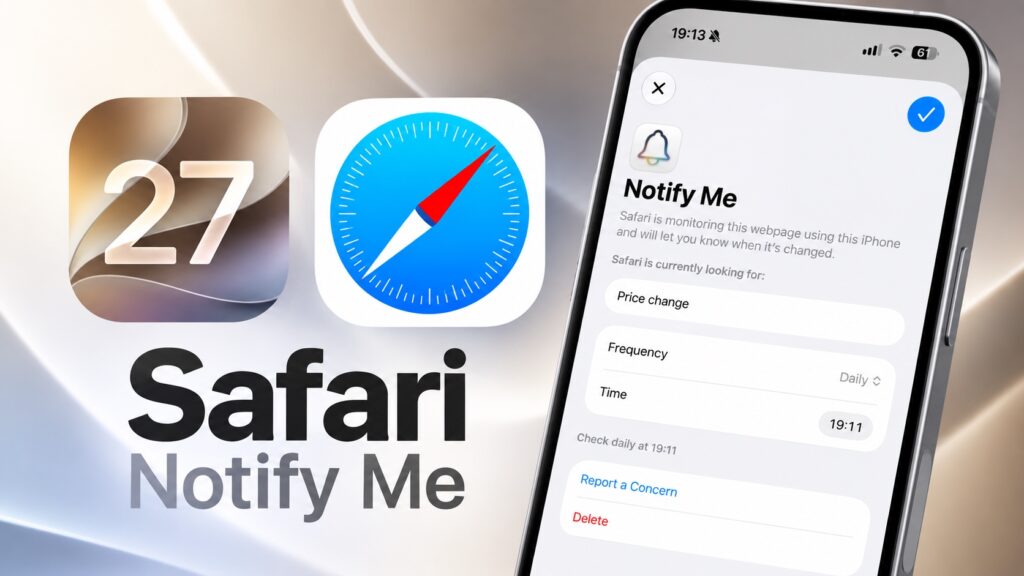
Safari on iOS 27 has gained a new feature that lets users monitor any webpage and notify them when that specific change occurs.
Users can take advantage of this feature to monitor web pages and be alerted when there’s a price drop, an item is back in stock, or information is added to the page, etc.
Instead of repeatedly checking a website yourself, you can make Safari automatically monitor it for you and send you an alert when something changes.
And you can even specify in plain words what kind of change you are looking for.
- Launch Safari and load the website that you want to monitor.
- Tap on the menu button (three lines) on the left side of the URL.
- From the menu, tap on Notify Me.
- In the ‘Describe a change…’ text field, type the change you want to be notified about.
- Tap on the Edit button next to Check Daily, and select the check frequency and time for monitoring.
- Tap on the Done button at the top to save.
To modify or delete a Notify Me entry, you can either visit the webpage again and tap on the Edit button on the banner that appears at the top, or you can follow the steps below.
- Open Settings and go to Apps.
- Here, tap on Safari.
- Scroll down and tap on the Notify Me option.
- On the next page, tap on the entry you want to modify.
- Edit the entry or tap on the Delete button to remove it.
Pretty useful, especially if there’s a website you don’t want to keep checking manually.


