


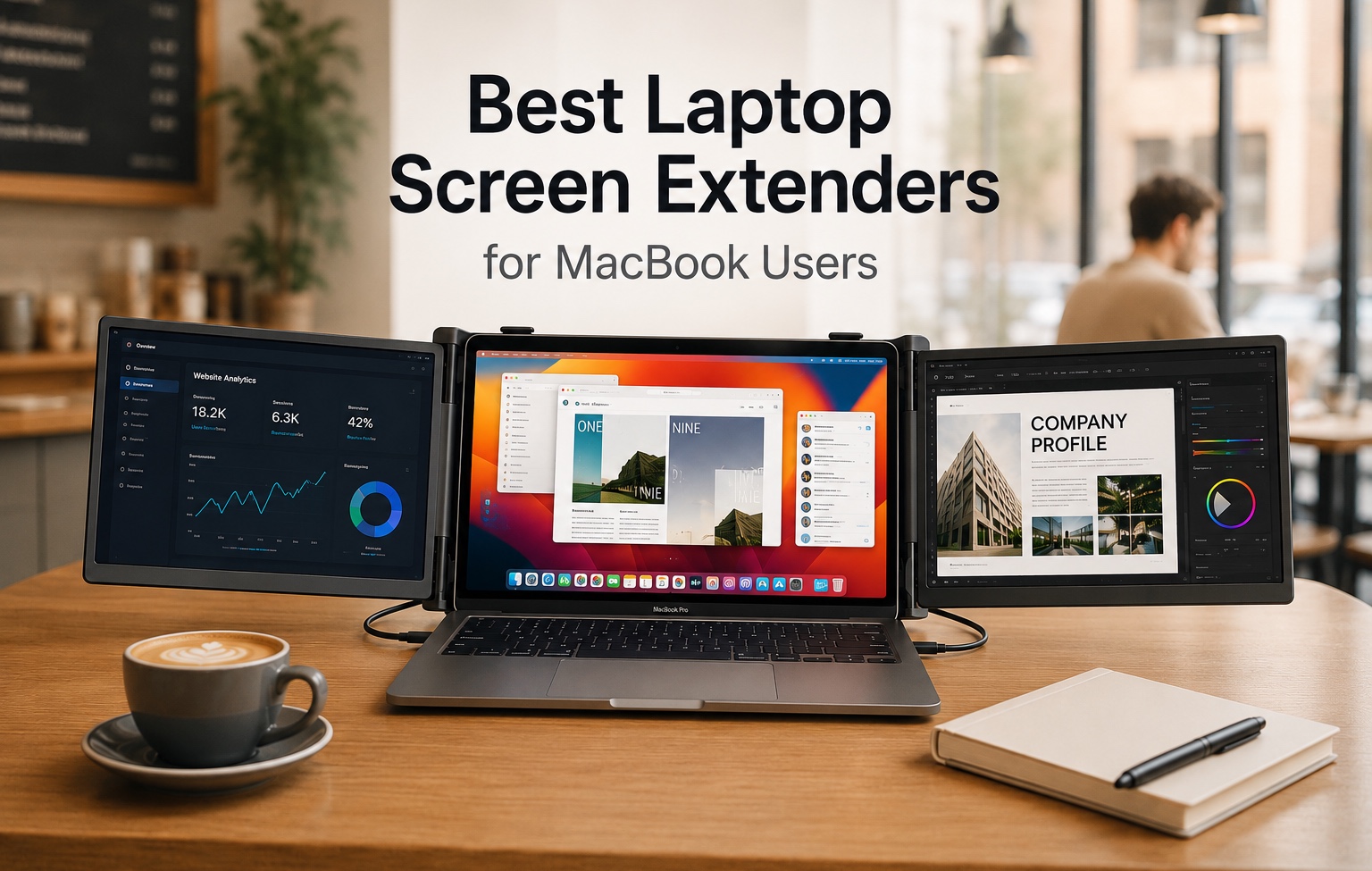
When it comes to multitasking, coding, content creation, or managing multiple apps at once, a single screen can quickly become a limitation. This is where laptop screen extenders come in, as they can quickly turn your laptop into a workstation with two additional displays.
These portable screen extenders provide triple screen solutions that lets you expand your workspace anywhere you like. Whether you are travelling and need to work on a project at your hotel room or just want to get out of your home office and work in a coffee shop, these screen extenders transform a MacBook into a powerful workstation.
In this buying guide, we have featured some of the best laptop screen extenders for MacBook users. They offer great dispaly quality, ease of setup and overall value making them ideal for MacBook Pro and MacBook Air users.
Best Laptop Screen Extenders for MacBook
1. Vixtan 14″ Triple Laptop Screen Extender
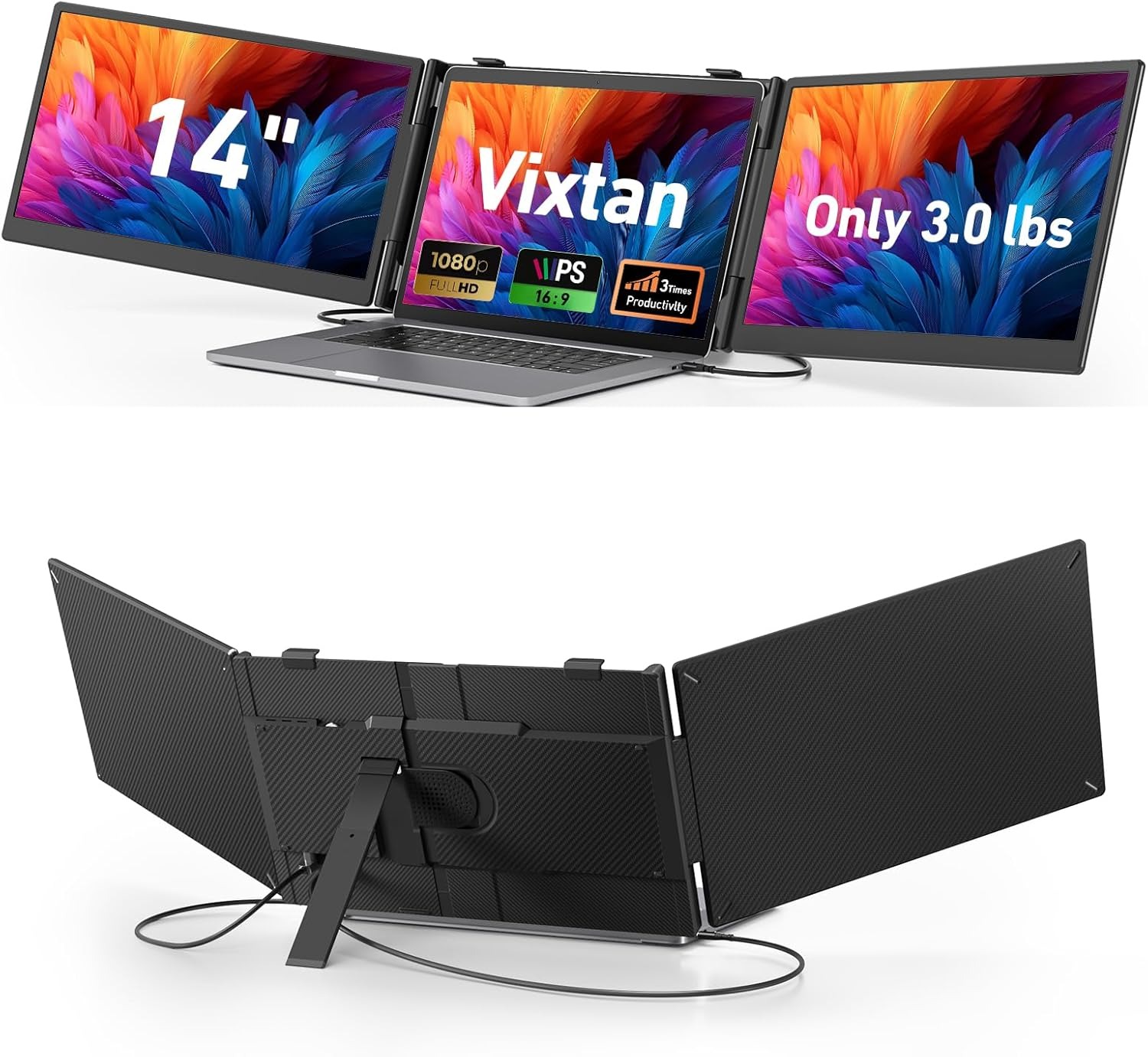
The Vixtan 14″ Triple Laptop Screen Extender transforms a standard laptop into a portable multi-screen workstation, giving you significantly more room to work, create, and multitask wherever you go. With dual 14-inch Full HD IPS displays that fold neatly alongside your laptop, it delivers the productivity of a desktop setup without sacrificing portability. The lightweight design and plug-and-play connectivity make it especially appealing for remote workers, students, and digital nomads.
Unlike carrying separate portable monitors, this all-in-one setup unfolds in seconds and creates a seamless triple-screen workspace. Multiple display modes, including extended and mirrored views, make it easy to manage emails, spreadsheets, research tabs, meetings, and creative applications simultaneously.
For users exploring MacBook Screen Extenders, this model offers broad compatibility with laptops ranging from 13 to 17.3 inches and supports both Windows and macOS devices. The 1080P IPS panels deliver sharp visuals, vibrant colors, and wide viewing angles, creating a comfortable experience for long work sessions.
2. FEZOBR Laptop Screen Extender
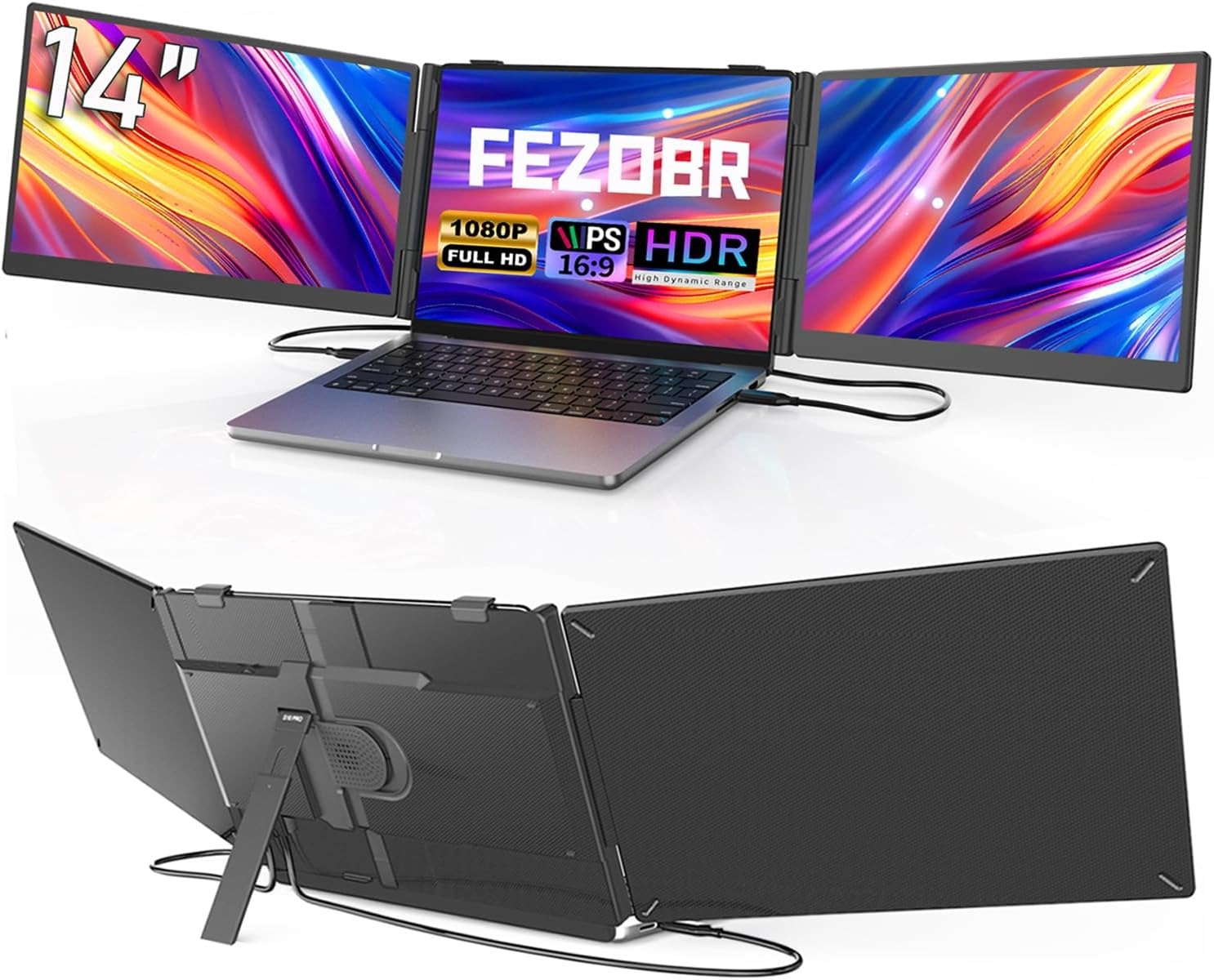
The FEZOBR Laptop Screen Extender is designed to transform a single-screen laptop into a more efficient multi-monitor workspace, making it an excellent external screen for MacBook users who need more room for multitasking. By adding two extra displays, it allows spreadsheets, emails, video calls, research, and creative projects to remain visible at the same time, reducing the need for constant tab switching and helping streamline your workflow.
Its dual 14-inch Full HD IPS screens deliver sharp visuals, vibrant colors, and a wide 178-degree viewing angle for comfortable viewing throughout the day. Whether you prefer Extend Mode for multitasking, Mirror Mode for presentations, or Portrait Mode for reading and coding, the display adapts easily to different work styles and needs.
Setup is refreshingly simple thanks to its plug-and-play design. Unlike bulkier multi-monitor solutions, it only requires two cables to power and connect both screens, reducing desk clutter and making it quick to get started without complicated installations or software.
3. Blackview DCM8 Triple Laptop Screen Extender
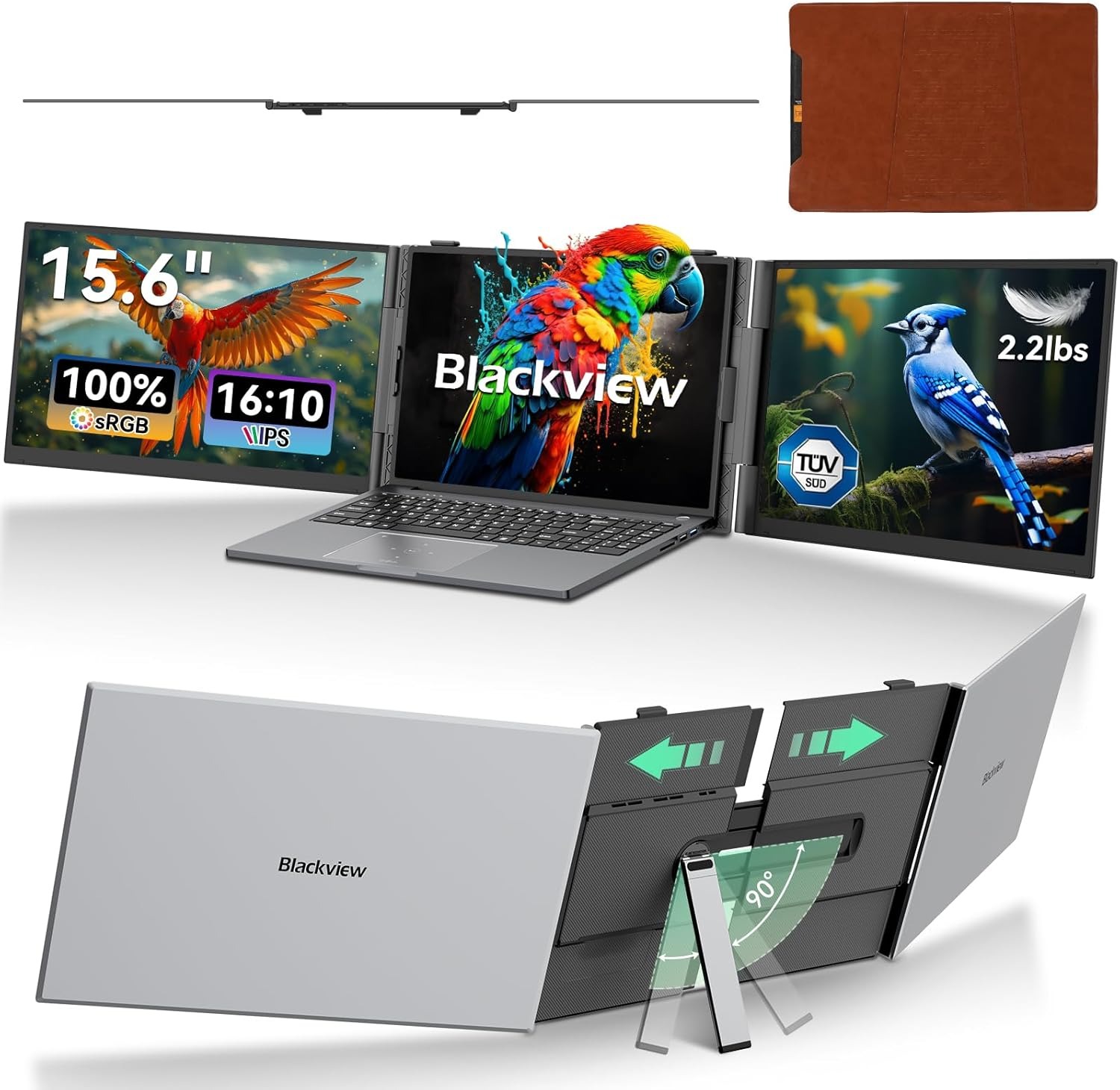
The Blackview DCM8 Triple Laptop Screen Extender is built for professionals who want a lightweight yet powerful way to expand their workspace without committing to a full desktop setup. Despite its portability, it delivers a large-screen experience that feels practical and efficient for multitasking on the go.
The display itself is a 15.6-inch FHD IPS panel with 1920×1200 resolution, 300 nits brightness, and 100% sRGB color accuracy, offering sharp visuals and rich, true-to-life color reproduction. The 16:10 aspect ratio provides extra vertical space, which reduces scrolling when working on documents, spreadsheets, or design projects. TÜV SÜD low blue light certification also helps reduce eye strain during long work or study sessions, making it more comfortable for extended use.
For users looking for detachable dual monitors for MacBook, this setup offers strong compatibility across macOS, including M1, M2, and M3 devices. The plug-and-play design removes the need for drivers or extra software, while multiple USB-C and HDMI options ensure quick and stable connections.
4. Redalf Laptop Screen Extender
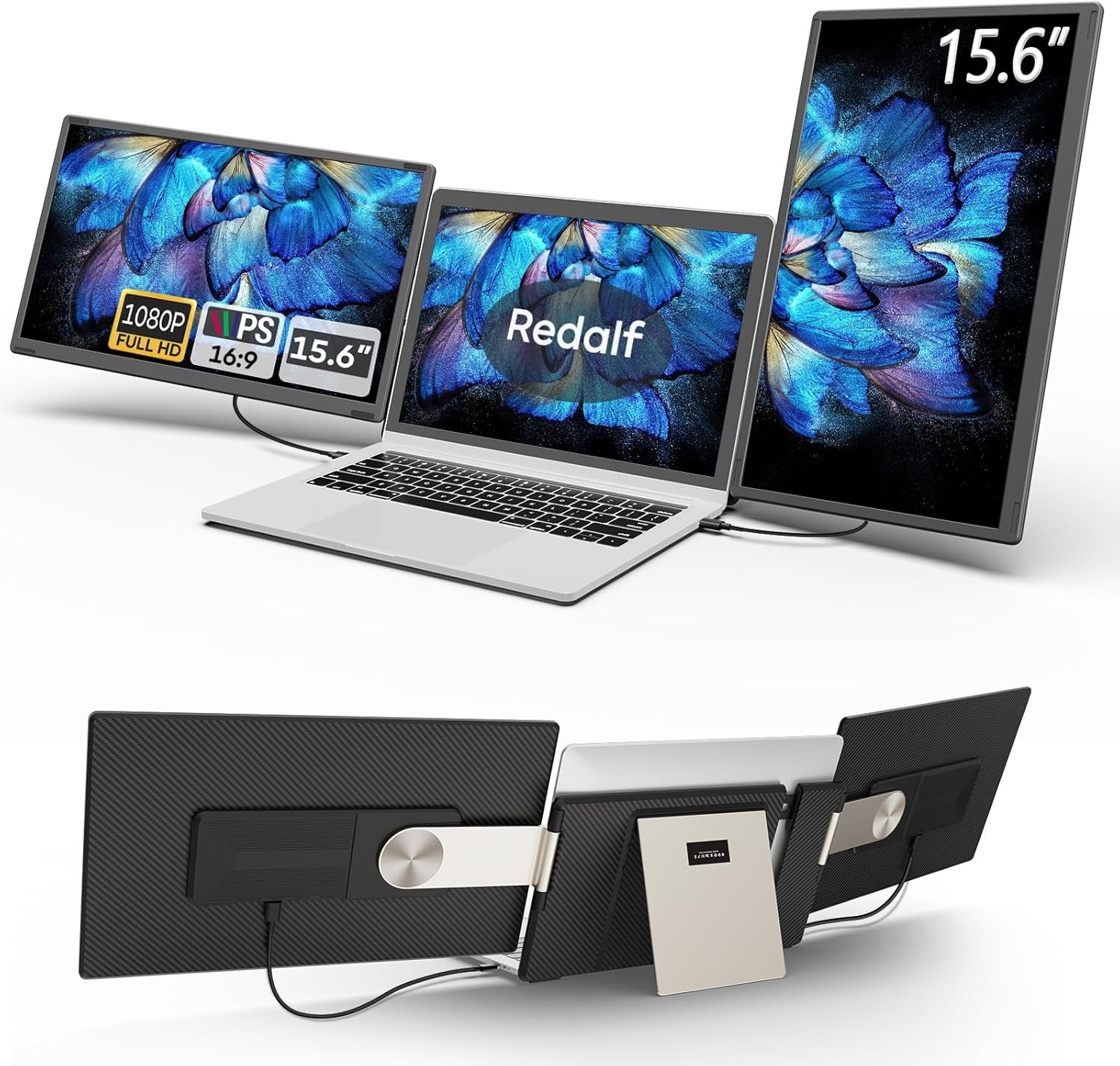
The Redalf Laptop Screen Extender is designed to turn a standard laptop into a flexible multi-display workstation, giving users far more space to work, create, and collaborate. Its upgraded stand supports 235° horizontal rotation and 90° vertical rotation, allowing smooth switching between landscape, portrait, and stacked screen setups. It can also be detached and used as a single-sided monitor, making it easier to carry while traveling, with each side weighing only around 2.1 lbs.
The display itself features a 15.6-inch FHD 1080P IPS panel that delivers bright visuals, sharp detail, and rich color reproduction. Built-in speakers enhance the experience, while anti-glare, flicker-free, and low-blue-light technology help reduce eye strain during long working or study sessions.
Flexibility is where it really stands out, especially for users exploring portable detachable monitors for MacBook setups in different work environments. The ability to separate or combine screens allows it to adapt easily to tasks like coding, financial analysis, presentations, or multitasking-heavy workflows without locking you into a single fixed configuration.
5. Funhill Laptop Screen Extender
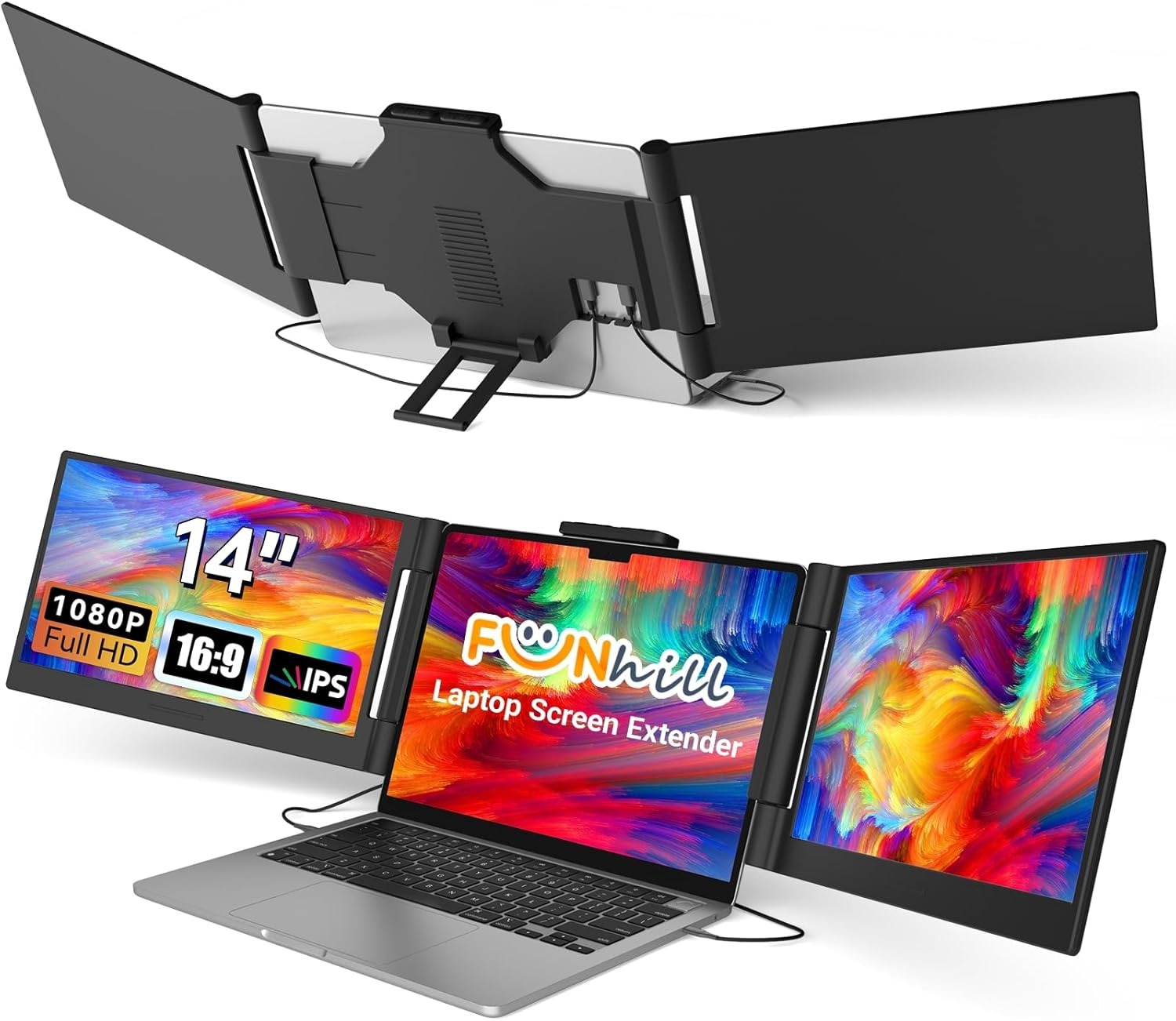
The Funhill Laptop Screen Extender is designed to instantly transform a single laptop display into a full multi-screen workspace, making it easier to manage spreadsheets, design tools, chats, and documents all at once. Instead of constantly switching between tabs, it creates a smoother workflow that supports extended, duplicate, and portrait viewing modes, helping reduce digital fatigue during long work sessions.
It features a 14-inch FHD IPS display with 1920×1080 resolution, a 60Hz refresh rate, and wide viewing angles that deliver sharp visuals and consistent color quality. The screen can rotate extensively on both sides, allowing users to fine-tune positioning based on their comfort or task requirements. Brightness controls are built directly into the frame for quick adjustments without interrupting work.
Among modern triple laptop screen extenders, this model stands out for its portability and practical design. It folds compactly for travel and supports a wide range of devices, as long as they meet the required display output standards. This makes it a flexible solution for users who want expanded screen space without committing to a fixed desktop setup.
6. CIDETTY Laptop Screen Extender
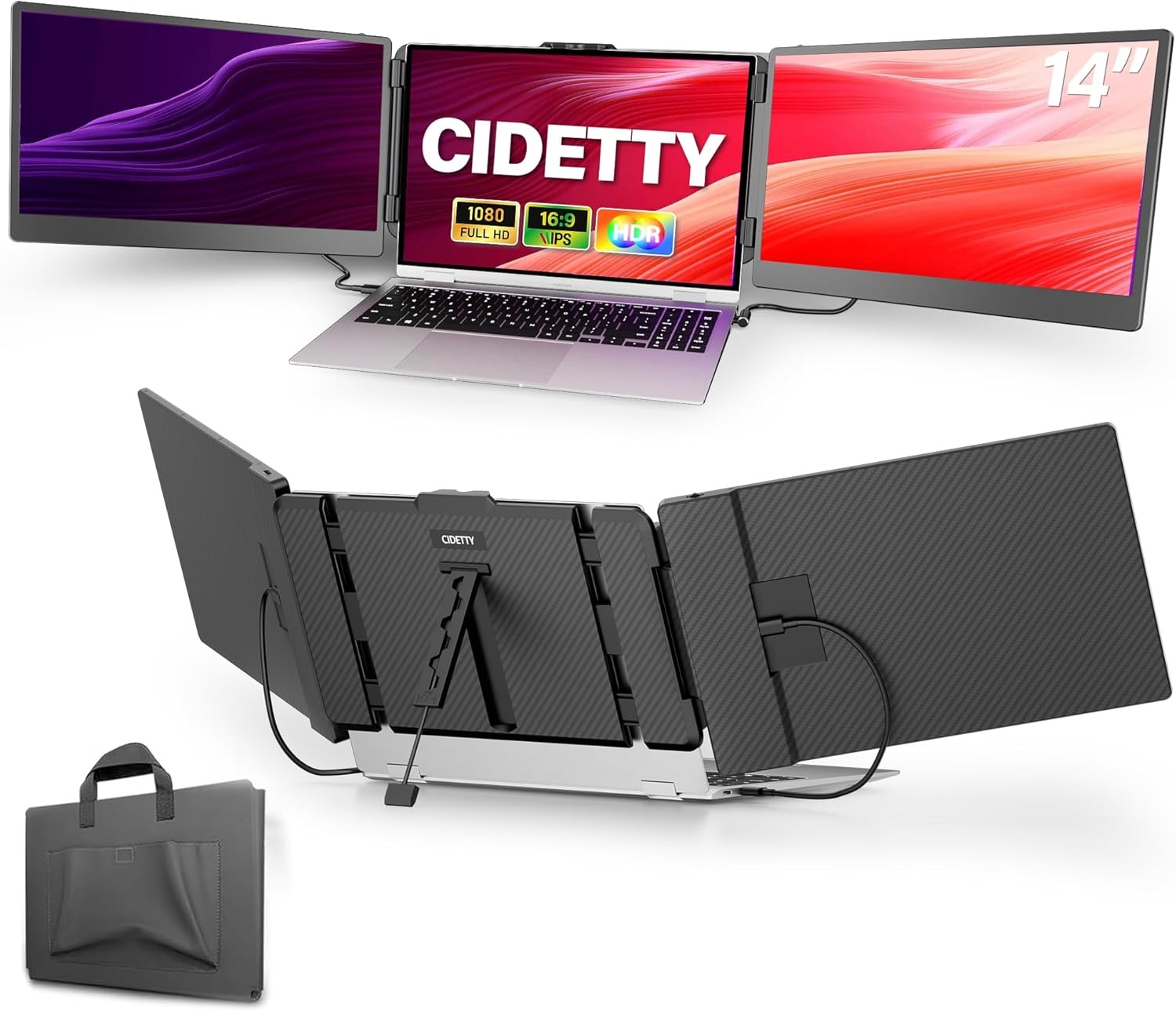
The CIDETTY Laptop Screen Extender is a practical solution for anyone looking to create a more productive workspace without being tied to a desk. Designed with a 14-inch Full HD IPS display, it delivers sharp visuals, vibrant colors, and a comfortable viewing experience, enhanced by anti-glare technology and blue-light filtering. For professionals, students, and remote workers who rely on triple external monitors to manage multiple tasks at once, it offers a portable alternative to a traditional desktop setup.
Whether you are handling spreadsheets, attending virtual meetings, editing content, or conducting research, the expanded screen space helps keep everything organized and accessible. With a slim profile measuring just 0.24 inches thick, built-in speakers, and a dedicated protective case, it is designed for work on the move. It slips easily into a bag, allowing you to create a multi-screen workstation from virtually anywhere.
Conclusion
A laptop screen extender can be one of the most impactful upgrades for MacBook users. This single accessry can transform your MacBook into a powerhouse, letting you work with more screen real estate without sacrificing mobility. The options shared above are all great, so the option you go for ultimately depends on your budget, workflow and portability needs.


