


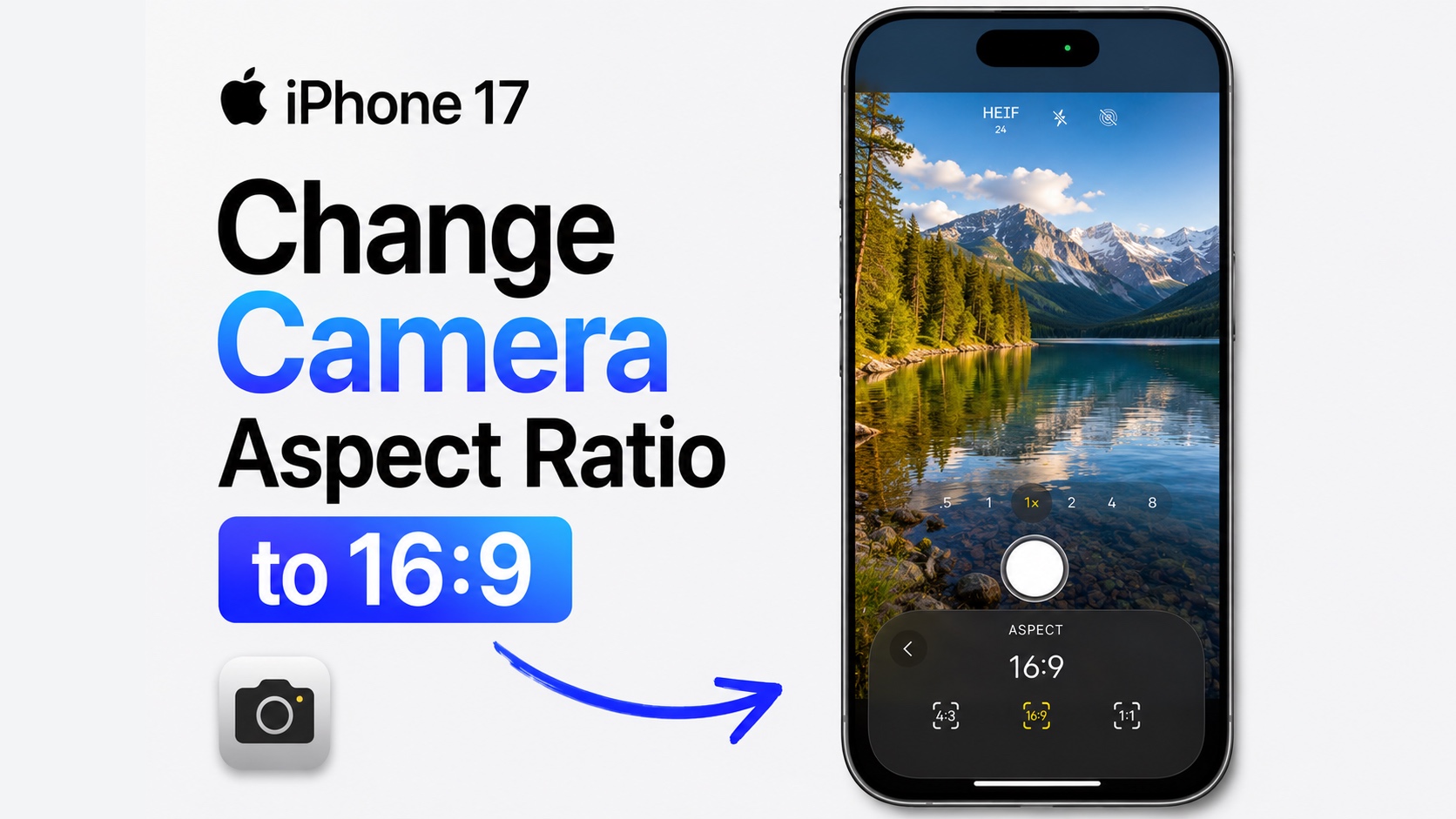
If you want to take your iPhone photos in 16:9 aspect ratio and want your images to look perfect on widescreen displays, social media or as wallpapers, then this guide is for you.
By default iPhones shoot photos in 4:3 aspect ratio. While this aspect ratio is find for taking everyday photos, if you want to shoot content for apps like Instagram, the 16:9 aspect ratio is more suitable.
Here’s how you can make your iPhone shoot in 16:9 aspect ratio permanently.
- Open the Camera app.
- Tap on the six dot button. It is usually located at the bottom right side on iOS 27, and at top right side on iOS 26.
- From the menu find and tap on the Aspect option.
- Now you will be given three options including 4:3, 16:9 and Square. Select 16:9.

Your camera viewfinder will instantly switch to the widescreen 16:9 format, allowing you to capture photos that perfectly fit modern displays and social media platforms.
If you want your iPhone to remember this setting, go to Settings, then Camera, and tap Preserve Settings. Turn on Creative Controls so your iPhone keeps the last aspect ratio you selected. The next time you open the Camera app, it will still be set to 16:9.
That’s it, this is how you can change camera aspect ratio to 16:9 permanently on your iPhone, and shoot in this aspect ratio all the time.


