


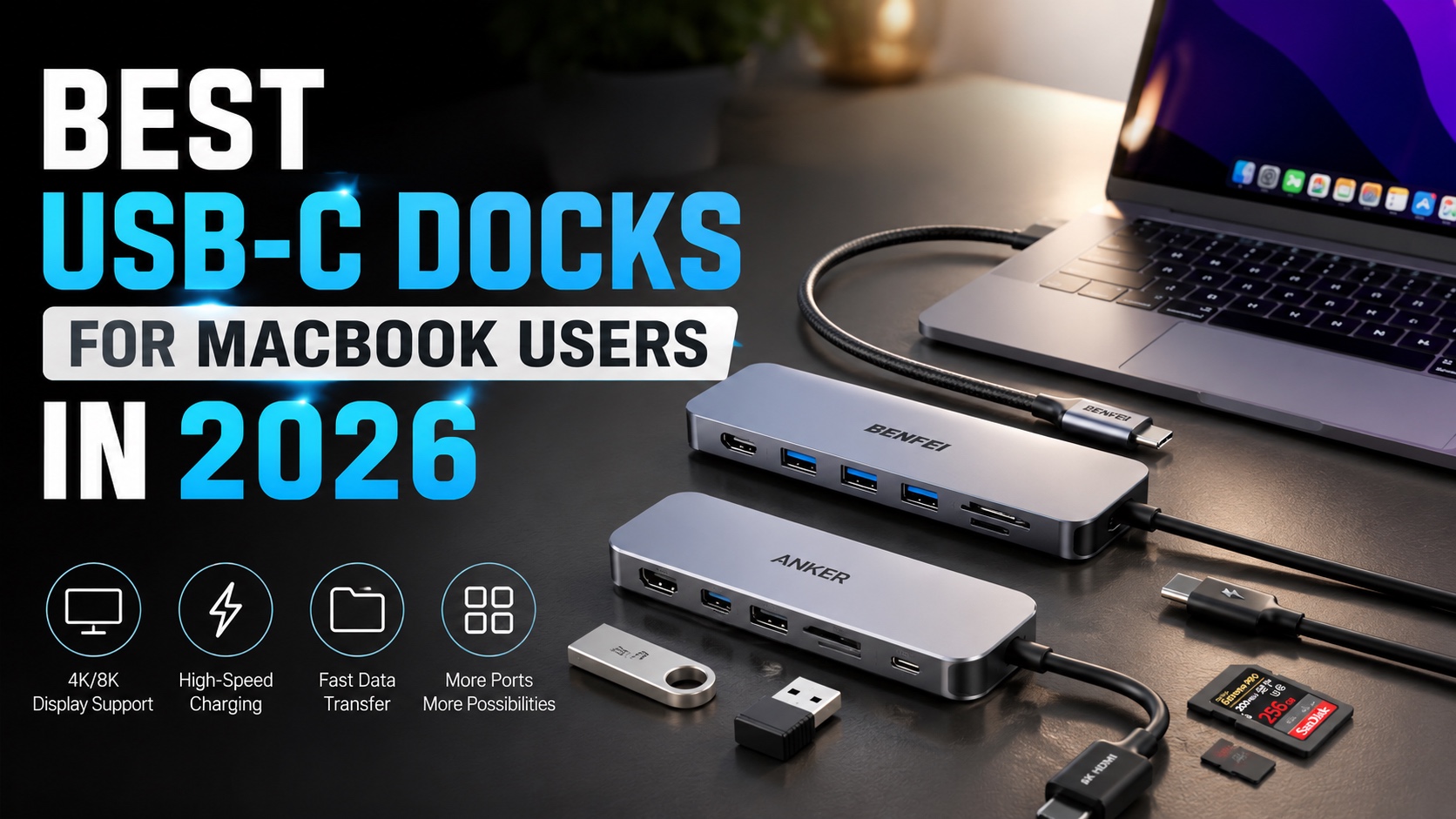
MacBooks are powerful machines but the biggest gripe that most people have with them is the limited number of ports. If you regularly connect your external displays, SD cards, storage devices, and other accessories to your MacBook, then you would know how frustrating the who experience can be. You can solve all of this by using a good USB-C dock.
There are countless USB-C Docks out there, so to help you find the right one we have rounded up the best USB-C docks for MacBook users in 2026. Read on to learn about all of them.
Best USB-C Dock in 2026
1. Anker USB-C Hub
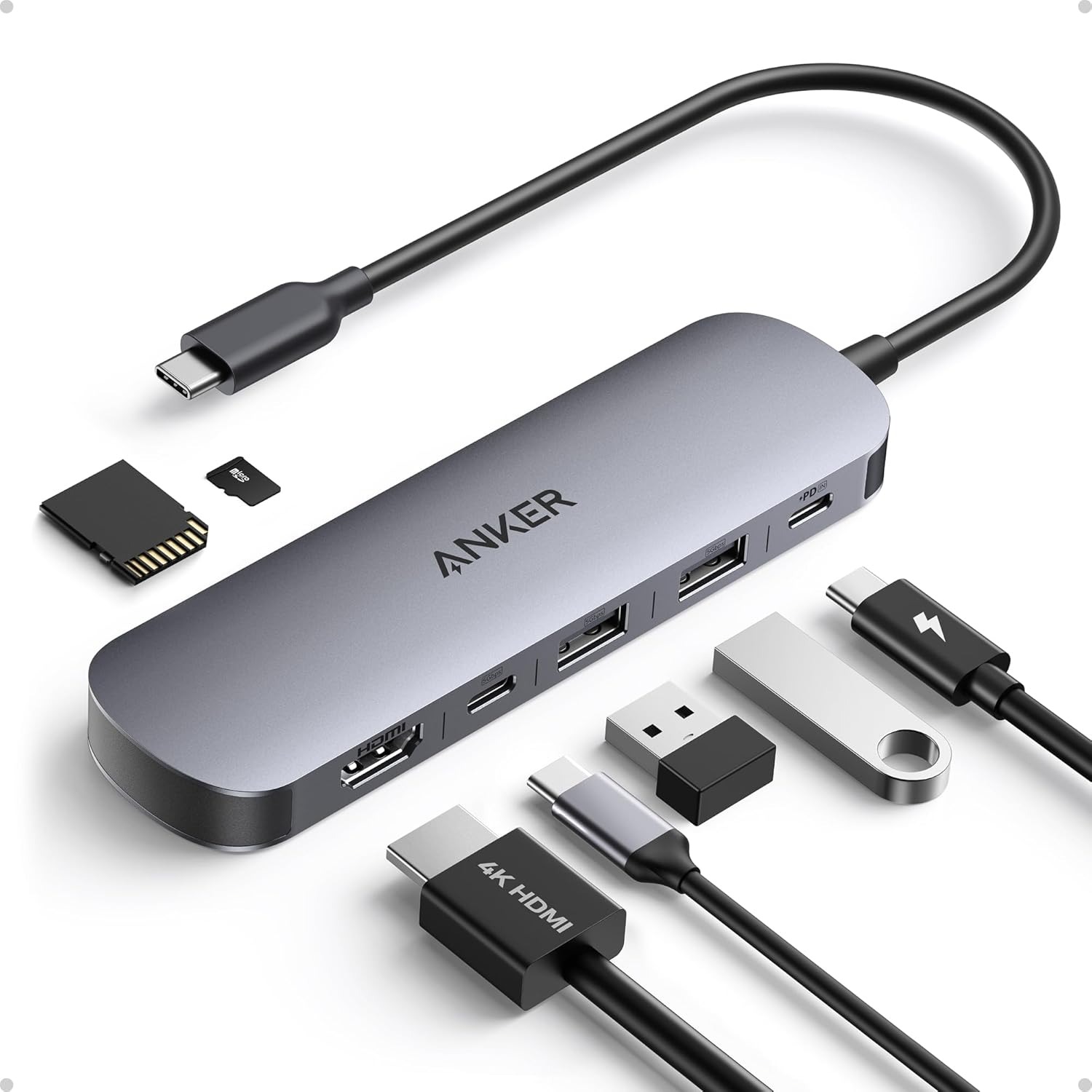
The Anker USB-C Hub expands your laptop connectivity with an HDMI port, two USB-A 3.0 ports, a USB-C data port, dual SD and TF card slots, and a USB-C PD input. All three data ports support transfer speeds of up to 5Gbps, while the compact design makes it easy to keep your essential connections in one place.
The HDMI port supports 4K resolution at 60Hz, providing smooth and detailed visuals for presentations, external displays, and entertainment. With its combination of high-speed data transfer, display connectivity, and charging support, the hub works well as one of the USB-C docks for MacBook users who need more ports without carrying a bulky setup. The USB-C PD input supports up to 100W, delivering up to 85W of charging power to compatible laptops for efficient everyday use.
2. UGREEN USB-C Docking Station
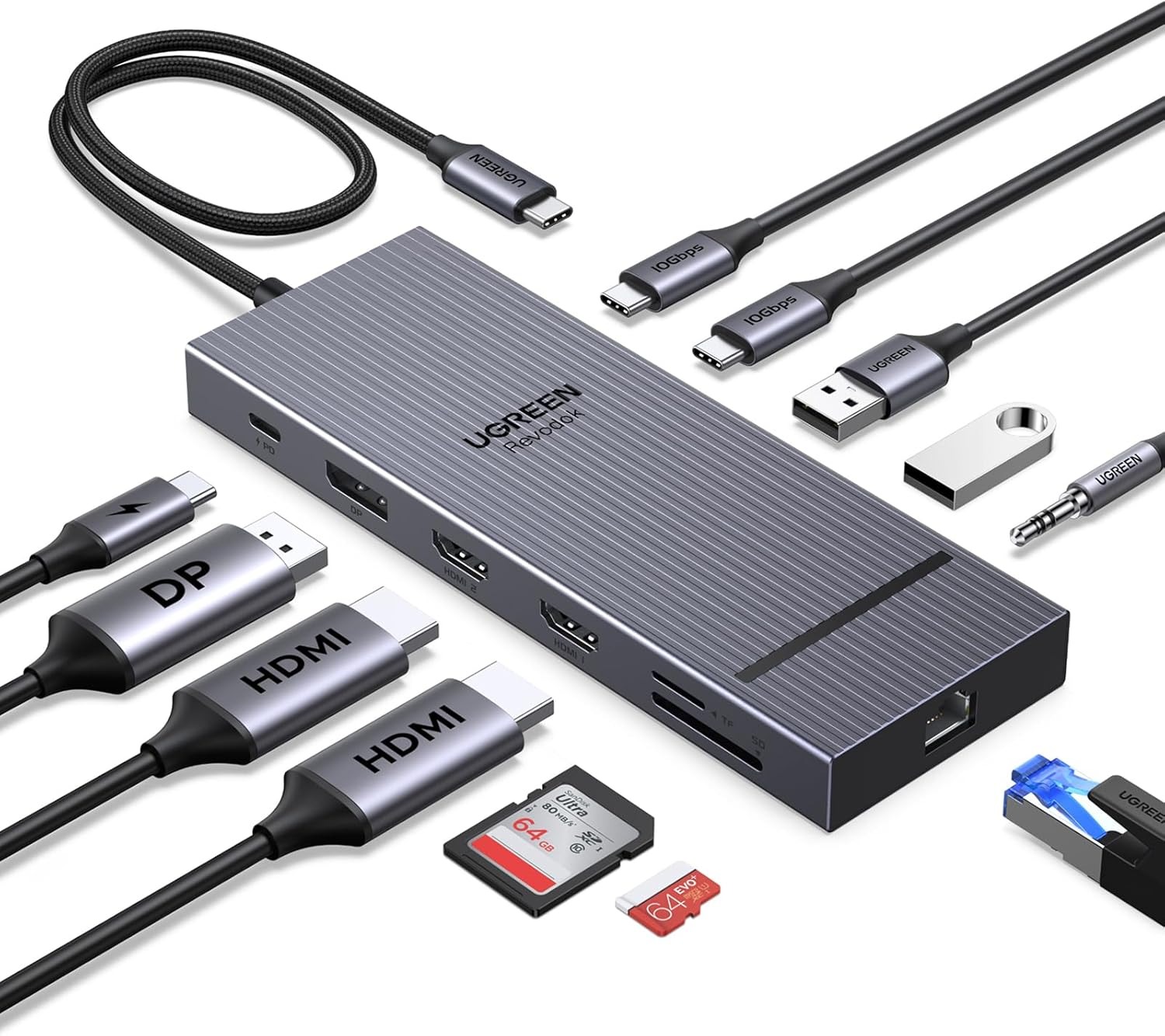
The UGREEN USB-C Docking Station provides a comprehensive connectivity solution with two HDMI ports, one DisplayPort, two USB-C 3.2 ports, two USB-A ports, SD and TF card readers, a 3.5mm audio jack, and 100W Power Delivery. Its range of ports makes it well suited to MacBook docks for users who need to connect multiple peripherals and displays from a single setup.
For high-resolution displays, the docking station supports up to 4K at 120Hz on a single screen, 4K at 60Hz across two screens, or 4K at 30Hz across three screens. The USB-C 3.2 ports provide data transfer speeds of up to 10Gbps, while the USB-A ports can connect devices such as keyboards, microphones, and storage drives.
The dock supports up to 85W USB-C pass-through charging for compatible laptops, with the remaining power reserved for other port operations. It also includes a 1000Mbps Ethernet port for reliable wired networking, an SD and TF card reader with speeds of up to 104MB/s, and a 3.5mm audio output supporting 192kHz 24-bit audio.
3. Belkin USB-C Hub
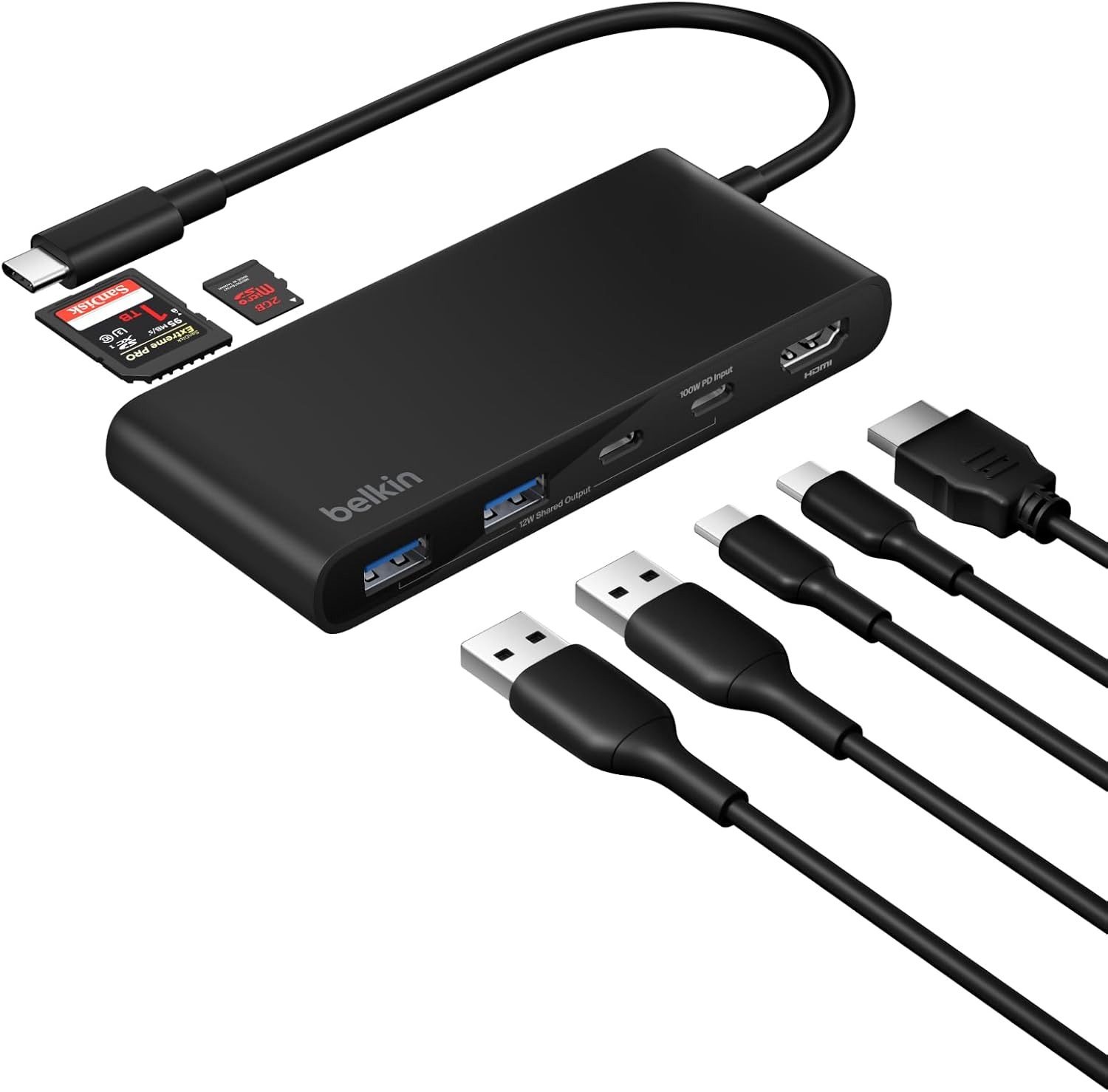
The Belkin USB-C Hub expands your laptop’s connectivity through a single USB-C connection, providing seven ports for displays, peripherals, data transfer, and charging. It includes HDMI, USB-C, USB ports, and SD and microSD card readers, making it a convenient solution for work, school, and travel setups.
The HDMI 2.0 port supports resolutions up to 4K at 60Hz, allowing you to extend your workspace or stream high-definition content on a compatible external display. Data transfers can reach speeds of up to 5Gbps, while the built-in SD and microSD card readers make it easier to move photos, videos, and other files.
For users who need multiple connections without carrying a bulky docking station, the Belkin hub is a practical choice for the best USB-C dock setups. It supports up to 100W Power Delivery for compatible devices and includes protection against overvoltage, overcurrent, overload, overheating, and short circuits. Its slim and lightweight construction also makes it easy to carry in a laptop bag, keeping essential ports accessible wherever you work.
4. Acer 11-in-1 USB-C Hub
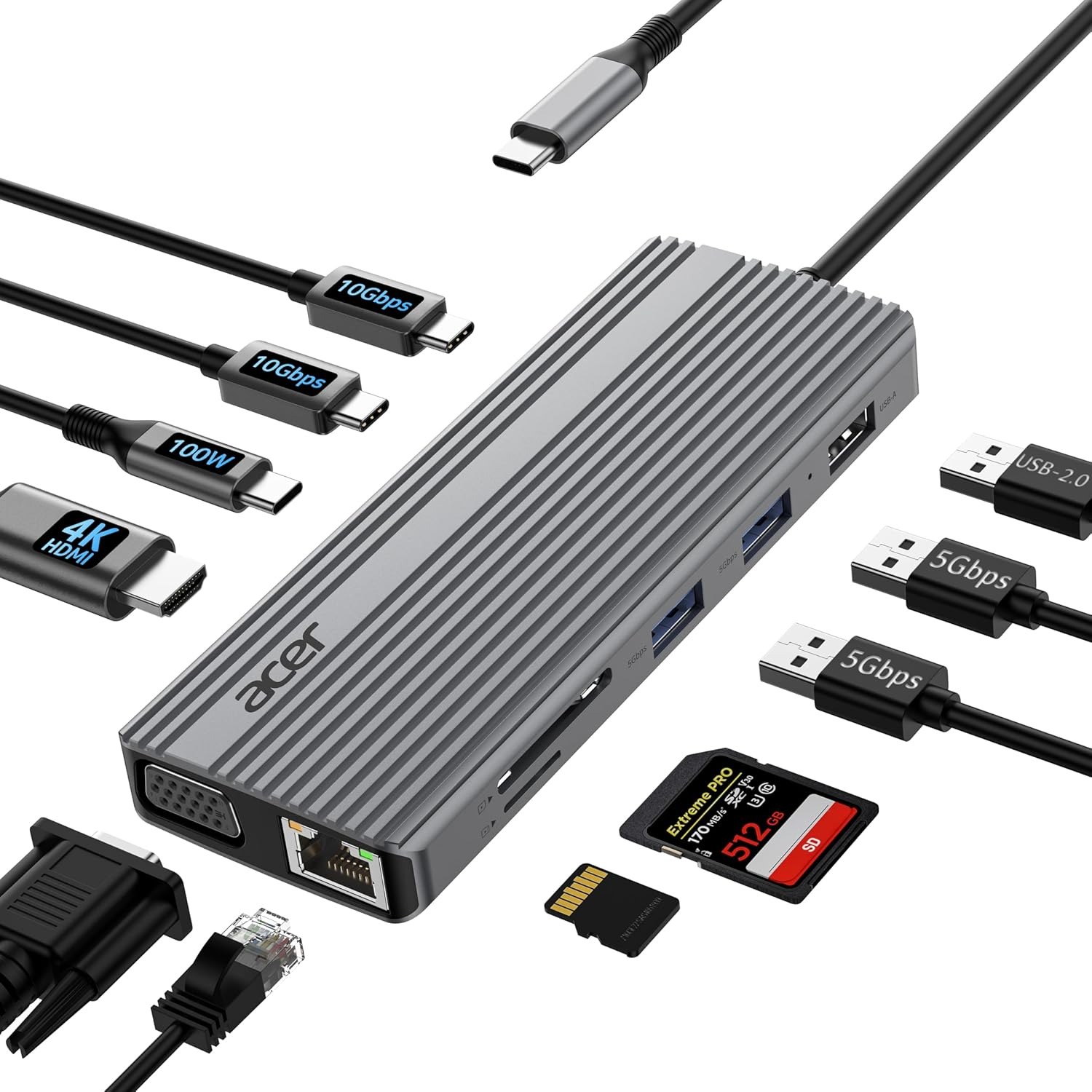
The Acer 11-in-1 USB-C Hub is one of the portable USB-C docks designed to expand connectivity for work from home, office setups, and travel. It includes 4K HDMI, 1080P VGA, two USB-C 3.2 ports, two USB-A 3.0 ports, USB 2.0, 100W Power Delivery, Gigabit Ethernet, and SD and microSD card slots, providing a versatile setup through a single USB-C connection.
The HDMI port supports 4K at 60Hz for compatible TVs, monitors, and projectors, while HDMI and VGA can be used together for dual display output at up to 1080P at 60Hz. Mirror and Extend modes provide additional flexibility when working across multiple screens.
The USB-C ports support up to 10Gbps data transfers, while USB-A 3.0 reaches 5Gbps and the SD and Micro SD card readers support speeds of up to 104MB/s. The 100W USB-C PD port provides up to 90W output for compatible MacBook Pro, MacBook Air, and other USB-C devices. Gigabit Ethernet supports 10, 100, and 1000Mbps connections for stable wired networking.
5. BENFEI USB-C HUB
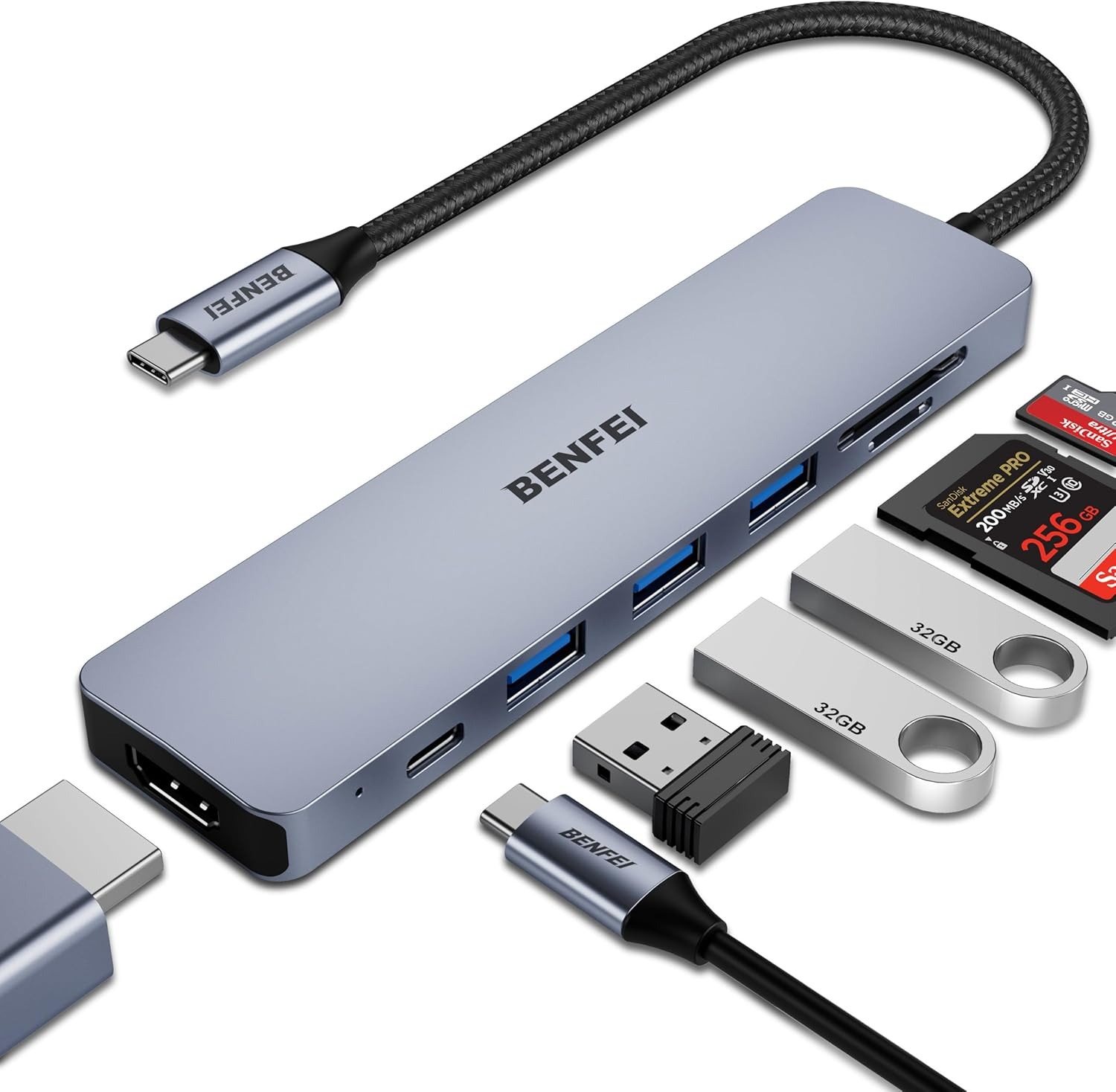
The BENFEI USB-C Hub expands a laptop’s connectivity through a single USB-C port, adding HDMI, three USB 3.0 ports, SD and microSD card slots, and a 100W Power Delivery port. The three USB 3.0 ports support data transfer speeds of up to 5Gbps, while the SD and microSD card readers provide convenient access to photos, videos, and other media. The HDMI output supports resolutions up to 4K at 60Hz, along with 4K at 30Hz and 1080P at 60Hz for compatible monitors and projectors.
The hub features an integrated IC chip designed to provide stable and reliable performance, while its aluminum alloy casing helps with heat insulation. It also fits securely into compatible USB-C ports for consistent signal transfer during use.
The 100W PD port can provide power to the connected laptop, while smartphones and iPads may need to be connected to the PD port for sufficient power when using HDMI video output. The connected USB-C device must support DP Alt Mode for video output.
6. Plugable USB-C Hub
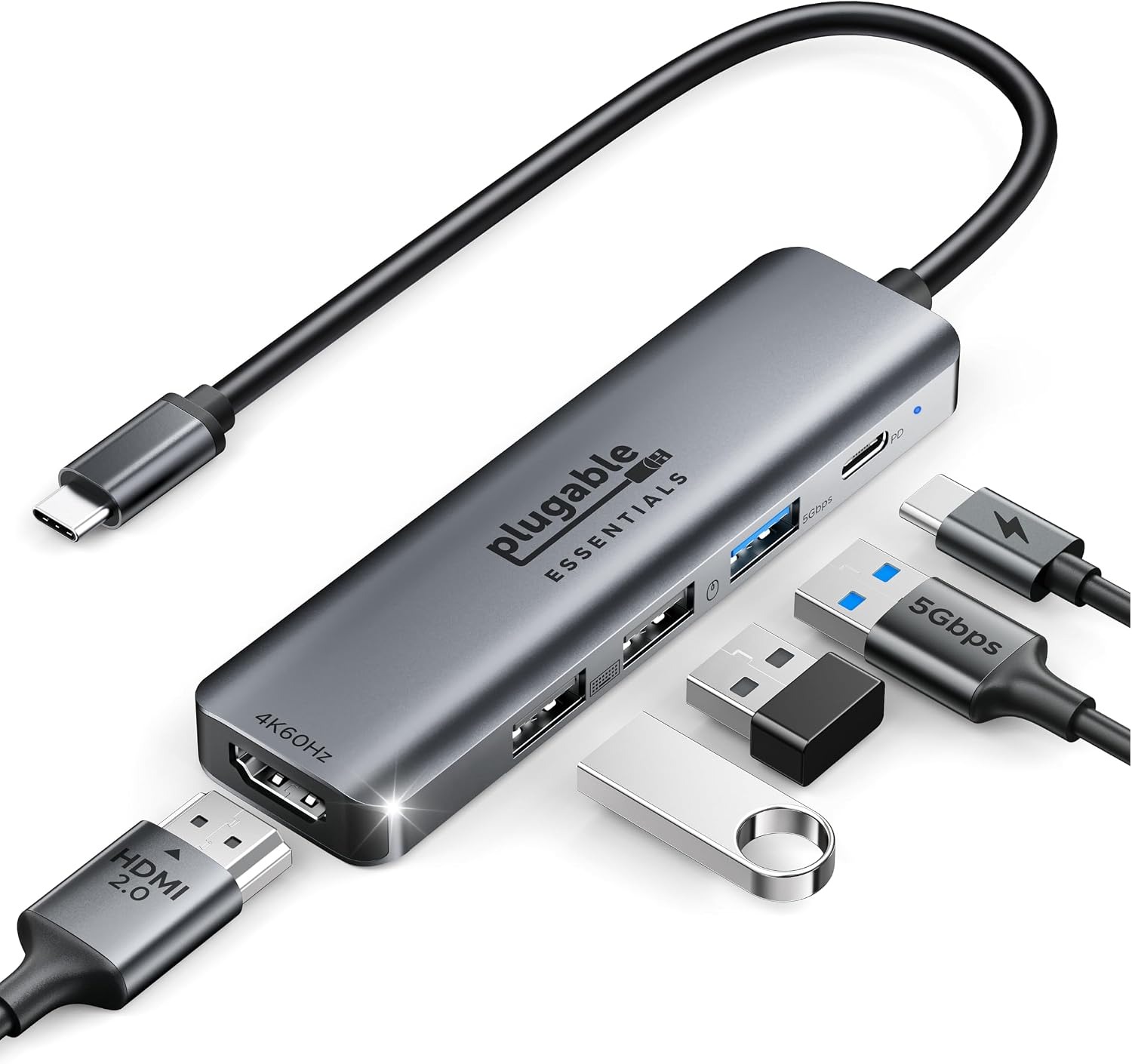
The Plugable USB-C Hub expands a single USB-C port into five essential connections, including HDMI 2.0, three USB-A ports, and a USB-C PD port. The HDMI port supports up to 4K at 60Hz, along with 1440p at 144Hz and 1080p at 240Hz for compatible displays. HDR support provides richer colors and contrast, while HDCP 2.3 enables smooth media streaming. The host device must support DP Alt Mode for video output.
For users building a compact setup, an affordable USB-C dock for Mac can provide the extra connectivity needed without taking up much desk or bag space. The USB 3.0 port reaches transfer speeds of up to 5Gbps, while the two USB 2.0 ports support up to 480Mbps and are suitable for keyboards, mice, and other low-power peripherals.
Conclusion
A good USB-C dock can significantly expand what your MacBook can do and give you access to useful ports and connections. Whether you want to connect multiple 4K monitors, connect SD cards, or increase number of input ports, these docks have got your back. With the right USB-C dock, you can turn your MacBook into a much more capable and convenient desktop workstation.


