


Short-form video creators know that most of their videos are watched on mute. That’s why it is crucial for you to add eye-catching word-by-word captions to your video to increase engagement and boost your reach.
For iPhone users, it is super easy to add AI-generated captions to their videos, complete with eye-popping fonts and colors. There are plenty of amazing and intuitive apps out there that help you achieve this task without much effort. And in this article, we have featured 5 of these apps.
So without any further ado, let’s check out the best apps to generate AI captions on iPhone.
Captions: For Talking Videos
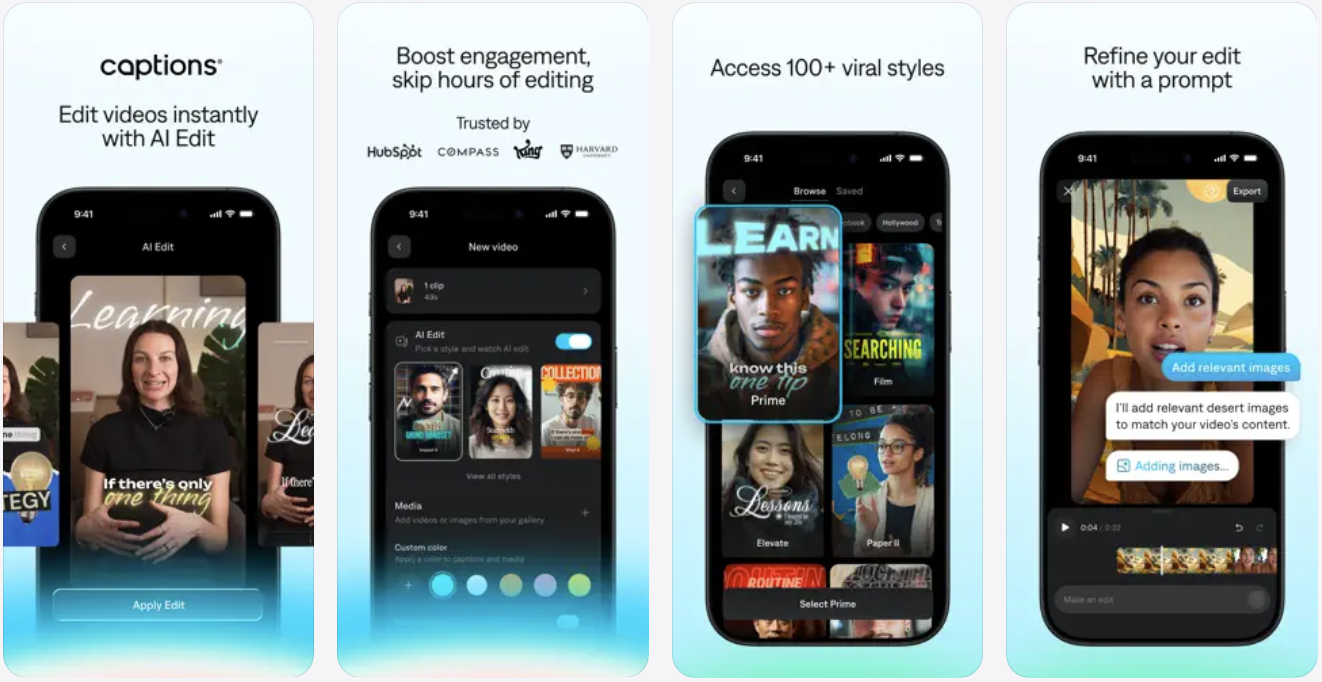
Captions: For Talking Videos is one of the most popular and effective AI caption generator apps for iPhone and Mac users. This app takes advantage of the Whisper speech-to-text technology by OpenAI to generate accurate captions for your videos, making them more engaging for the viewers.
In addition to adding captions, you can use the Captions app to create jump cuts and remove filler words, which is handy. Want to spice up your videos with images and GIFs? This app has got you covered.
Other features of the Captions app include a teleprompter feature built into the iPhone’s dynamic island, a video script generator that takes advantage of GPT-3, and more.
You can download the Captions: For Talking Videos app from the App Store for free. The pro version of the app starts at $9.99 per month.
Veed – Captions for Videos
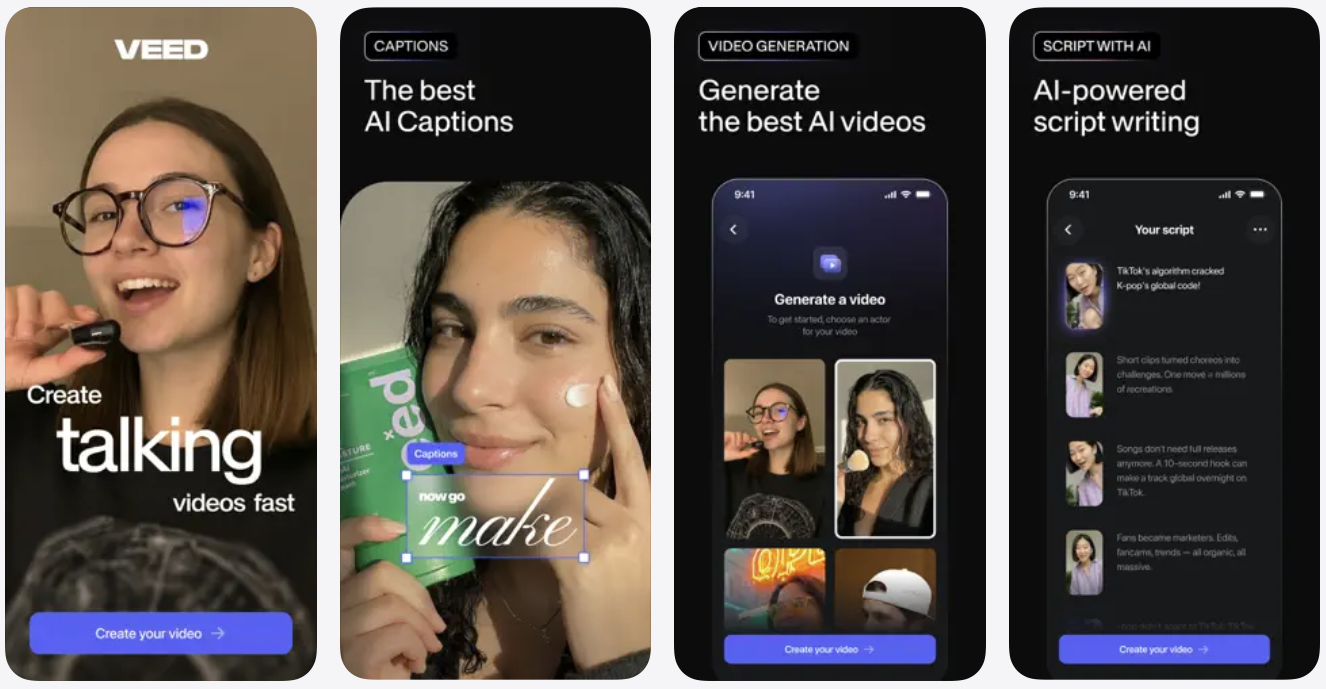
The Veed – Captions for Videos app makes AI captions generation stress-free with its easy-to-use interface and a plethora of caption styles.
Veed app uses advanced technology to turn your words into captions and works with over 100 languages, making it perfect for content creators, educators, and businesses. The app can translate your words into other languages and add translations as live captions.
Other features of the Veed app include the ability to change the aspect ratio of the video, a trim feature, an auto removal feature for filler words, over 75 caption styles, and more.
You can download the Veed – Captions for Videos app from the App Store for free. The Pro version of the app starts at $5.99.
Verba: AI Captions For Video
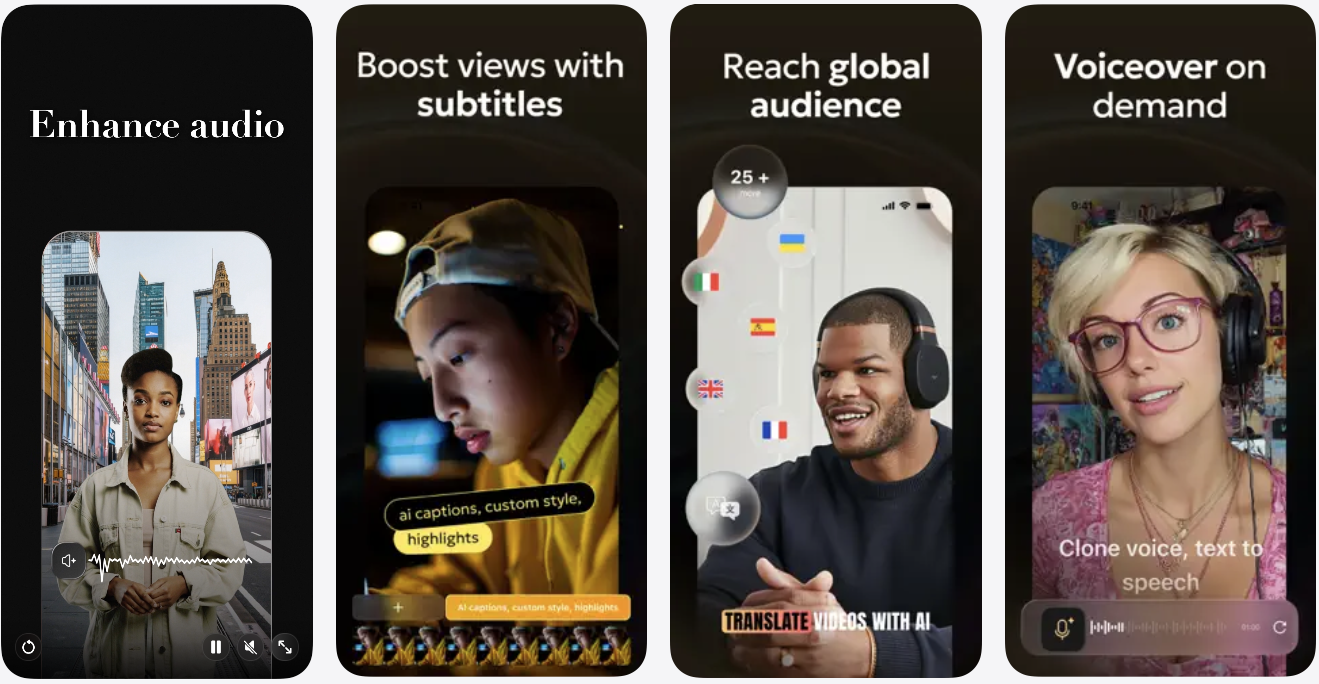
Verba takes advantage of advanced AI to generate subtitles for your videos automatically. Simply import your video into the tool and watch it generate subtitles for you in no time. The app goes beyond just AI caption generation and gives you access to some nice stickers and sounds that you can use to make your videos pop even more.
The app has presets that allow you to add subtitles with unique styles and add visual appeal to your videos. Once you are done editing, you can export your videos in the highest possible quality so you can post in high resolution.
The app supports over 50 languages and English translation, letting you create content for multiple languages.
You can download the Verba app from the App Store for free. The app costs $7.99 per month via in-app subscriptions.
Zeemo: AI video maker & Caption
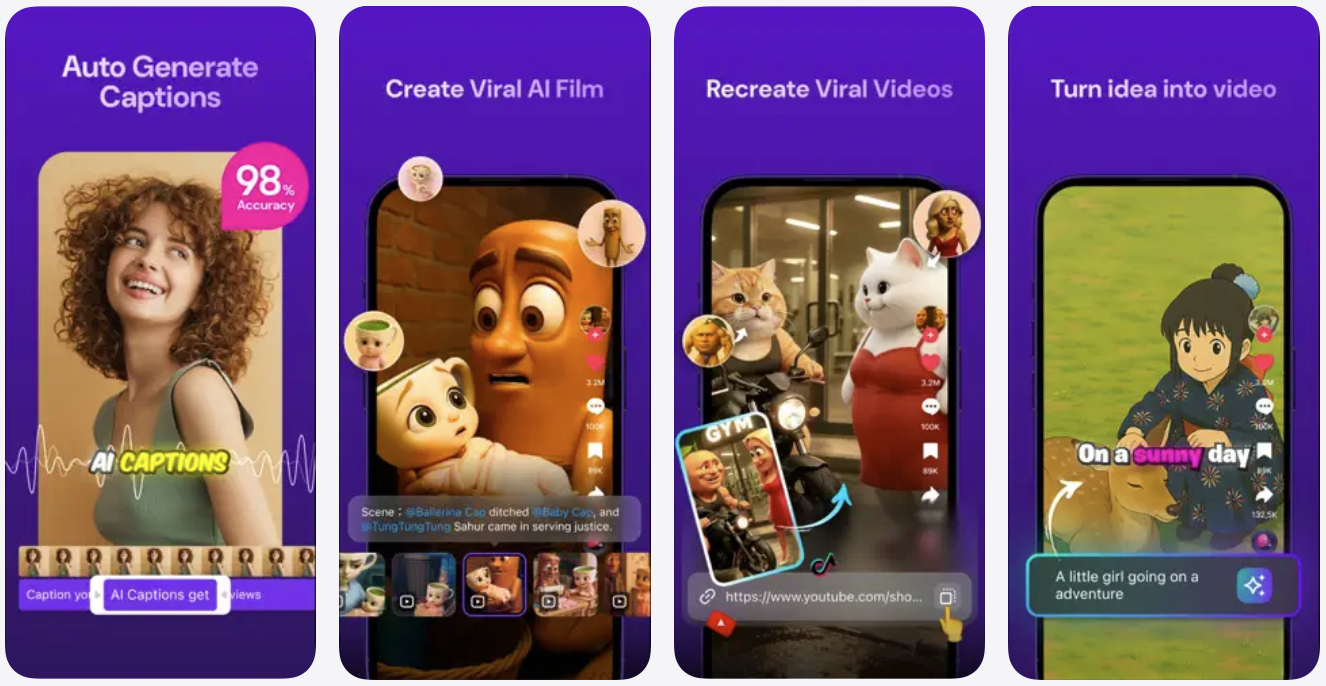
Zeemo is a powerful AI video generator and subtitles app that will generate amazing faceless videos for you and add automatic captions on top of them.
The app even offers an AI speaker function that will convert your scripts into voiceovers, making it a complete content generation package for content creators.
Zeemo claims 98 percent accuracy when it comes to caption generation and can generate captions and translate them in over 110 languages. With this app, you get access to a wide range of templates, including those resembling caption styles of well-known creators like Mr Beast, which helps in making your videos more attractive and engaging to viewers.
You can download this app from the App Store for free. It costs $9.99 per month with monthly subscriptions offered via in-app purchases.
Capti AI. Captions for videos
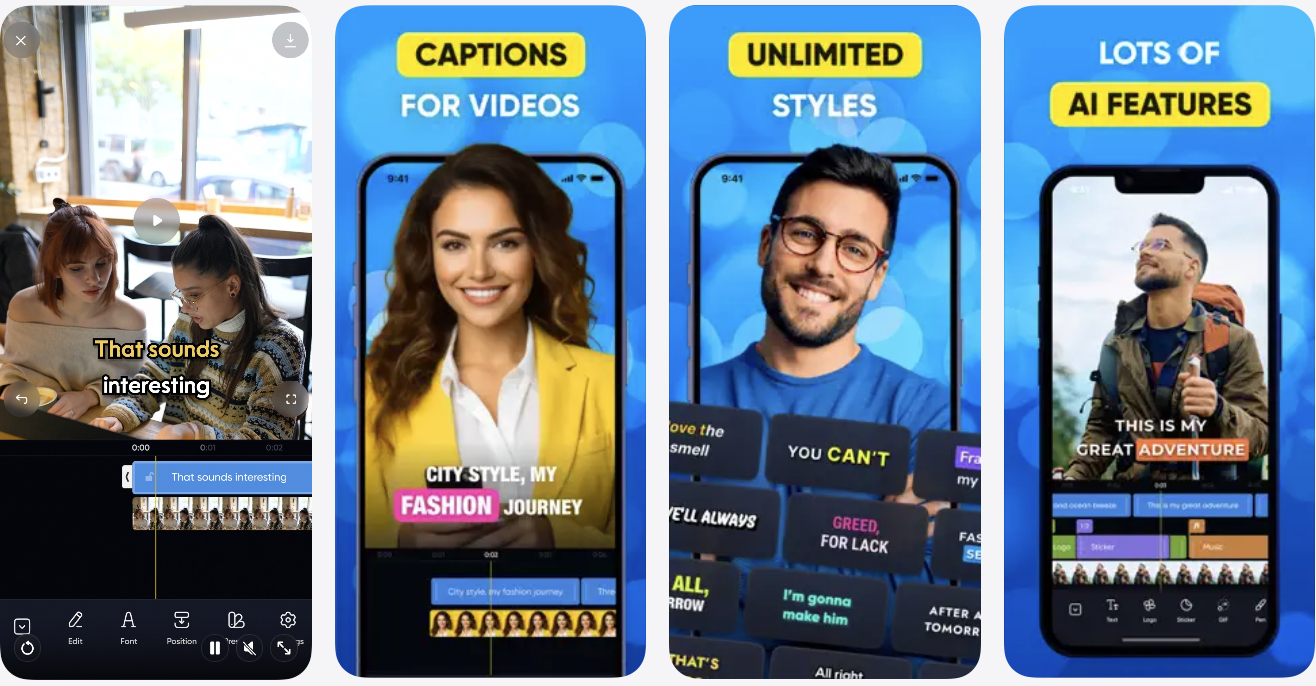
Last but certainly not least on our list of best AI caption generator apps for iPhone is Capti AI. This app leverages machine learning to generate accurate captions for your videos. The app features dynamic and beautiful typography that enhances the look of your videos and makes them more attractive to viewers.
In addition to caption generation, Capti AI features a built-in video editor that lets you perform common tasks like cutting, trimming, and editing videos. So you can not only generate and fine-tune captions in this app, but you can also perform last-minute edits without the hassle of switching apps.
The app also lets you perform noise reduction on your videos and remove any background noises that may be causing distractions in your videos.
You can download the Capti AI app from the App Store for free. The app costs $9.49 per month through in-app purchase.
Conclusion
With these apps, you can save tons of time and effort by adding accurate captions to your videos with a single tap. These apps offer an intuitive design that makes adding captions and making adjustments super easy on an iPhone. You also get access to useful video editing tools, eye-catching templates for captions, and more, making them the smart choice for any video content creator out there.


