


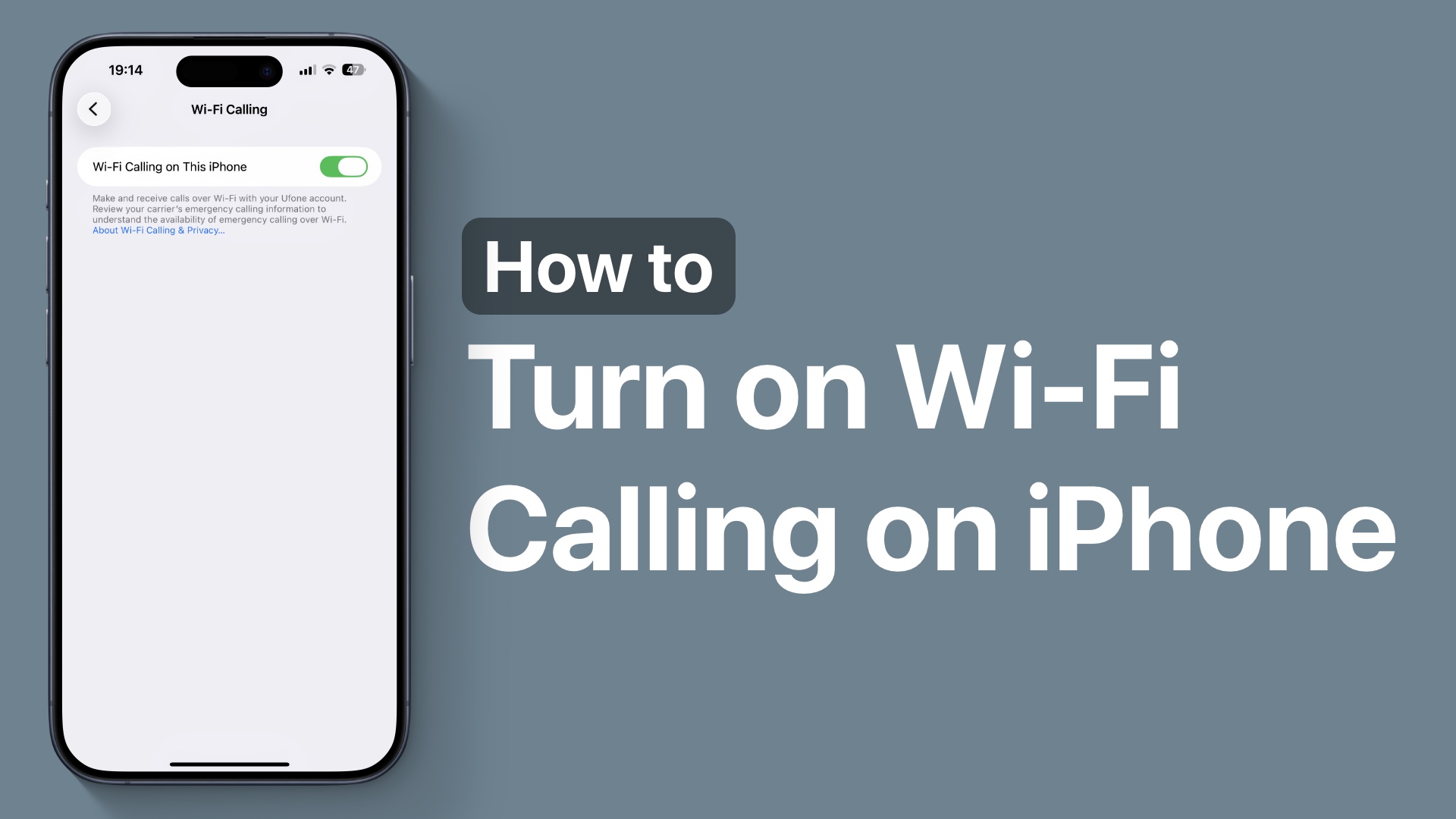
In this guide, you will find step-by-step instructions on how to turn on or turn off Wi-Fi calling on iPhone 17. But first, let’s discuss about what Wi-Fi calling is and what it is used for on iPhone.
What is Wi-Fi Calling on iPhone?
Wi-Fi Calling is a feature that lets your iPhone make or receive phone calls and text messages over a Wi-Fi network instead of using Cellular signals. It is useful when you want to make clear calls in areas where you don’t have very good cellular signals but have fast Wi-Fi.
This includes indoors, basements, offices, or rural areas. With Wi-Fi Calling, you still use your phone number, and the person you are calling still sees that you are calling from your regular phone number.
Turn on Wi-Fi Calling
On iPhone, it is very easy to enable or disable Wi-Fi Calling, and it can be done in just a few simple steps.
- Open the Settings app.
- Tap on Cellular.
- Next, select the Wi-Fi Calling option.
- Now turn on the toggle for Wi-Fi Calling on This iPhone.
- Tap on the Confirm option to confirm this change.

That’s it, this is how you can turn on the Wi-Fi Calling feature on your iPhone 17 or iPhone 17 Pro, and make clear calls in places where you have weak Wi-Fi signals.


