


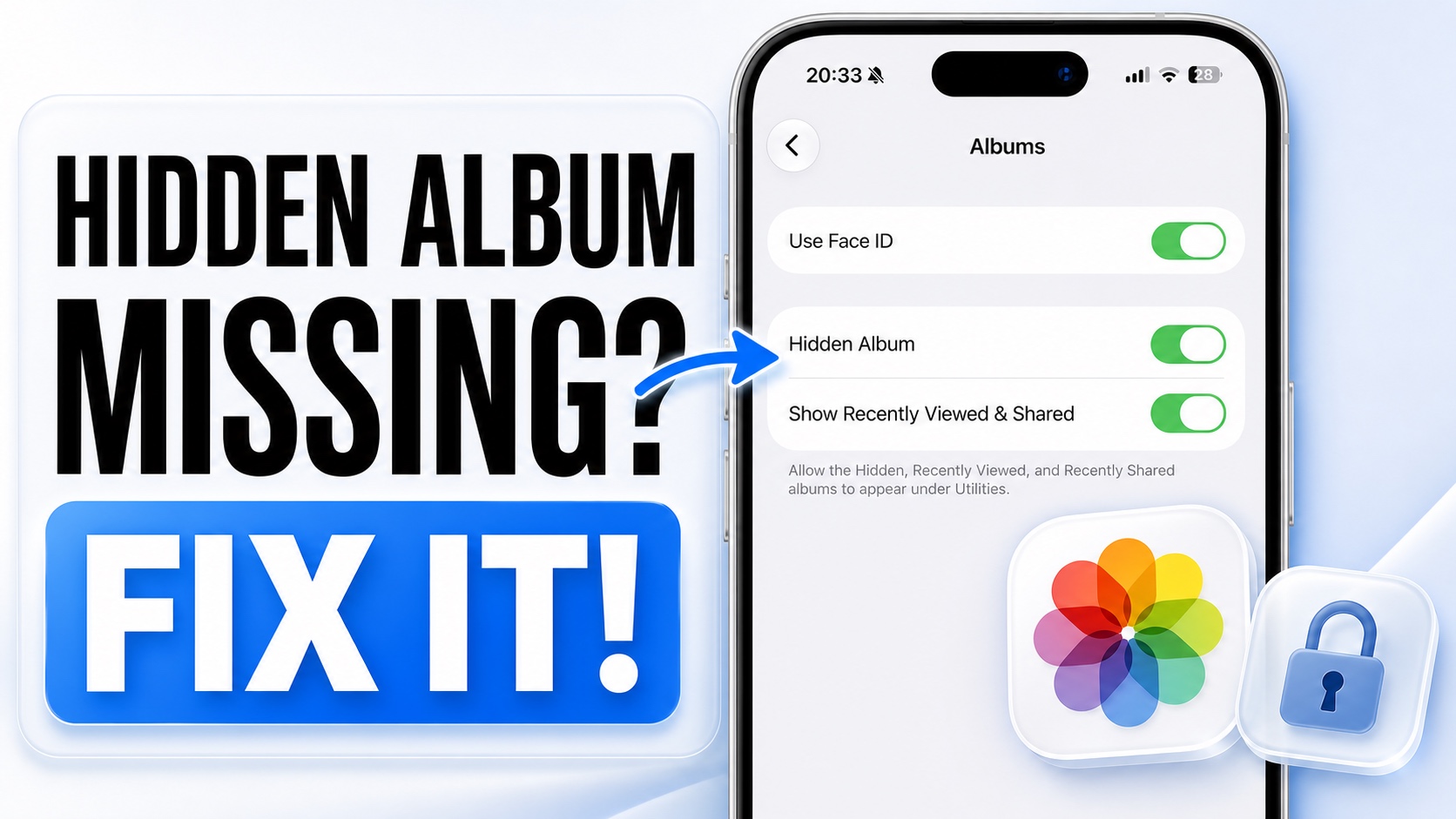
Is Hidden Album missing on your iPhone’s Photos app? In this guide, we will share easy steps on how to find the Hidden Album and gain access to photos and videos you have previously hidden on your device.
iOS has a useful Hidden Album feature that lets you hide specific photos and videos. These images can only be accessed after scanning with Face ID, Touch ID, or by enterring Passcode.
If the Hidden Album is missing on your iPhone, in most cases, the Hidden Album has simply been turned off in Settings.
Here’s how to find Hidden Album on your iPhone.
- Open Settings.
- Go to Apps.
- Here, tap on Photos.
- Now tap on Albums.
- Finally, enable the toggle for Hidden Album.
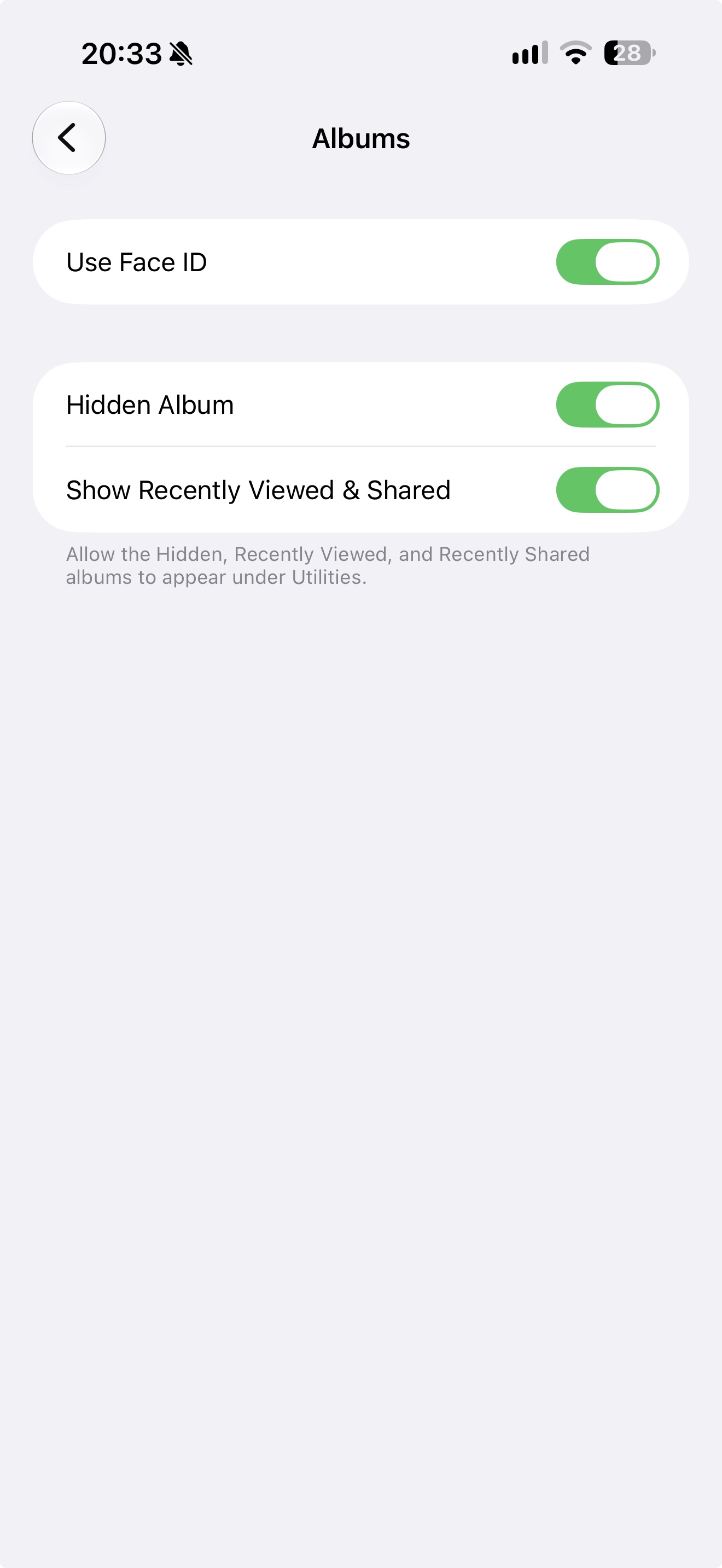
After turning on the toggle, open Photos and tap on the Collections tab at the bottom. Then scroll down to the Utilities section and tap on the Hidden Albums option. This will give you access to your Hidden Photos album.


