


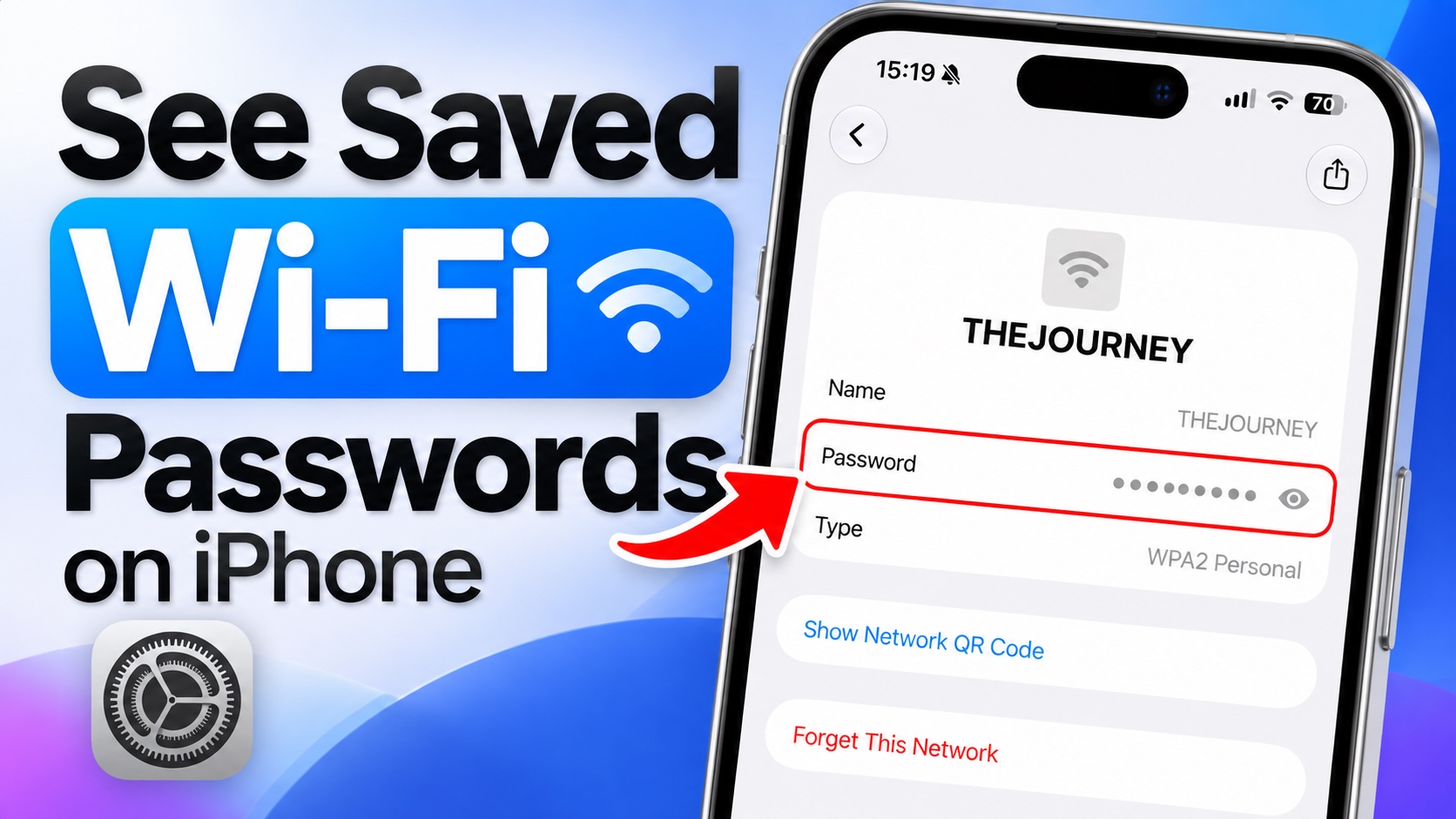
If you have forgotten the password for a Wi-Fi network or you want to share a password with someone else, then there’s an easy way to find it.
On newer versions of iOS, including iOS 27, iPhone and iPad users can see Wi-Fi passwords of all the Wi-Fi networks they have ever connected their device to.
So now if you have forgotten a Wi-Fi network’s password, you don’t need to reset the router or install a third-party app to see it.
- First, open the Passwords app on your iPhone.
- As soon as you launch the app, you will need to authenticate with Face ID or Touch ID.
- Look for the Wi-Fi option and tap on it.
- Now you will get a list of all the Wi-Fi networks you have connected your device to.
- From the list of Wi-Fi networks, locate the Wi-Fi network you want to extract the password for. If you know the network’s name, then you can also use the search feature to quickly find it.
- Tap on the Password field to reveal the password. You can also tap Copy Password to copy the password to your clipboard and paste it into a message, note, or another device.

If you quickly want to share this Wi-Fi network with a nearby user, you can tap on the Show Network QR code option. This will reveal a QR code that the other person can use to add this network quickly without even typing the password.
That’s it, this is how you can easily view the password of a Wi-Fi network you have previously connected to. If you found this tip useful, then share it with family and friends!


