


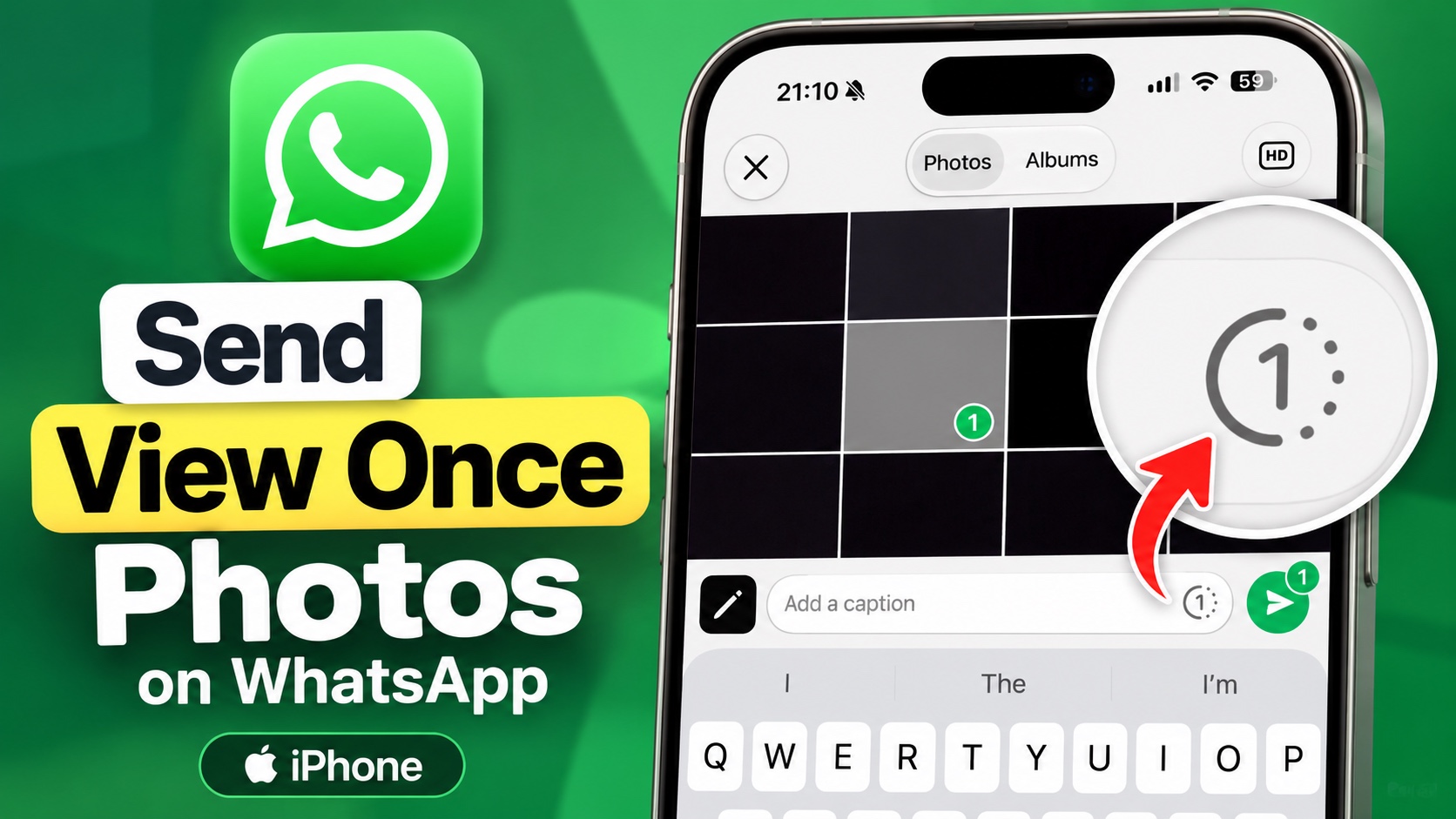
WhatsApp allows users to send photos to their contacts that can only be viewed once. WhatsApp for iPhone also offers this feature, allowing users to boost their privacy and prevent others from saving photos to their device.
In this guide, we will show you how to send view once photos on WhatsApp on your iPhone. With this feature, you can send a photo that the recipient can only open once.
- Launch WhatsApp and open the chat where you want to send a View Once photo.
- Here tap on the ‘+’ button next to the typing field and select photos.
- Now select the photo that you want to send as View Once.
- After selecting the photo tap on the number 1 icon inside a circle. It should be located near the caption field.
- After tapping on the number 1 button, tap on the share button to send the photo to the recipient.
The recipient will receive the photo as a View Once message. They can open it once, but after they close the photo viewer, they won’t be able to open that photo again from the chat.
That’s it, this is how you can send View Once photos using WhatsApp for iPhone. If you found this tip helpful, then make sure to share it with family and friends so they can also take advantage of this feature.
