


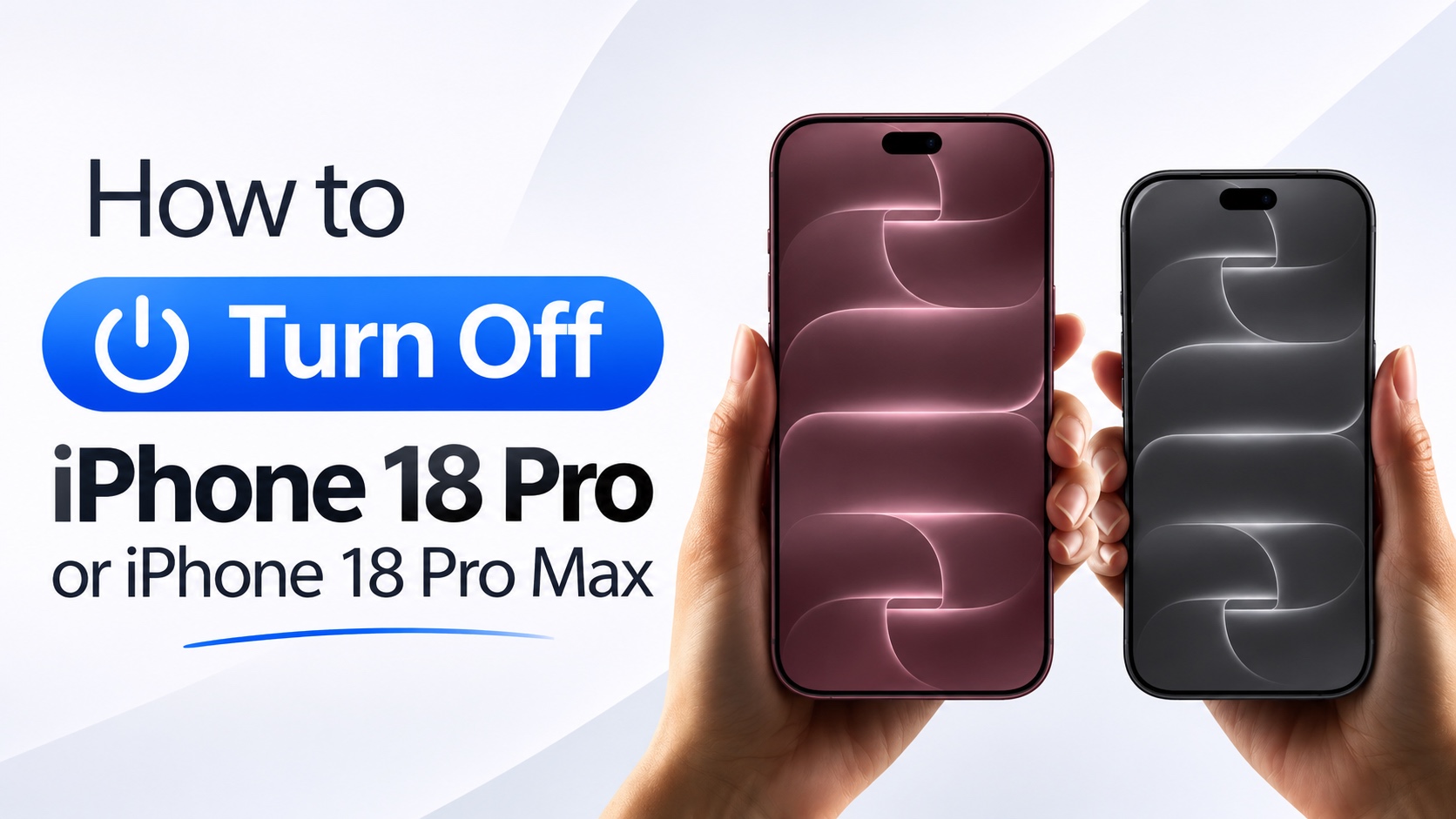
In this guide, we show you how to turn off or turn on your iPhone 18 Pro and iPhone 18 Pro Max using two different methods.
Here we will show you how you can shut down or power off your device using physical buttons as well as through the Settings app.
Turn Off iPhone 18 Pro using buttons
- Place your finger over the Side button.
- Place a second finger over the volume up or down button.
- Press and hold the Side button and Volume up/down button together until you see the Power Off screen.
- Drag the Power Off slider from left to right.
- Your iPhone will shut down. Wait until the screen becomes completely black.
Your iPhone 18 Pro has now shut down.
Turn Off iPhone 18 Pro using Settings
You can also turn off iPhone 18 Pro using the Settings app.
- Open Settings and go to General.
- Here scroll all the way down and tap on the Shut Down option.
- When the Power Off slider appears, slide your finger from left to right.
Your iPhone should now turn off.
Turn On iPhone 18 Pro & iPhone 18 Pro Max
To turn your iPhone 18 Pro back on, simply press and hold the Side button until you see the Apple logo on the screen. Release the button as soon as the logo appears and wait for your iPhone to boot up.
Disclosure: iOSHacker may receive a commission if you purchase products through our affiliate links. For more visit our privacy policy page.

